A:AnswerIt is common for retailers to change one digit in the modl number to support "uniqueness" in pricing and features. I find that my Best Buy VCM4350P uses the same User Manual as Arlo support manuals' VCM4050P...retailer, not product, is what's changed.
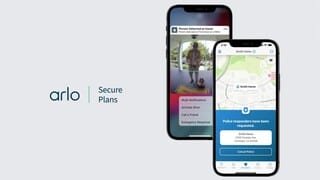
A:AnswerHi randy, I have provided the following: Arlo Secure Multi-Camera is $9.99. Arlo Secure Plus Multi-Camera $14.99. Arlo Secure Plus Multi-Camera $2.99
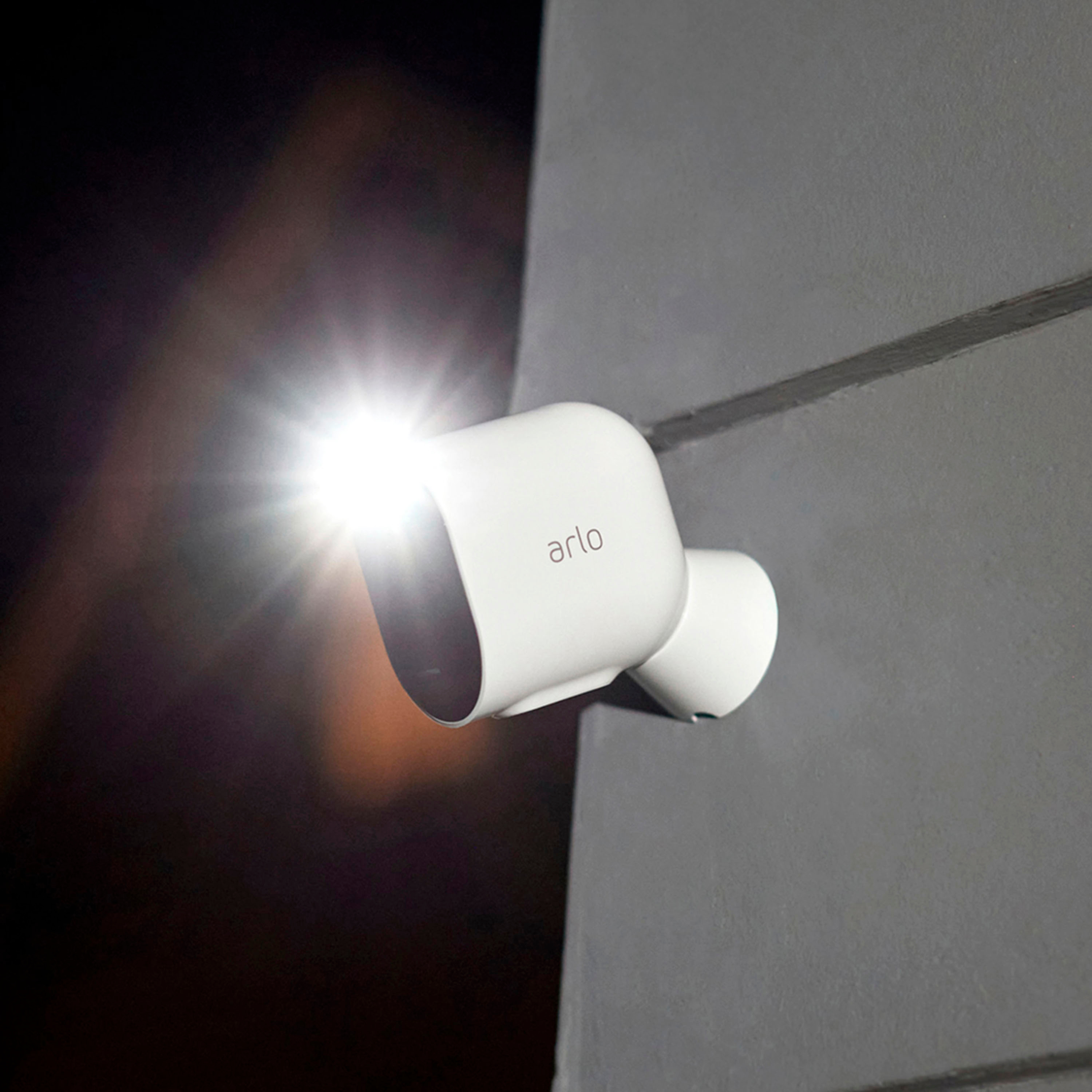
A:AnswerThe Pro 4 can be used with its integrated spotlight to illuminate the background or you can use the IR for night vision capabilities. You can find more info here: https://kb.arlo.com/1146857/How-do-I-set-up-local-storage-backups-on-a-USB-device-using-my-Arlo-base-station Regards, Arlo Team
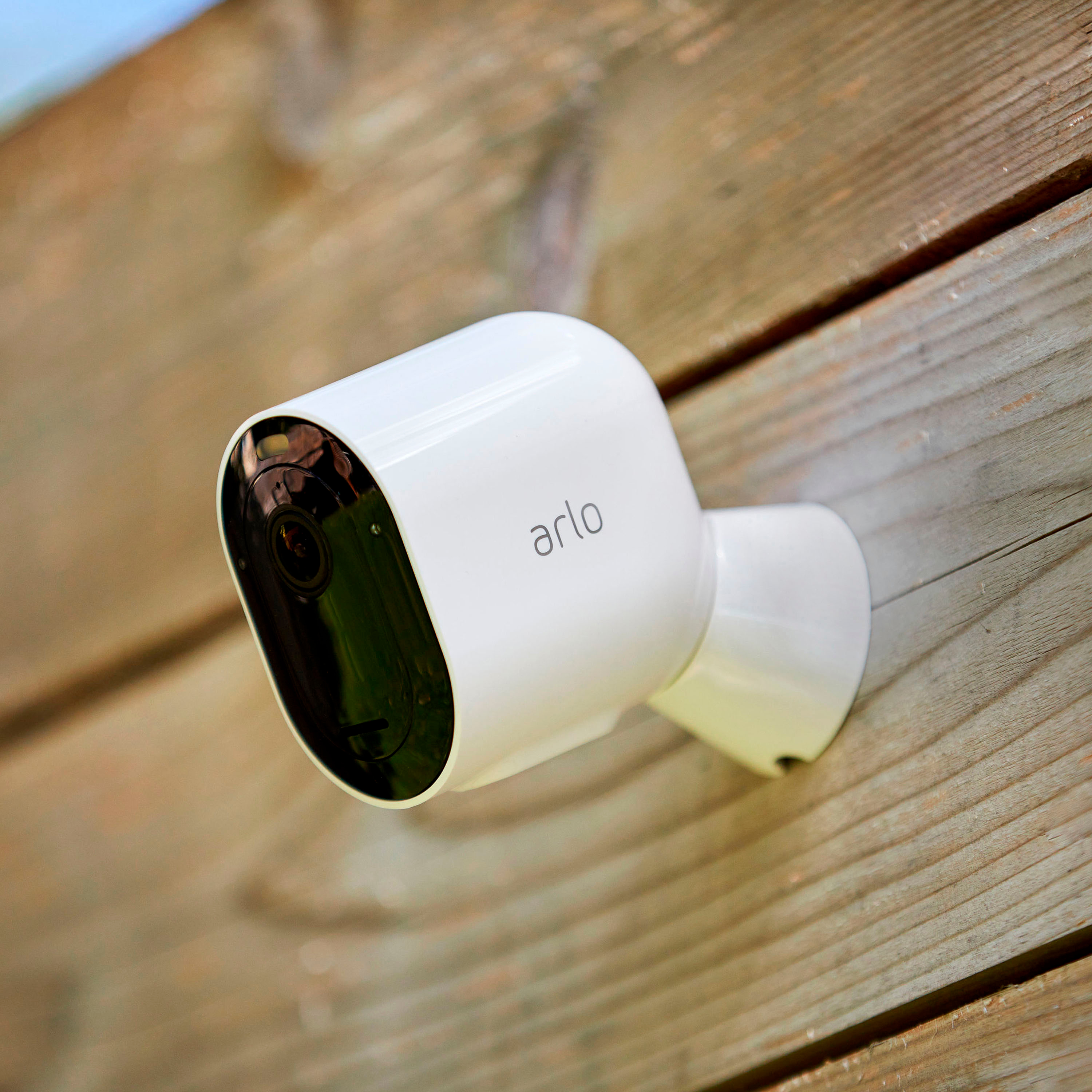
A:AnswerWe recommend that you place the Arlo Pro 4 within 300 feet (90 meters) of your WiFi router. The maximum line-of-sight range of 300 feet is reduced by each wall, ceiling, or other major obstruction between the camera and the router.
A:AnswerIt depends on how much it goes off. I have 1 battery that isn’t activated as much and it last a month and another that goes off all day and it last anywhere from two weeks to a month. Definitely worth the investment though!!!