A:AnswerI just purchased a 3 pack of Arlo Essential outdoor cameras In March and now it looks like they do not work as my network has been upgraded to 5 G. I tried creating separate 2.4 GHz and 5G networks but Xfinity now does not recommend separate NW and PW names on it's network even though they allow you to do it. Sometimes only one of the two would show up which is problematic. Even when the 2.4 GHz network was the only one chosen I could not sync. Xfinity stated that their network picks the best network speed for the devices which I believed was causing the problem.
Solution: The problem however was in the Arlo software... I deleted old device names that I used before I upgraded my network in the Arlo App. I added then re-added each device as if it were new and it synced.
A:AnswerYes your cameras function without the subscription however if you subscribed and do not cancel, you will be auto billwd/autopay. The cameras do not require the subscription.
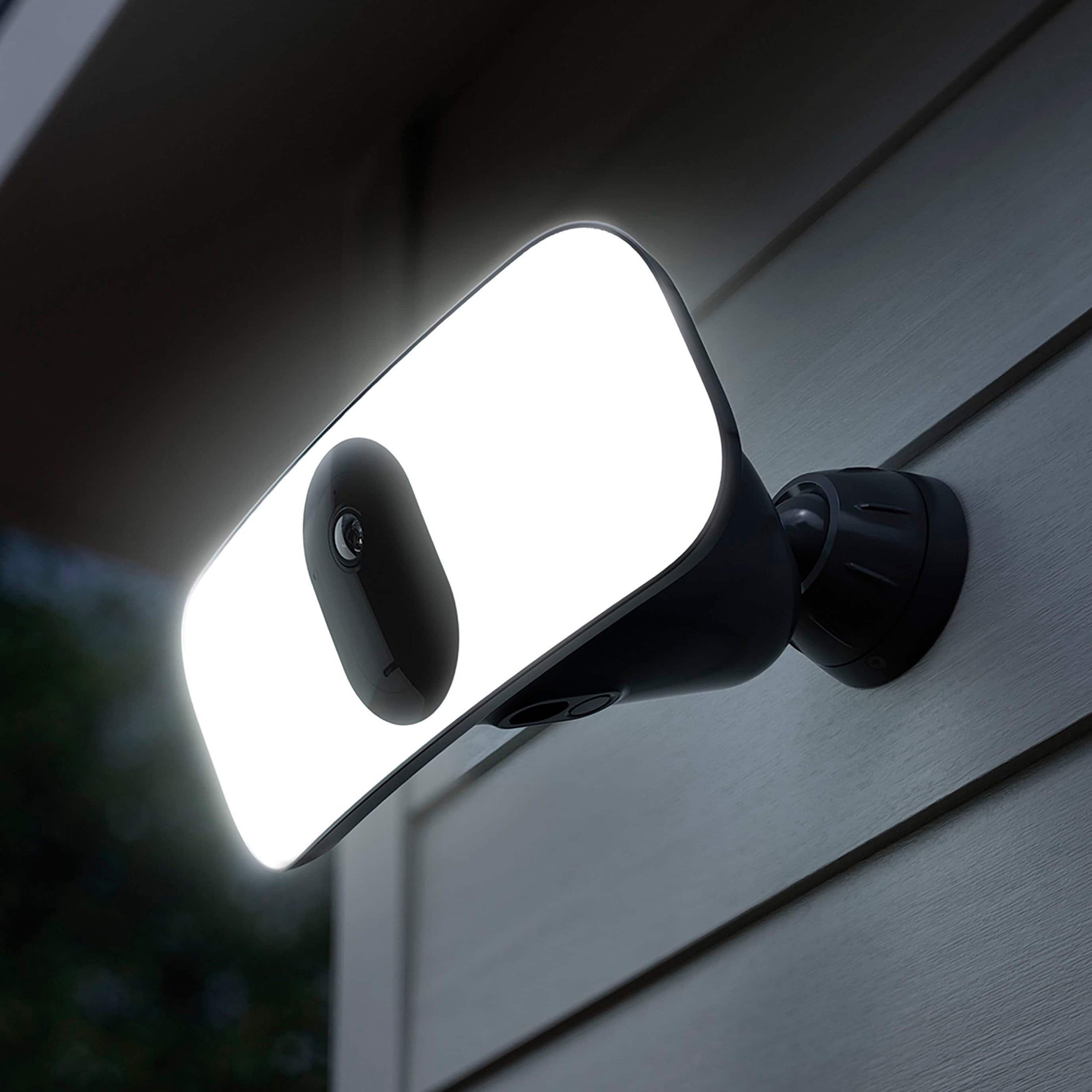
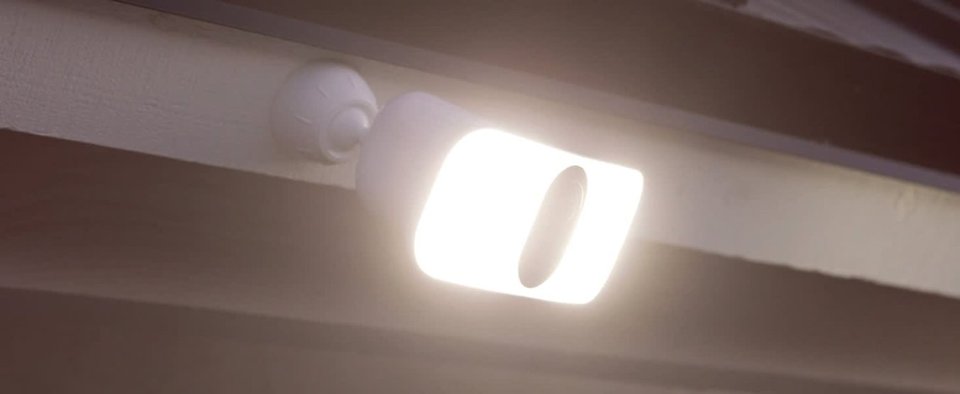
A:Answer"The variance in output depends on whether you’re on battery power (2,000 lumens) or hard-wired to your home’s electrical system (3,000 lumens)." https://gearpatrol.com/2020/01/07/arlos-floodlight-cam-lets-you-turn-the-daylight-on-in-your-backyard-with-no-wiring-required/