A:AnswerYou have to connect the extender to the modem/router for wifi access. There are instructions that include two ways to complete it. I thought the WPS Button was easier because I clicked on it in the apps first page after login.
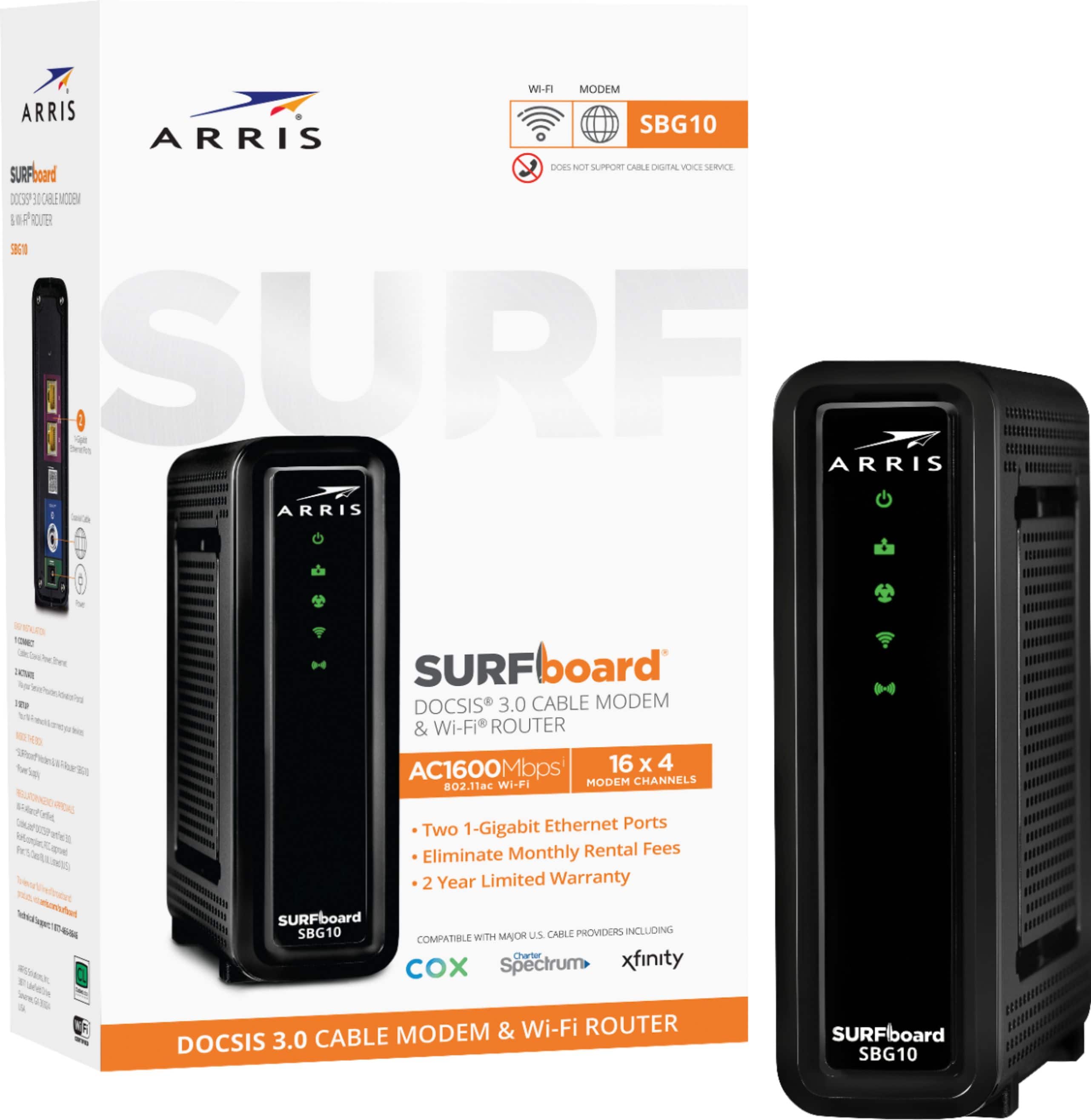
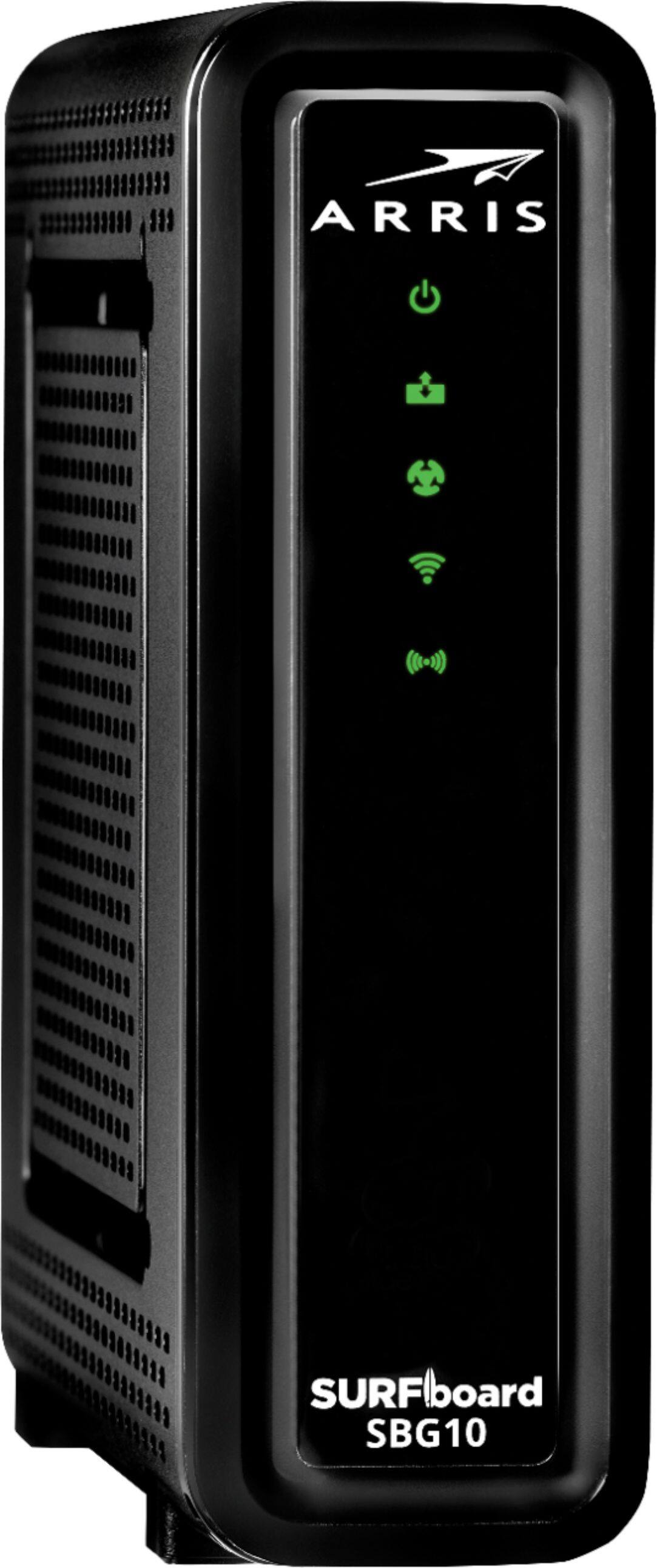
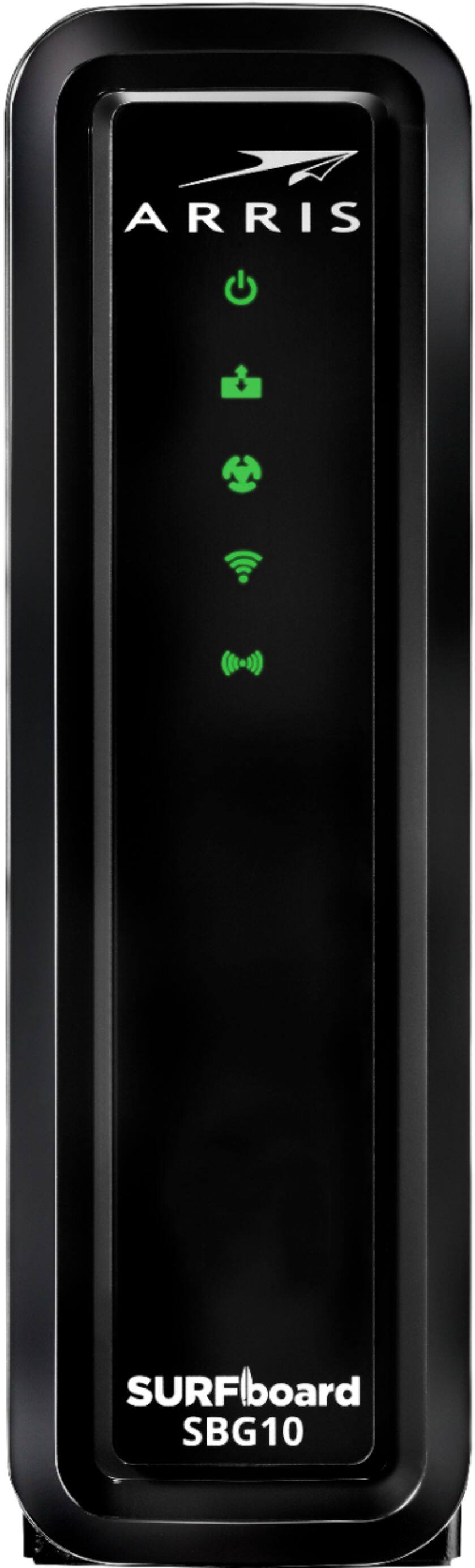
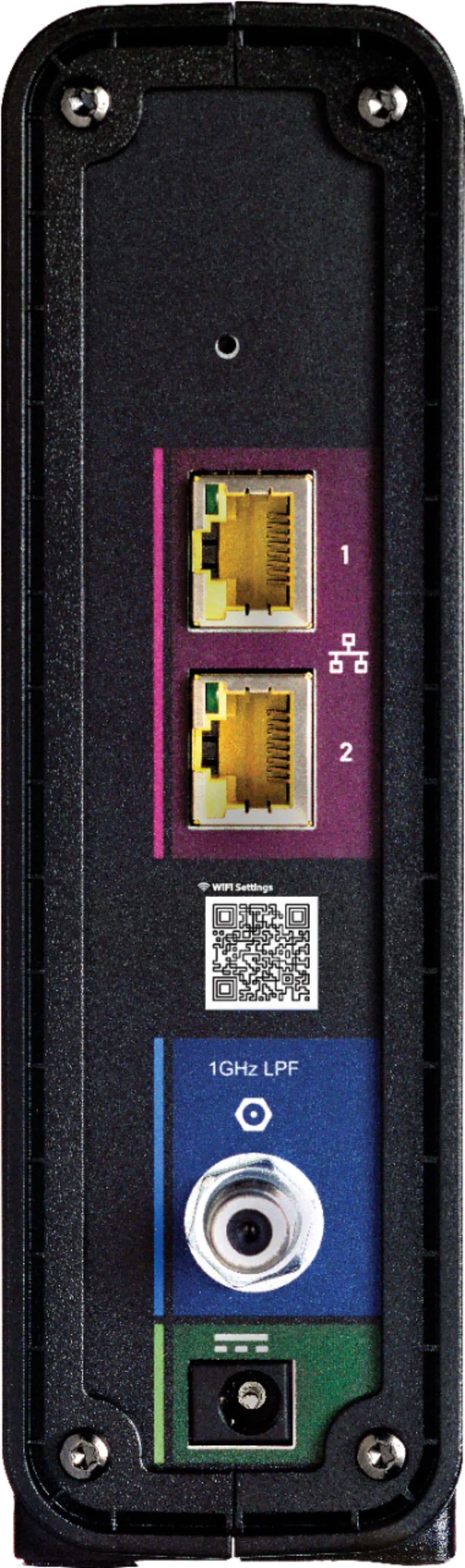
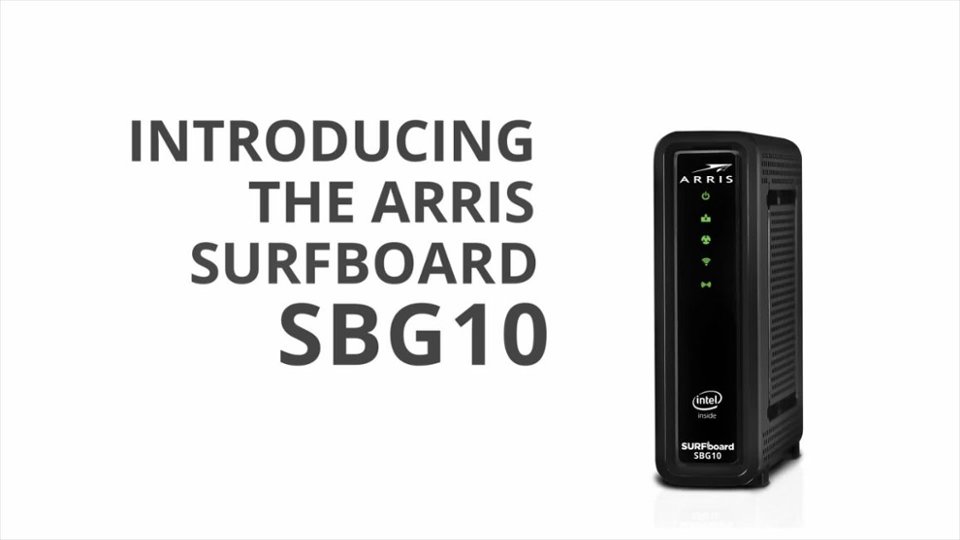
A:AnswerPlug in a laptop/desktop using an ethernet cable to your SBG10 gateway, in an internet browser type the IP address 192.168.100.1 and in the web interface navigate to the LAN settings, under the NAT mode select "bridged" from the dropdown menu and then hit apply. Refer to the user guide for detailed steps
A:AnswerHi Alex,
SBG10 is a cable gateway (modem + router) which is only compatible with cable internet subscriptions, it won't work with satellite services like direct TV