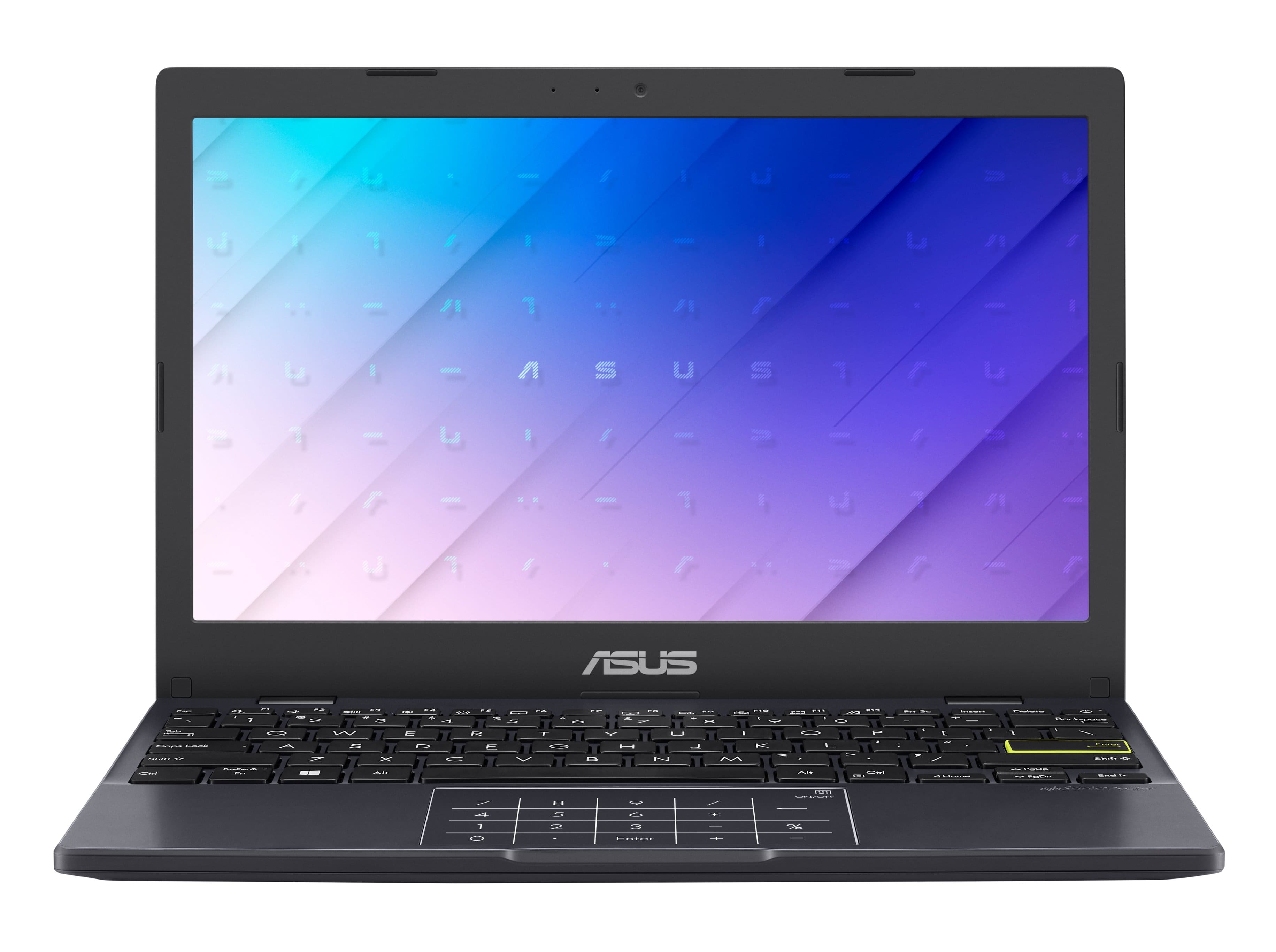
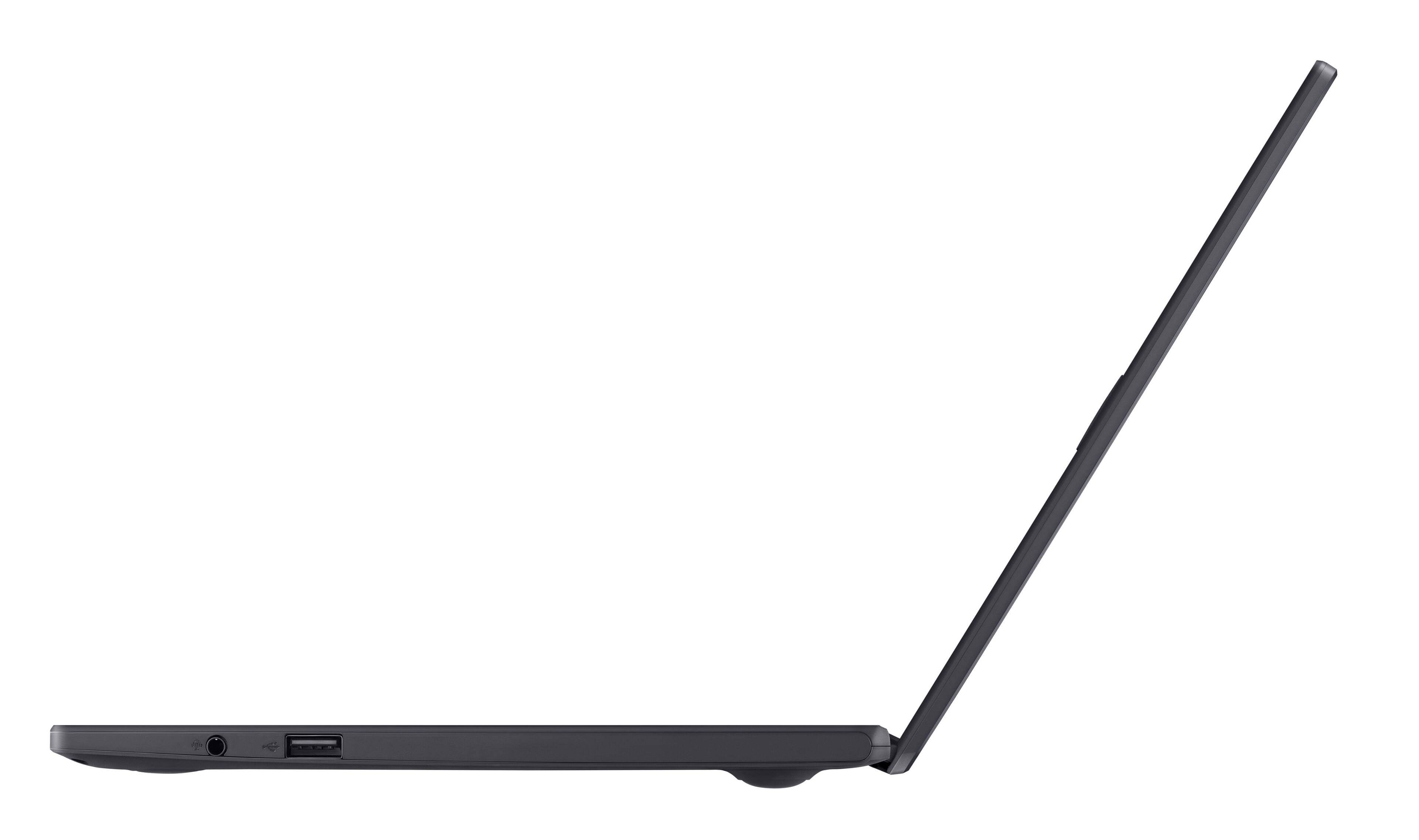
A:AnswerYes, just turn on the Bluetooth on the laptop and pair with the Bluetooth speaker. I have pair with my older skullcandy Bluetooth headset with this laptop so should be the same. There is also a 3.5 mm aux jack for external speakers too.
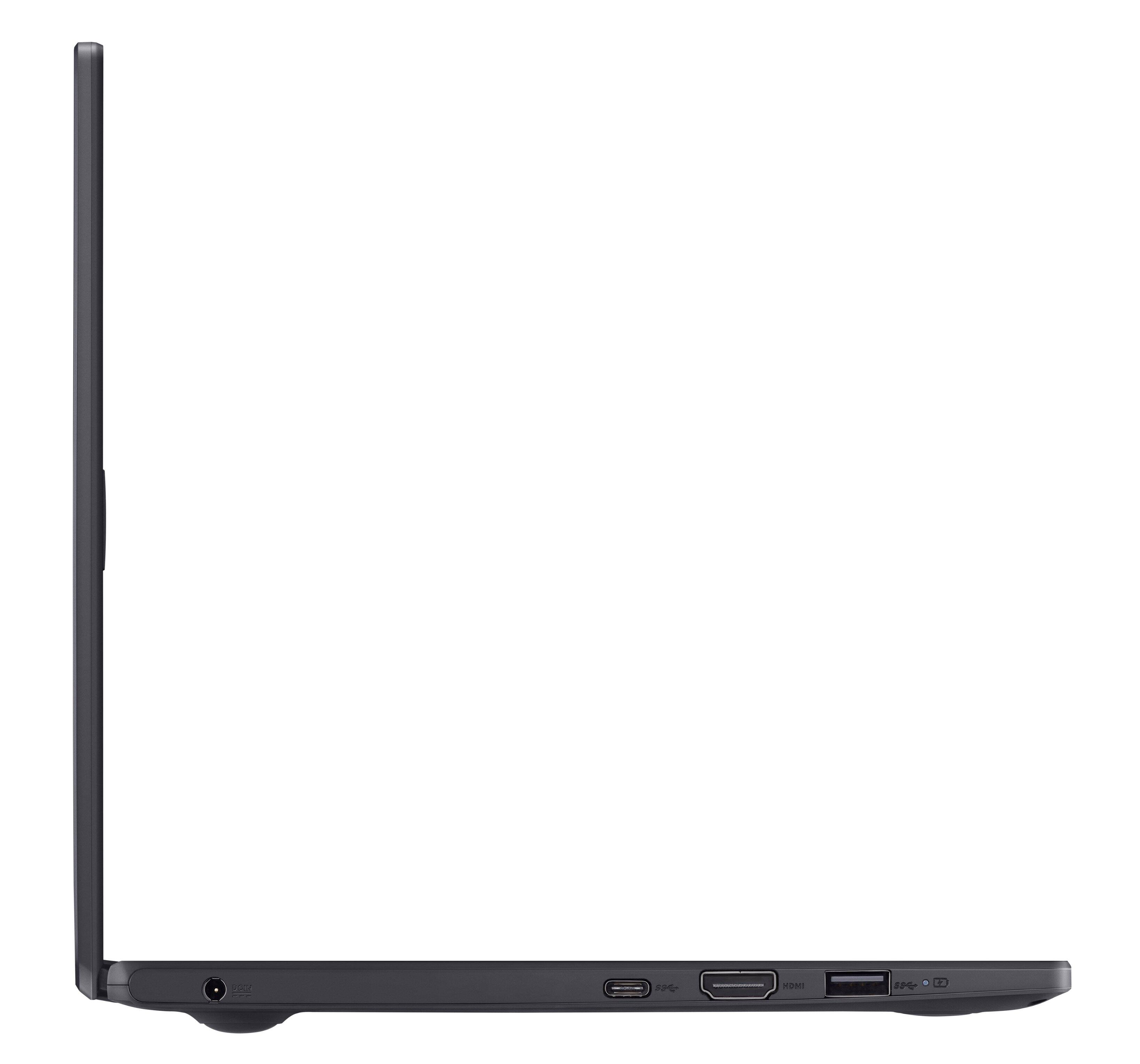
A:AnswerIf you can zoom in on the webpage and then zoom in on the pictures, you'll see the icon by the port has a mic and 'phone in it. It might be best to go to a store with one on display. And if you don't mind opening the box, take it out in the store to check on the ports.
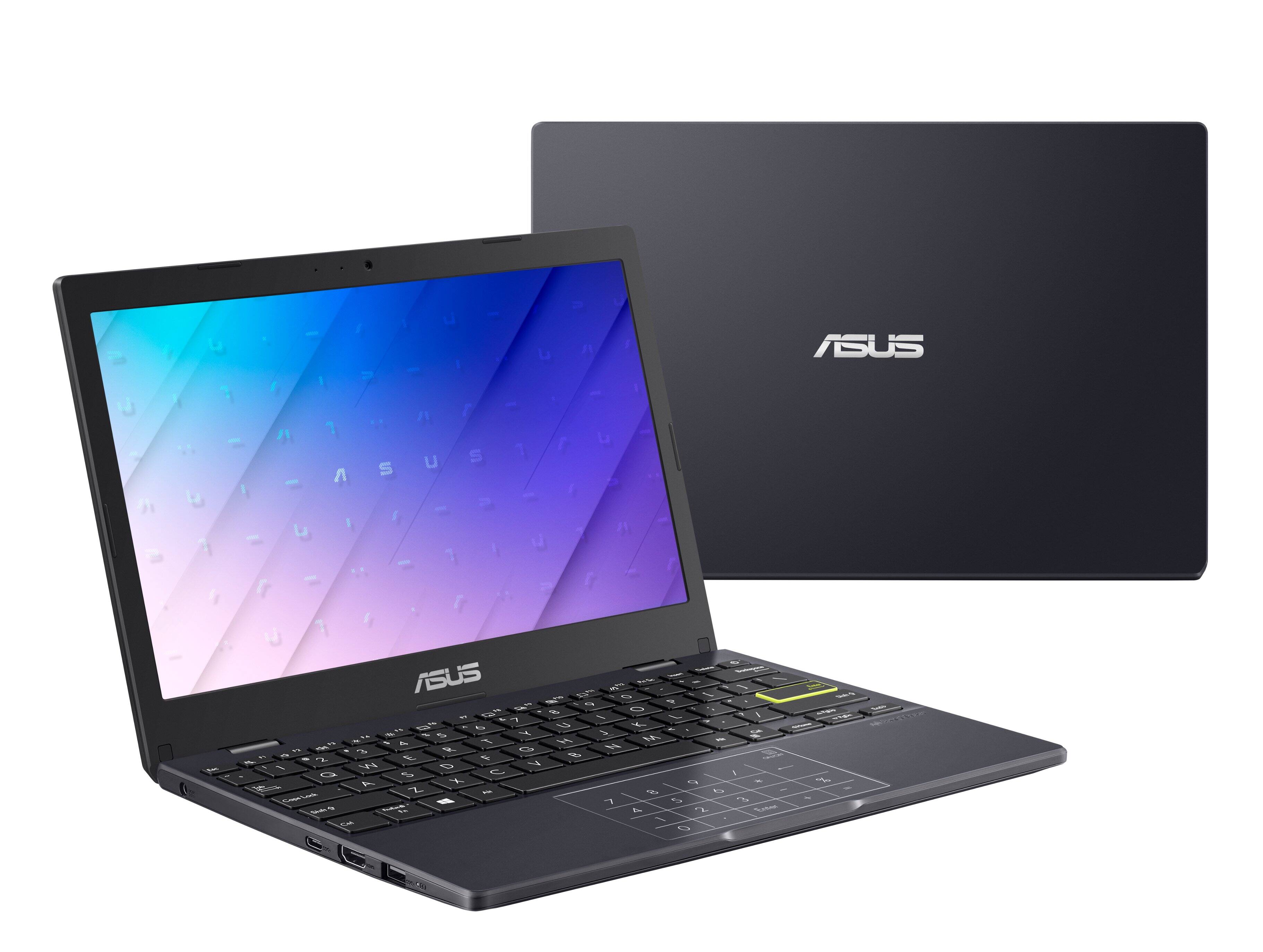
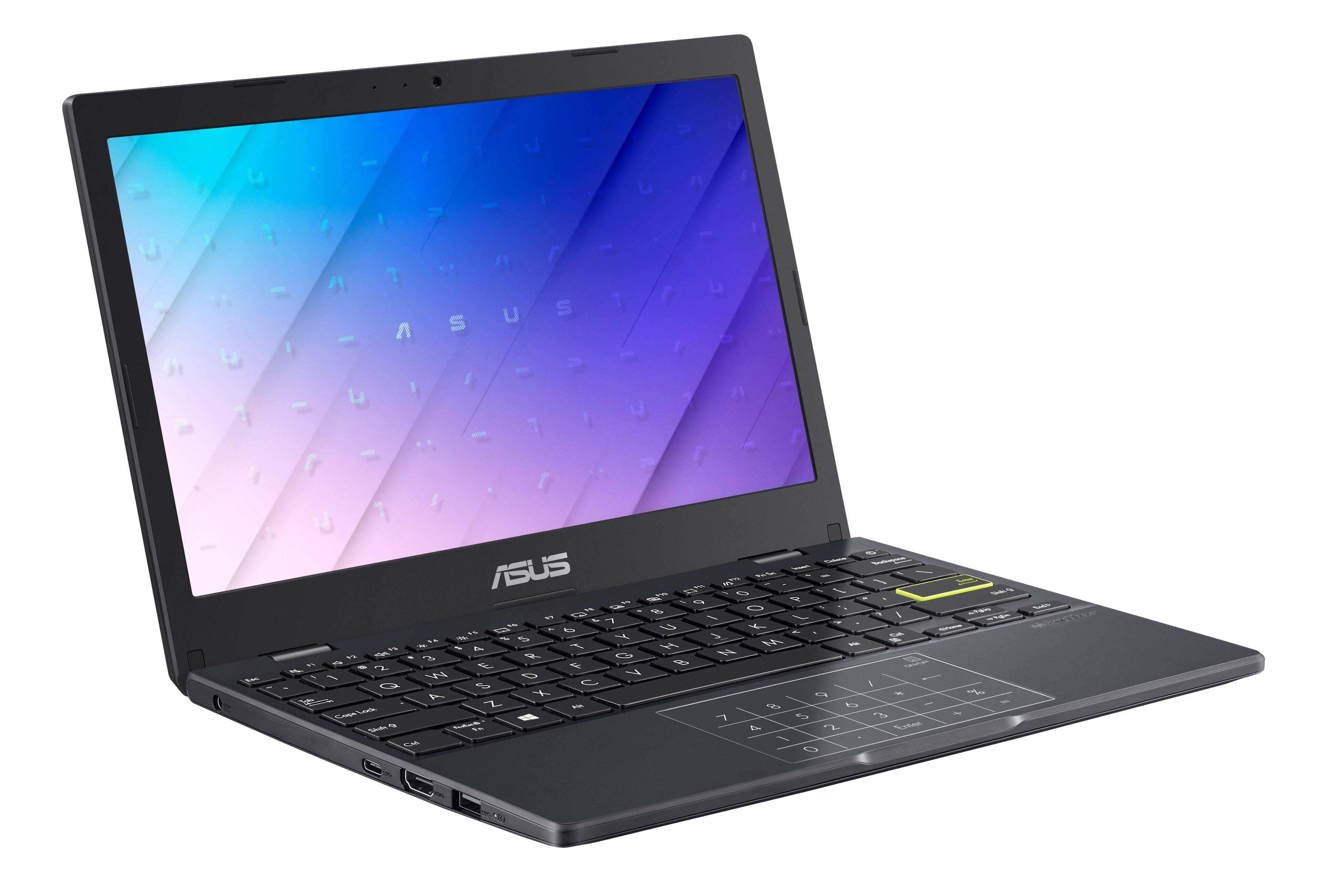
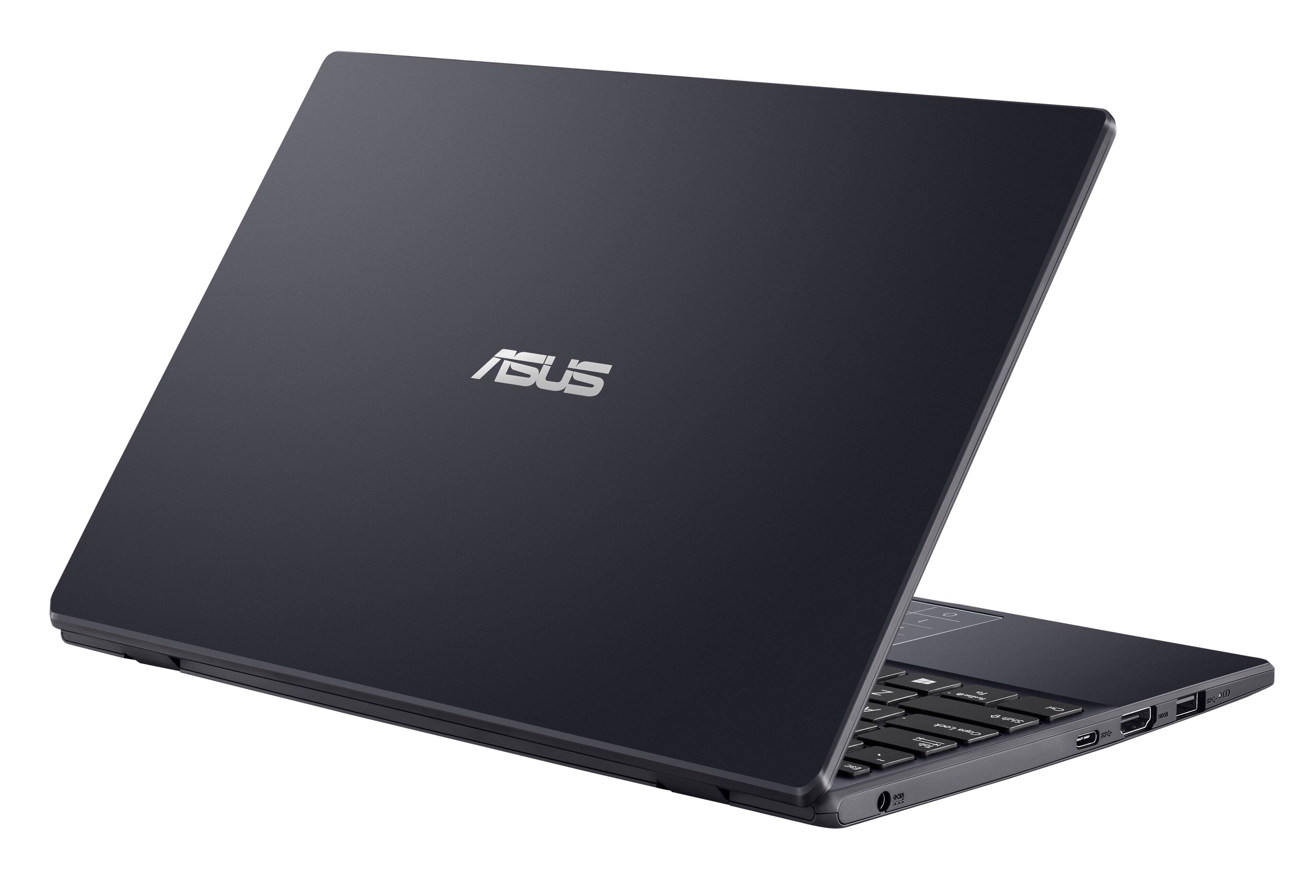
A:AnswerThere are two regular-size USB ports on either side of the keyboard towards the front. There is also a USB-C port on the left side, just to the left of the CTRL key.
A:AnswerYes it can, although this laptop only supports 64 bit UEFI operating systems and can only boot from FAT32 filesystem devices.
I did have it boot once from an NTFS usb device but I cant get it to do it reliably, just stick to FAT32, or to get around this use a program like Ventoy as exFAT
A:AnswerThe laptop comes in Windows S mode out of box, this version can run Minecraft Bedrock Windows Edition.
If you opt to switch out of Windows S mode from the Store, you can also install Minecraft Java edition.
So in summary, Yes, Minecraft works.