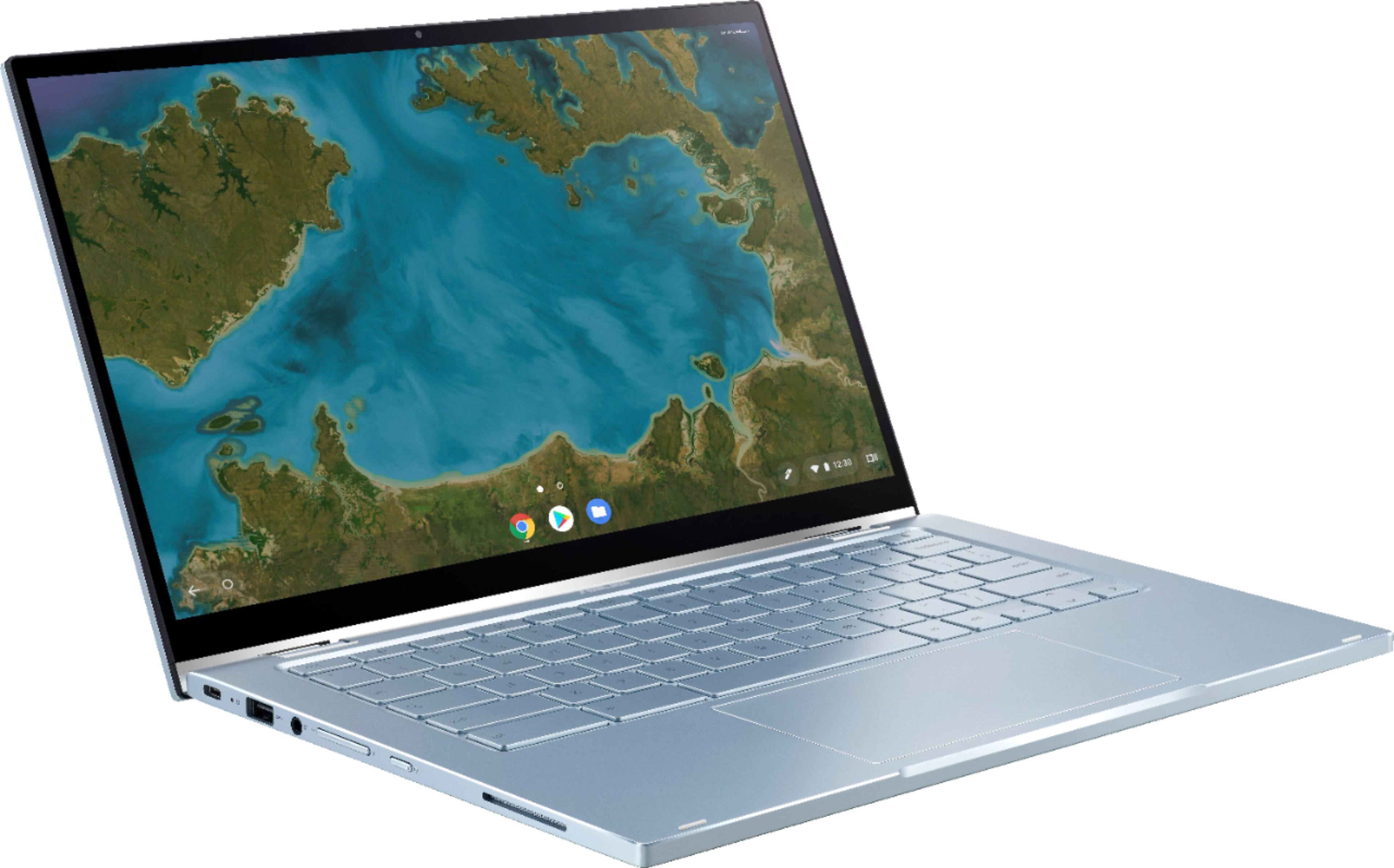
A:AnswerThis model comes with a Type-C port that supports display that you can use to connect the external monitor,once the monitor has a Type-C port that also supports display.
A:AnswerBased on the checks that I have done, I'm not seeing where this unit comes with a stylus. However, you can try using third-party capacitive stylus pen. Please be advised that we cannot guarantee that the capacitive pen will work with your C433TA.
A:AnswerToday, March 30, I received a call from Kim at ASUS and she provided me the quick and easy solution to my problem-Hold the ALT key down while using the brightness keys on the top row. Thanks!!
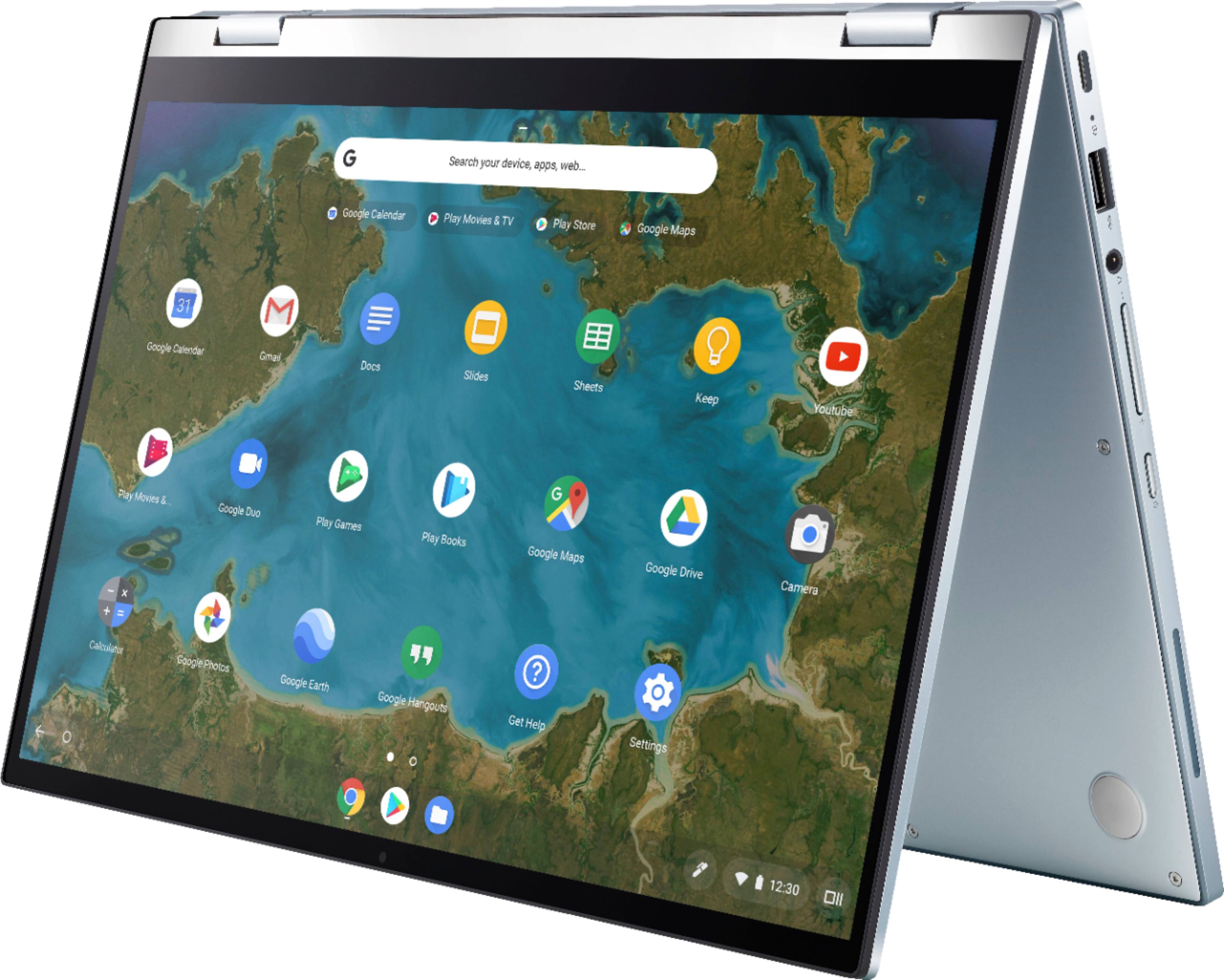
A:AnswerIf this is your first experience with a Chromebook, I recommend using the HELP file incorporated within the OS. To access HELP, please click your profile picture on the Notification Bar, located on the lower right-hand corner of the Home screen then click the question mark icon or widget. For more help, please go visit Google Support webpage.
Should you need further assistance, please email me at cl-rodel@asus.com and I will be more than glad to help.