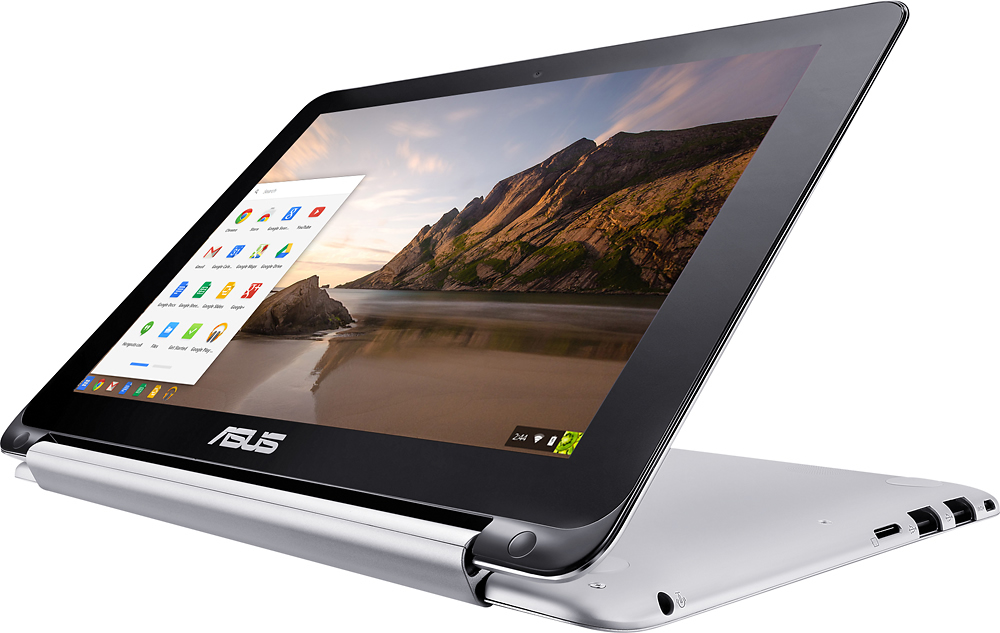
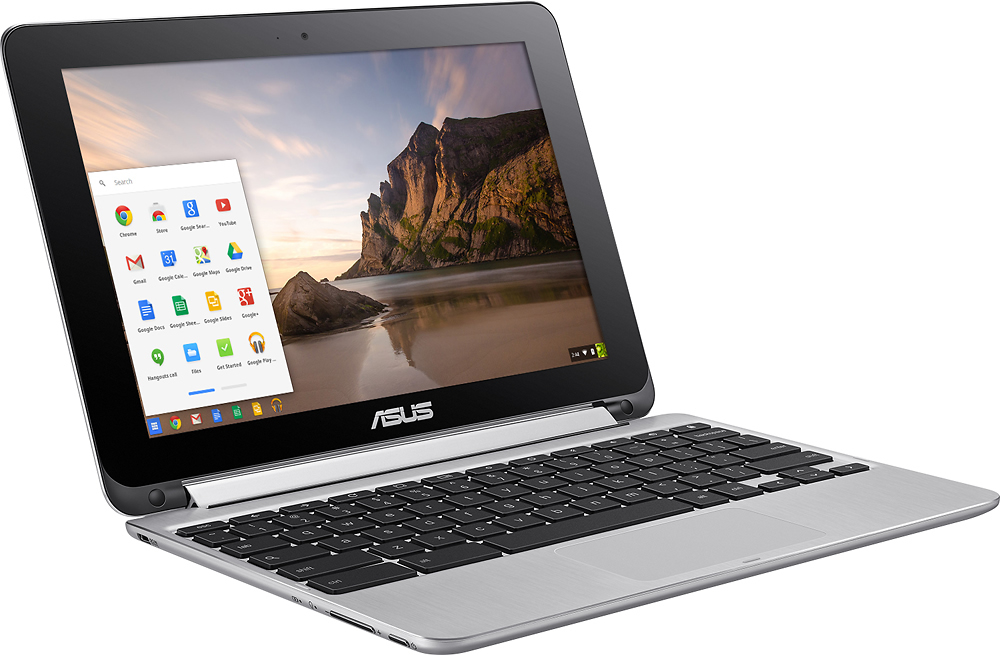
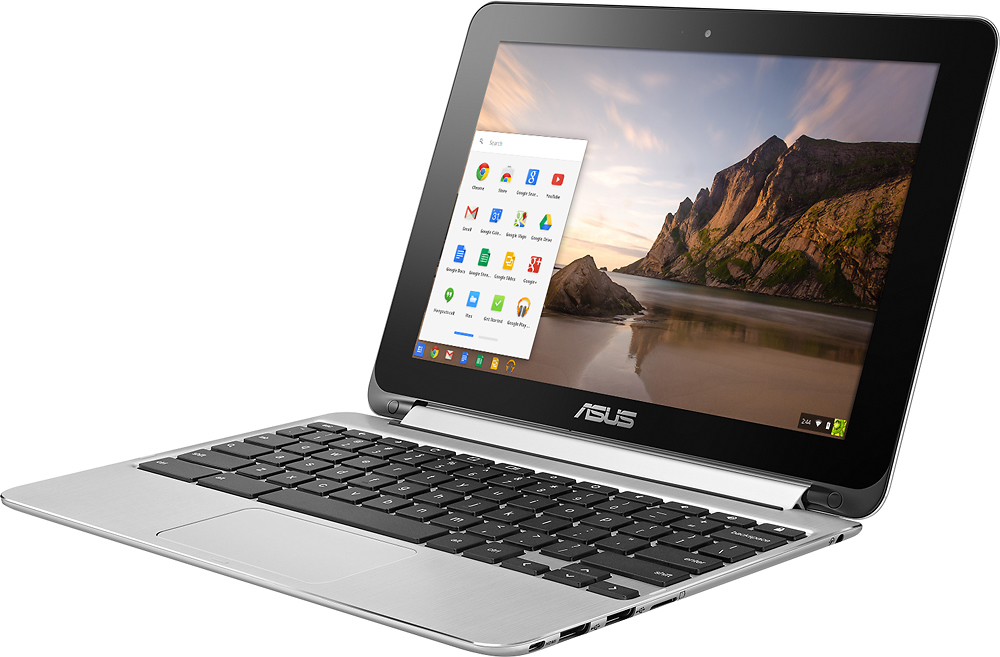
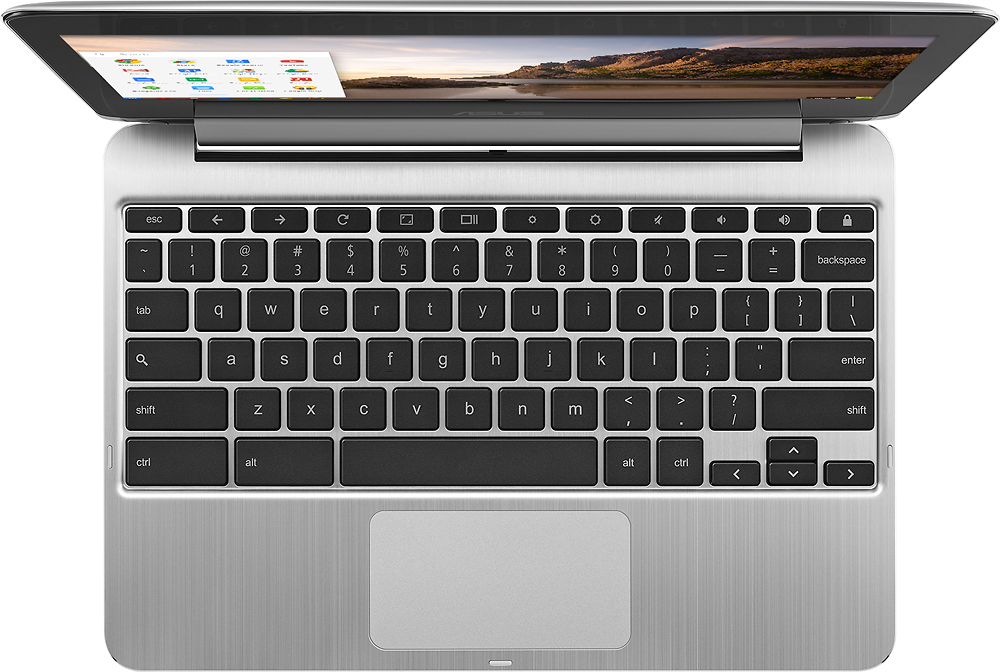
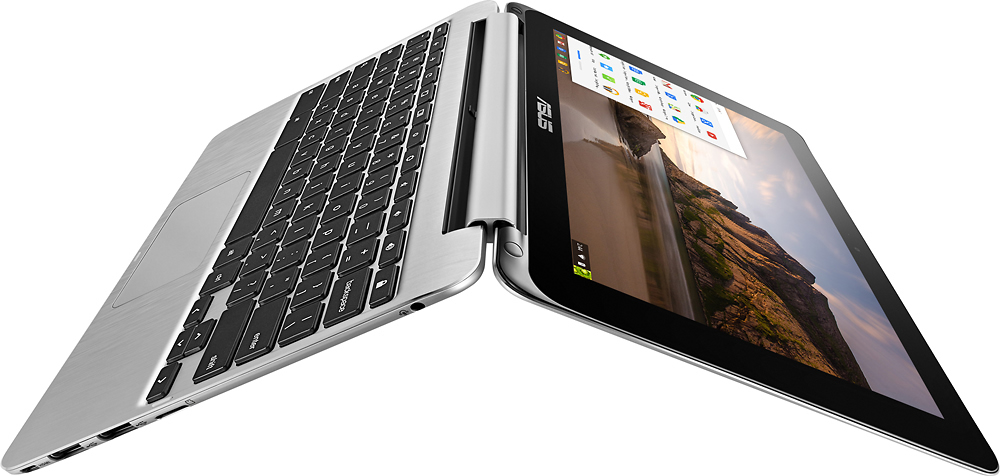
A:Answer The keyboard is not backlit. However, the keys are very sturdy and have good response and despite the small size of the computer they are spaced out well. If the user is familiar with the keyboard layout, it is likely that they will not need the backlight.
This is a good computer for a college student but be aware that a Chromebook is browser-based. College professors often want documents to be edited and saved in Microsoft Word format. Microsoft Office has a free version available online that functions very much like the full desktop version, but a college student may need to have access to the computers in the college library or a second computer at home (perhaps a family desktop) running full Microsoft Office for some projects. I would say that as an on-the-go companion for in-class note taking, reading, researching internet sources and drafting papers, this would be ideal for most college students.