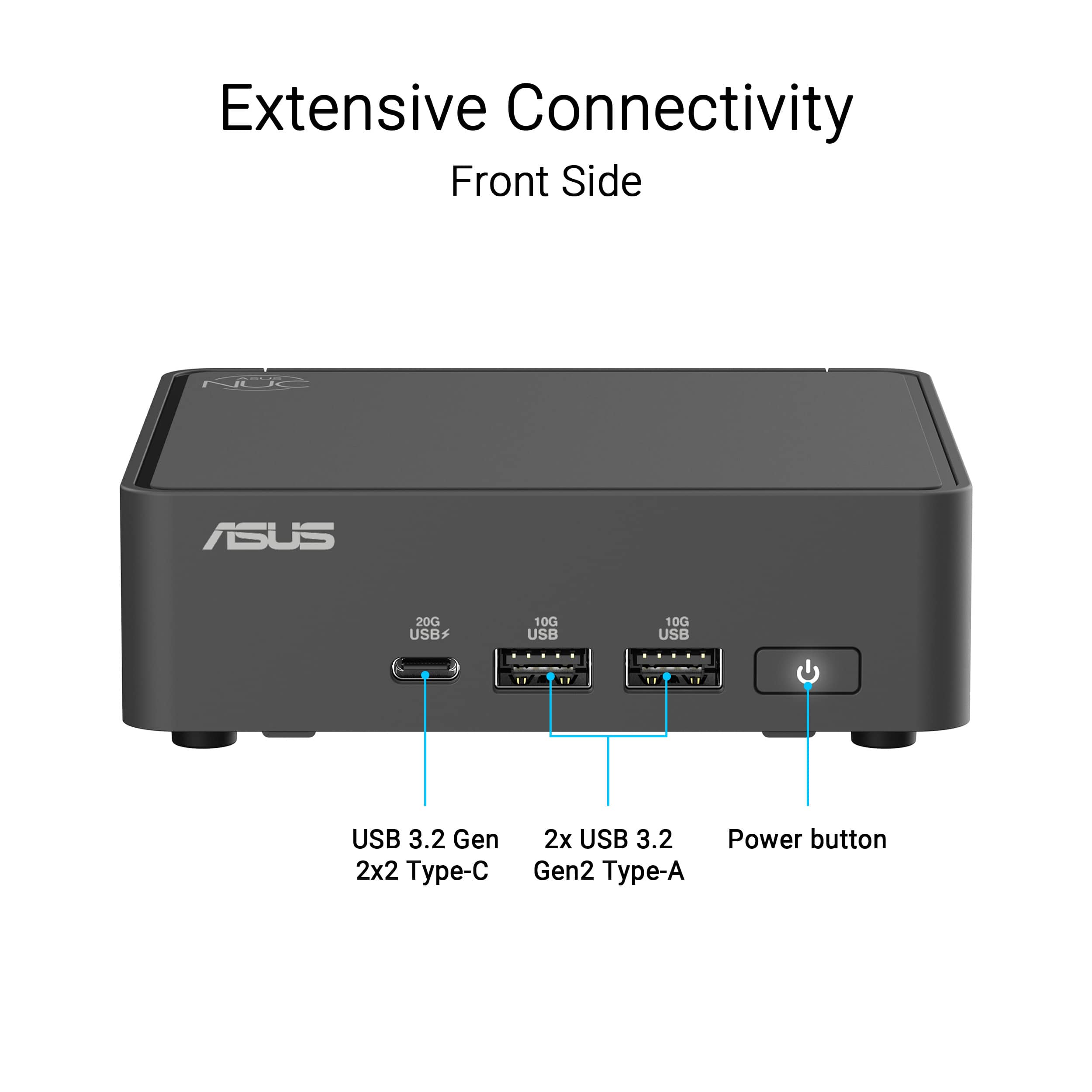
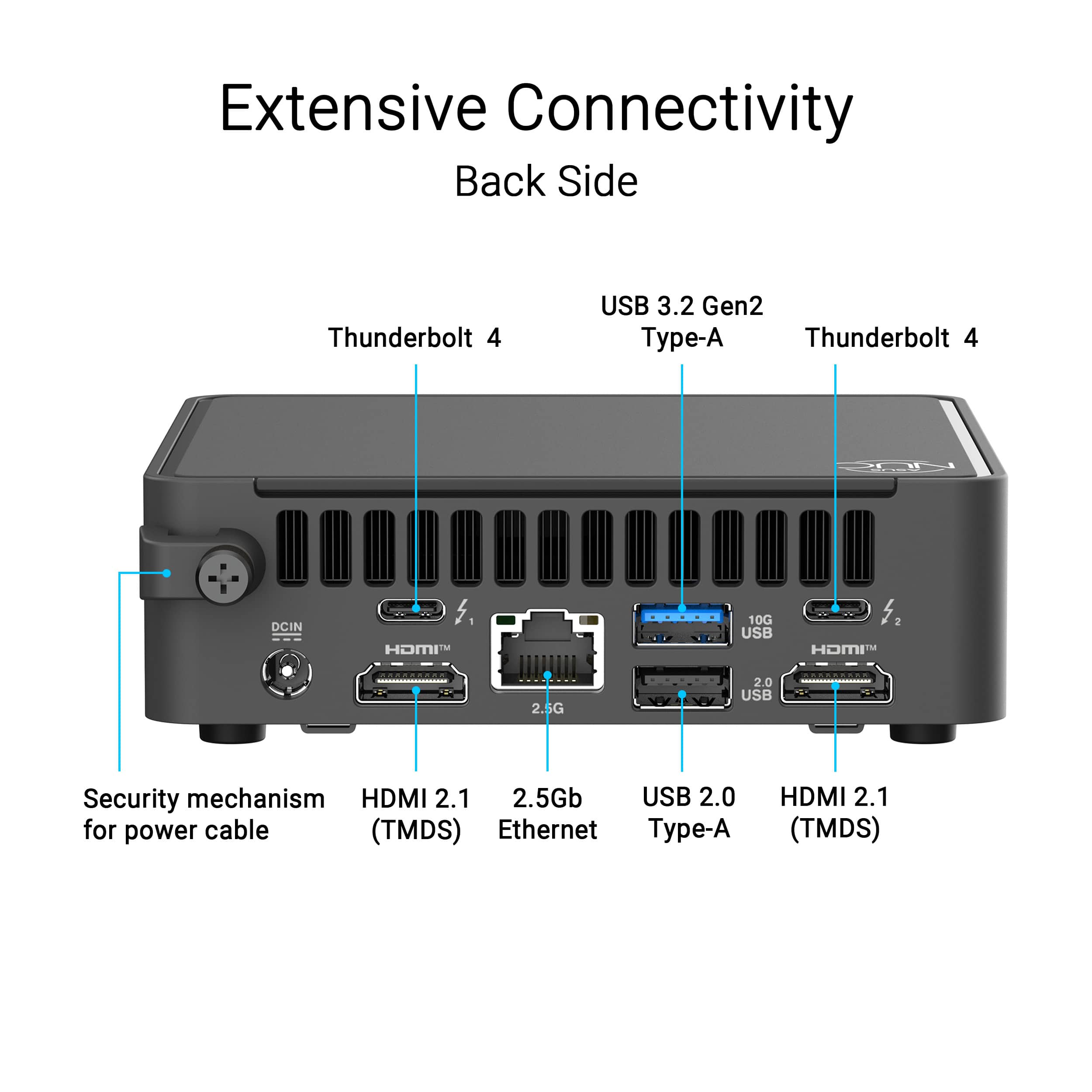
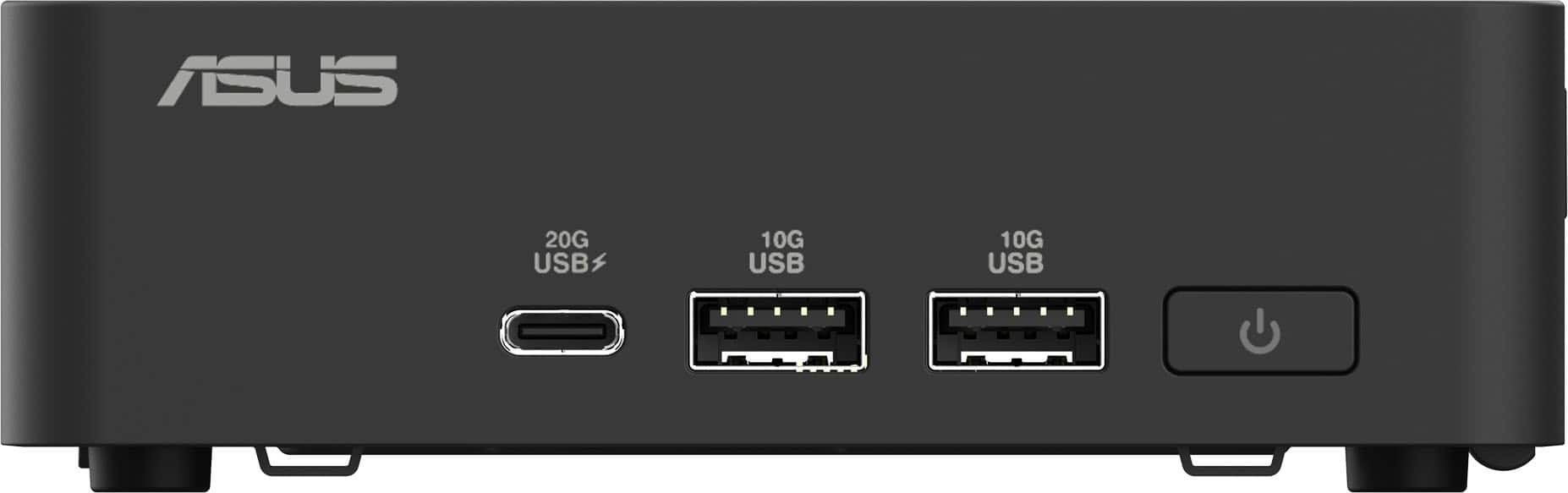
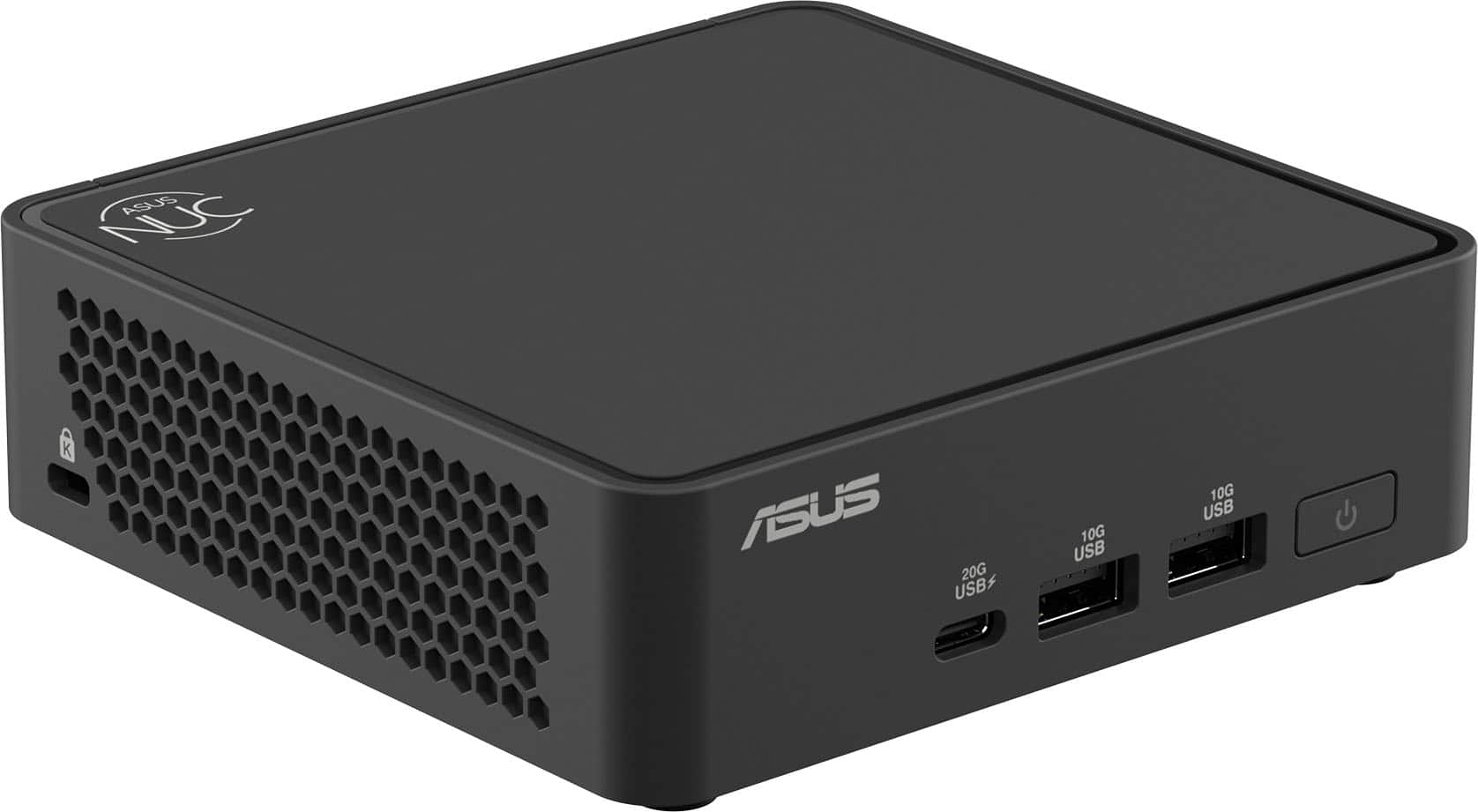
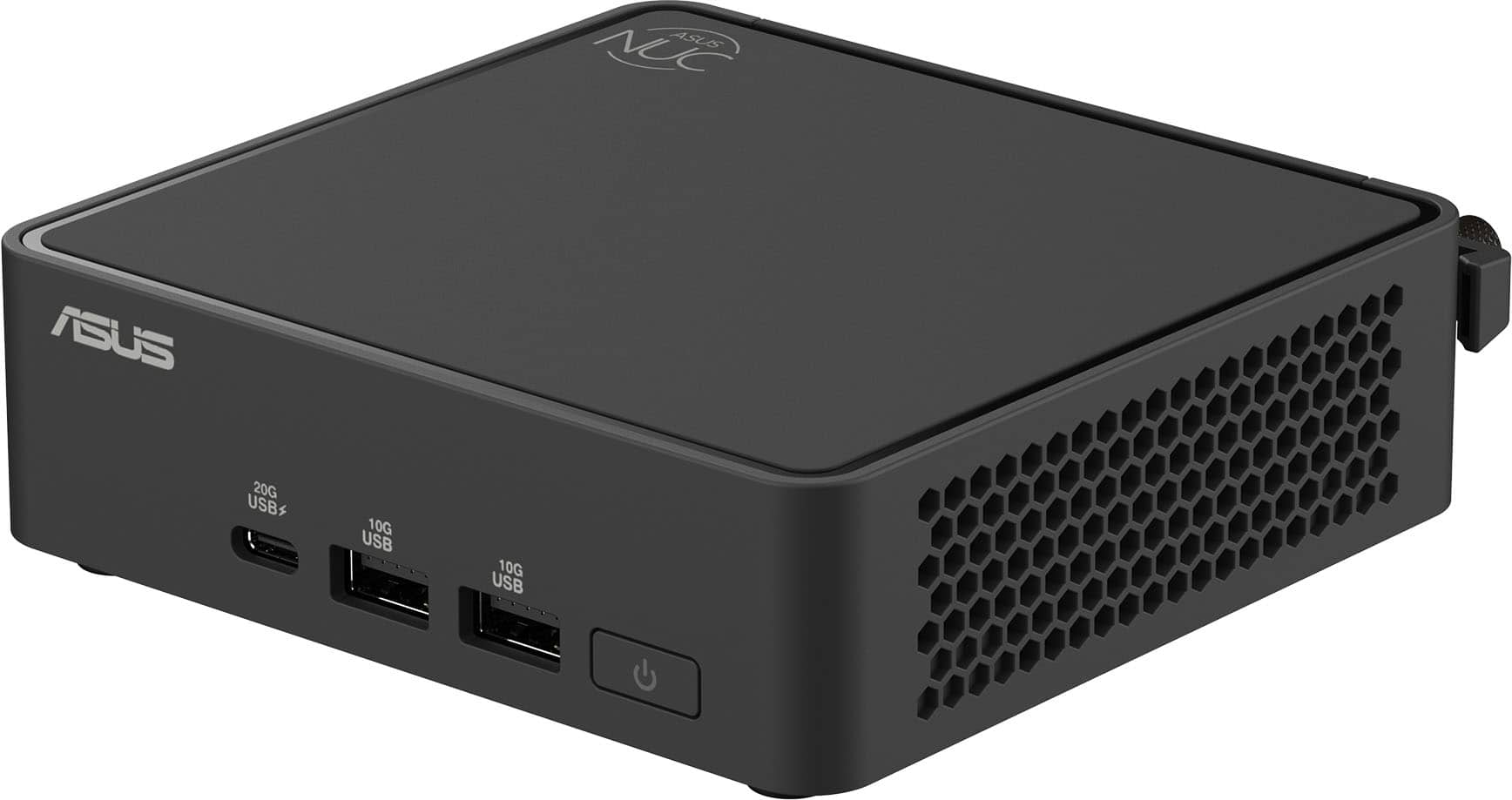
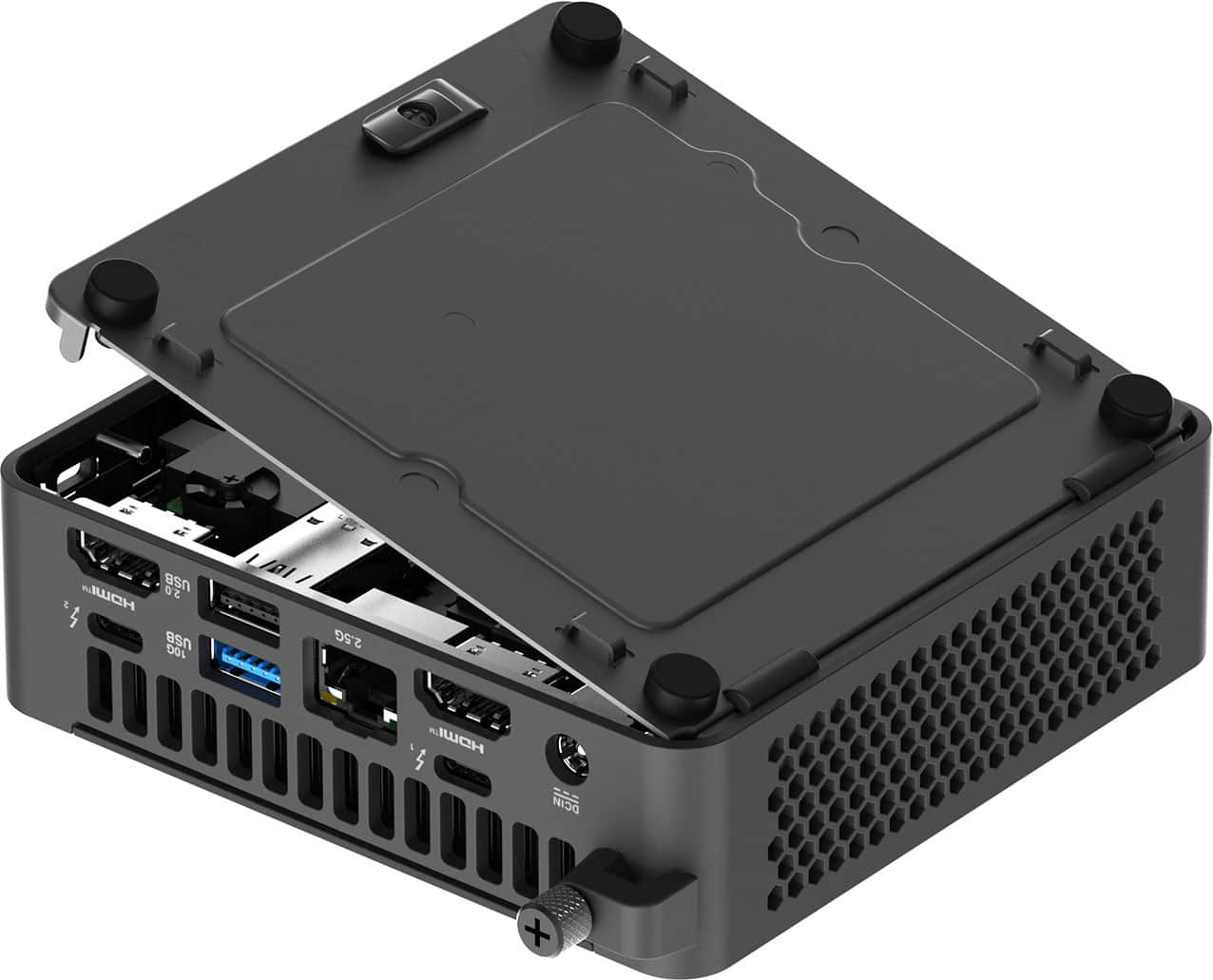
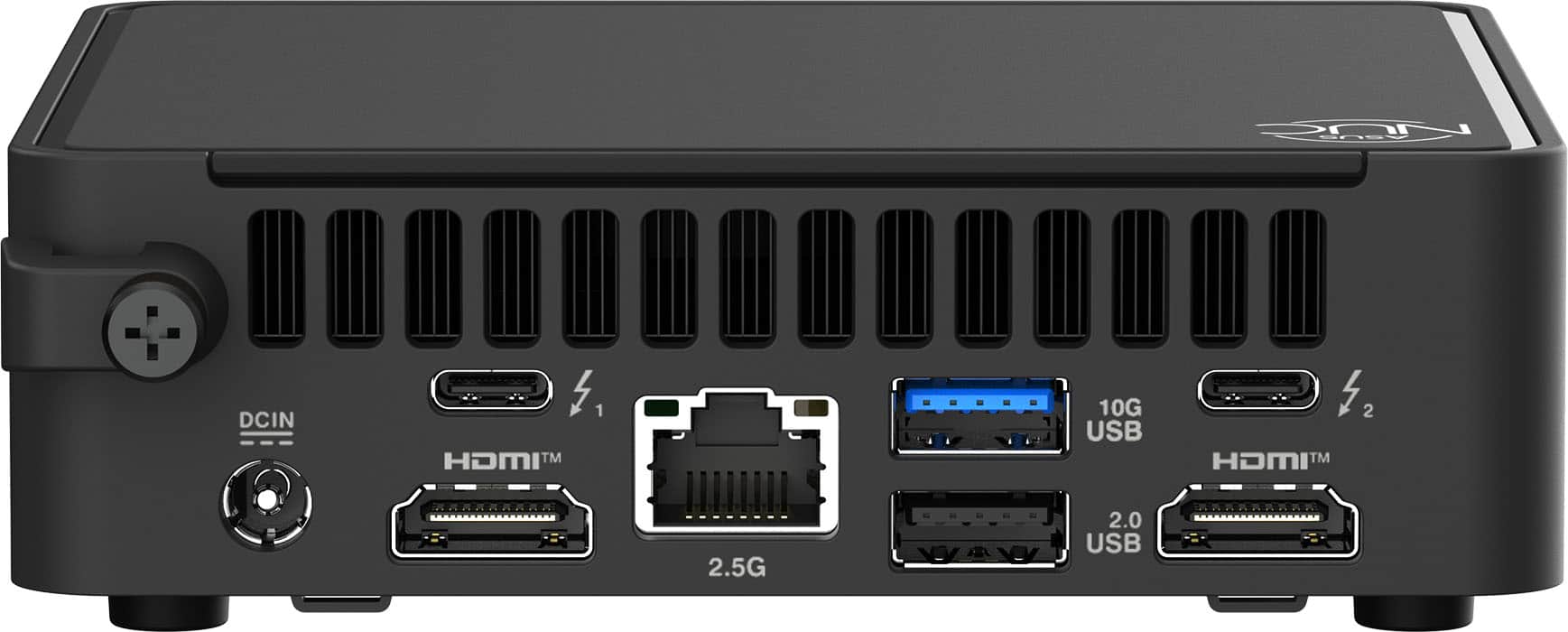
A:AnswerYes, that is correct. This Mini Desktop PC lacks a standard 3.5mm analog audio jack for microphones or speakers. It relies instead on modern digital connections, like Bluetooth or wireless. You can also utilize the following audio connections; USB, Thunderbolt 4 or HDMI connection.
A:Answer1. First of all, this is not an Intel Core Ultra 5 210H BECAUSE THERE IS NO SUCH THING, and nowhere on the BB listing is there mention of such a (fictional) CPU. There is only one version of the Intel Core 5 210H
2. The terms you might be seeing represent completely different tiers and generations within Intel’s broader lineup. The Core 5 210H belongs strictly to "Series 2" because Intel dropped the old "i5" naming convention and started labeling their standard mainstream chips by Series.
3. "Ultra" is a premium, completely separate tier of processors built on entirely different hardware architectures (featuring dedicated NPUs for AI and Intel Arc graphics).
A:AnswerYes, it has an internal cooling fan, pretty necessary for an Intel Core 5 210H, that generates significant amounts of heat when it boosts performance under high loads. It is also paired with an integrated heat sink design.
A:AnswerCan't answer the middle question, but I can address the first THOROUGHLY, and the last quickly:
It is hard to find mini-PCs in brick-and-mortar retail stores because they are a niche product category with a low profit margin that cannot compete for limited physical shelf space against mainstream laptops and gaming desktops.
More details: 1. Physical stores operate on strict real estate limits, and mini-PCs face several logistical and financial hurdles that keep them off display tables. The mini-PC market is completely dominated by specialized, direct-to-consumer Asian manufacturers like Beelink, Minisforum, and Geekom. Big-box retail chains like BB prefer working with massive, established global brands (like HP, Dell, and Lenovo) that can supply predictable inventory, provide nationwide customer support networks, and fund expensive in-store marketing displays.
2. Mini-PCs thrive online because brands can sell them at razor-thin profit margins directly to consumers online. Physical retail stores carry massive overhead costs (rent, utilities, employee wages) and require higher profit margins to survive. If a store stocked a mini-PC, they would have to price it significantly higher than its online counterpart, making it unsalable to tech-savvy buyers.
3. The average retail shopper walks into a store looking for an all-in-one solution. They want a laptop they can open immediately, or a traditional desktop tower that clearly signals "power." A tiny, anonymous plastic box confuses casual buyers who do not realize a full computer can fit in the palm of their hand. Retailers would have to spend employee time educating customers on what the device is, which isn't cost-effective.
4. A mini-PC is rarely a complete out-of-the-box solution for a casual user. Buyers still need to purchase a separate monitor, keyboard, mouse, and often external speakers. Furthermore, many enthusiast mini-PCs are sold as "barebones" units, meaning the customer must buy and install their own RAM, storage drive, and Windows operating system license. Retailers avoid stocking items that lead to high return rates from confused customers who realize they bought an incomplete system.
5. For the general retail public, laptops have completely replaced the need for small desktop computers. A modern budget laptop takes up very little desk space, includes its own screen and keyboard, has a built-in battery backup, and features similar low-power processing components to a mini-PC at a highly competitive price point.
The noise level is comparable to a gaming computer: quiet most of the time, but revving up a bit when pushing the envelope of their power. But since you generally get a lot more bang for the buck, unless you are a gamer (which is a whole 'nother kettle of fish), you probably won't ever reach this point.
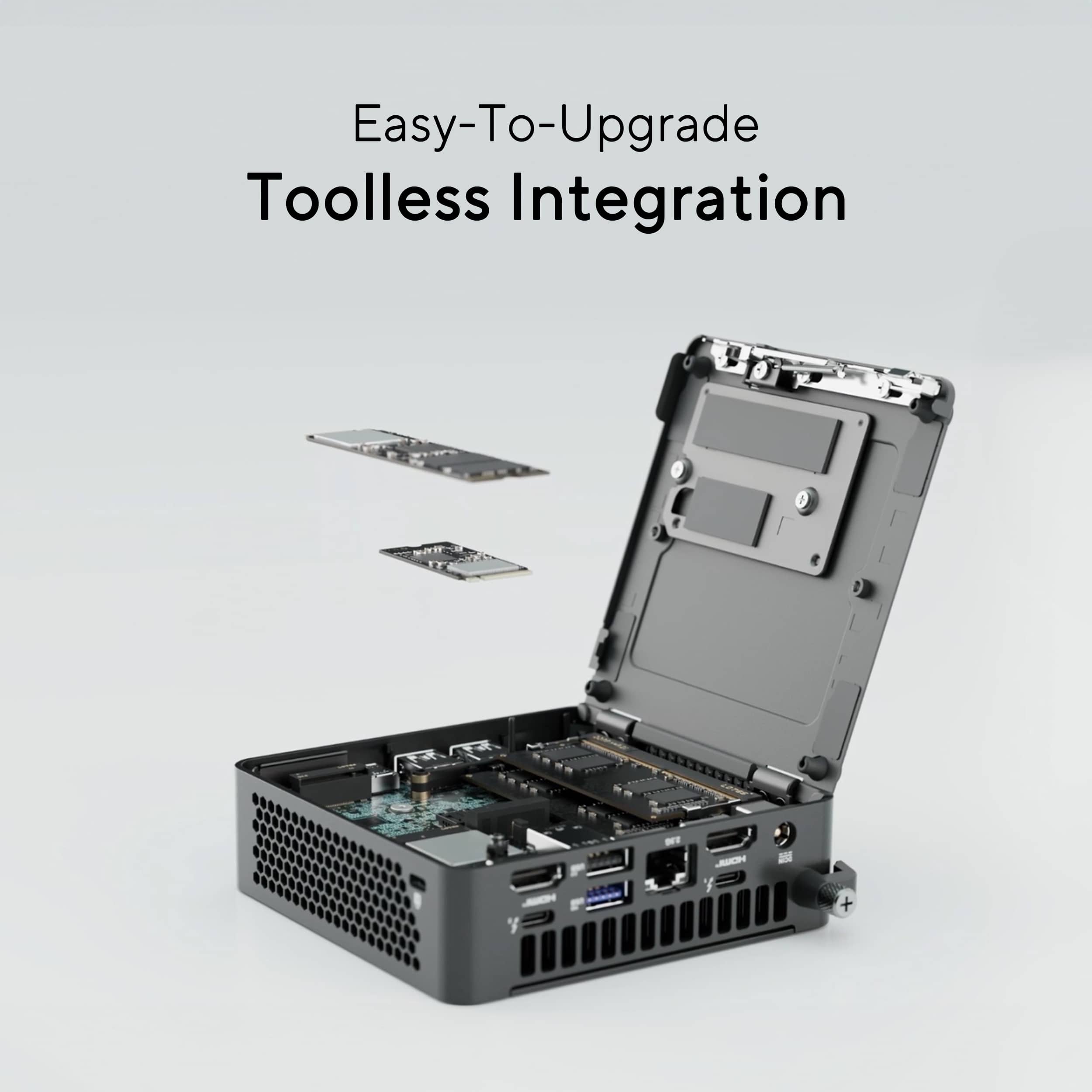
A:AnswerThe ASUS NUC 15 Pro Mini Desktop (NUC15CRKC5) is fully capable of being upgraded to 32GB or more of RAM. It supports dual‑channel DDR5‑6400 SO‑DIMM memory, with a maximum capacity of 96GB when configured with two 48GB modules.
A:AnswerThe ASUS NUC15CRK supports up to 48GB of DDR5 RAM and has two M.2 storage slots (supporting both PCIe Gen 4 and Gen 5 NVMe SSDs), up to 8TB for slot 1 and up to 2TB for slot 2.