A:AnswerYes. In the Bios select “enable NVME boot” save and exit bios, re-enter the bios, then select the drive you wish to boot from in the boot drive menu.
A:AnswerBoot devices are; UEFI or Legacy OprOM or both. Can boot from network devices or storage devices when you set the launch CSM to enabled in bios boot config menu.
A:AnswerSadly, no. This board only supports a maximum core count of 8, with a total thread count of 16.
You will need an x570 chipset to power the 12 core 3900x.
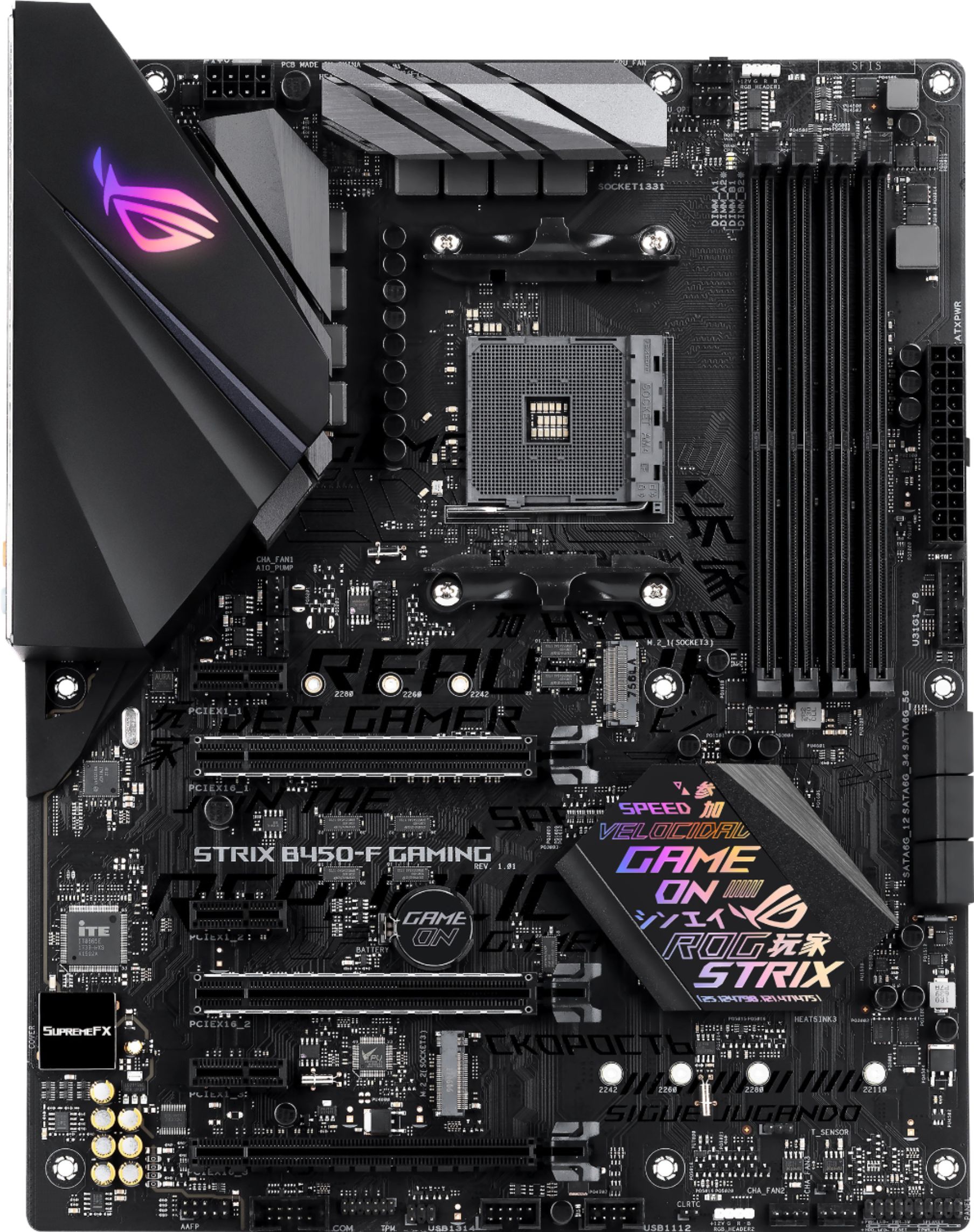
A:AnswerYes, you can use up to 3 M.2 NVME drives. The board even supports hardware RAID of M.2 SSDs. To use a M.2 drive as your boot drive, (the drive windows is loaded to and runs from), you will need to enter the Bios and configure the motherboard to do so. Many YouTube videos are published for this motherboard and it easy a simple process.
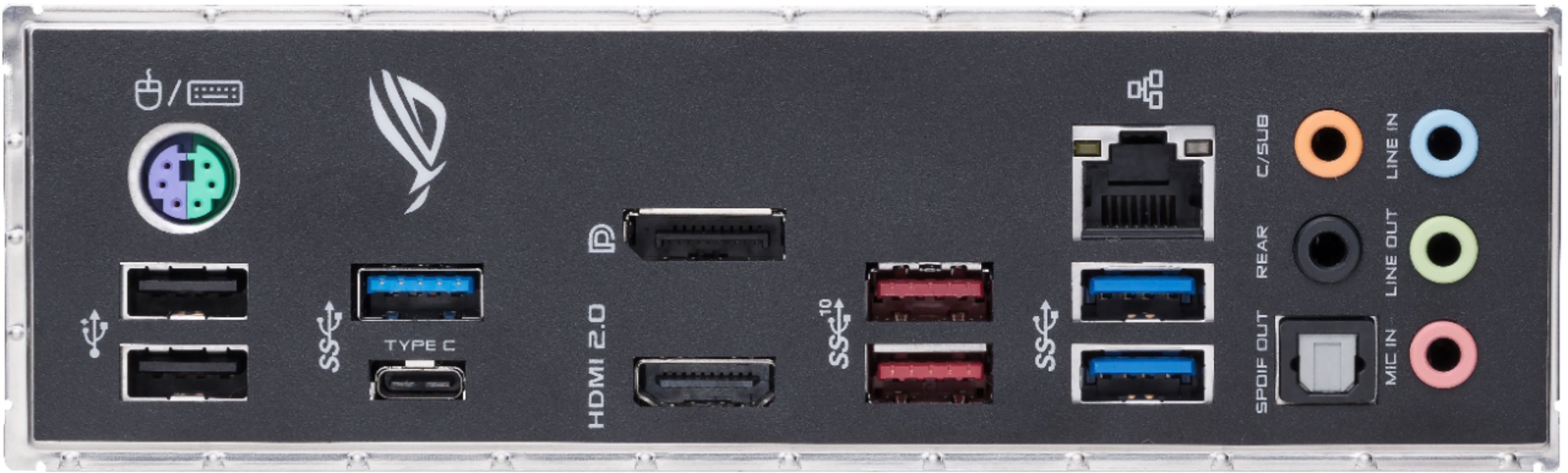
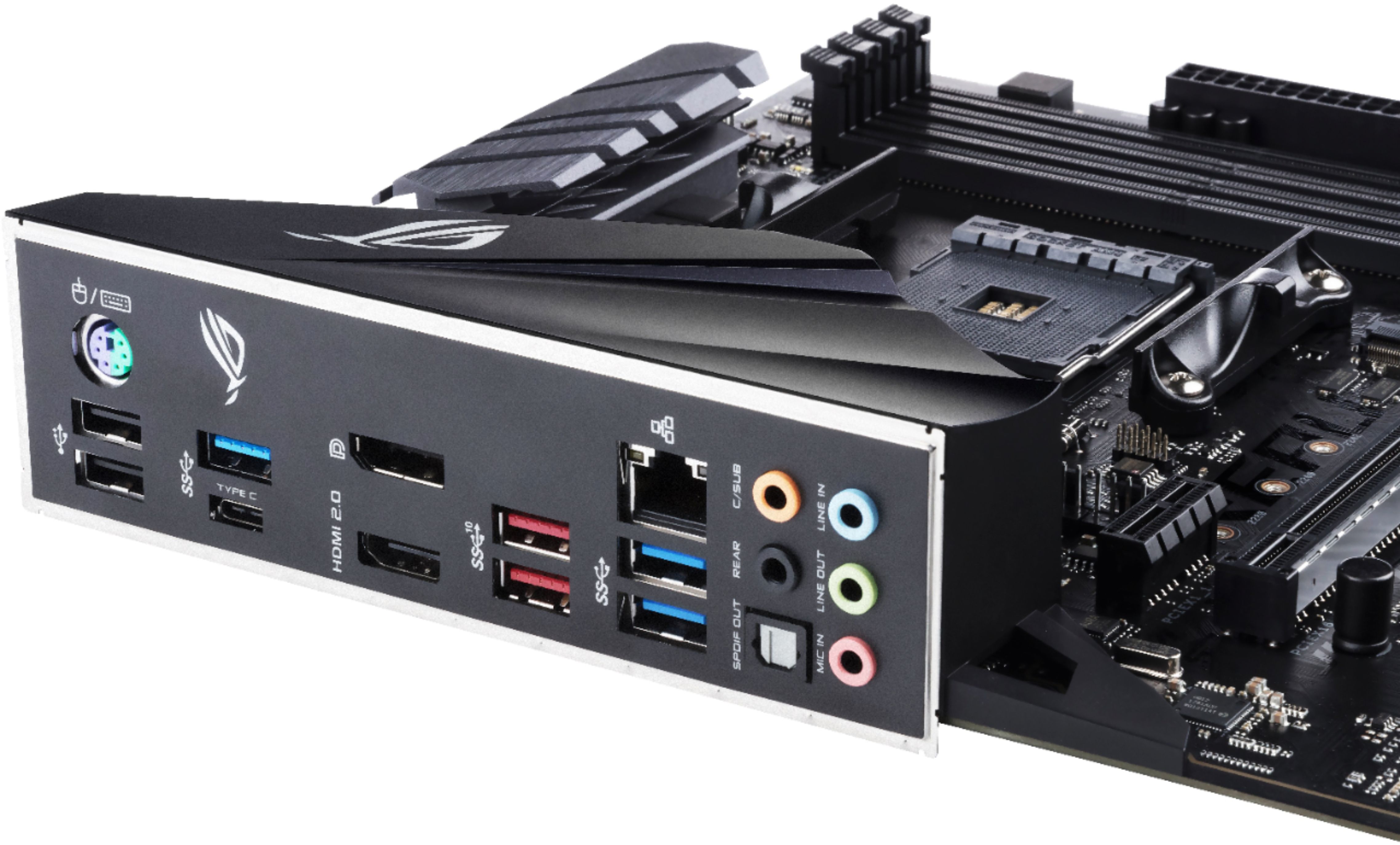
A:AnswerThey are as other usb ports, I have one connected to a Wireless Client Card and the other to the front usb ports on the case. The rear motherboard usb ports work independently.
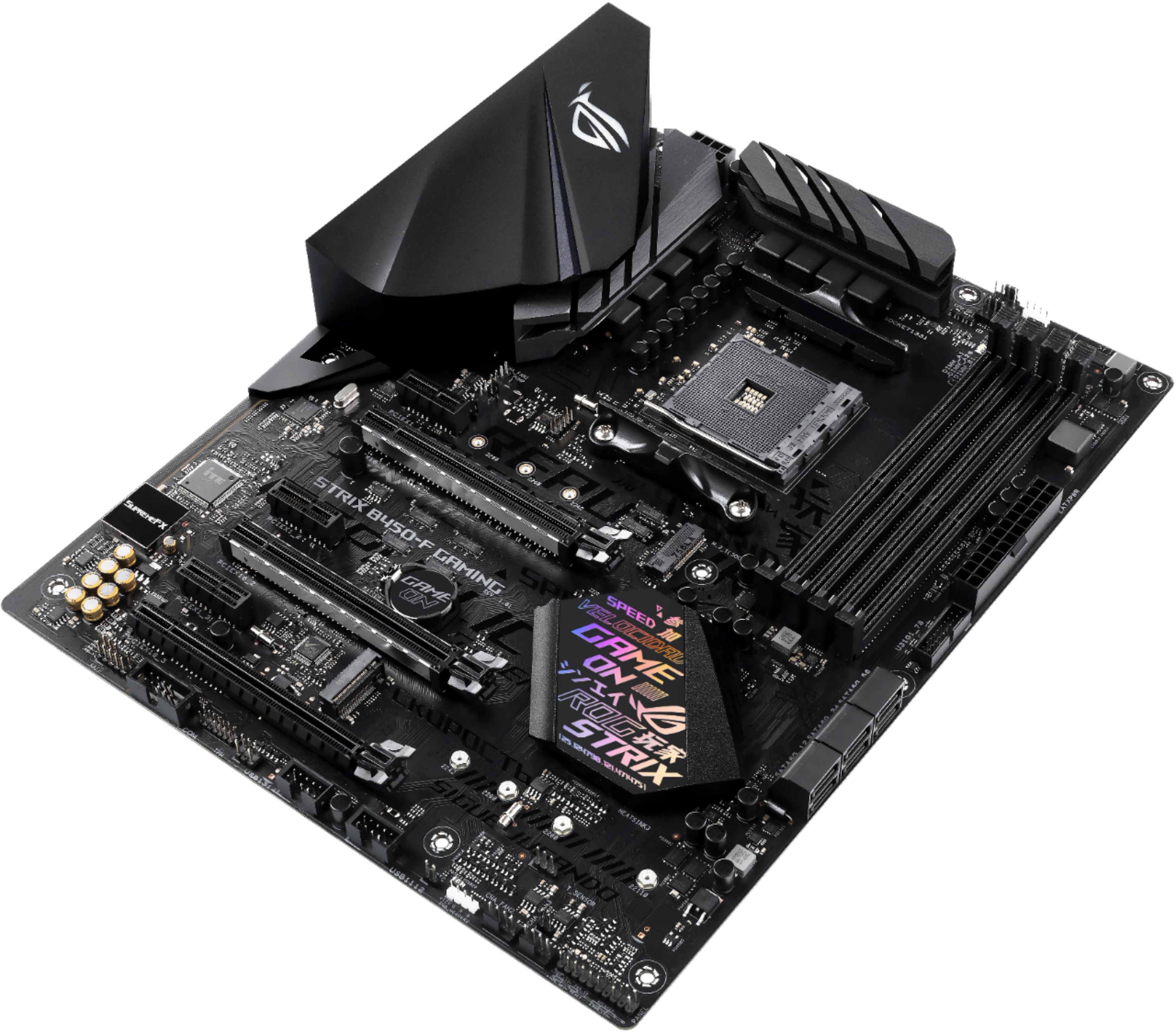
A:AnswerThis is an ATX board. The complete dimensions and specifications can be found here. https://www.asus.com/us/Motherboards/ROG-STRIX-B450-F-GAMING/specifications/
A:AnswerYes, however the BIOS will need to be updated to Version 2605 or newer. For troubleshooting help with that process, please reach out to ASUS Support either by phone, chat, or email. https://www.asus.com/support/
A:AnswerA Ryzen 5 2600/3600 or Ryzen 7 2700 will both do everything you can imagine in terms of gaming, I am running this board with a Ryzen 5 2600 overclocked to 4.2 ghz and I am in the same ballpark as the intel i7 8700k.
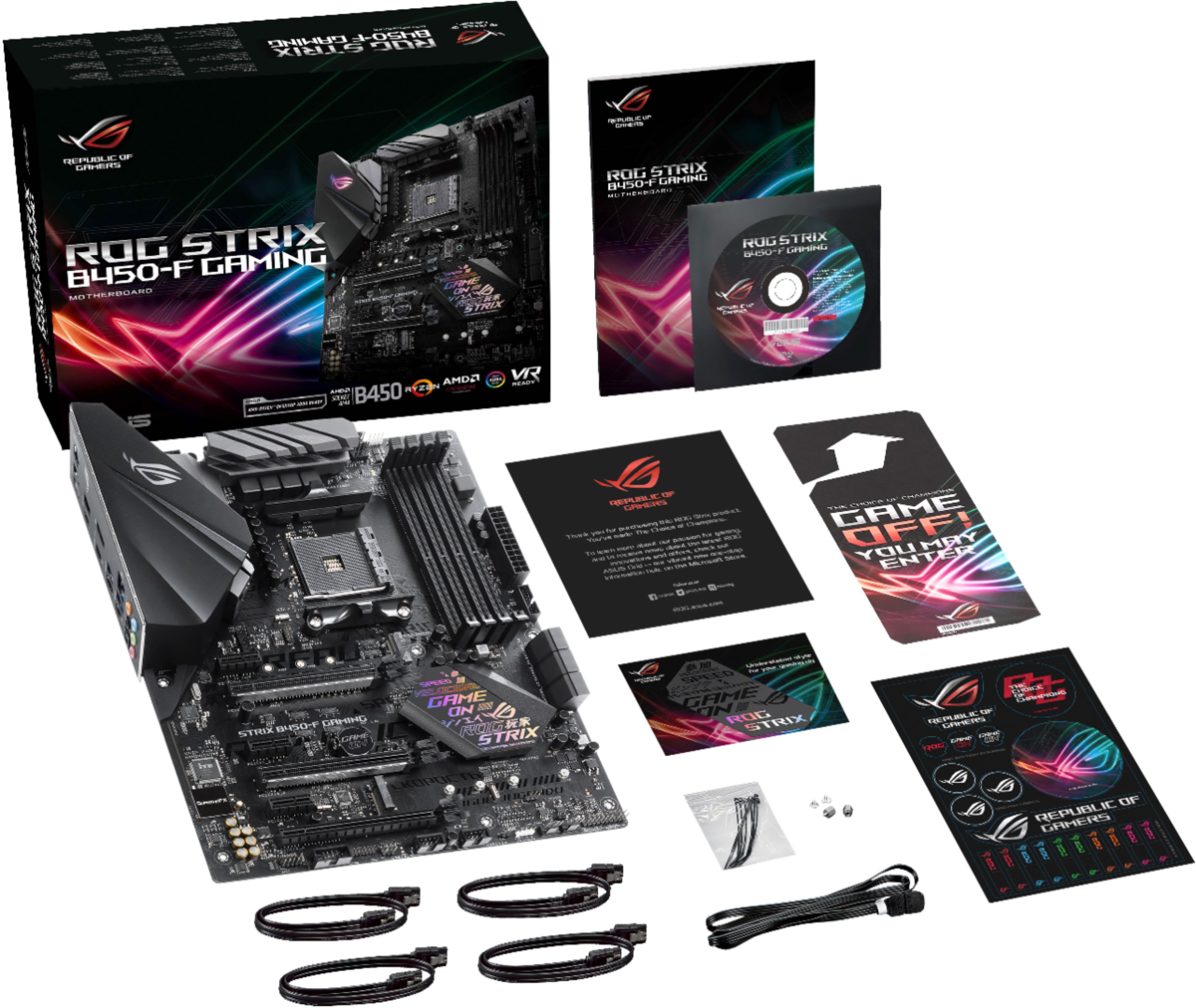
A:AnswerThere are three ways you can update the bios. For future reference, the documentation included with the motherboard details all three methods (if, of course, you get the board new).
The first way is with the EZ Update tool that comes packaged with the motherboard. This method, however, requires a DVD drive as it comes on the packed-in DVD with the motherboard.
The second is via the EZ Flash 3 utility that is integrated into the motherboard itself. This utility will reboot the PC directly into the BIOS, activating any networking hardware to connect to the internet to find and download any BIOS updates automatically. Do keep in mind that this requires either LAN or wifi installed onto the motherboard, a USB wifi adapter will not work for this.
The final, most common method is to visit www.asus.com to download the most recent version of the BIOS update, and put it on a USB thumb drive. After doing so, shut down the PC, insert the thumb drive with the update file on it, and start the PC into BIOS. Enter the EZ Flash 3 utility, and instead of selecting to update via internet, select "via storage device".
While rare, if something goes wrong while the BIOS is updating, you can use the CrashFree BIOS 3 utility to restore the BIOS to the stock version. This will require you to use the packaged DVD which has a copy of the BIOS on it, or a USB drive with the BIOS file on it.
A:AnswerYes, all Ryzen chips use the AM4 socket with the exception of threadripper which uses the TR4 socket. However, A bios update my be required to use a 3rd gen Ryzen chip which would require you to have a 1st or 2nd gen Ryzen. There is a way to update with a USB drive but results have been hit or miss
A:AnswerProbably, with a BIOS upgrade, that is. I would look at a better-than-stock cooling solution. Also, the VRMs tend to get a bit warm on this mobo.. and the VRM's cover does not help thermals. HWINFO in Windows 10 will give you the thermals... the 3600X is a powerful CPU that will tax low-end mobos but the right cooling solution should solve that.
A:AnswerNo, however installing a M.2 drive will make one of the PCIe slots run in 8X mode VS 16X. BUT, there has been no evidence that running at 8X speed affects GPU performance in any meaningful way. I’ve done it with this board with a GTX1080ti and RTX2060 and saw no difference at all.