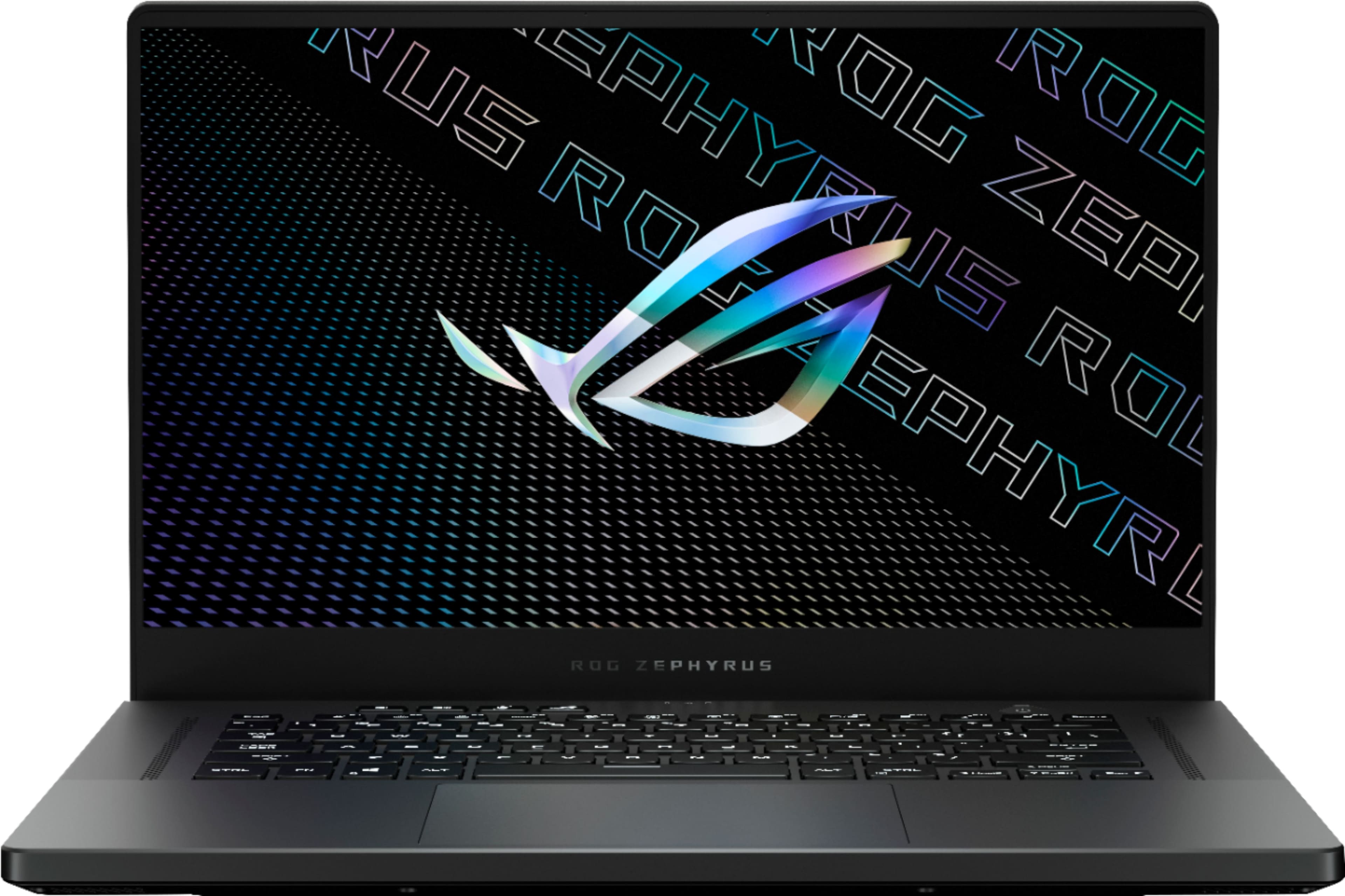
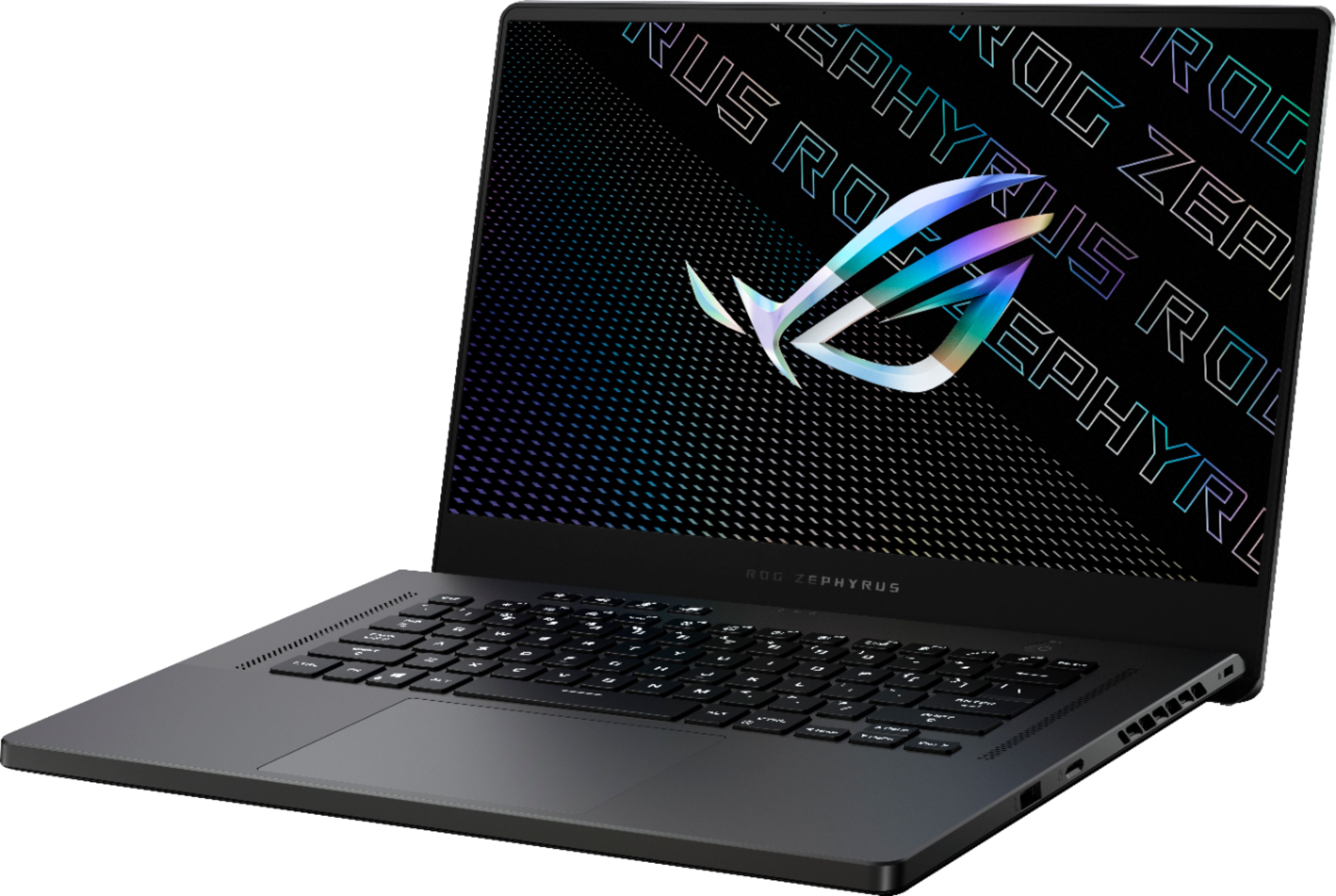
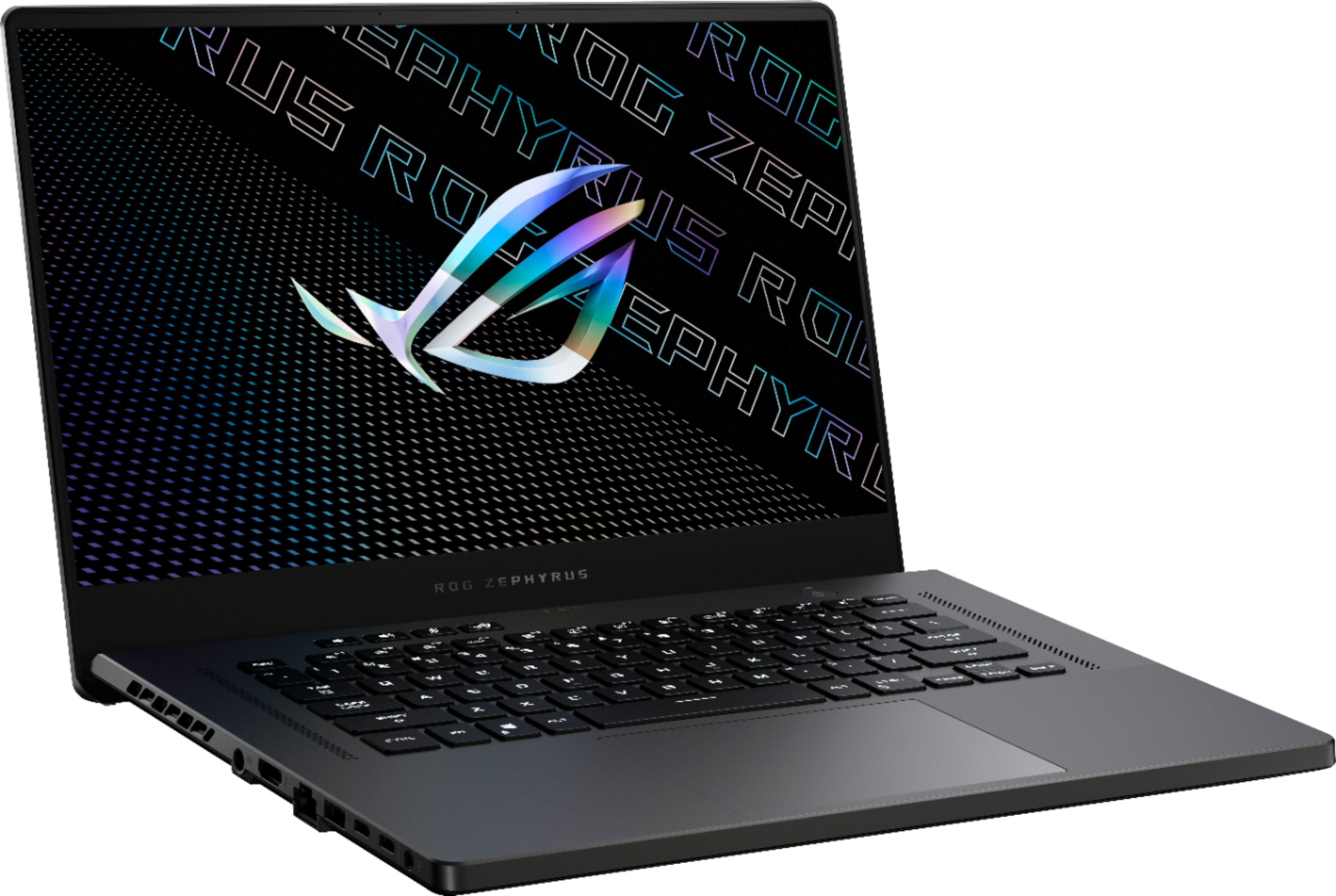
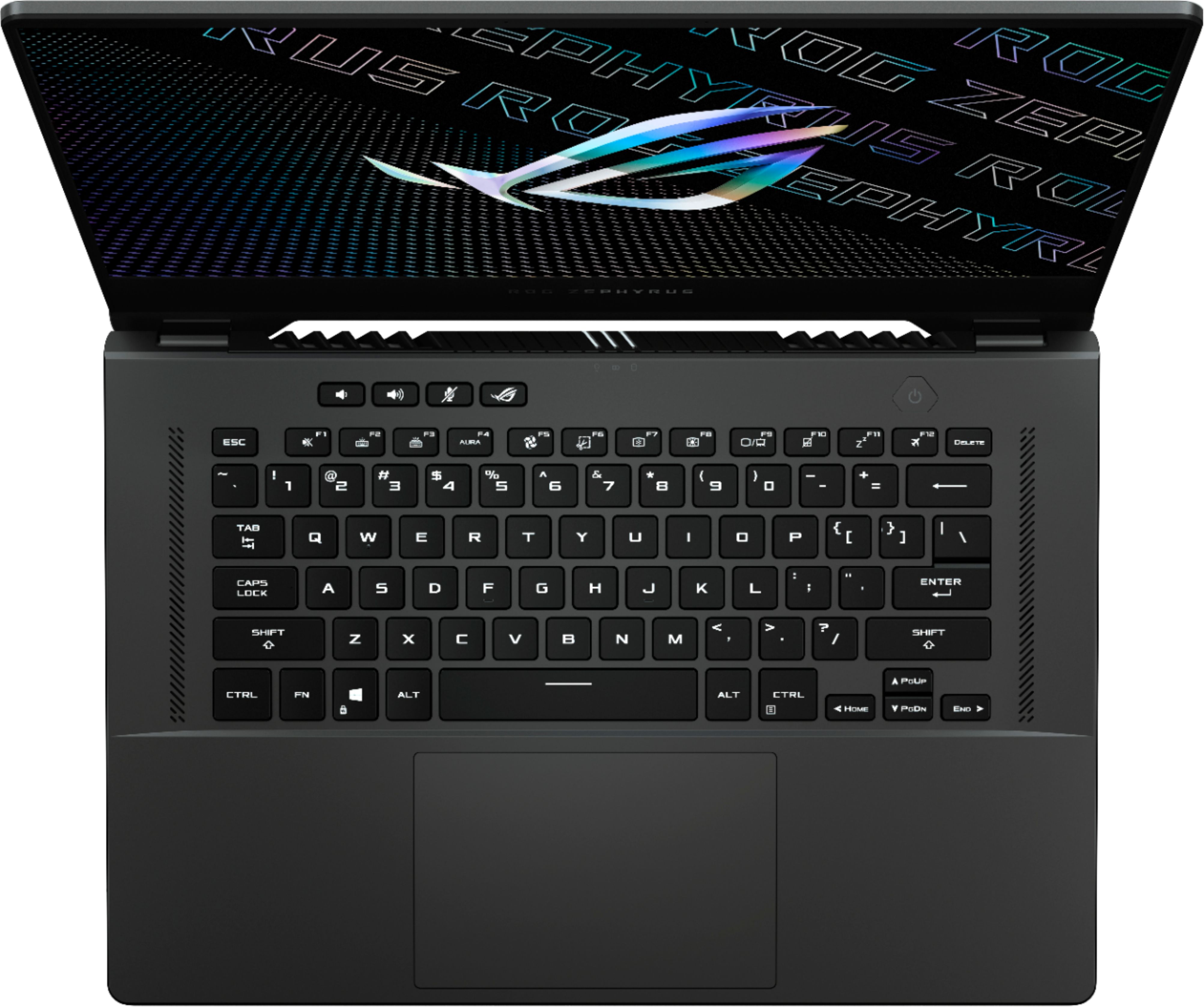
A:Answer$1800 + tax, in NY it is about $1960. If you apply for bestbuy credit card, you can get about $180 back in store credit when you purchase on same day as credit card opening date.
A:AnswerWith the laptop plugged in, you can open the Asus Armoury Crate software (ROG button above the keyboard or look in the start menu). In the Armoury Crate software Home, you change the performance mode to Manual and then you can customize the CPU and GPU fan profiles however you’d like (with 3 presets for CPU and GPU each). Unfortunately, you have to be plugged in and in Manual mode in Armoury Crate to do this.
A:AnswerNo one can say exactly (probably not even best buy) as the demand is too high. I ordered on 15th Feb with a store pickup date of 18th, but it is not yet ready.
Meanwhile, I saw the product was available for order on 22nd Feb with a delivery date of 28th Feb, but my order from 15th Feb is not yet ready for store pickup.
I hope Asus and BestBuy use this extra time to fix any quality or hardware issues reported by other users.
A:AnswerNo-minimum, for the most part you will not hear a fan, fan's may never turn on as the amount of cpu/gpu usage will be minimum. especially if you use the IGPU with the Ryzen 5900hs.
A:AnswerTo add to that comment, keep in mind you can’t mix buffered and unbuffered ram. My machine (per hardware info app) says the sticks are unbuffered. So whatever you do, check yours to make sure it’s one or the other. It should be the same as mine, but we shouldn’t assume anything when it comes to installing components.
A:AnswerYes it supports USB type C charging. Though you obviously cant game while charging it like that since it'll still drain. But for basic productivity, like youtube and writing papers, its perfectly fine. Battery life is excellent, I'm getting like 8-9 of youtubing and netflix.
A:AnswerIf you match the onboard in size and speed it will run in dual channel. So if it has 16gb 3200 soldered, you can put a 16gb 3200 to run dual channel.
A:AnswerIt looks like they spec'd out the first wave very thoughtfully. I think we'll see several more models launch by April. Likely the upcoming intel release will fill in more gaps in Q2