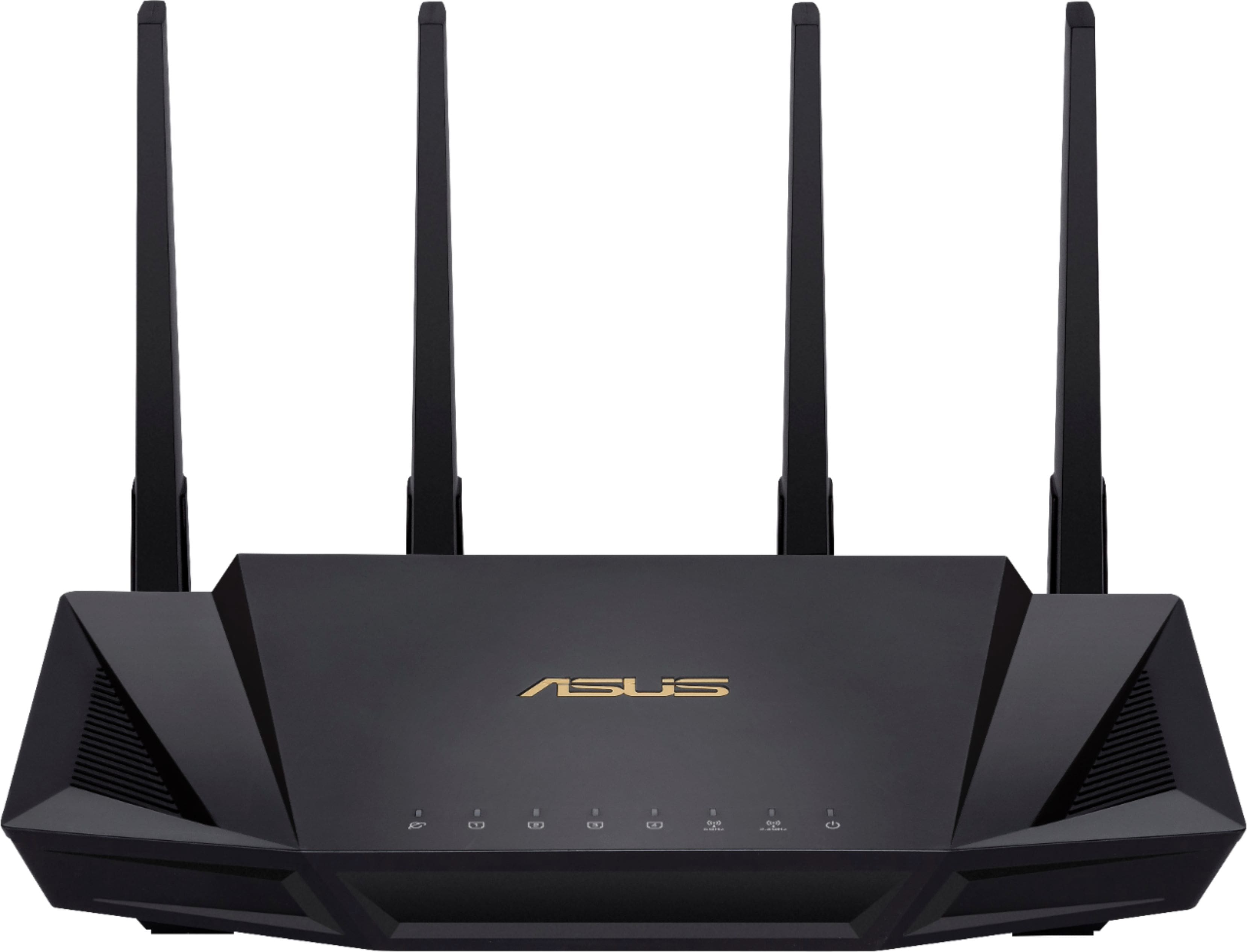
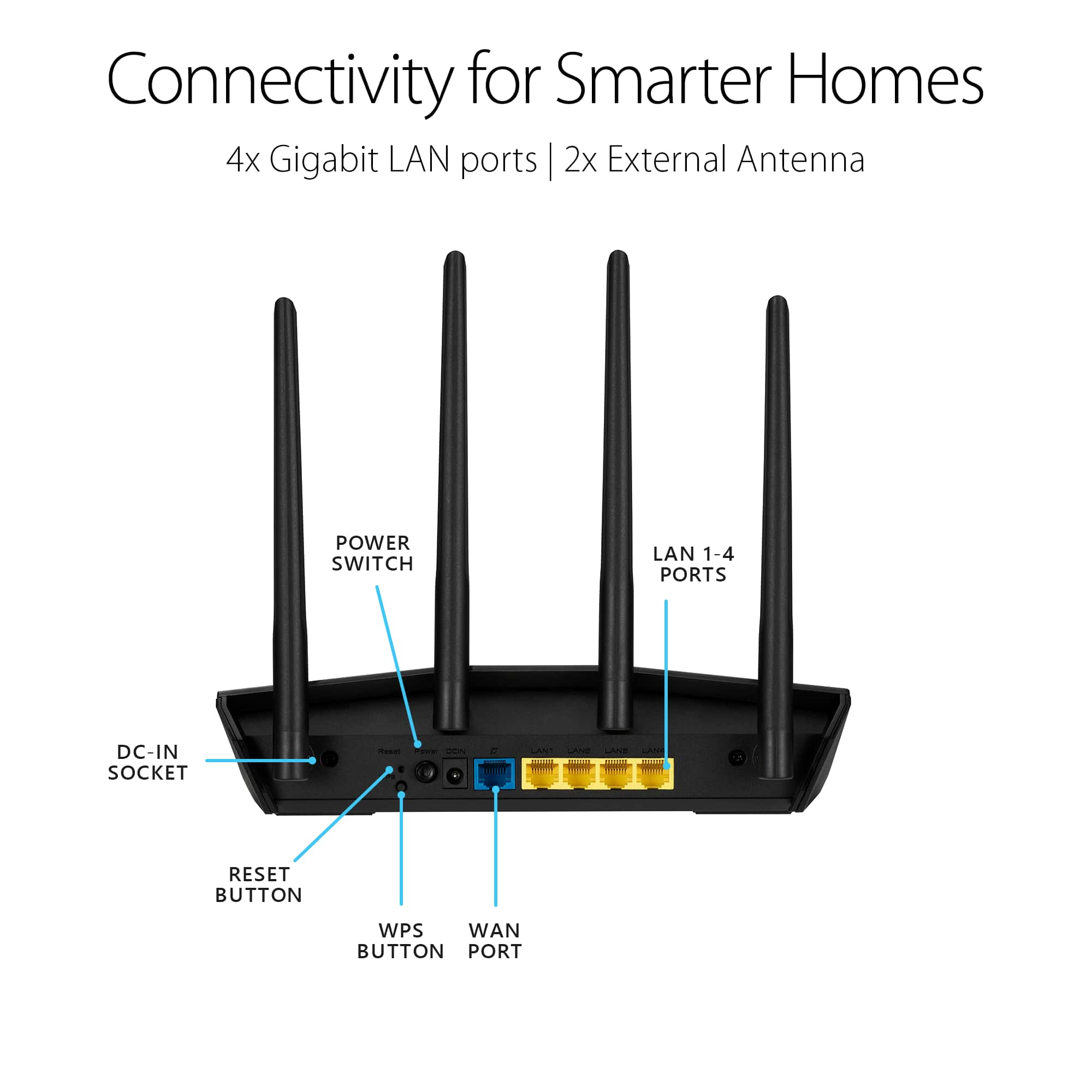
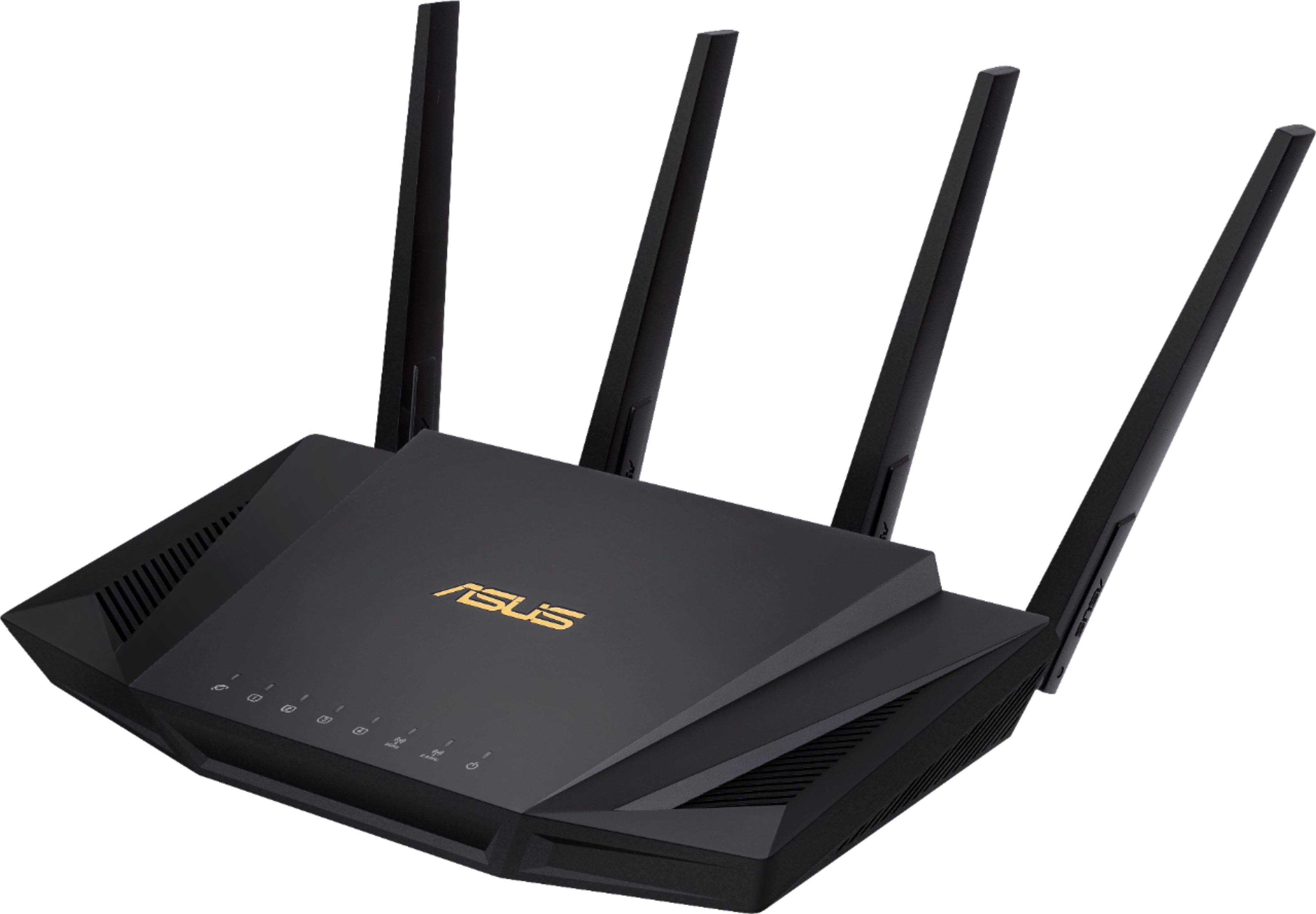
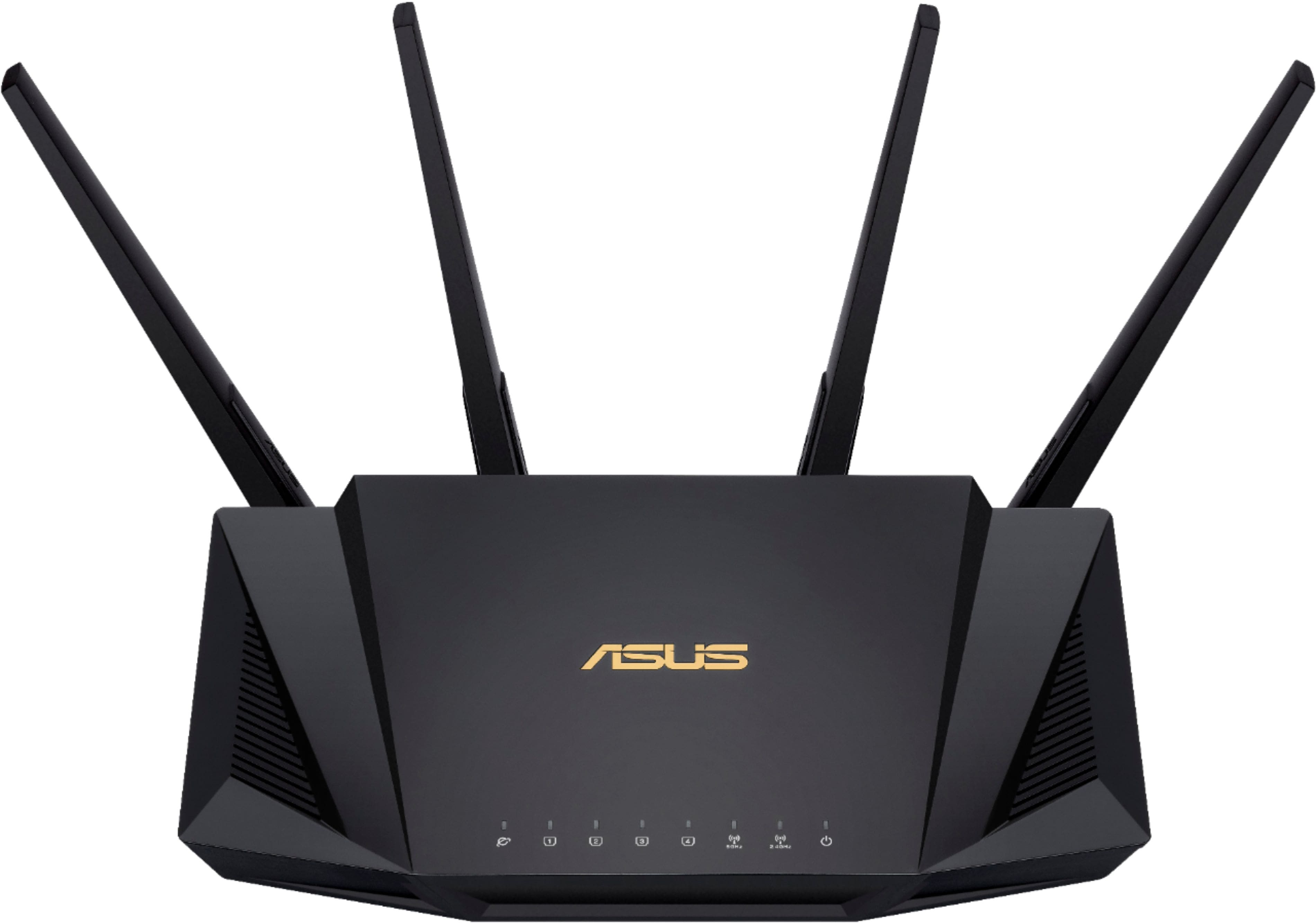
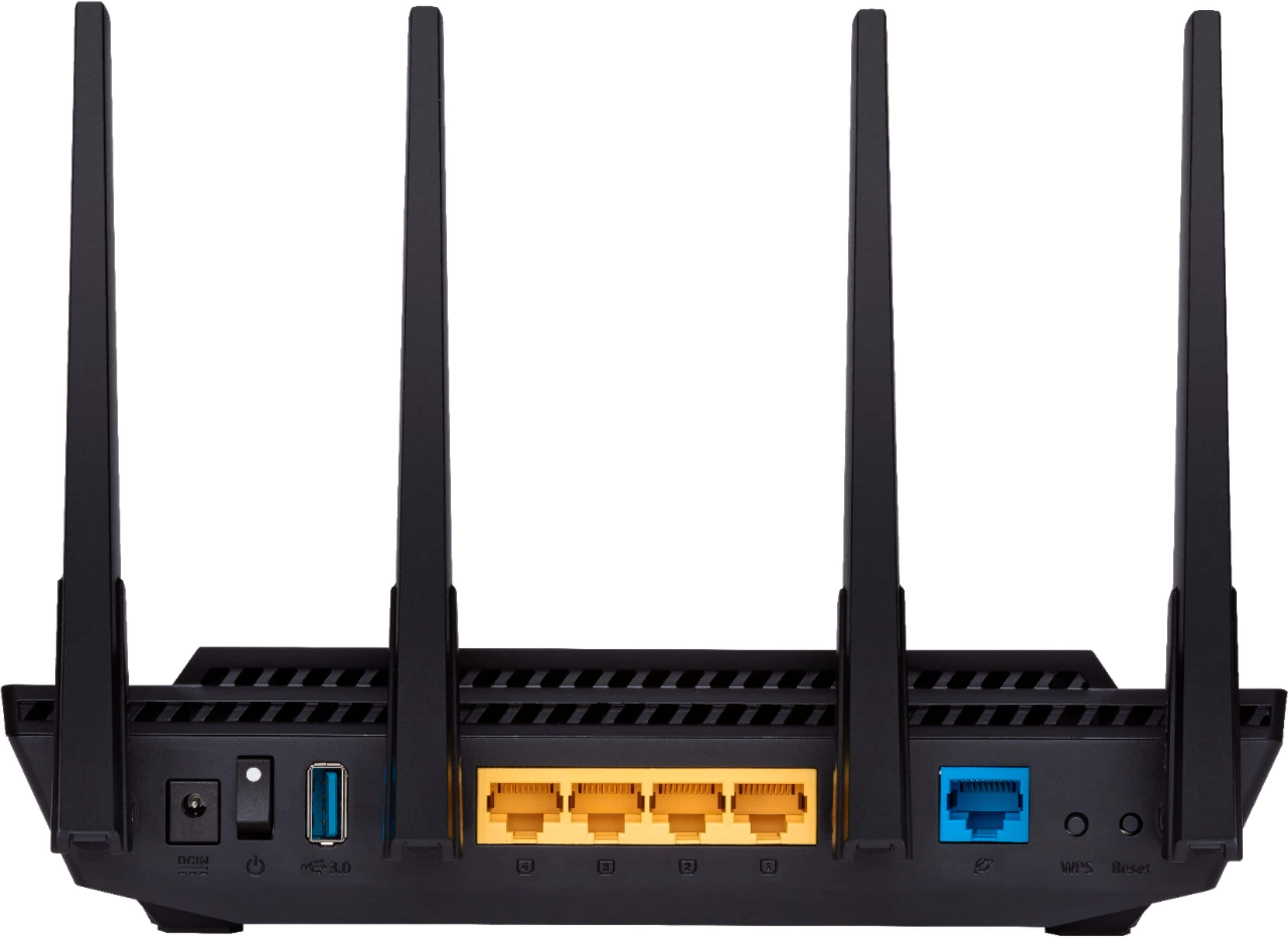
A:AnswerMost any router will have gigabit ports on them, such as this one. That translates to 1000 mbps, but that will most likely not be fully utilized by many standard internet connections (most average ones cap at about 100~ mbps.) A new router is unfortunately not going to solve ddos attacks or improve your internet (you may see better wifi speeds depending) you should contact your internet service provider if you are experiencing constant ddos attacks.
A:AnswerHi,
I have a ATT and they gave me a modem/router combo. I shut off the router signal and just use as a modem and plugged in this router. This shouldn't be an issue as the router only amplifies the signal. If you have a combo just confirm you can turn off their wi-fi. It's a great router!
A:AnswerYes you will be able to use this router Verizon's network terminal should allow you to connect an Ethernet cable directly to it. You will likely have to contact Verizon to make sure you are broadcasting the signal utilizing the Ethernet cable not coax. No guarantees it won't impact your VOIP if you use their phone service however.
A:AnswerHello, this is only a Router, if you are going to have Internet service for the first time, you are going to need a MODEM, you can buy yours or your ISP can give / rent it to you.
For today's and future standards, I would recommend a MODEM with DOCSIS 3.1.
A:AnswerAll routers can be used to extend your network or used for wifi box. this is dependant on how you setup it up. There are many video's out there on the web to explain the different ways to use a router in your network. I have several routers in my network all of which are configured differently to allow access to my network from anywhere in my home. So the answer to your question is "yes" for either use, if configure correctly . This particular one is an excellent router and I would recommend it use in any home network.
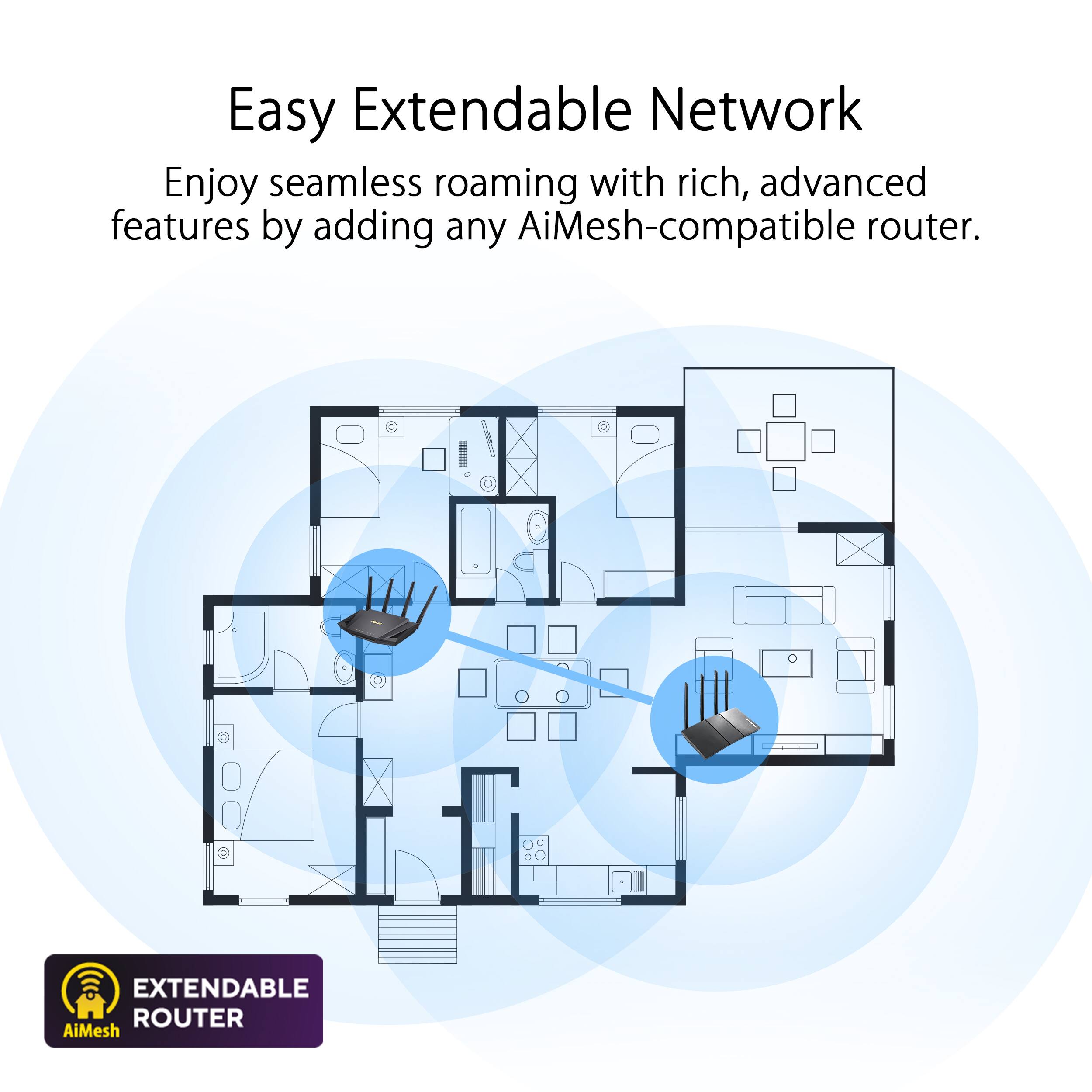
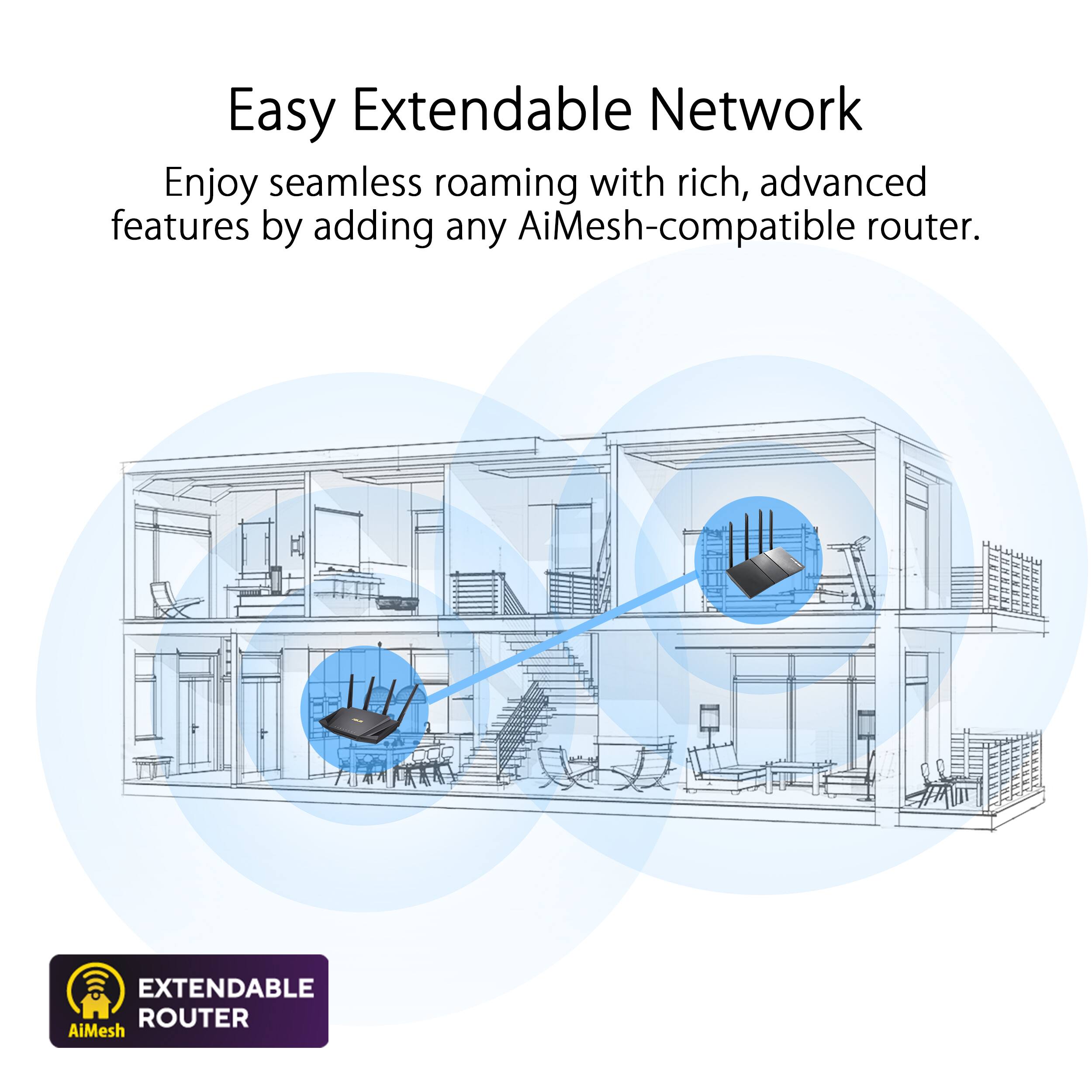
A:AnswerIf you use the aiMesh functionality.with two of the Asus routers that support aiMesh, the Wan/Internet port connects from one of the routers to an Ethernet port of the other router.
A:AnswerI'm not sure about direct tv streaming. If you mean streaming from you set top box over wifi to a pc or another tv it depends on what router you are currently using. This would most likely help a lot. As for question 2, YES! That is exactly what wifi 6 (AX) routers are meant for. They are MUCH better at handling network environments with multiple streaming devices. That said it still comes down to the service you pay for from you ISP.
My suggestion...do some Google research. Get rid of Direct TV, make sure you are getting at least 100 mb/s from your ISP and set up an IPTV service (mine cost $7 per month and I get every channel know to man/woman kind). Get an AX router (wifi 6) with enough throughput to handle what you pay for from you ISP. This ASUS AX3000 will do the job. You could probably save a lot on a month to month basis.
A:AnswerThis router does feature parental controls and device scheduling, with no subscription required. For more information, please see our official product page here. https://www.asus.com/AiProtection/