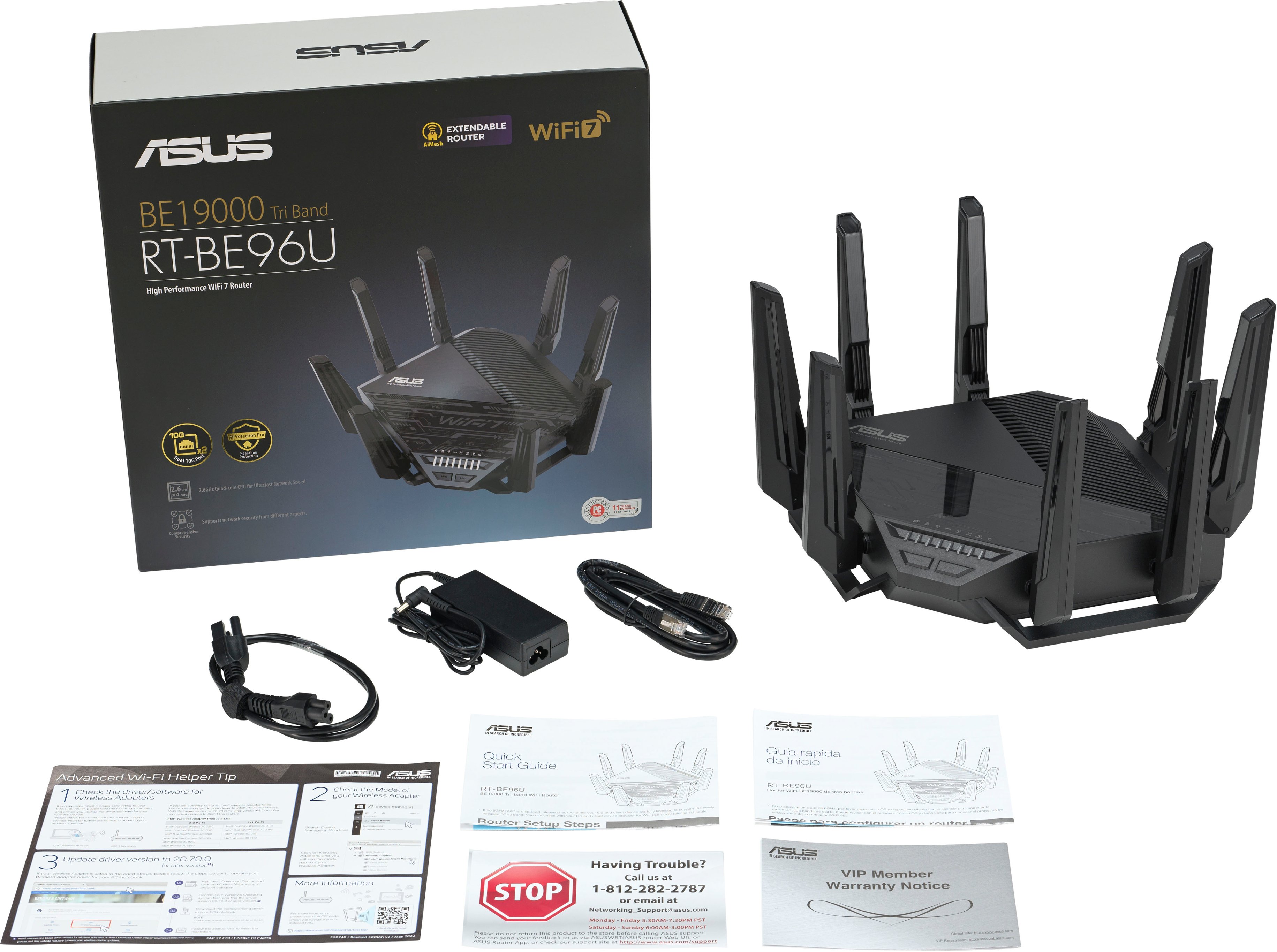
A:AnswerWell go ahed and fall over that way! ISP interfaces are mostly all the same wether you buy one or get one from your ISP. Its basically a demarcation of internet services. You should always add a router after Customer Premise Equipment (CPE) for privacy, and network security. Even though you bought a “modem” to access your ISP service, its still your ISP that sends the configuration file to your modem to get you on their network. So yes do buy a router, if not this one. Can’t go wrong with this selection though Might have trouble getting rid of gamers in the home.
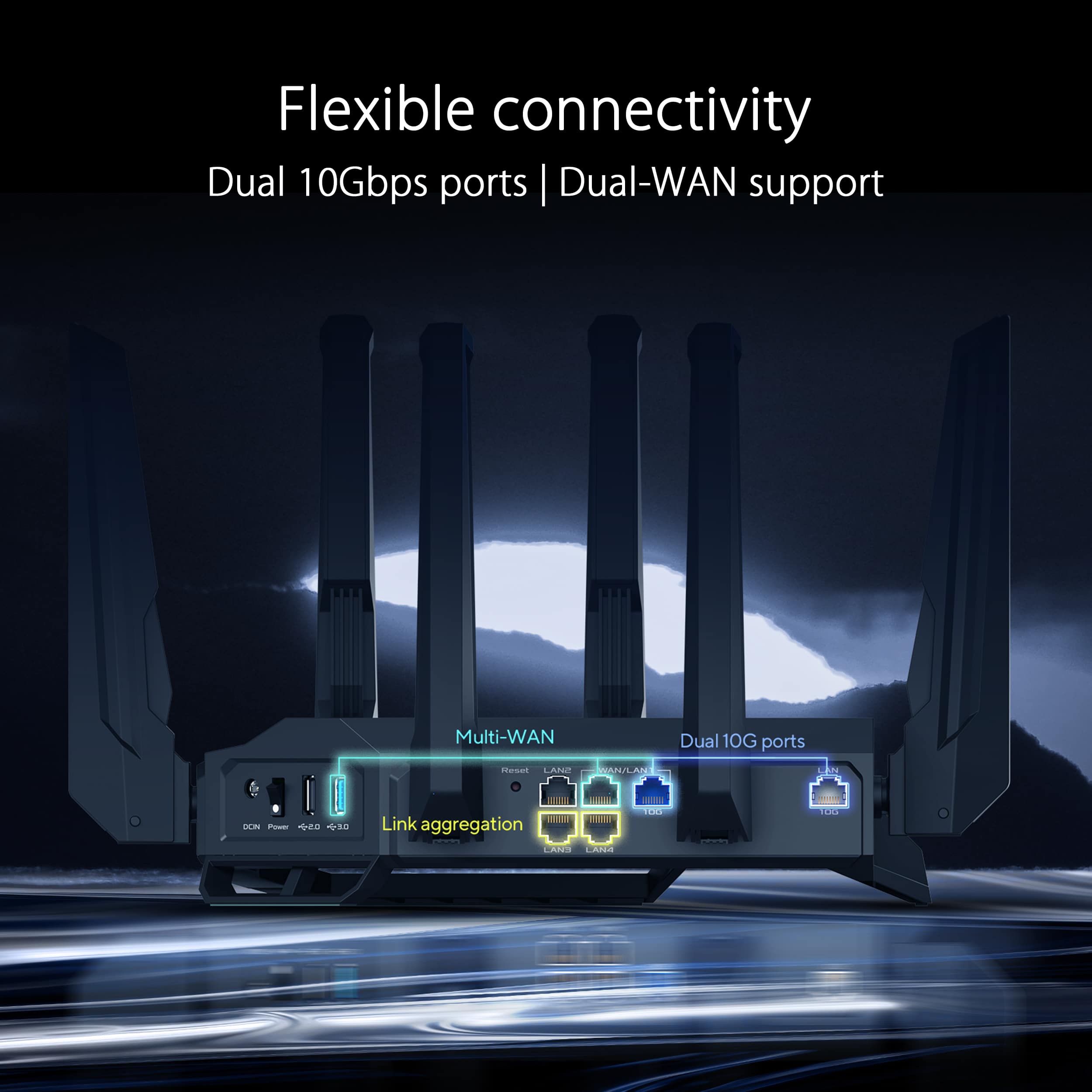
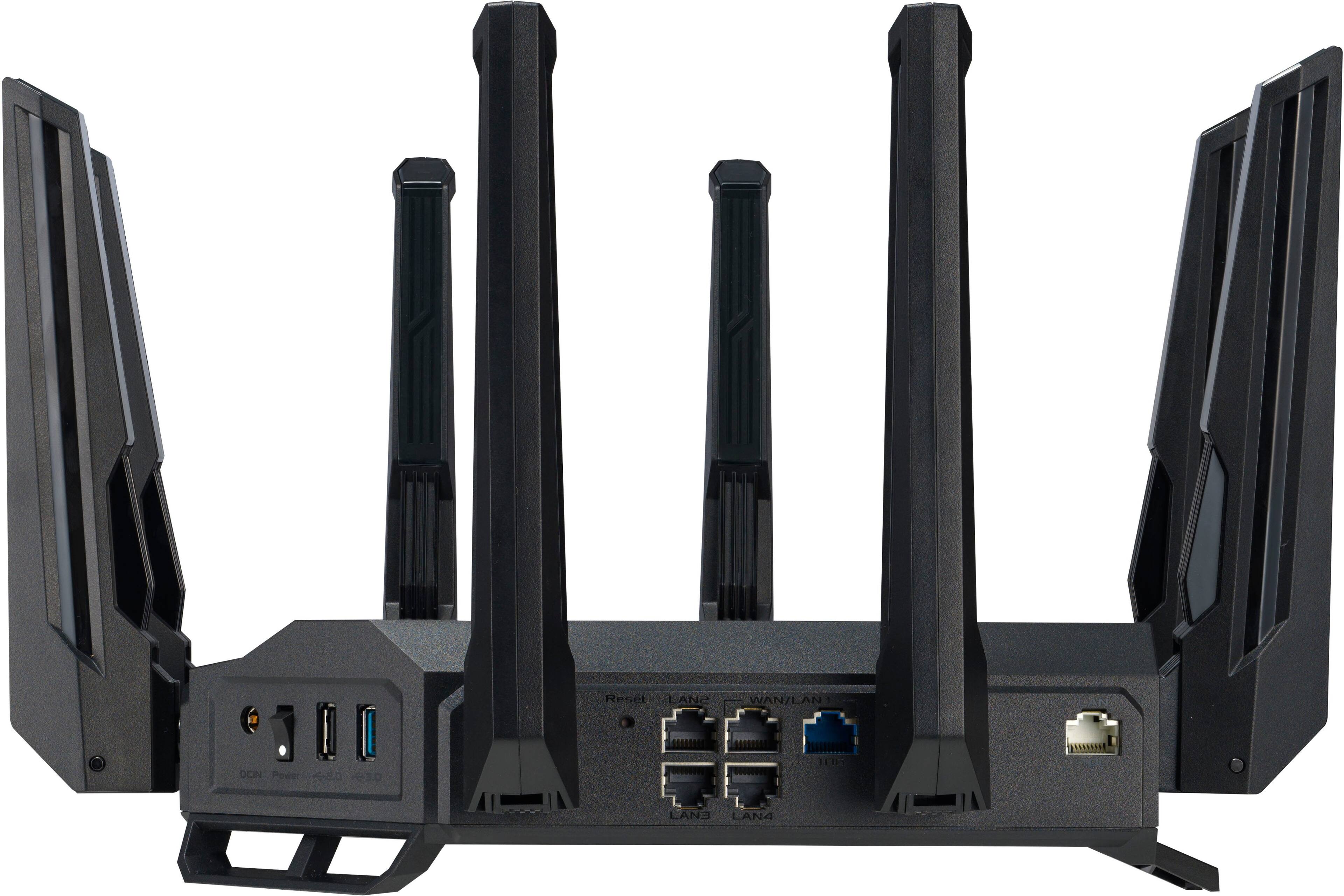
A:AnswerThe dual WAN on this router works flawlessly. The User's Manual is available for download at: https://www.asus.com/us/networking-iot-servers/wifi-routers/asus-gaming-routers/rt-be96u/helpdesk_manual?model2Name=RT-BE96U, if needed.
A:Answer1. You will need a modem for it to work with Cox cable internet. Ideally a DOCSIS 3.1 or greater modem for the best speeds. If you're lucky enough to have Cox Fiber, it should work out of the box, just plug in the ethernet from your fiber terminal and away you go.
2. You can buy two and you can link them in a wifi mesh, yes! Though you might be surprised at what a single AP can do with range. The 2.4Ghz band, particularly, has MASSIVE range. A single router is more than enough for a mid-sized single family home (2000 sq ft).
3. ASUS Routers are known to work well with CCTV devices. I don't personally have any, but you should be able to manage them pretty well on this device.
A:AnswerDid you seperate the frequencies during set-up? It gives you a little checkbox at the very bottom during the setup wizard. Thats what I had to do to get mine to work with older devices.