A:AnswerThis laptop is a solid budget machine best suited for basic tasks rather than heavy multi-tasking or gaming. The battery life is approximately 6 hours of basic office task and web browsing.
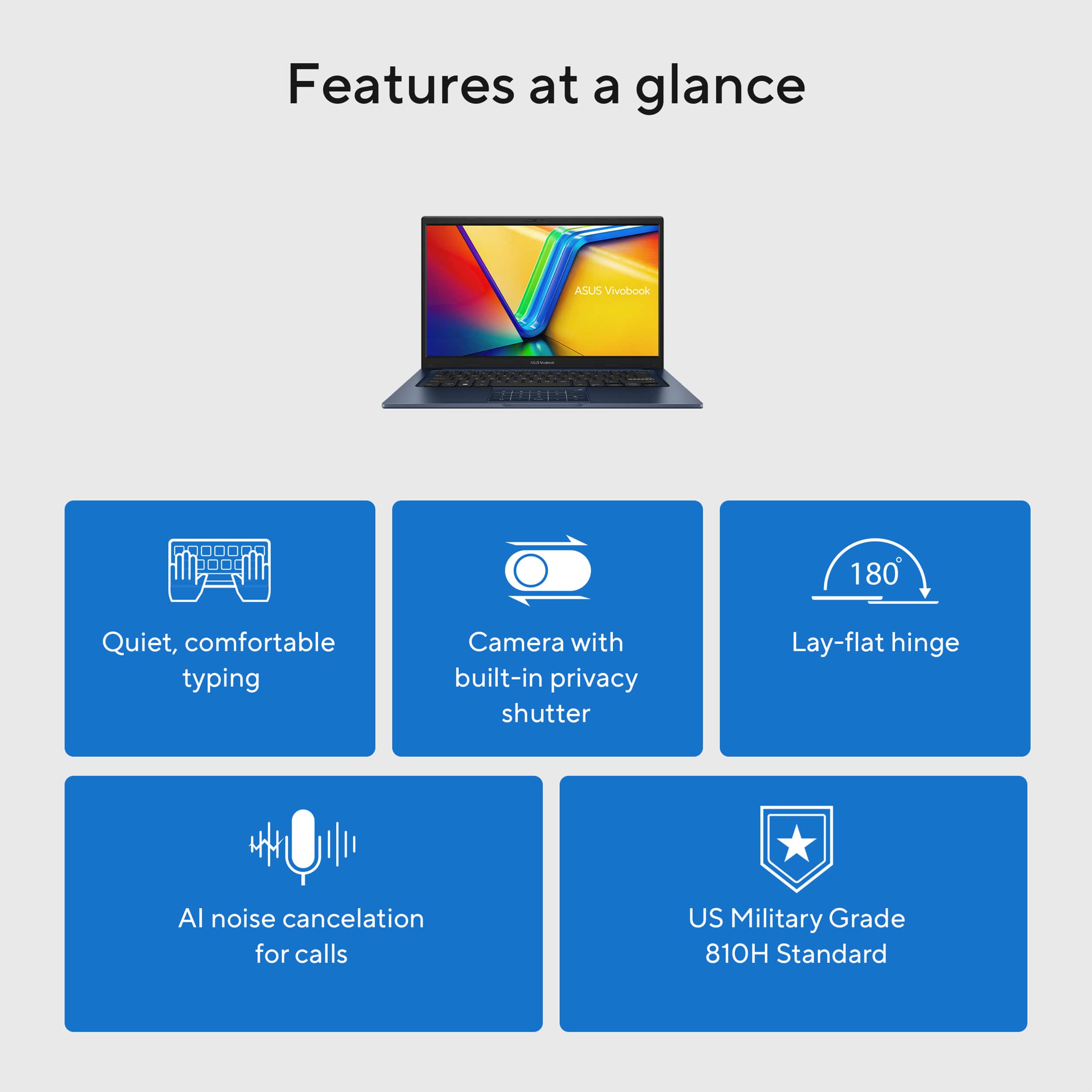
A:AnswerYes, the ASUS Vivobook 14 (X1404VA) features an active cooling fan designed to regulate internal temperatures. For typical daily tasks (like web browsing, typing, or streaming video), the laptop runs quietly and the fan is rarely noticeable. However, you can expect the fan to become louder, similar to a soft hum or gentle rushing air, under certain condition such as heavy multitasking, charging and demanding software.
A:AnswerThe left and right click buttons on this laptop are integrated into the bottom corners of the clickable touchpad. Press the bottom-left corner for a left-click and the bottom-right corner for a right-click. You can also tap with two fingers anywhere on the pad for a right-click.
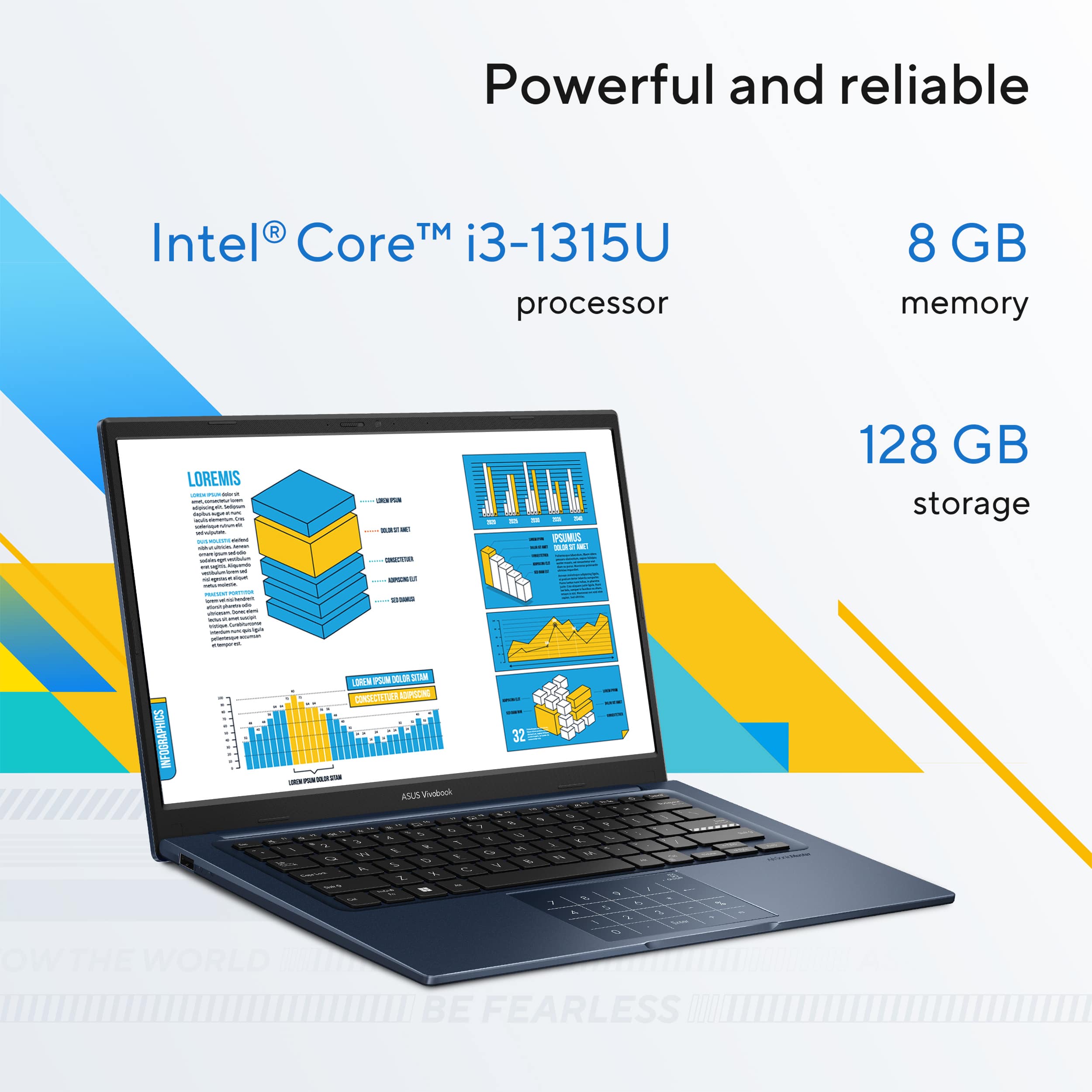
A:AnswerThe ASUS Vivobook 14 X1404VA supports a M.2 2280 PCIe Gen4x4 NVMe SSD. This is the standard form factor for upgrades in this model, ensuring proper fit and compatibility.
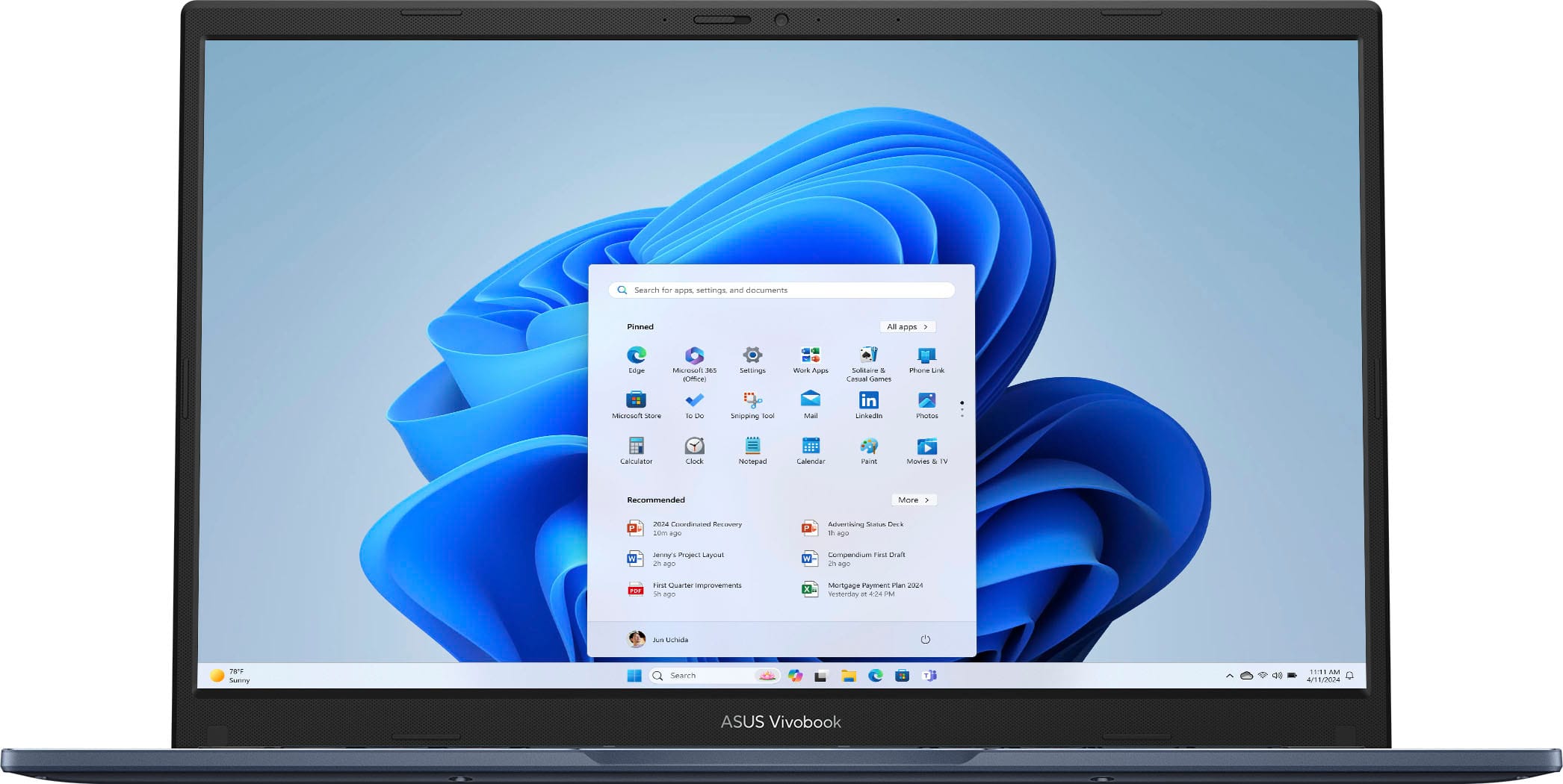
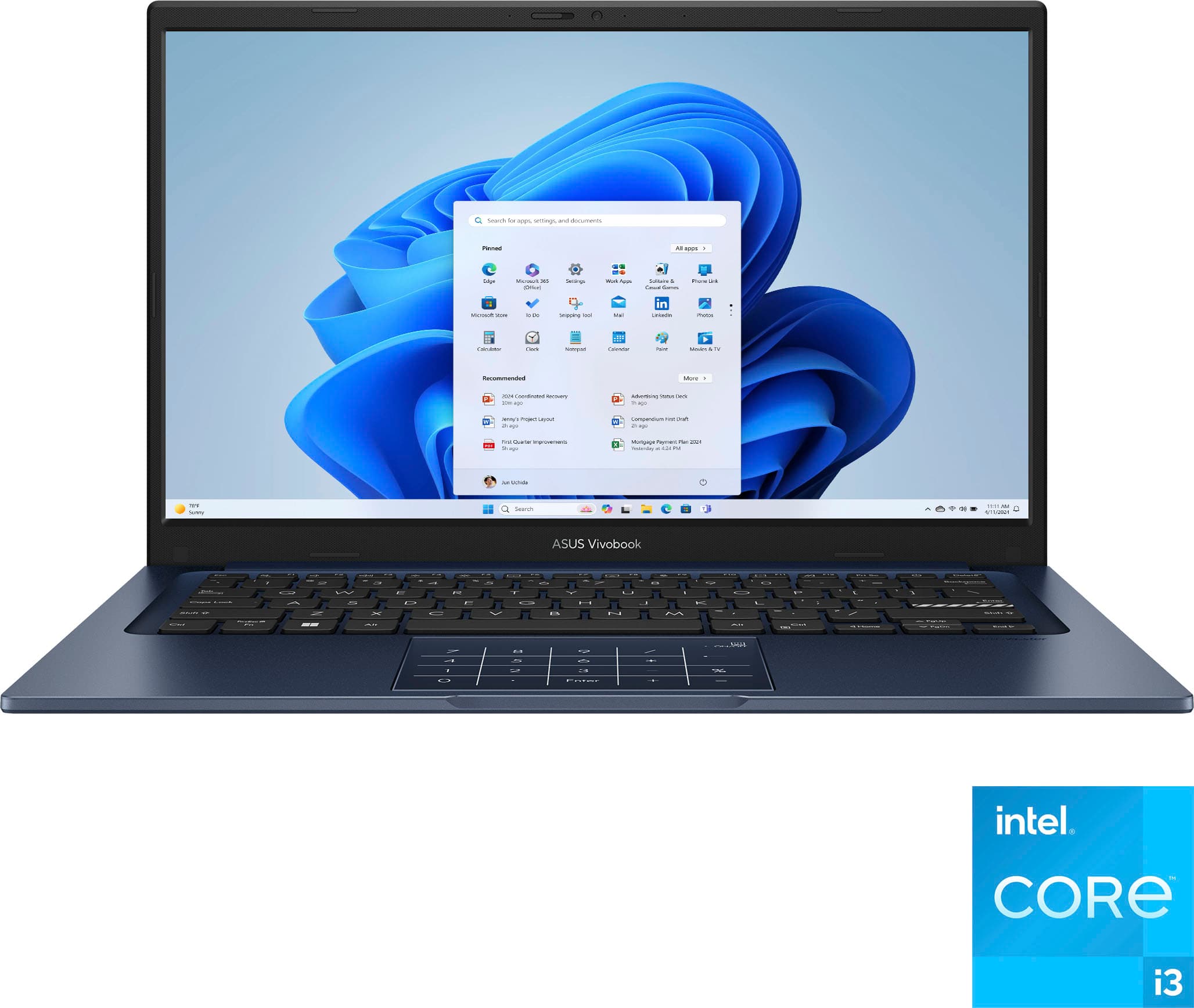
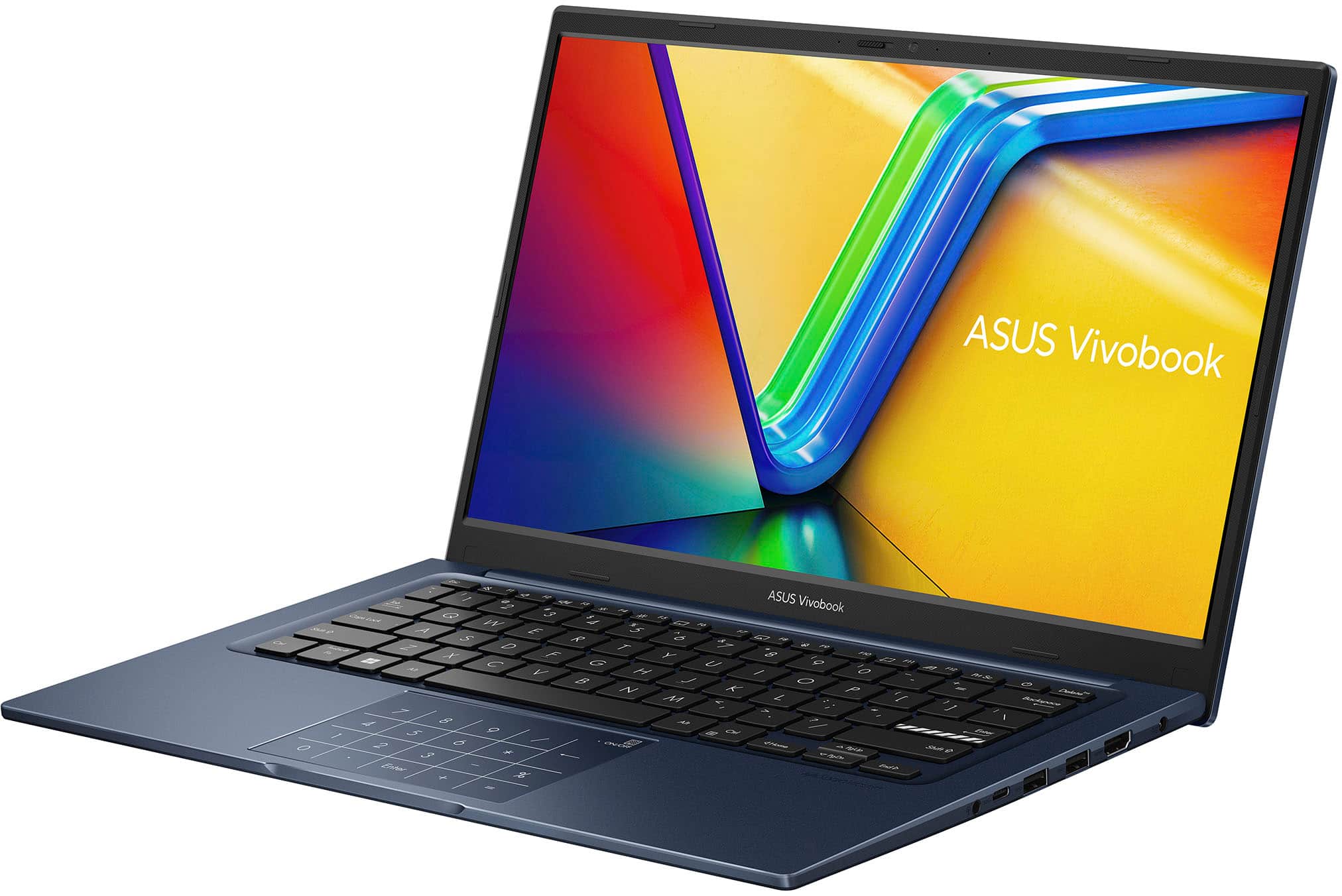
![ASUS Vivobook
Esc F1 F2 F3 F4 F5 F6 F7 F8 F9 F10 F11 F12 Prt Sc Delete
1 2 3 4 5 6 7 8 9 0 - = Backspace
Tab Q W E R T Y U I O P [ ] \
Caps Lock A S D F G H J K L ; '
Shift Z X C V B N M , . /
Shift
Ctrl Fn Windows Alt
Ctrl
Home PgUp PgDn End
Num Pad: 7 8 9 / 4 5 6 * 1 2 3 - 0 . Enter + =
ON/OFF
ASUS SonicMaster](https://pisces.bbystatic.com/image2/BestBuy_US/images/products/d0a1d0f7-2830-4601-a822-bfbce47e4c88.jpg)