ASUS - Vivobook 14 14" FHD Laptop - Intel Core i3-1315U with 8GB Memory - 128GB SSD - Quiet Blue
Customers are saying
Customers are satisfied with the product's overall performance, often highlighting its excellent value for the price. They particularly appreciate its portability, fast processing speed, and good screen quality. However, some customers expressed a desire for more storage capacity. Additionally, the touchpad's number pad has been described as a bit finicky.
Highlights
Microsoft Copilot
Make complex tasks simple. Get answers, generate images, summarize texts, and more! Unleash your creativity with the power of intelligent assistance
Sharp 14-inch FHD Display
Enjoy vivid visuals in detailed 1920 x 1080 resolution (16:9) with brilliant colors and a smooth 60Hz refresh rate
Speedy Intel Core i3-1315U Processor
With the latest platform technologies for everyday applications, easy connectivity and performance optimization, the Intel® Core™ i3-1315U processor enables productivity and play with 6 cores and 8 threads
Intel UHD Graphics
Clear, integrated graphics for all of your everyday needs from day to night
Fast Productivity with 8GB of Memory
Experience reliable performance and fast loading
128GB of Standard Storage
Save necessary files and data
Wi-Fi 6E and Bluetooth 5.3
Connect all of your devices, anywhere and anytime
Up to 8 Hours of Battery Life
Get more for your productivity. Built with an efficient battery¹ and FastCharge technology. Fully recharge in just 1 hour and 20 minutes
Chiclet Keyboard with NumberPad
Vivobook 14 features a NumberPad for easier number crunching. To activate the NumberPad, tap the NumberPad icon at the top right corner. To deactivate, tap the NumberPad icon again. To adjust the brightness of the NumberPad, tap the top left triangle icon. To activate the Calculator app, swipe in any direction from the triangle icon. Use the same motion from the triangle icon to exit the Calculator app
HD Front Camera with Webcam Shield
Look great with a 720p HD camera compatible with Windows Studio Effects and Windows Hello. With a built-in webcam shield, easily slide over the lens cover
Speakers Tuned by SonicMaster
Experience immersive sound whether you're playing your music, watching a movie with friends or on calls
Ports
1 USB 3.2 Gen 1 Type-C | 1 USB 2.0 Type-A | 2 USB 3.2 Gen 1 Type-A | HDMI 1.4 | Combo Audio Jack
- Screen TypeIPSScreen Size14 inchesScreen Resolution1920 x 1080 (Full HD)Touch ScreenNoRefresh Rate60Hz
Reviews
Rating 4.6 out of 5 stars with 116 reviews
- Overall Performance (55)
- Portability (22)
- Speed (16)
- Screen Quality (11)
- Battery Life (7)
- Storage Capacity (3)
- Touchpad (3)
Customer Images
The vast majority of our reviews come from verified purchases. Reviews from customers may include My Best Buy members, employees, and Tech Insider Network members (as tagged). Select reviewers may receive discounted products, promotional considerations or entries into drawings for honest, helpful reviews.

- Lenovo - LOQ 15.6" 2K Gaming Laptop - Core i7 13650HX 2023 - 16GB Memory - NVIDIA GeForce RTX 5060 - 512 Storage - Eclipse Black$1,149.99The price was $1,849.99
Compare similar products

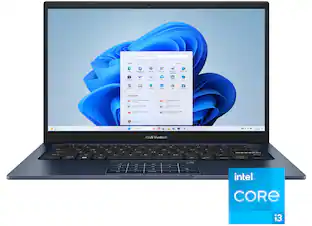
Turn everyday tasks into something special with Vivobook 14, your essential tool for getting things done easier, anywhere. It’s completely user-friendly too, with its 180° lay-flat hinge and physical webcam shield. Make all your days more enjoyable with Vivobook 14!
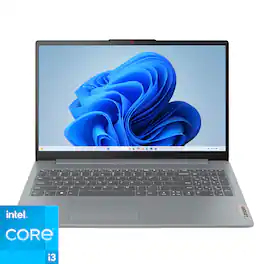
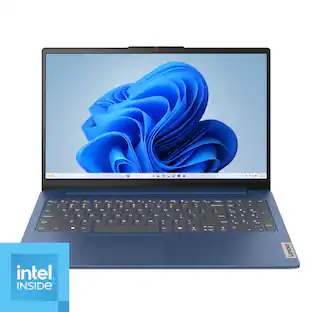
The IdeaPad Slim 3i is smart and made for heavy on-the-go users from libraries and cafes to airport terminals, with a lightweight and thin profile that's 10% slimmer than the previous generation yet still military-grade rugged. Get the important stuff done on the go with powerful 13th Gen Intel Core i3 processors, the adaptive performance of Smart Power, and full-function Type-C port while you learn, work, and stream on a Full HD display with up to 88% AAR.

Browse, explore and connect with confidence on the Lenovo IdeaPad 1 powered by ultra-fast AMD Ryzen 5 7000 Series Mobile Processors on selected models. The IdeaPad 1 packs responsive performance in a thin and compact 17.9 mm chassis, making multitasking on-the go a breeze. Get the most out of your device with a frameless display for more screen and Dolby Audio speakers, along with 9 hours of battery life and rapid charge. Great for video calls, the 1MP camera comes with a privacy shutter to keep out spying eyes, as well as Smart Noise Cancelling to eliminate background noise.
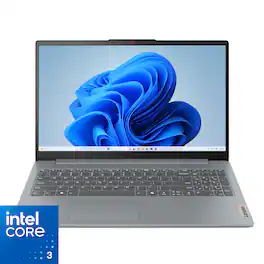
Impossibly slim, the Lenovo IdeaPad Slim 3i is amazingly dynamic and remarkably smart to take your work and play to the next level. Combined with an array of AI-driven productivity features, you’ve got the full works right in your hands.
| Pros for ASUS - Vivobook 14 14" FHD Laptop - Intel Core i3-1315U with 8GB Memory - 128GB SSD - Quiet Blue | |||
|---|---|---|---|
| Overall Performance, Portability, Speed, Battery Life, Screen Quality | Overall Performance, Portability, Speed, Screen Size, Battery Life | Overall Performance, Portability, Speed, Battery Life, Screen Size | Overall Performance, Portability, Battery Life, Processor Speed, Design |
| Cons for ASUS - Vivobook 14 14" FHD Laptop - Intel Core i3-1315U with 8GB Memory - 128GB SSD - Quiet Blue | |||
| Storage Capacity, Touchpad | Storage Capacity, RAM, Setup Process | Storage Capacity, Connectivity | Touchscreen |
Specs
This is listed as a bargain or something Because the windows comes in S Mode. Can't it be taken out of s mode? I'm aware it's permanent if you choose to take it out of s mode but I'm curious if this is stuck on it
Answered by ASUS AnswersThe ASUS X1404VA comes with Windows 11 in S Mode, but you can take it out of S Mode permanently and use full Windows 11 Home.
Can I connect a headphone to this laptop?
Yes, this laptop has a headphone jack.
This question and answer was generated by AI based on customer and product data.Does this laptop have a numeric keypad?
No, this laptop does not have a numeric keypad.
This question and answer was generated by AI based on customer and product data.What is the maximum battery life of this laptop?
The battery life of this laptop is up to 8 hours.
This question and answer was generated by AI based on customer and product data.Is the display screen anti-glare?
Yes, the display screen is anti-glare.
This question and answer was generated by AI based on customer and product data.

Customers often buy these together
Office Software




Laptop Bags and Cases

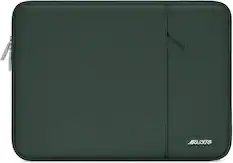
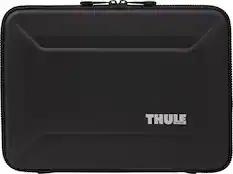
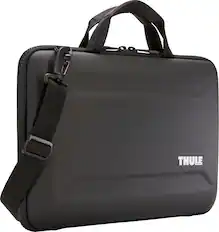
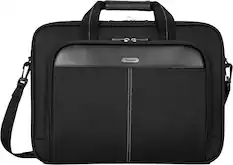
More recommended items
 Mice
Mice Antivirus and Internet Security Software
 Monitors
More to consider
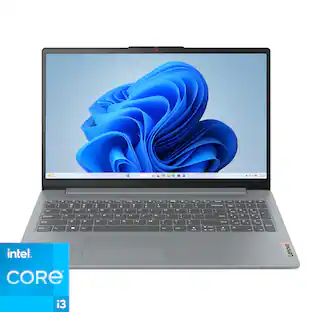
Lenovo - IdeaPad Slim 3i 15.6" Full HD Laptop - Intel Core i3-N305 2023 - 8GB Memory - 128GB Storage
$362.00The price was $499.99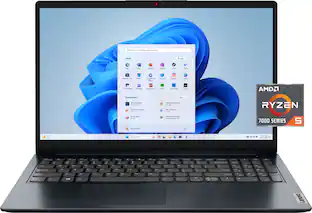 $499.00The price was $578.77
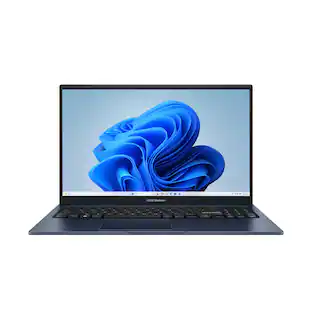 $389.00The price was $499.99
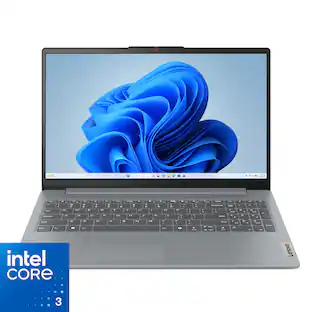 $369.00The price was $499.99
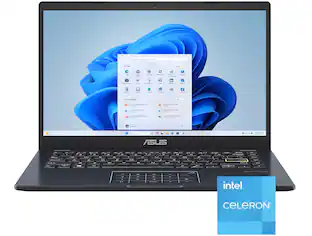 $244.99The price was $274.26
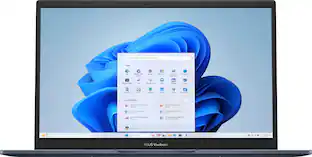 $540.00The price was $578.65
 New Limited Time Deal$289.00The price was $529.00
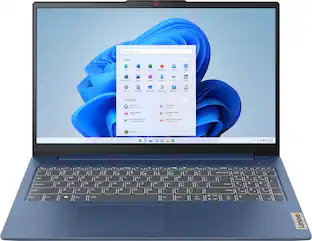 Labor Day Deal$399.99The price was $629.99
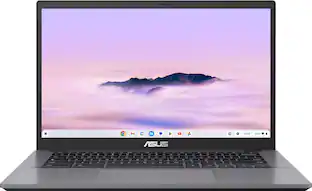 Labor Day Deal$379.00The price was $729.00
 Labor Day Deal$479.99The price was $849.99
 $359.00The price was $399.99
 Labor Day Deal$199.99The price was $349.99
Explore tech essentials Sponsored
 New Limited Time Deal$599.99The price was $899.99
 $849.99The price was $1,184.98
 New Limited Time Deal$459.99The price was $799.99
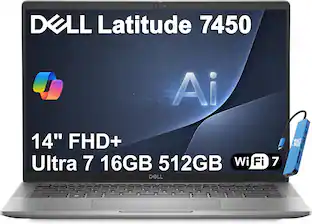 $1,149.99The price was $1,499.99
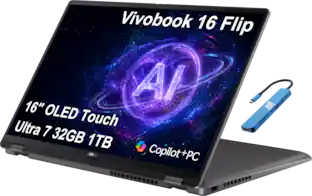 $1,499.99The price was $1,999.99
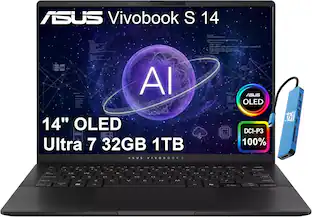 $1,499.99The price was $1,899.99
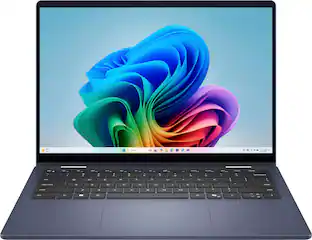
Discover related products
 $143.99The price was $144.99
 Labor Day Deal$123.99The price was $229.99
 Labor Day Deal$149.99The price was $169.99
 $13.99The price was $19.99







Keep exploring
 $1,119.00The price was $1,179.00
 Labor Day Deal$1,099.99The price was $1,299.99
 Labor Day Deal$939.99The price was $1,049.00
 $524.99The price was $584.99