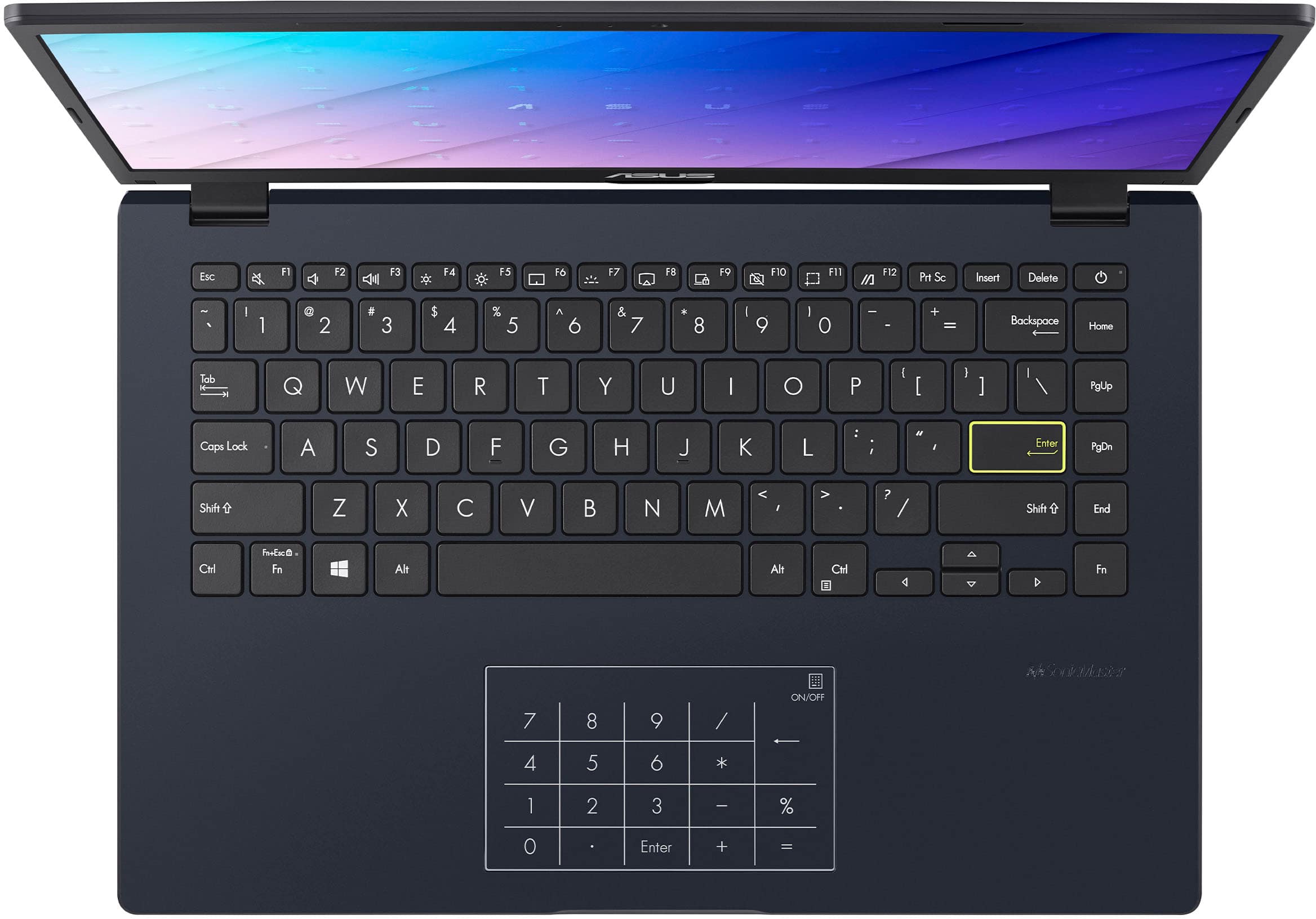
A:AnswerThe ASUS E410KA does not have a dedicated accessibility keyboard. However, it supports Windows accessibility features such as sticky keys, voice input, and an on-screen keyboard that can be operated using a mouse or trackpad.
A:AnswerThe ASUS E410KA runs Windows 11 and is compatible with Steam. However, due to its entry-level specifications, it is best suited for light or older games.
A:AnswerThe ASUS E410KA can run basic 3D slicer software like Ultimaker Cura, but its entry-level specifications may result in slower performance when handling detailed models or large files. It's suitable for light slicing tasks but not ideal for demanding workflows.
A:AnswerYes, this laptop will be good for a college student needing a laptop for basic or light computing applications and it can be used with Microsoft Teams and Microsoft Authenticator.
A:AnswerThe ASUS E410KA can be used to download software for updating external devices. By accessing the external device’s official website, the appropriate drivers or firmware can be obtained, after which the hardware is connected and the manufacturer’s update instructions are followed.