ASUS - Vivobook Go 14 14" FHD Laptop - Intel Celeron N4500 - 4GB Memory - 128GB eMMC - Star Black
Customers are saying
Customers are delighted by the laptop's strong overall performance, portability, and appealing design, noting its lightweight nature and decent battery life. However, users frequently point out issues with the subpar screen quality, slow processor speed, and limited storage capacity. There are also concerns regarding insufficient RAM and a desire for more USB ports.
Highlights
Features
Microsoft Copilot
Make complex tasks simple. Get answers, generate images, summarize texts, and more! Unleash your creativity with the power of intelligent assistance
Sharp 14-inch FHD Display
Enjoy vivid visuals in detailed 1920 x 1080 resolution (16:9) with brilliant colors and a smooth 60Hz refresh rate
Efficient Intel Celeron Processor N4500 Processor
Collaborate, create, learn and play like never before. Enjoy great experiences you want from your laptop, with the security and connectivity options for a protected modern lifestyle with 2 cores and 2 threads
Intel UHD Graphics
Clear, integrated graphics for all of your everyday needs from day to night
Everyday Productivity with 4GB Of Memory
Experience reliable performance for work and play
128GB Of Standard Storage
Save necessary files and data
WiFi 5 and Bluetooth 5.0
Connect all of your devices, anywhere and anytime
Up To 12 Hours Of Battery Life
Built with an efficient battery and FastCharge technology. Fully charge to 100% in 1 hour
Chiclit Keyboard
Silent, comfortable typing
HD Front Camera
Look great with a 720p HD camera compatible with Windows Studio Effects and Windows Hello
Speakers Tuned By Dirac
Experience bold sound whether you're playing your music, watching a movie with friends or on calls
Ports
USB 2.0 Type-A | USB 3.2 Gen 1 Type-A | USB 3.2 Gen 1 Type-C | HDMI 1.4 | Audio Jack
Specifications
- Screen Size14 inchesScreen Resolution1920 x 1080 (Full HD)Touch ScreenNoRefresh Rate60HzBrightness200 nits
Reviews
Rating 4.1 out of 5 stars with 201 reviews
- Overall Performance (62)
- Portability (31)
- Battery Life (17)
- Weight (6)
- Port Count (5)
- Screen Quality (15)
- Processor Speed (12)
- Storage Capacity (9)
- Connectivity (8)
- RAM (6)
Customer Images
The vast majority of our reviews come from verified purchases. Reviews from customers may include My Best Buy members, employees, and Tech Insider Network members (as tagged). Select reviewers may receive discounted products, promotional considerations or entries into drawings for honest, helpful reviews.
Compare similar products
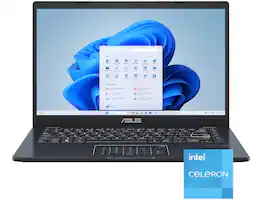
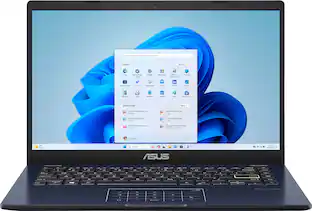
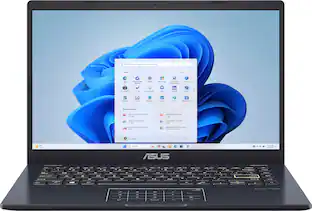
Life is all about finding the right balance, and Vivobook Go 14 delivers just that. Lightweight and compact, it sports a stylish new look that fits right in with your dynamic lifestyle. Designed for daily computing and productivity tasks, and boasting innovative features such as the ASUS NumberPad, Vivobook Go 14 gives you everything you need for work or play.
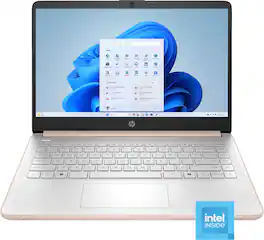
This laptop is designed to keep you productive and entertained, featuring a long battery life and a thin and portable design. Microsoft Copilot AI assistance helps you work smarter and find answers faster. Give work presentations a boost with the included one-year subscription to Microsoft 365 applications. Enjoy high-quality, clear video calls with the HD camera.

Turn everyday tasks into something special with Vivobook 14, your essential tool for getting things done easier, anywhere. It’s completely user-friendly too, with its 180° lay-flat hinge and physical webcam shield. Make all your days more enjoyable with Vivobook 14!
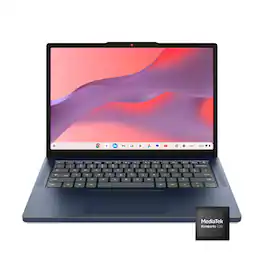
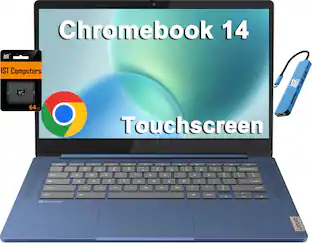
Live animated, live lively, live balanced. When you’re packing the thin and light IdeaPad Slim 3 Chromebook laptop, featuring WiFi 6E and 18 hours of battery life, balancing work and play all day becomes effortless. The 14" 2K IPS touchscreen display and MediaTek Kompanio 500 Series processors are a significant upgrade to your work and entertainment, with front-facing Waves-tuned speakers.
| Pros for ASUS - Vivobook Go 14 14" FHD Laptop - Intel Celeron N4500 - 4GB Memory - 128GB eMMC - Star Black | |||
|---|---|---|---|
| Overall Performance, Portability, Battery Life, Weight, Port Count | Overall Performance, Portability, Battery Life, Design, Color | Overall Performance, Portability, Battery Life, Speed, Screen Quality | Overall Performance, Portability, Battery Life, Design, Touchscreen Responsiveness |
| Cons for ASUS - Vivobook Go 14 14" FHD Laptop - Intel Celeron N4500 - 4GB Memory - 128GB eMMC - Star Black | |||
| Processor Speed, Storage Capacity, Screen Quality, Connectivity, RAM | Processor Speed, Storage Capacity, Heat Dissipation, Noise Level | Storage Capacity, Touchpad | There were no cons for this product— |
Specs
Questions & Answers
Can this laptop Ram upgradeable? Thanks
Answered by ASUS AnswersNo, the ASUS E410KA does not have upgradeable RAM. The memory is soldered to the motherboard, meaning it cannot be expanded or replaced.
Would I be able to download the Sims from the Google app store on here?
Answered by ASUS AnswersThe ASUS E410KA runs Windows, which does not support Google Play Store apps. The Sims from the Google Play Store is designed for Android devices. However, you can download The Sims for Windows from platforms like EA App, Steam, or Microsoft Store.

what are set back, pros, cons of S-mode?
Answered by ASUS AnswersThe set back, pros and cons of S-Mode are, Windows 11 S mode offers increased security and performance by allowing only Microsoft Store apps and requiring Microsoft Edge for browsing, which is ideal for users who need a secure, simple system. However, its main "set back" is the limited application selection and inability to install non-Store software, making it unsuitable for users needing specialized programs, developers, or those who require more control over their system's customization. You can permanently switch out of S mode to gain more flexibility, but you cannot go back to S mode once you've switched to Windows 11 Home Edition.
Does this laptop have a built-in microphone?
Yes, this laptop has a built-in microphone.
This question and answer was generated by AI based on customer and product data.What is the refresh rate of the display screen?
The refresh rate of the display screen is 60Hz.
This question and answer was generated by AI based on customer and product data.

Customers often buy these together
Office Software





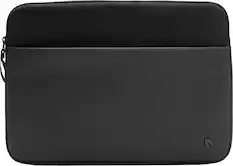
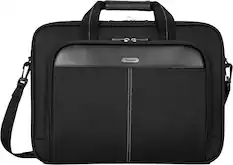
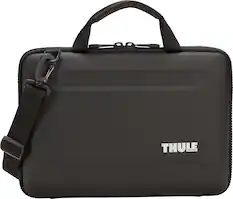
Laptop Bags and Cases
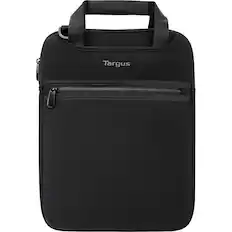
Targus - Vertical Slipcase for 14" Notebooks/Chromebooks - Black
$19.99The price was $37.26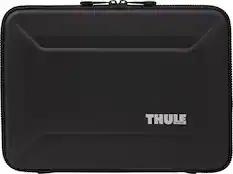
Thule - Gauntlet Laptop Sleeve Laptop Case for 14” Apple MacBook Pro, 13” Apple MacBook Pro, Air, PCs, Laptops & Chromebooks - Black
Top Deal$24.48The price was $69.95
More recommended items
 Mice
Mice Antivirus and Internet Security Software
 Monitors
More to consider
 $461.00The price was $472.00
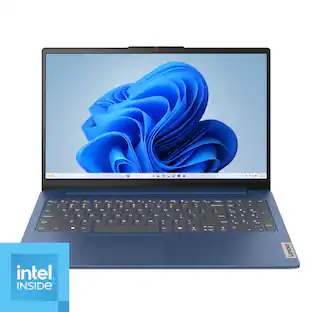 $344.99The price was $399.99
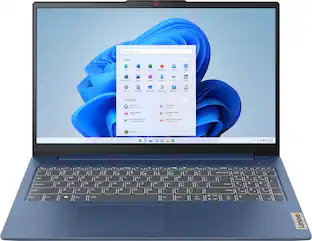 $389.99The price was $629.99
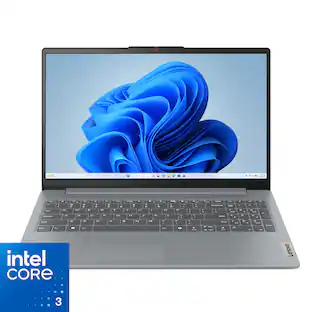 Top Deal$429.99The price was $499.99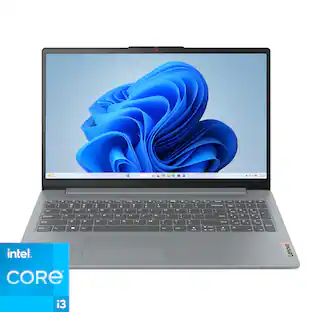
Lenovo - IdeaPad Slim 3i 15.6" Full HD Laptop - Intel Core i3-N305 2023 - 8GB Memory - 128GB Storage
$375.00The price was $499.99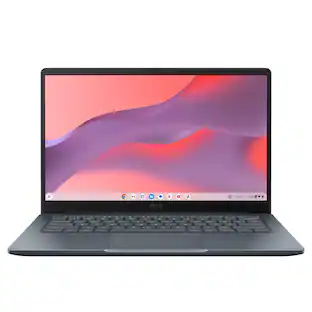 $249.00The price was $379.00



Explore tech essentials Sponsored
 Top Deal$649.99The price was $849.99
 $419.00The price was $549.00
Discover related products
 $249.00The price was $275.00
 $12.99The price was $13.99










Keep exploring
 $1,249.00The price was $1,749.00
 $1,099.99The price was $1,399.99
 $1,599.99The price was $1,799.99
 $569.99The price was $1,249.99
 $550.00The price was $559.00
 $1,099.99The price was $1,999.00
 $549.99The price was $899.99