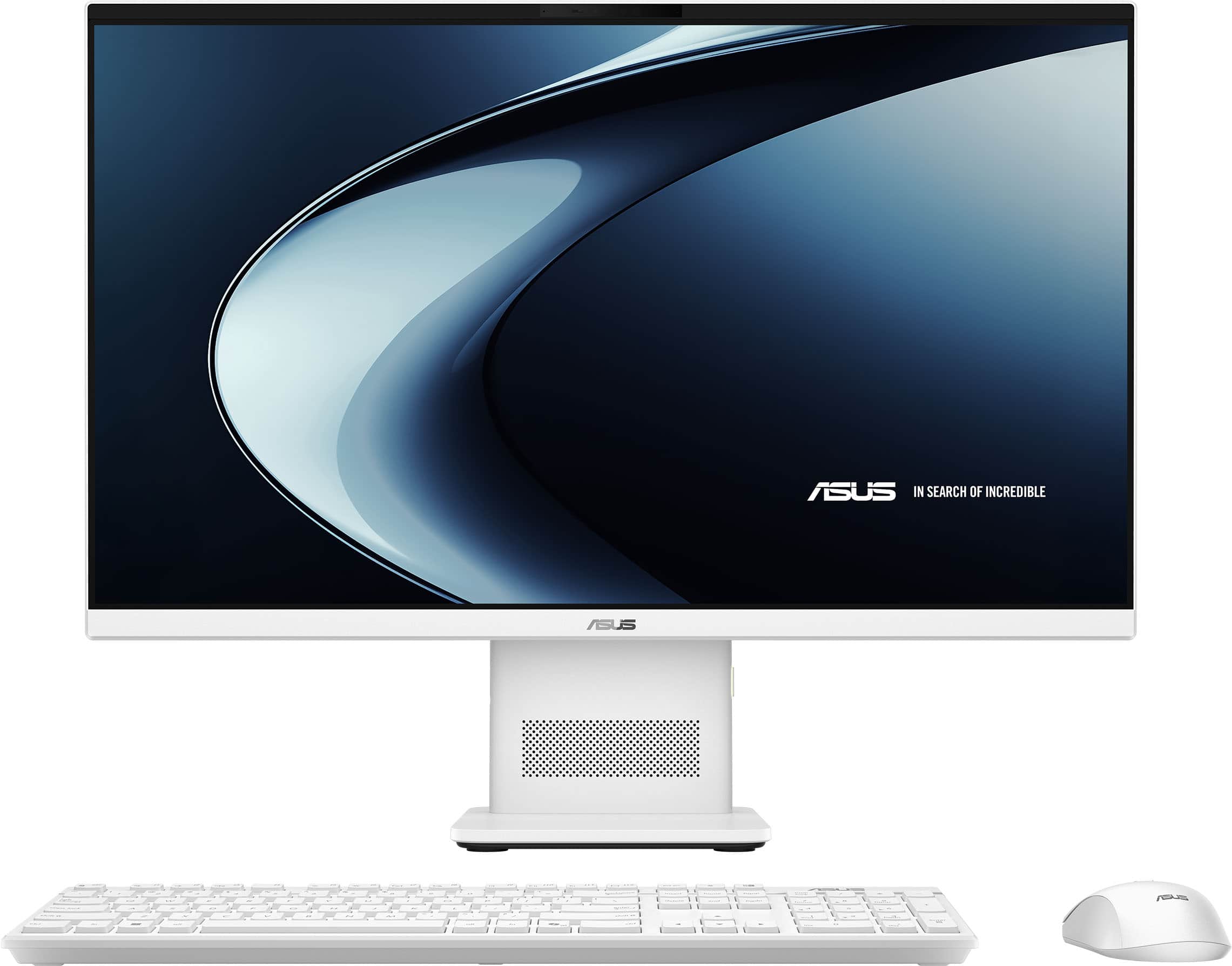
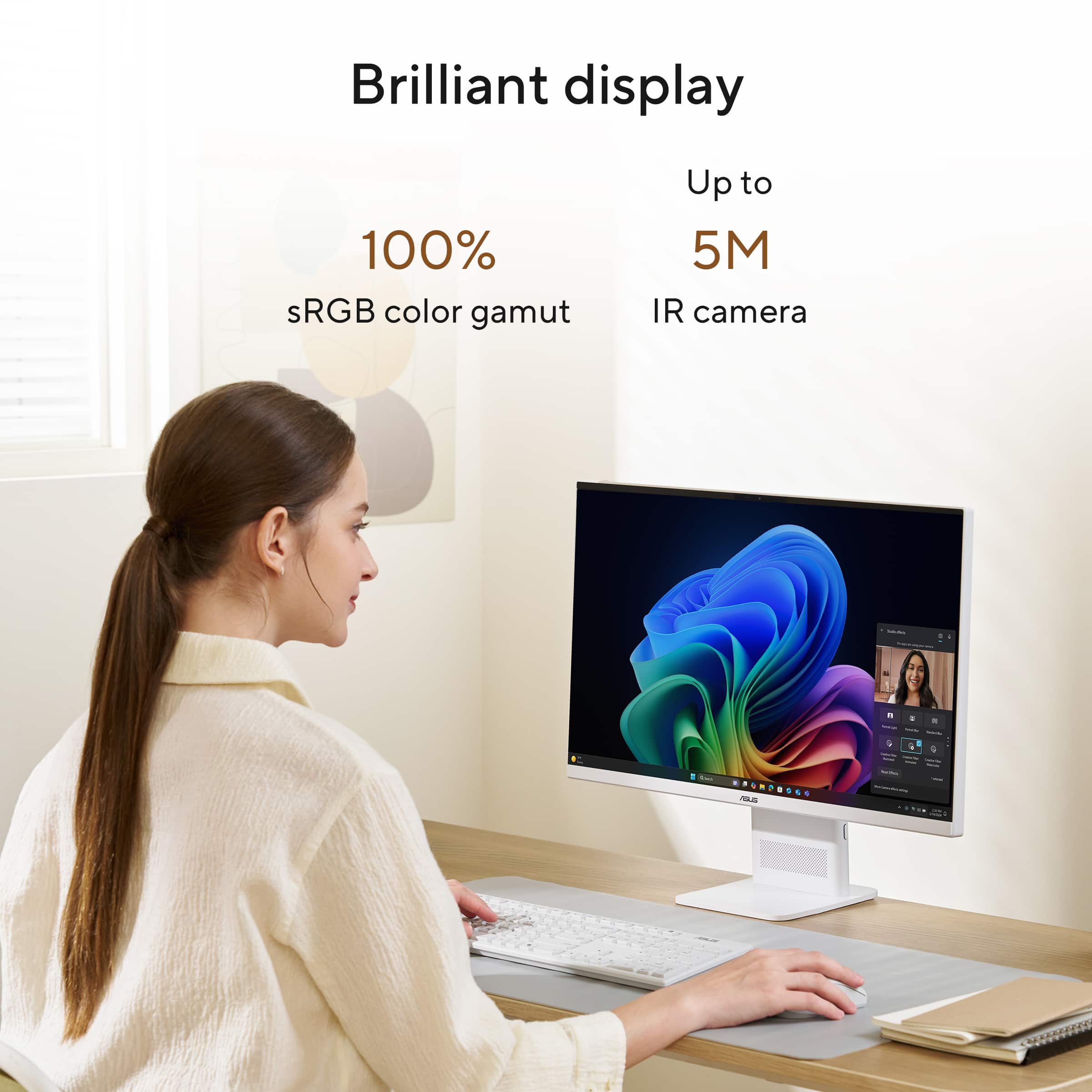
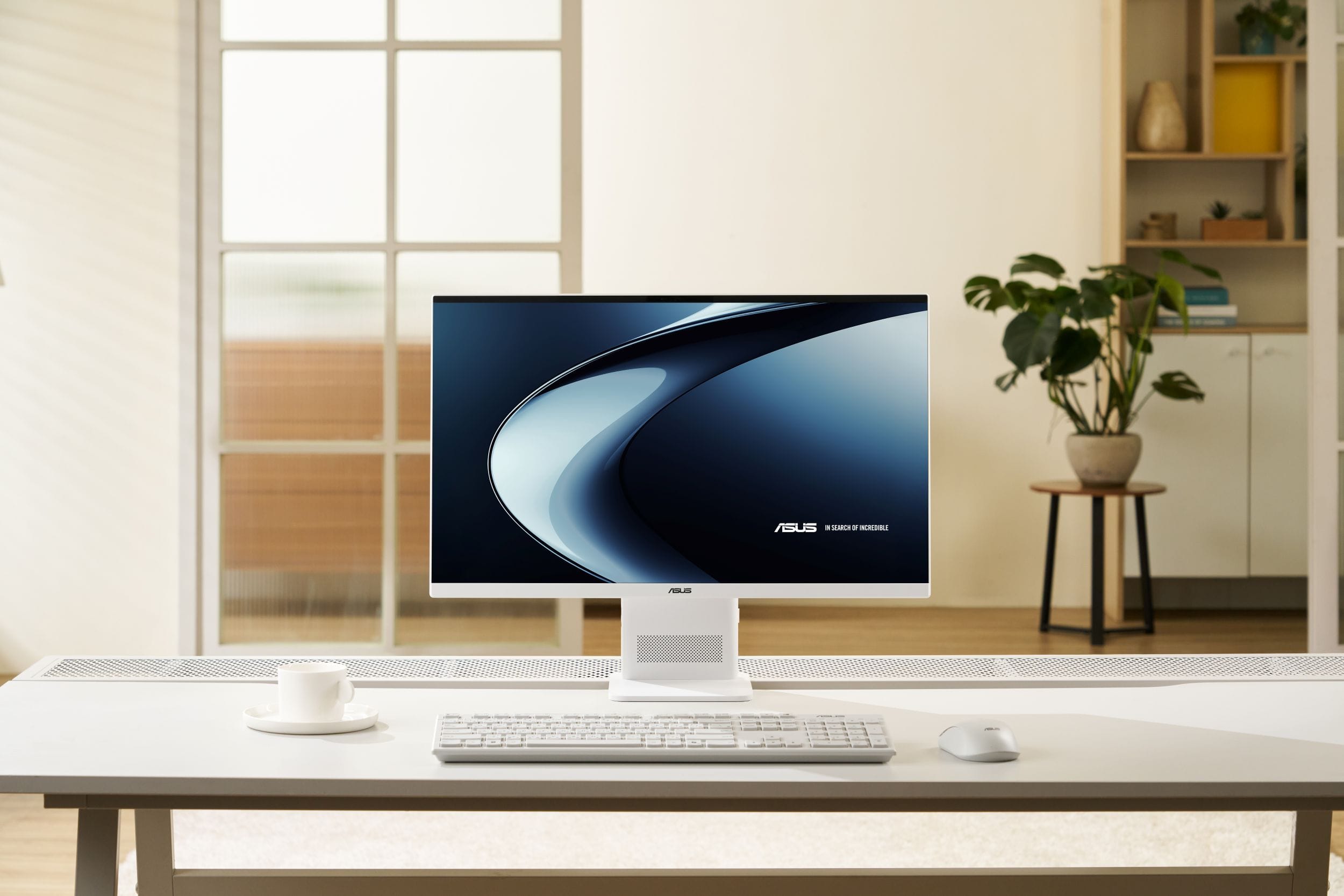
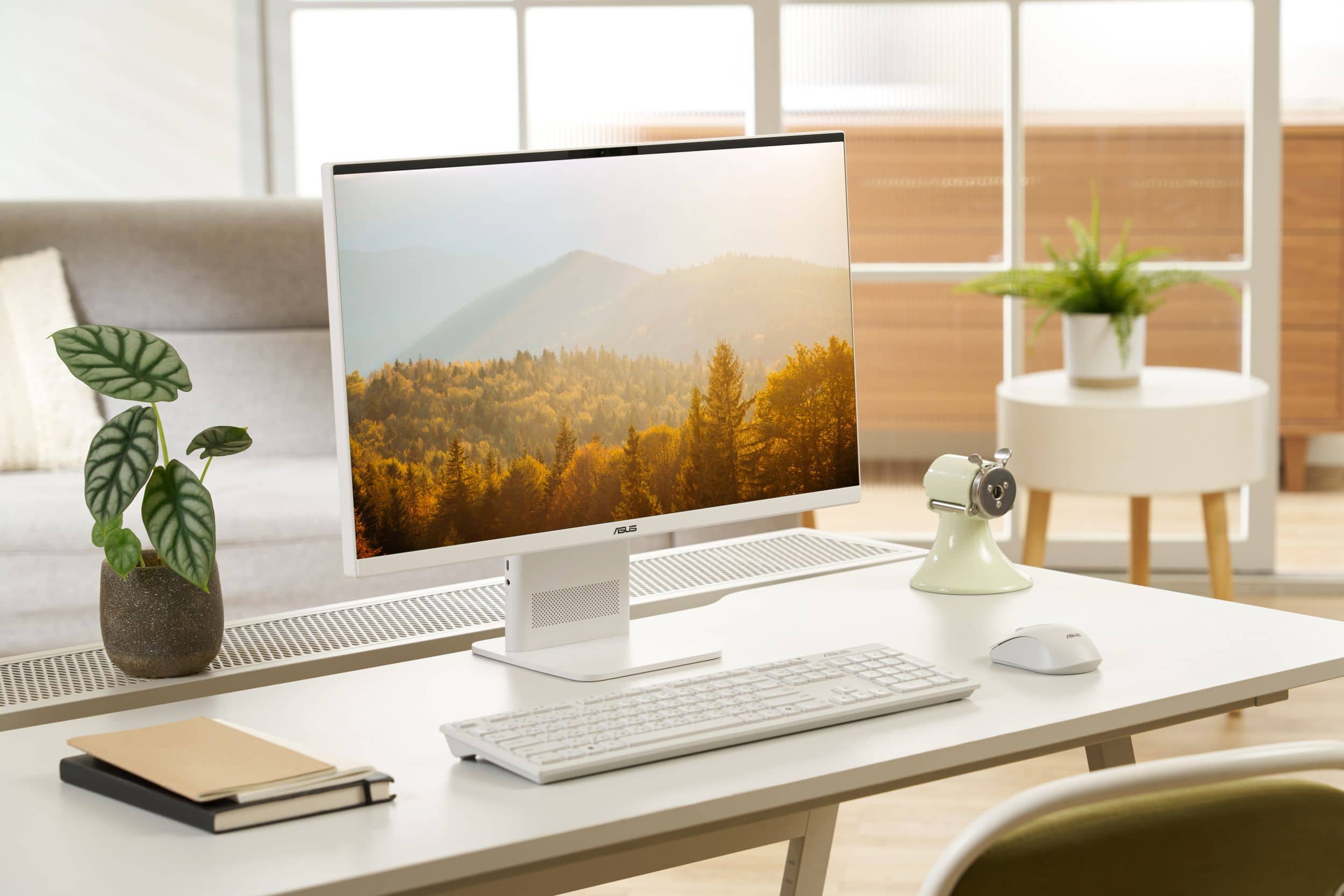
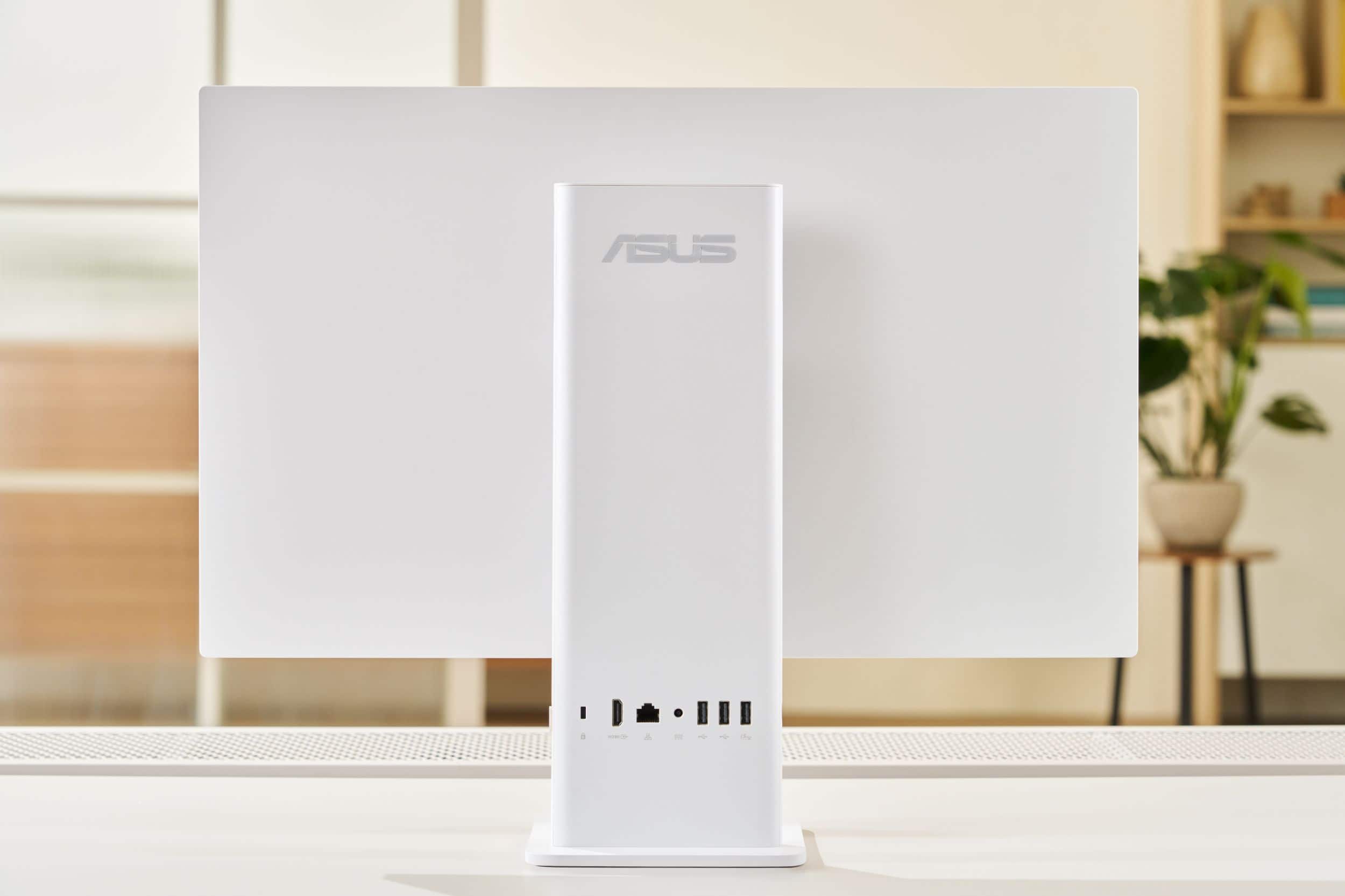
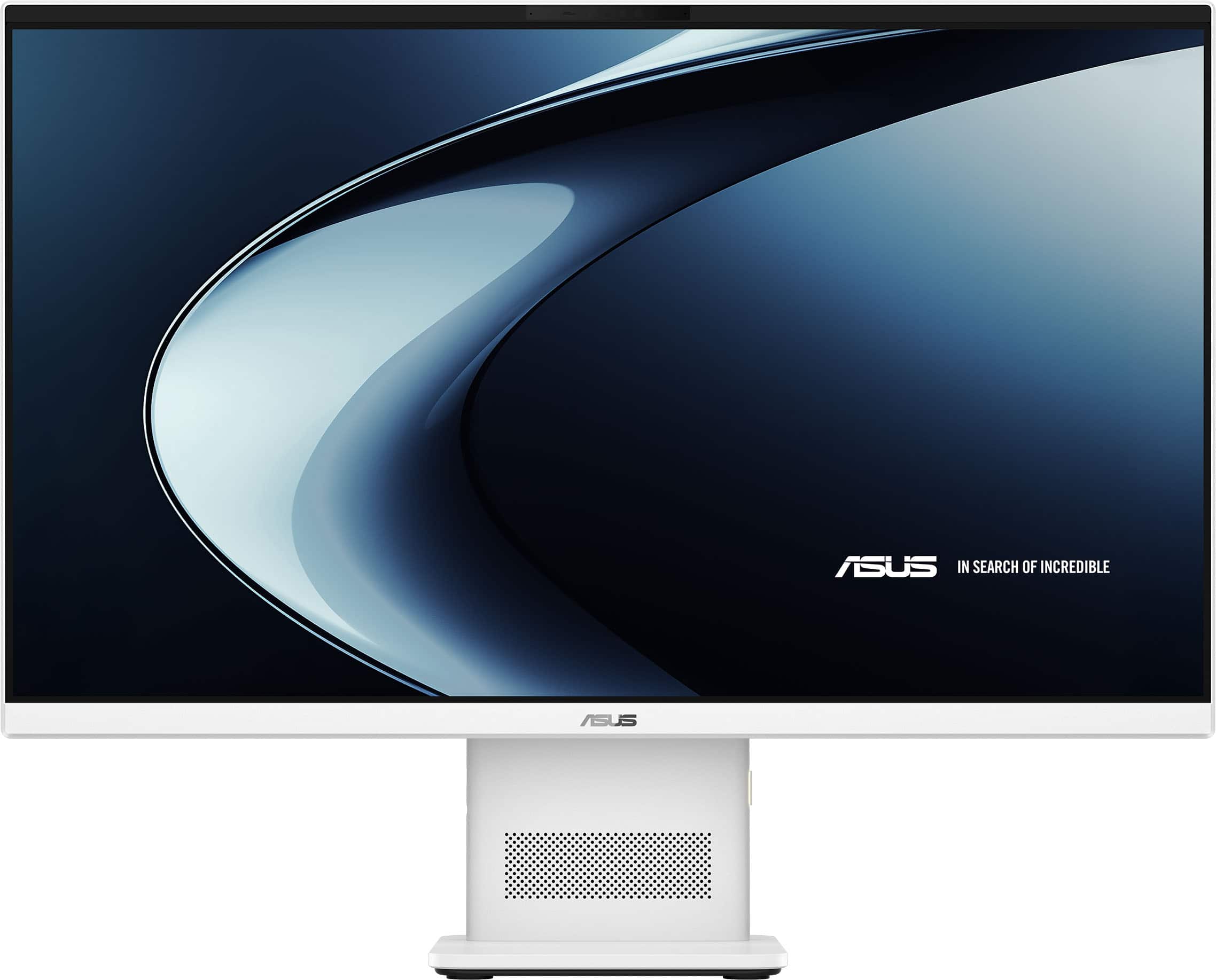
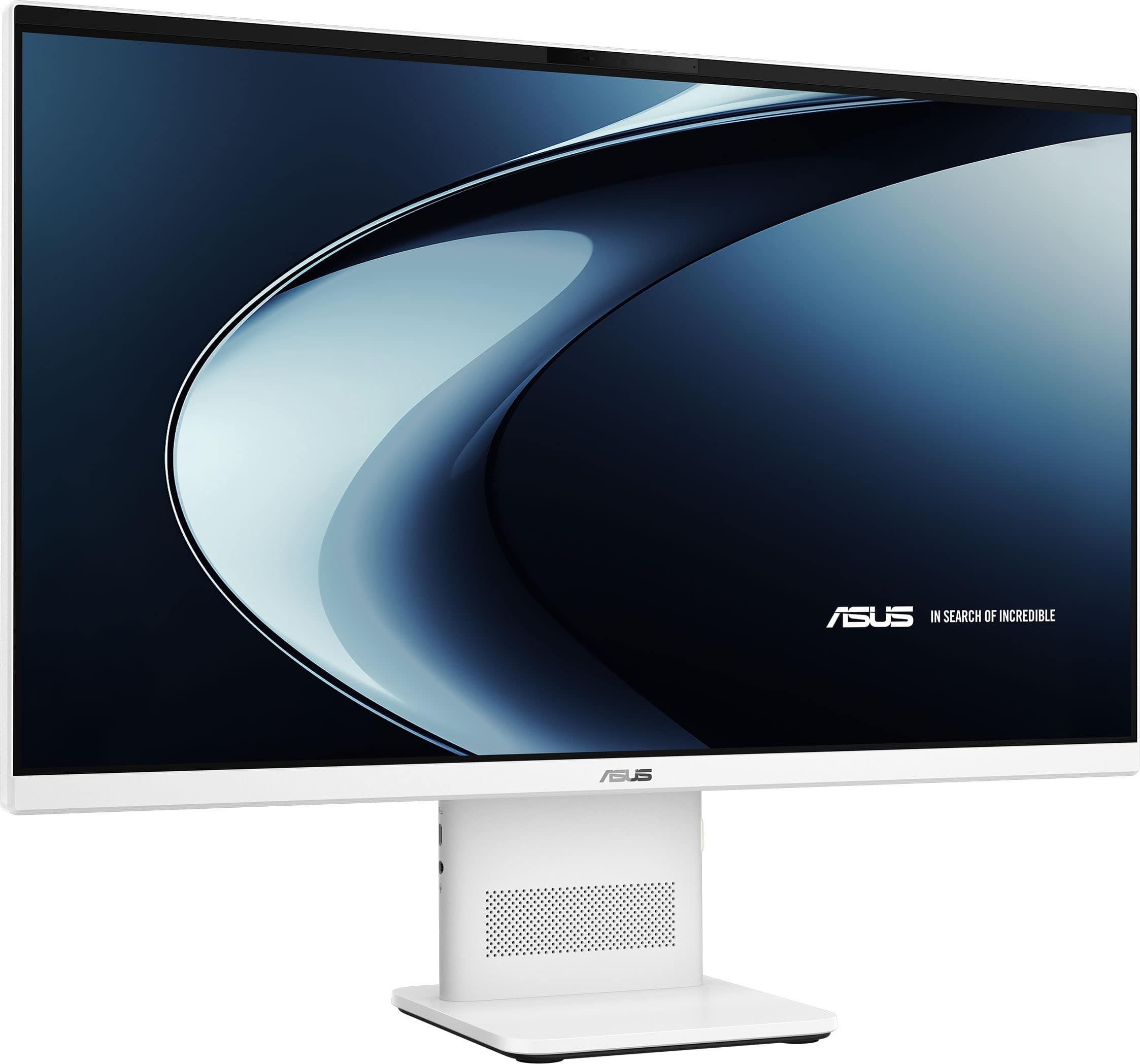
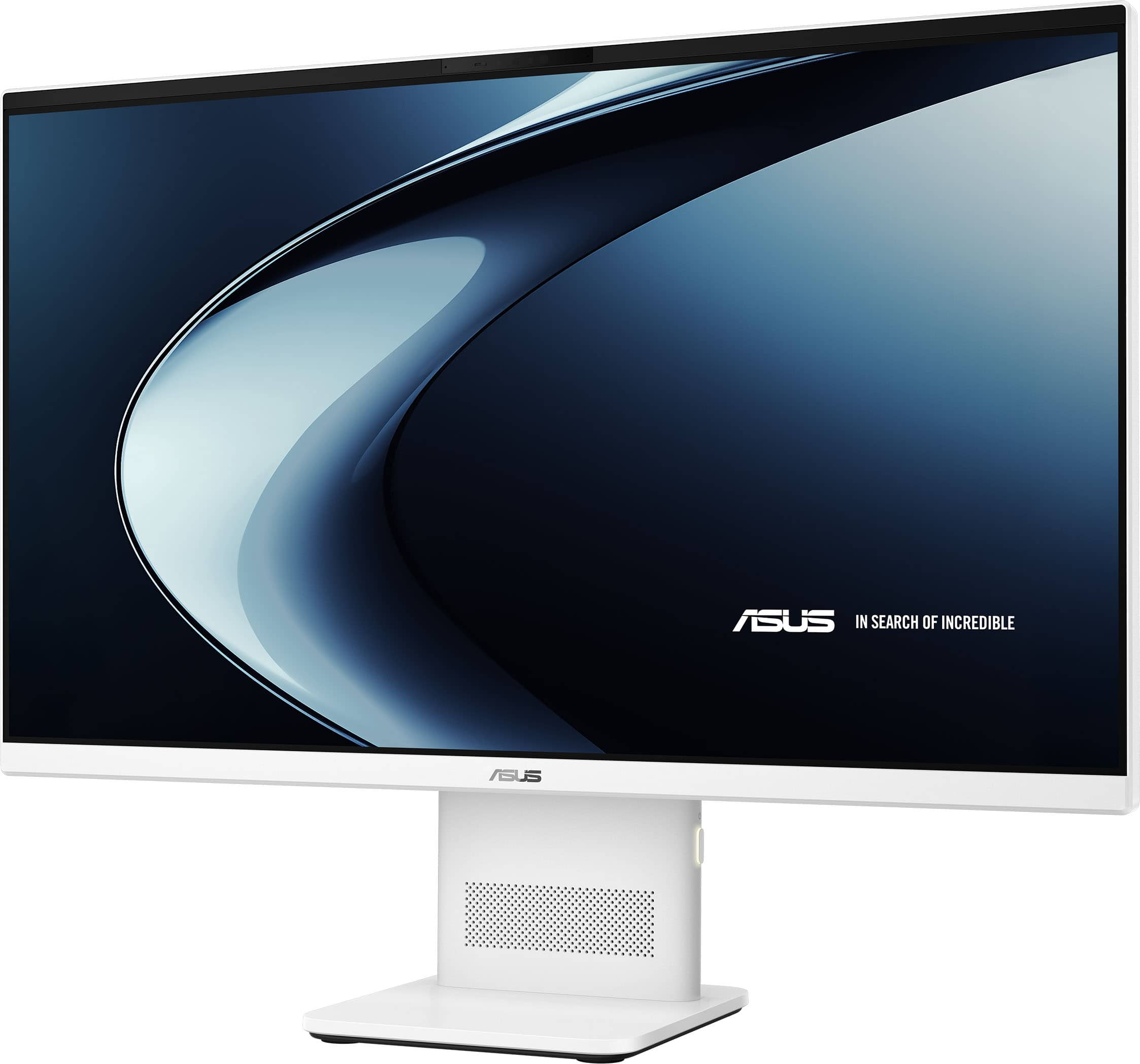
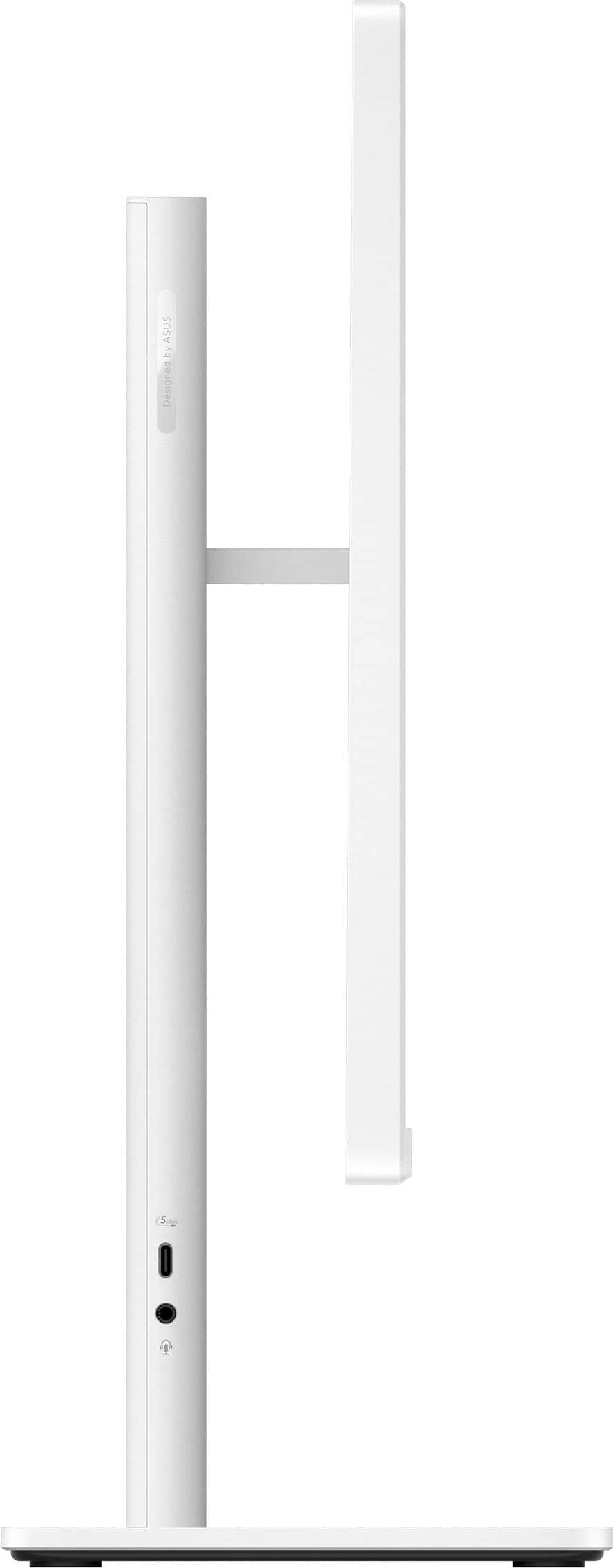
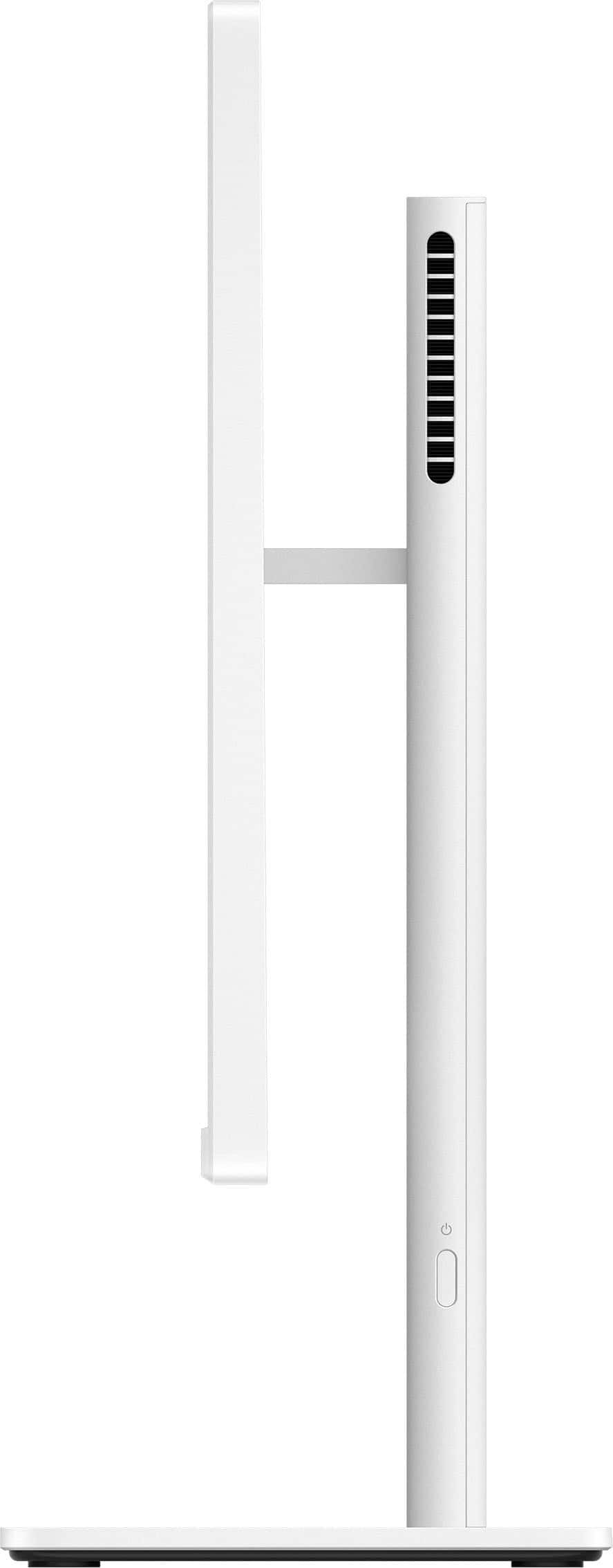
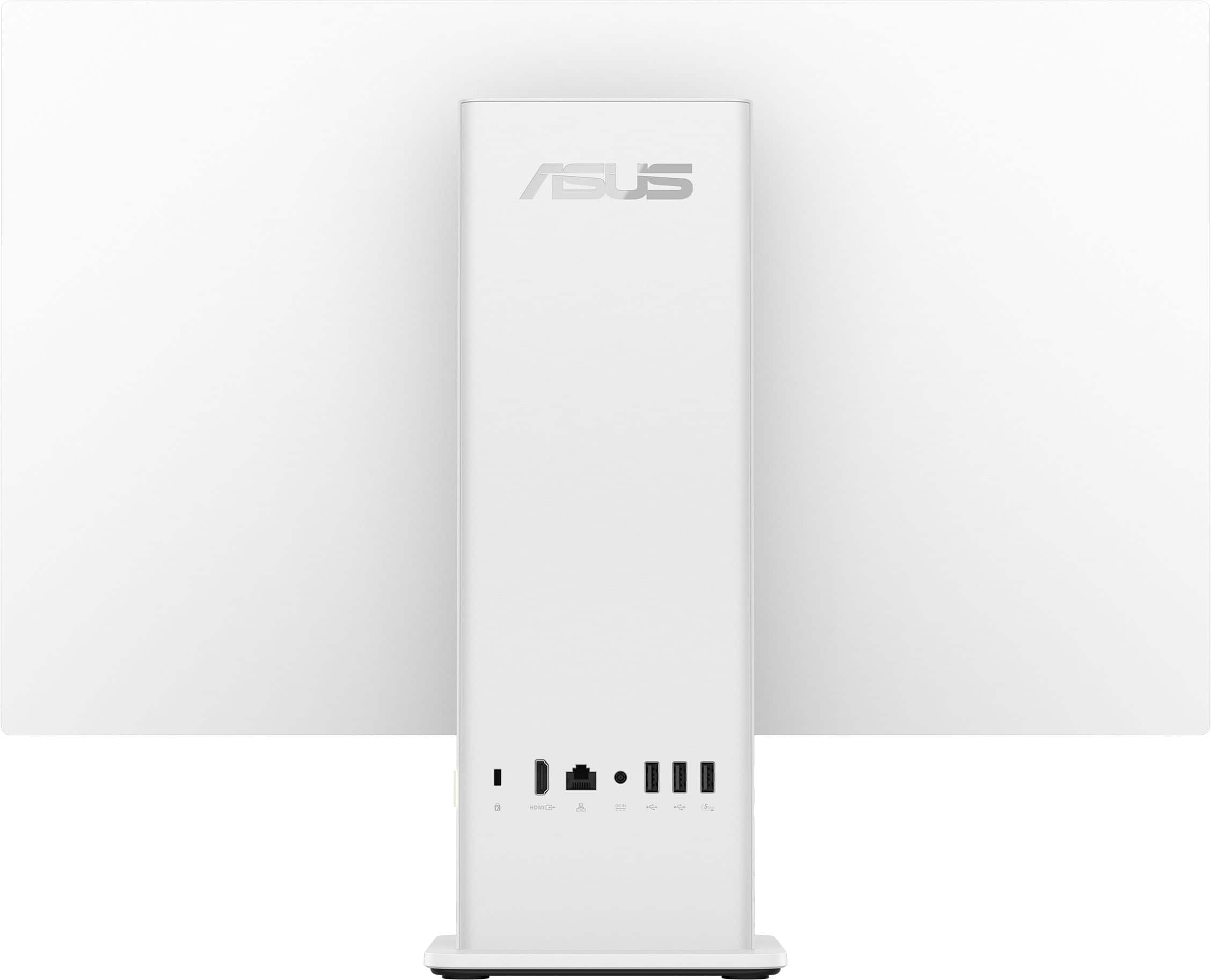
A:AnswerOn the ASUS VM441QA All-in-One PC, “Wake on Display” is controlled through Windows 11 Presence Sensing. You enable it in Settings → System → Power & battery → Screen and sleep, then toggle Automatically wake up my device when I approach.
A:AnswerTo upgrade your ASUS VM441QA from Windows 11 Home to Windows 11 Pro, you’ll need to purchase a Windows 11 Pro license or have a valid product key. The upgrade is done directly through Windows settings.