A:AnswerWell, there’s a few reasons it might not be showing in 4K for you.
1. Be sure you’re using an HDMI cable that supports 4K
2. Make sure your netflix subscription is the option that allows 4K content. Also note, it’s mostly Netflix original content that’s in 4K.
3. I suggest using the Night Mode option on the monitor, keeps some of the colors from being too vibrant.
Sorry if that doesn’t quite answer everything for you.
A:AnswerI have an Xbox one x and honestly my brother this minutes changed my life it’s true 1ms and I used to play on a Samsung tv and my brother is a completely new gaming experience ..
Just amazing
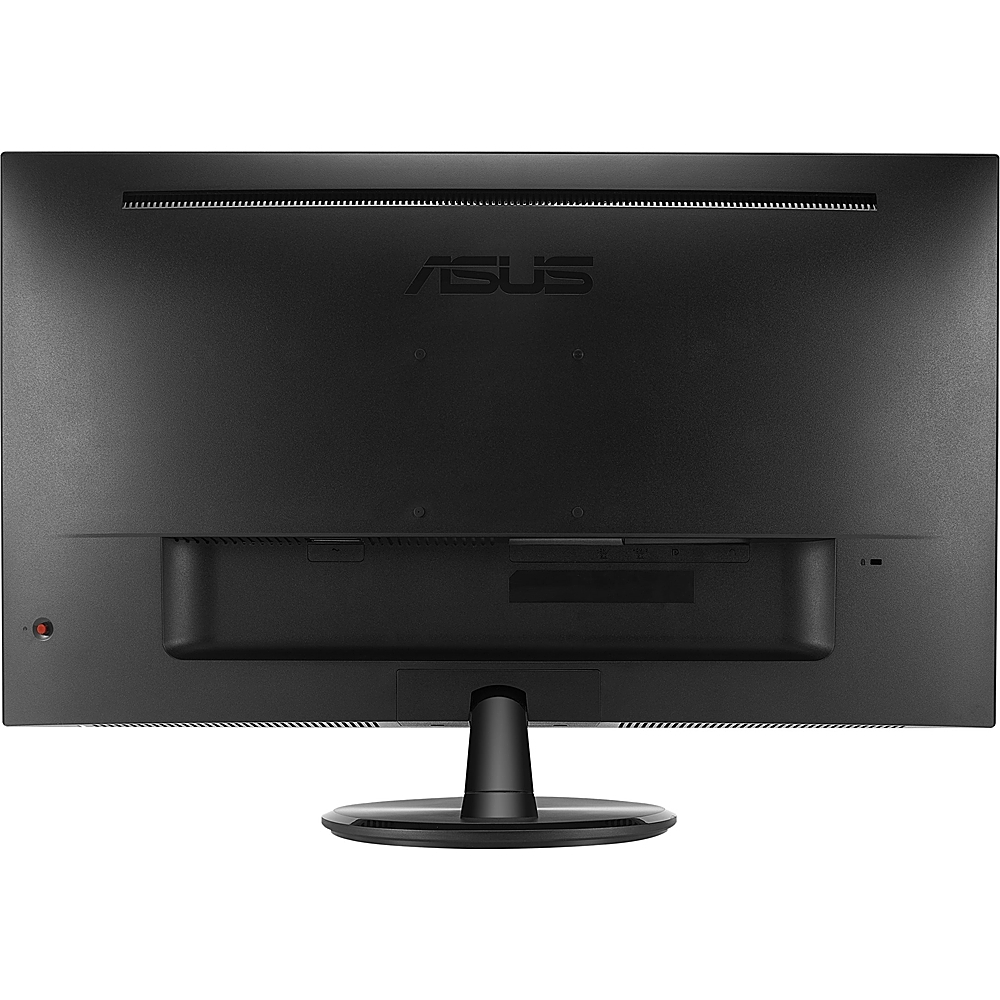
A:AnswerIf soundbar supports an earphone jack connection, it will work using a 3.5mm to 3.5mm audio cable. The rest of the ports on the monitor are for input signal only.
A:AnswerWe would recommend that you reach out to our support team so you have this unit sent in for servicing so team can have the port replaced. Here: https://www.asus.com/us/support/
A:AnswerThe monitor ia backward compatible with HDMI. If the old Dell laptop has a HDMI port, it will work and will output video signal successfully. The HDMI version on the Dell laptop should support 4K in order to display resolution in 4K.
A:AnswerThere's no headphone jack on the monitor. However, you can still connect your speaker to the device you're planning on using with this monitor.