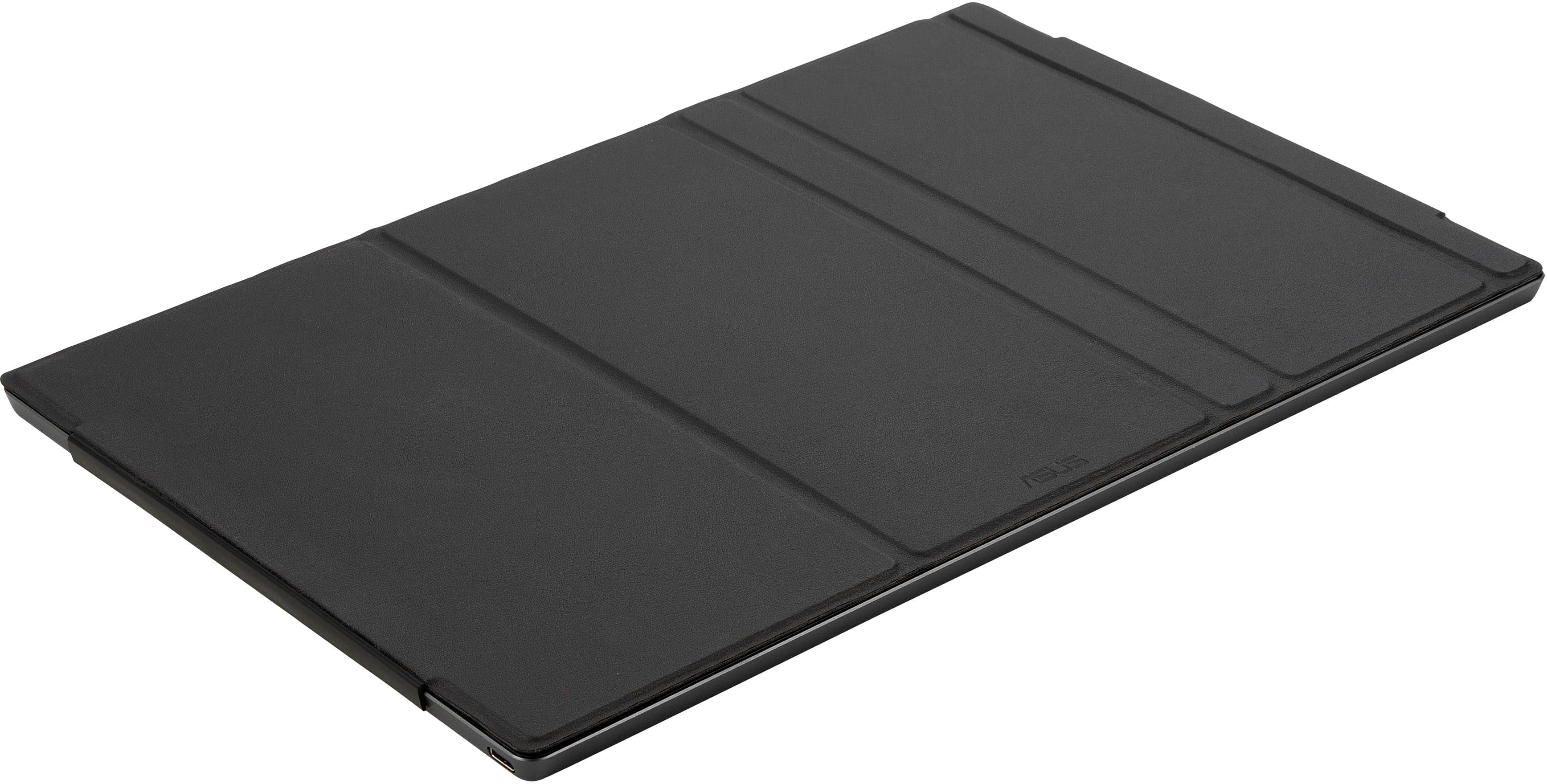
A:AnswerThis works fine with the 360. While the USB-C port placement on the 360 is on the right, it works with this just fine. I own both and they work fine right out of the box.
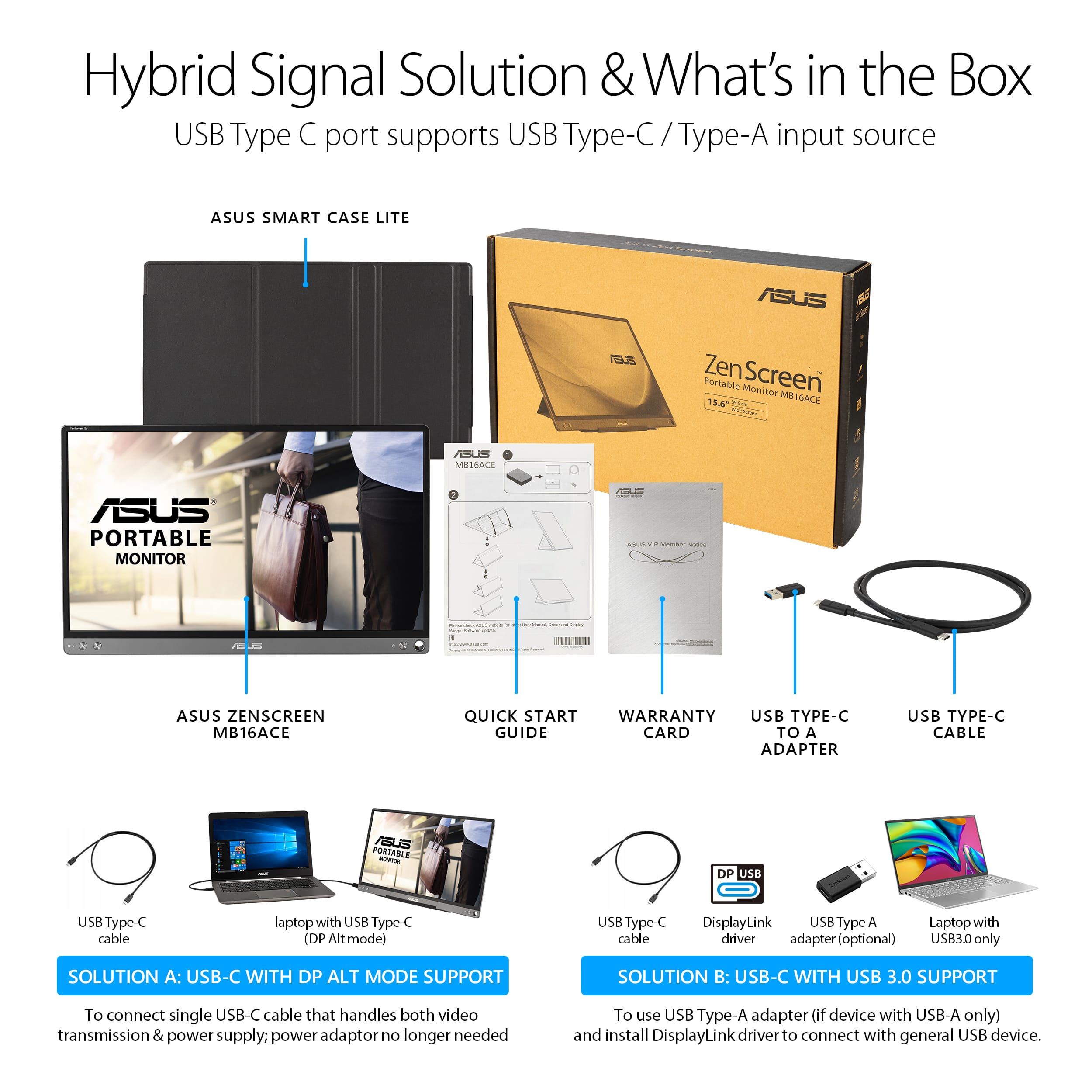
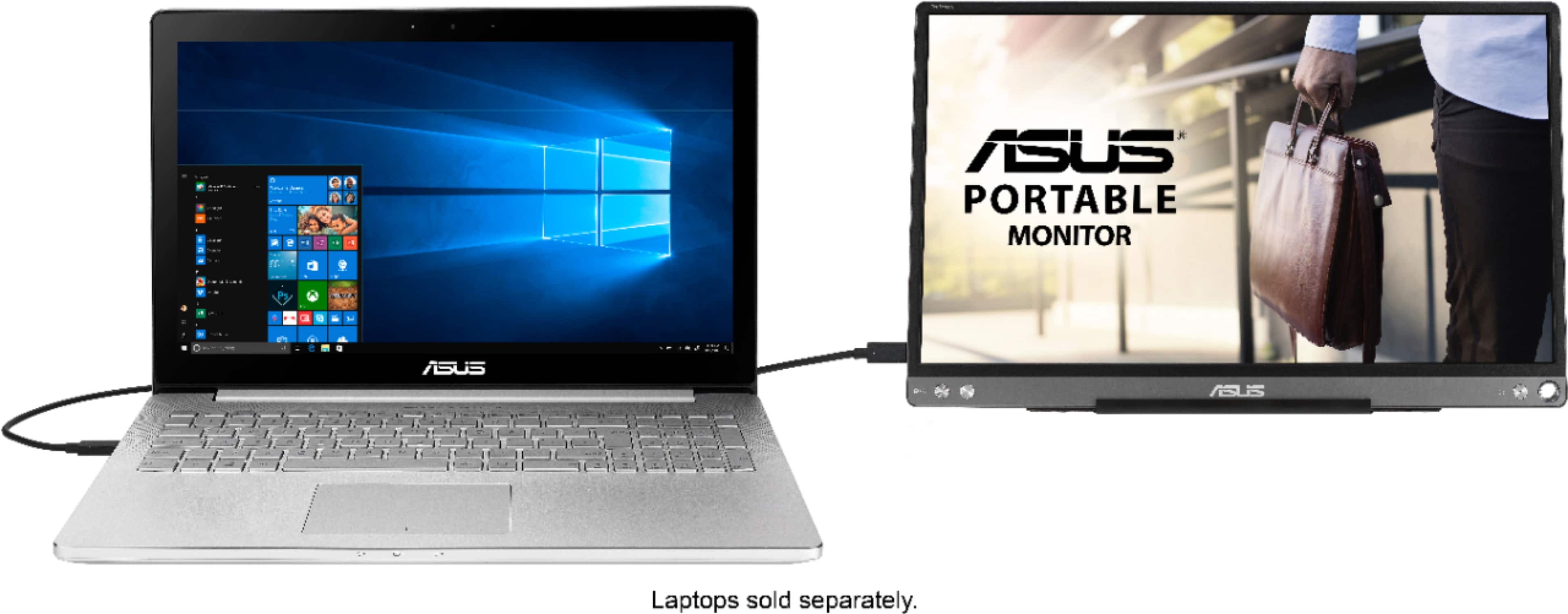
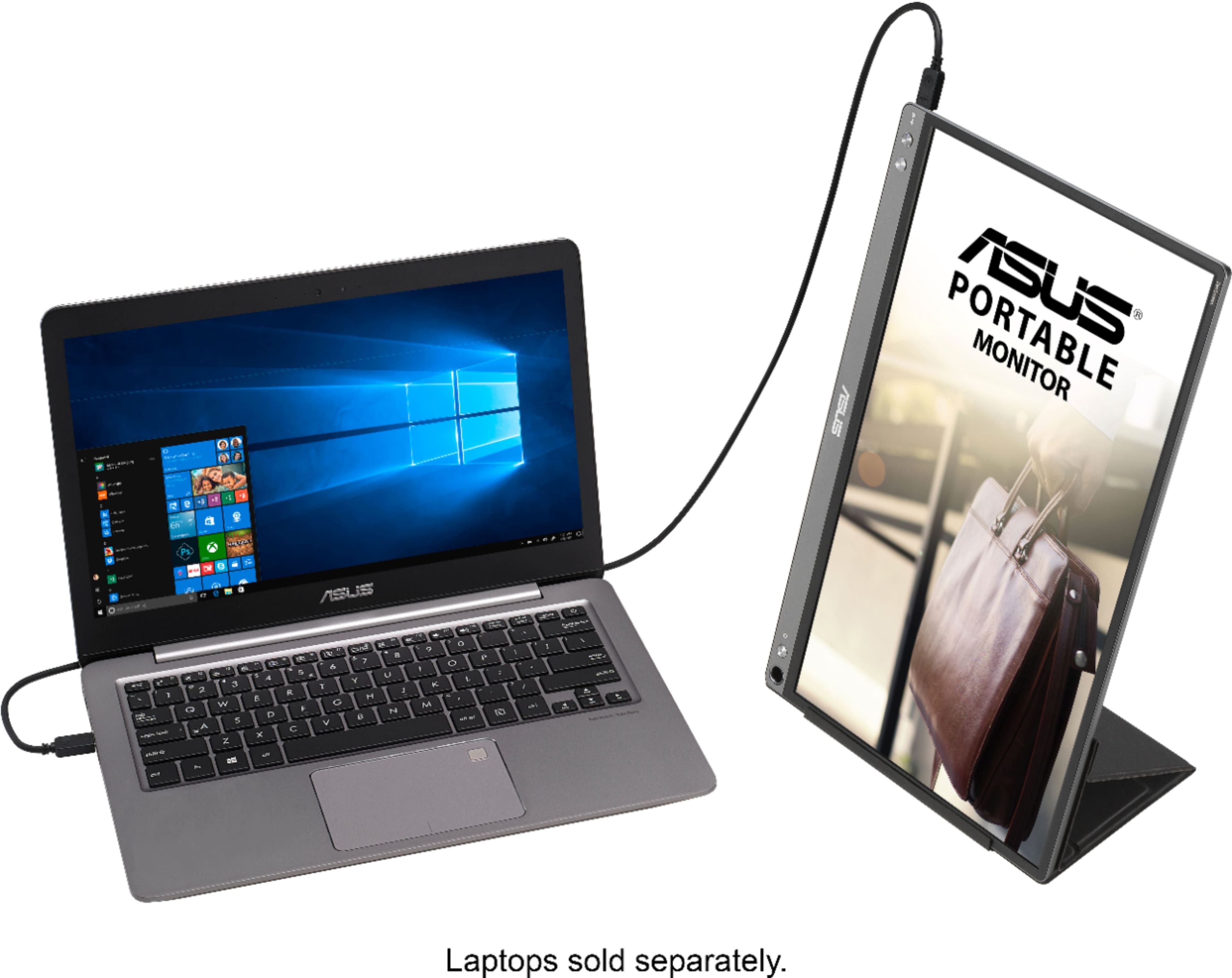
A:AnswerIt certainly will. I connected mine to a Dell laptop and love jt! You will have to make sure your Dell laptop had windows10 and you may have to download a "Driver" once you try connecting your monitor to your laptop. It doesn't take long at all. Also, no additional cables are needed as a cable comes with your monitor. I hope you enjoy it if you purchase. I truly love mine, makes working remote so easy and convenient!
A:AnswerIf it helps, the screen supports Display Port so I would check your device to see if it can output Display Port and if so you'll likely need to buy an adapter for the end that goes into your gaming device
A:AnswerI wasn’t able to get it to work with my pi 4 8gb. I bought a USB-C to HDMI (female) adapter and it just kept rebooting. I read somewhere it may need a driver of some sort. I gave up and used it for something else. Good lock
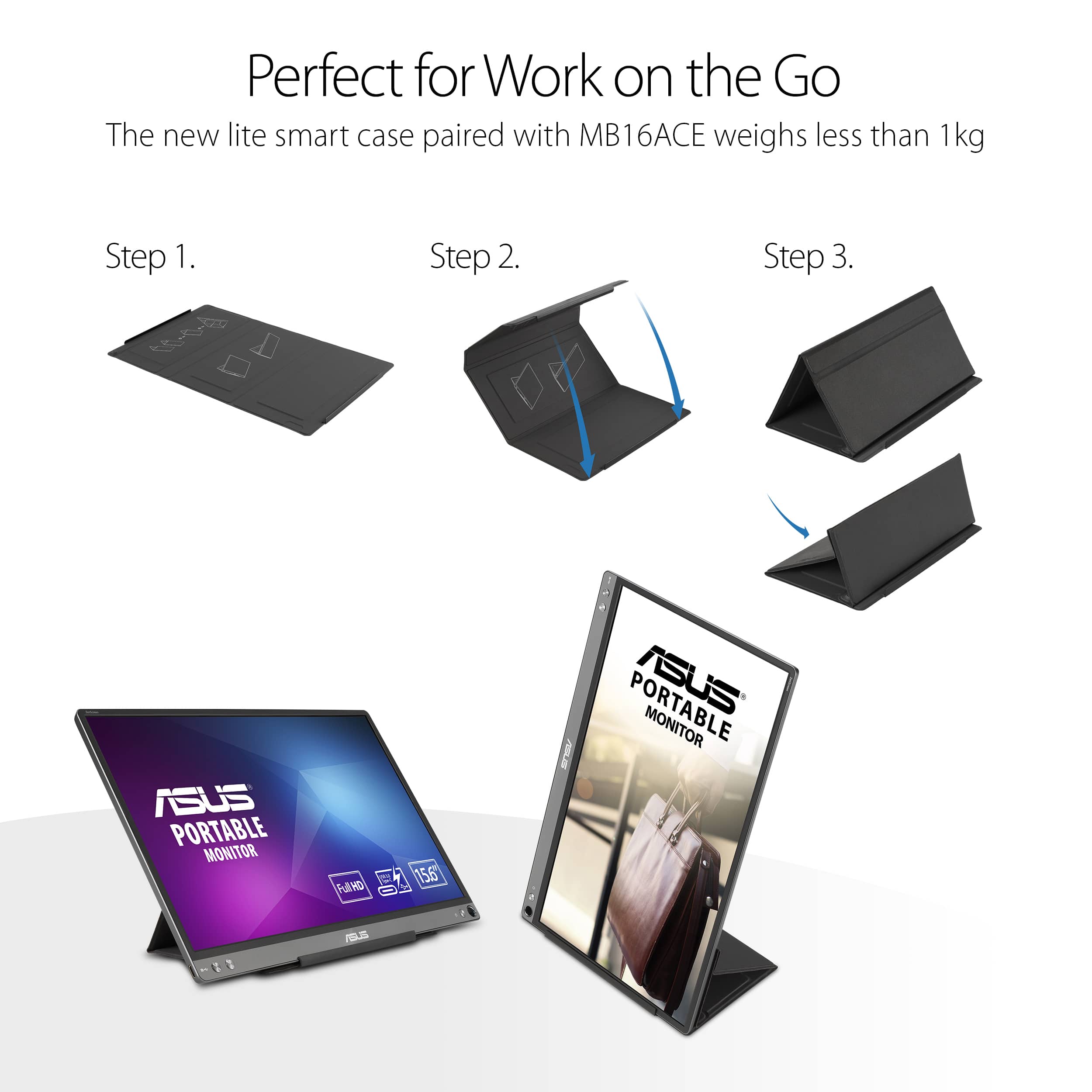
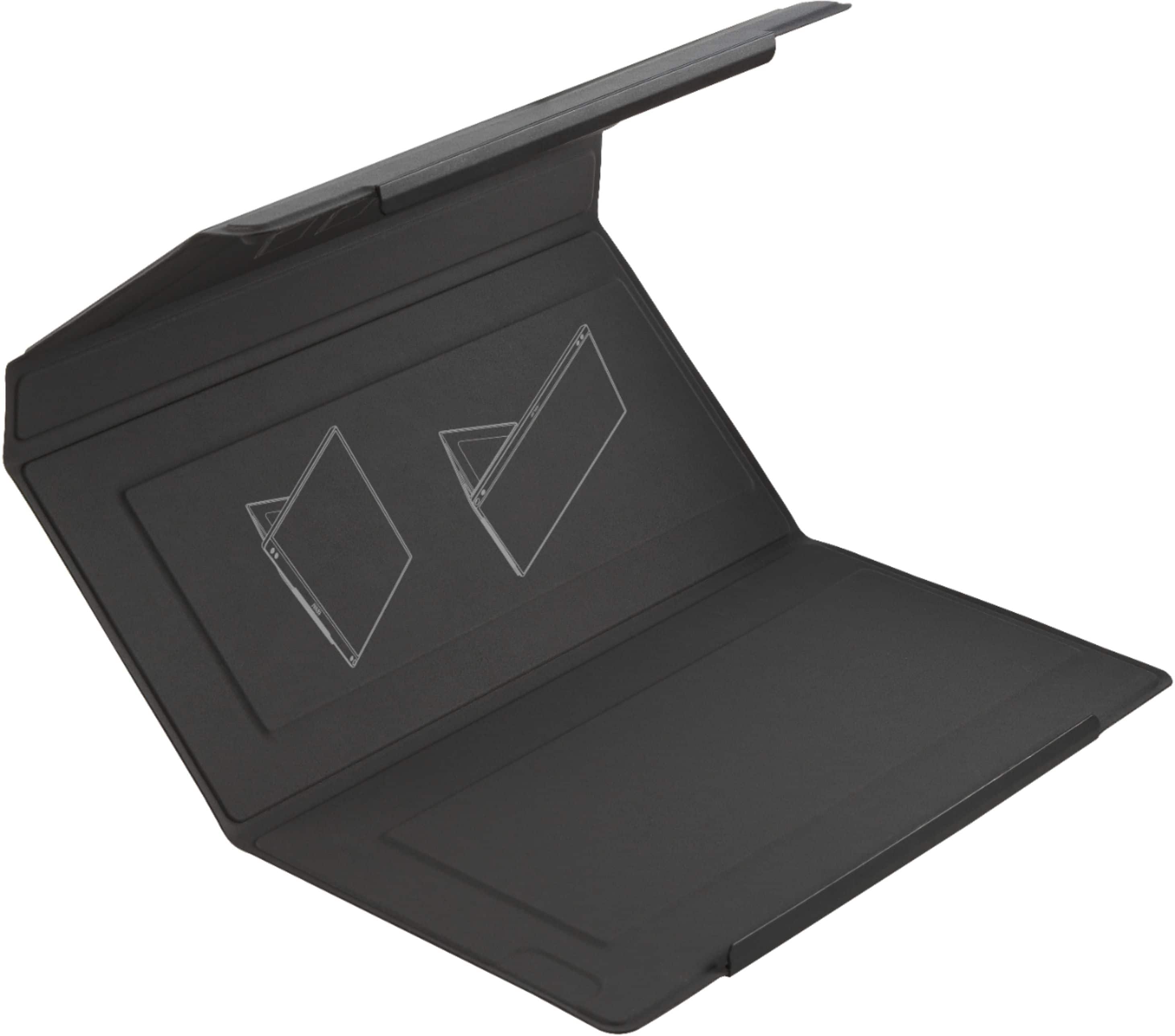
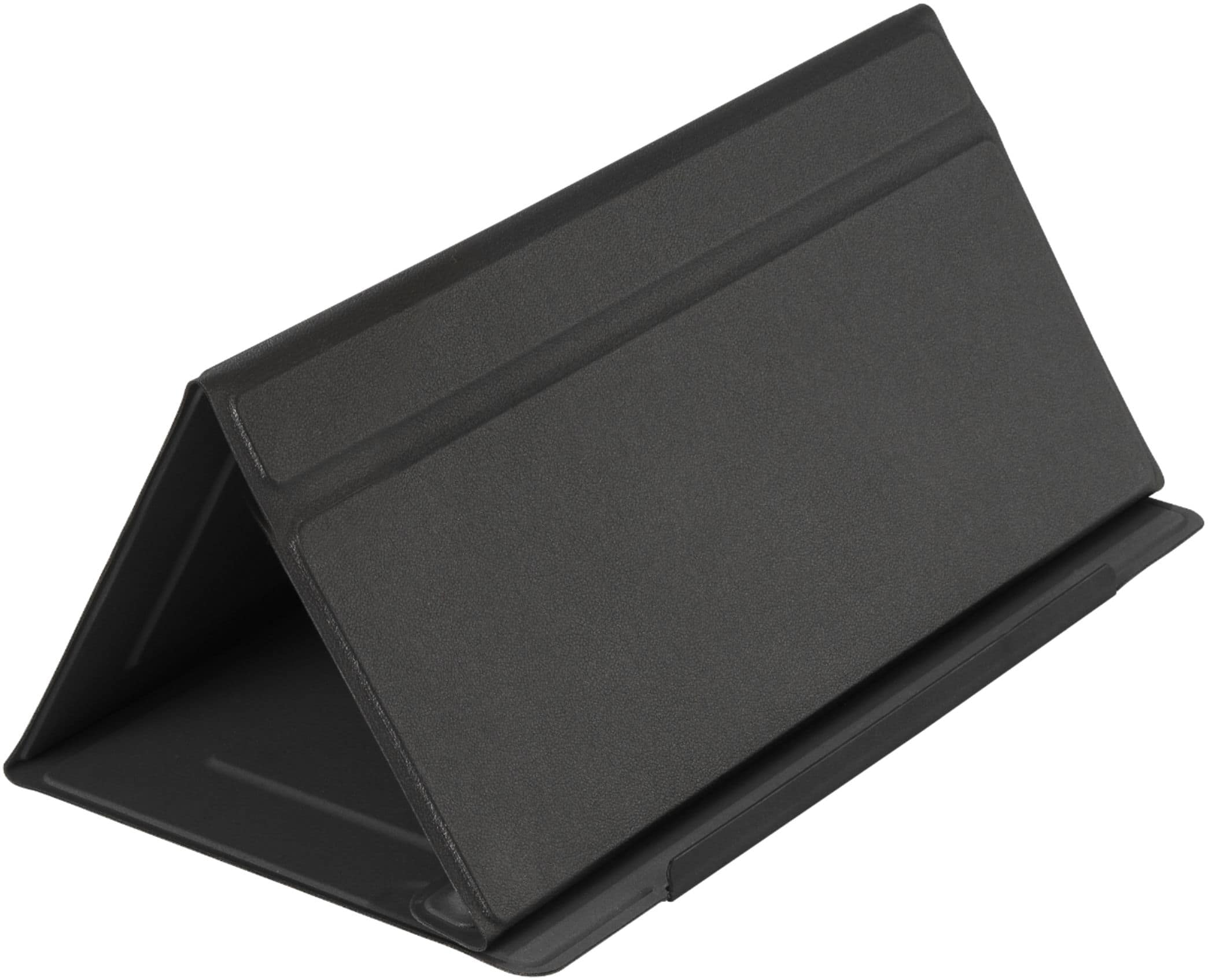
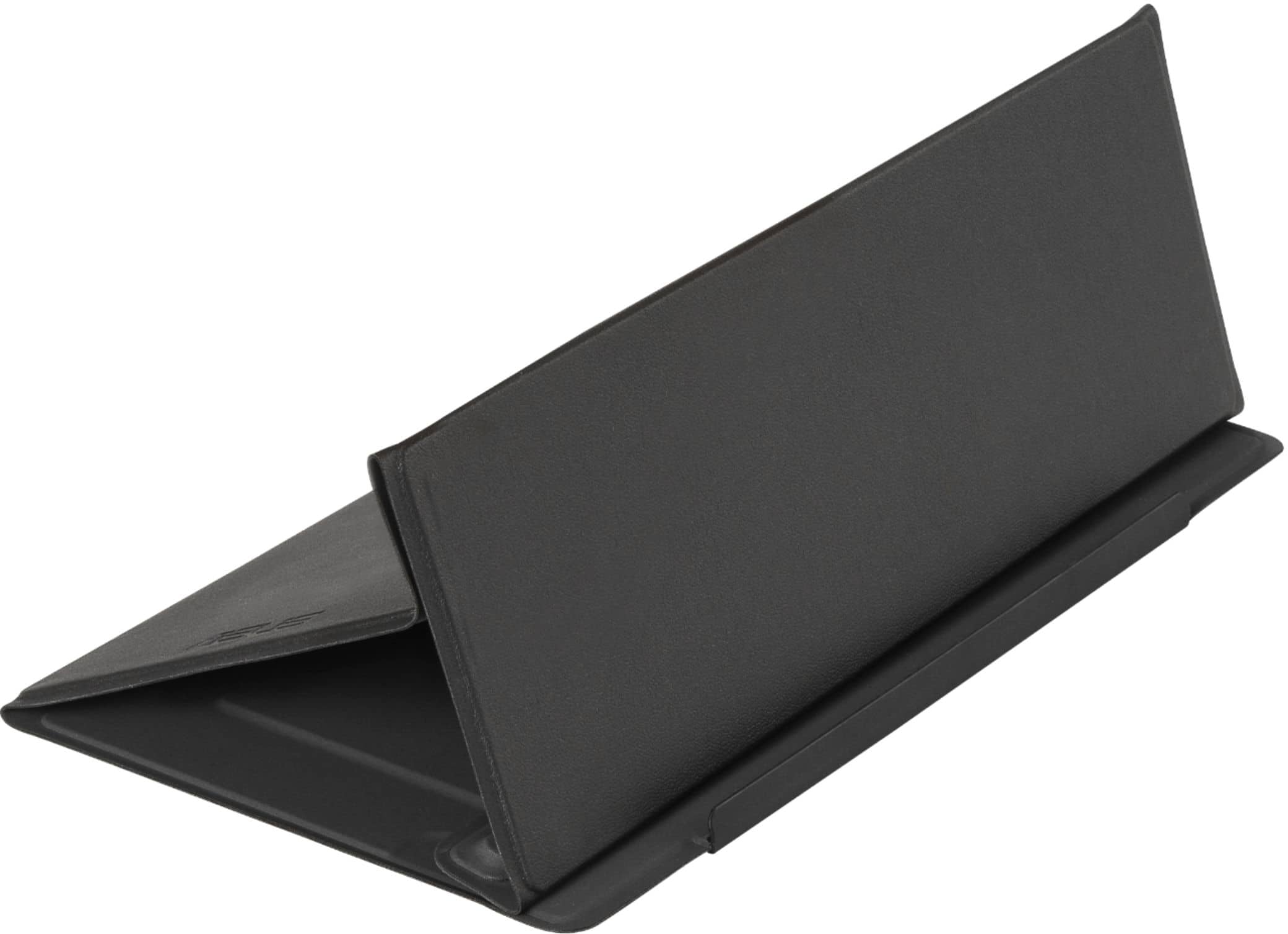
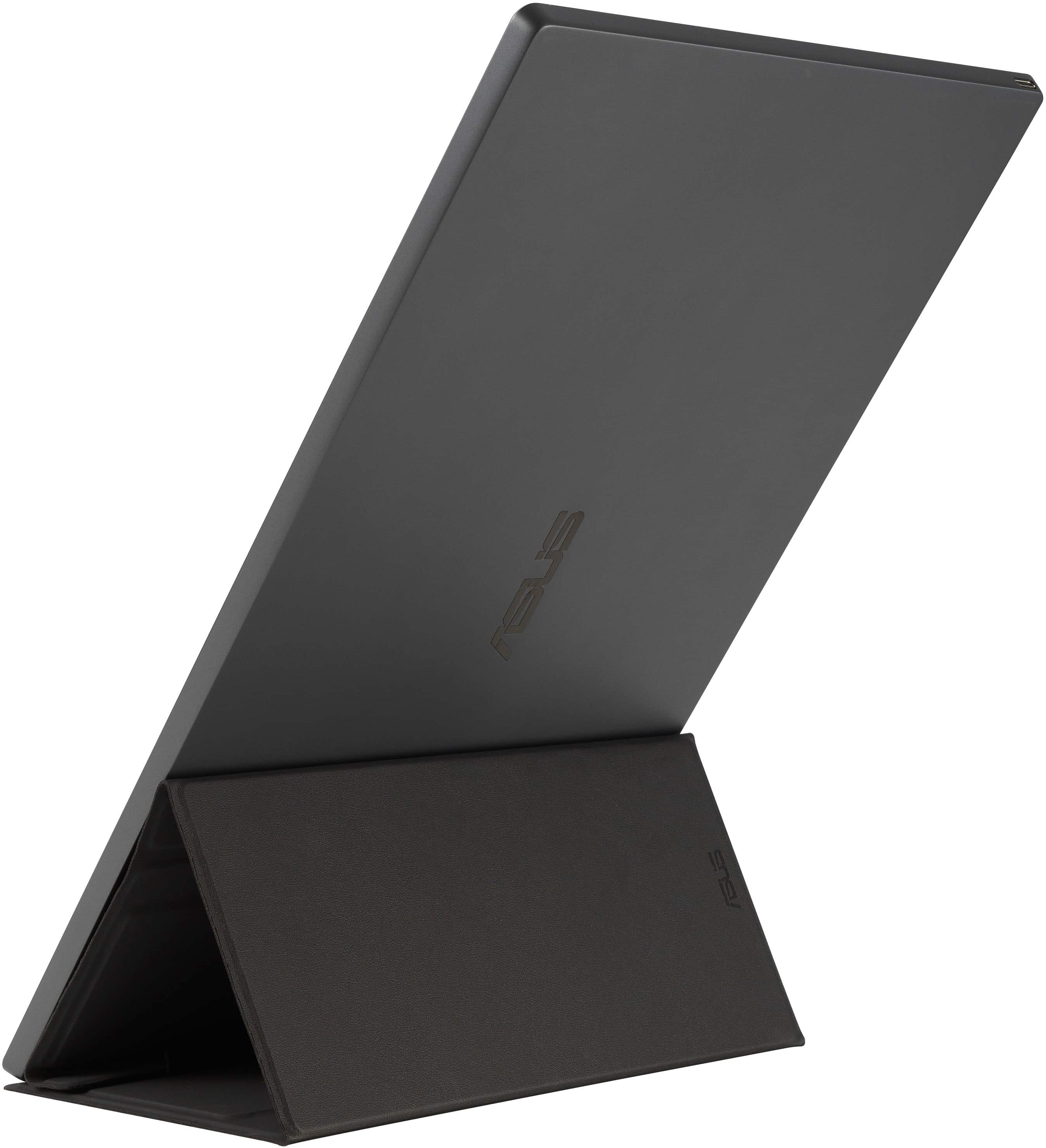
A:AnswerQuick answer is no, there are no bolt points that you would find on a standard monitor or TV. You use the cover that it comes with that turns into a stand. There might be some after market products that might be able to clamp onto it but I do not know of any off hand.