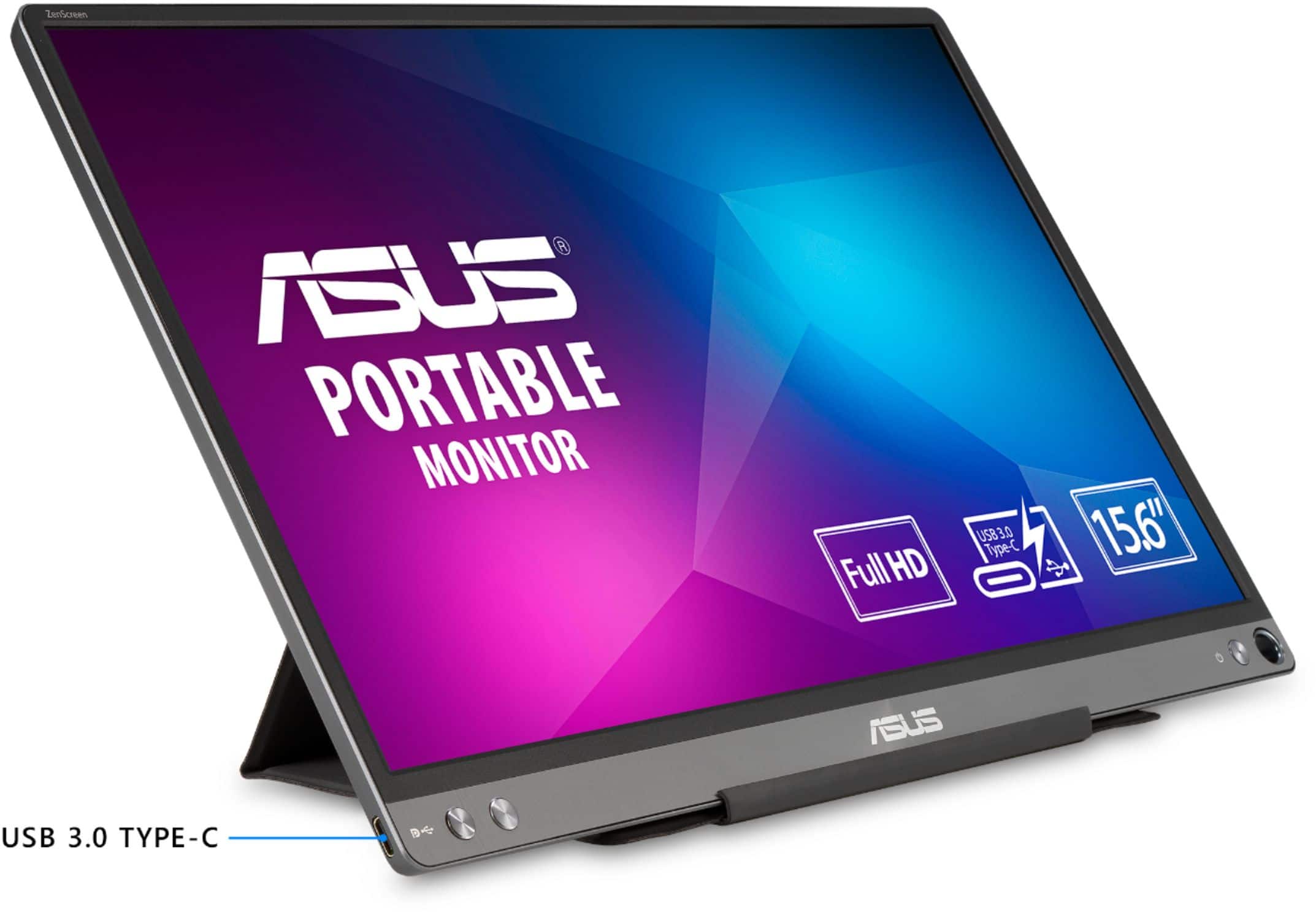
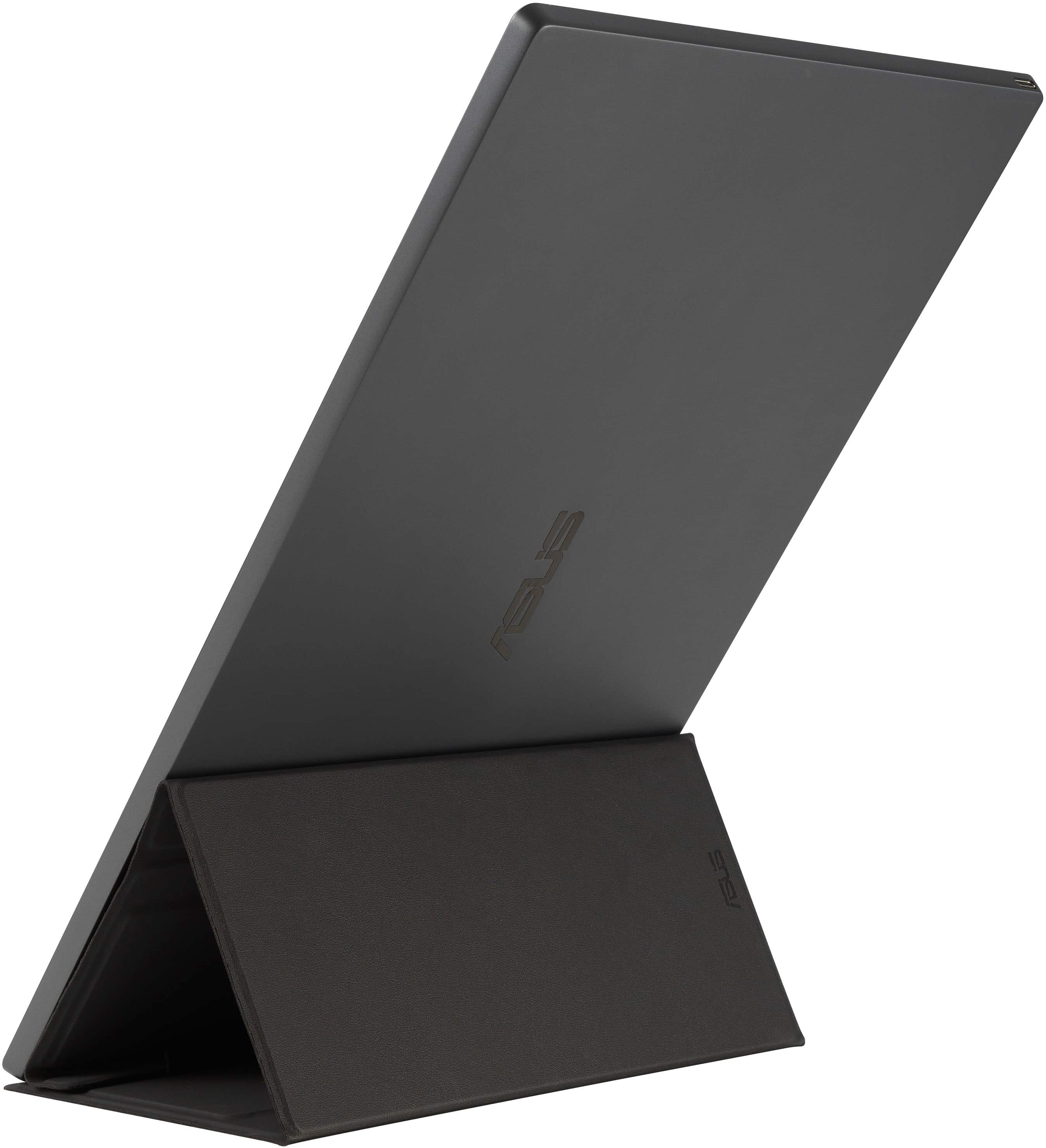
A:AnswerThis doesn't happen with mine so it sounds like it's either a cable issue or the port on the screen. Try both USB-C ends to see if one is more sturdy than the other. If they're both still bad then it's a problem with the screen itself and I recommend swapping the device with a newer one. If one works better than the other then use that one and if you really want, you can get any new, dual USB-C cable and it should work.
A:AnswerI’m using it with a Surface Pro so I cannot assure the outcome in your case but have you tried using an A/C powered USB hub that allows data and power at the same time?