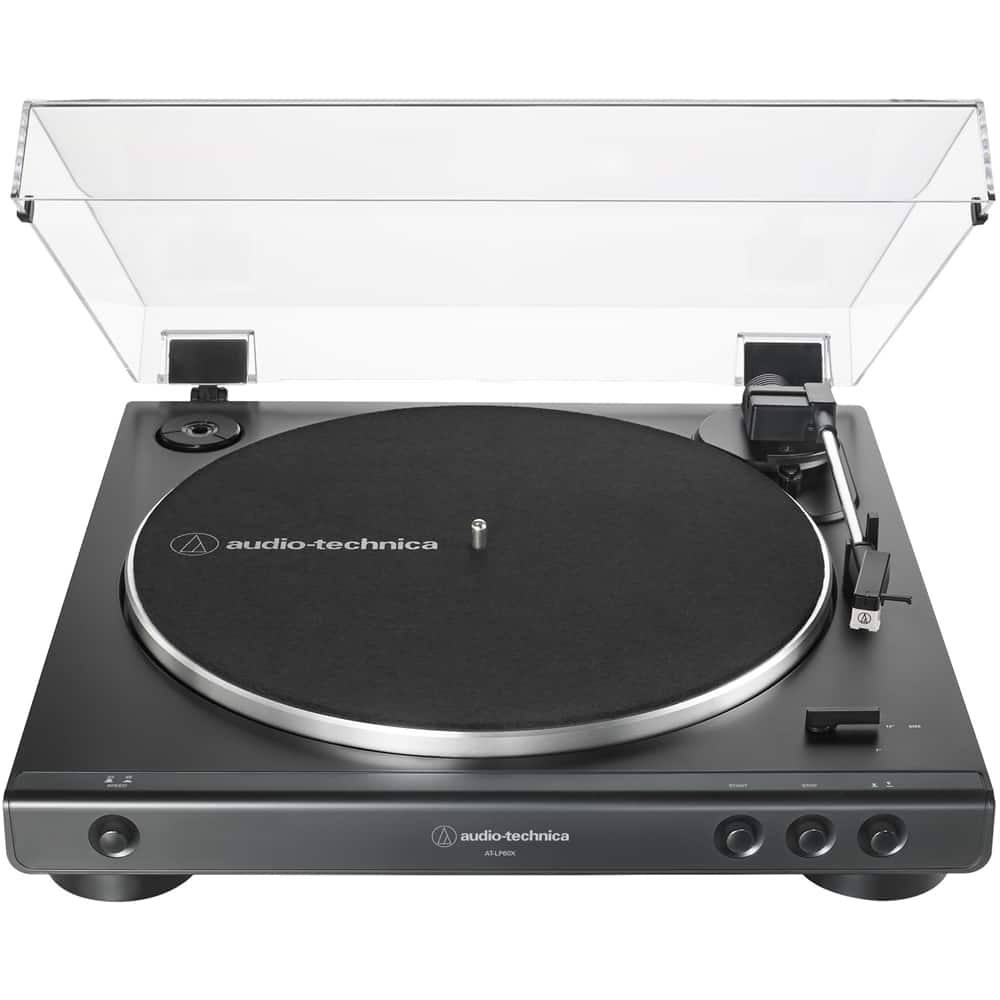
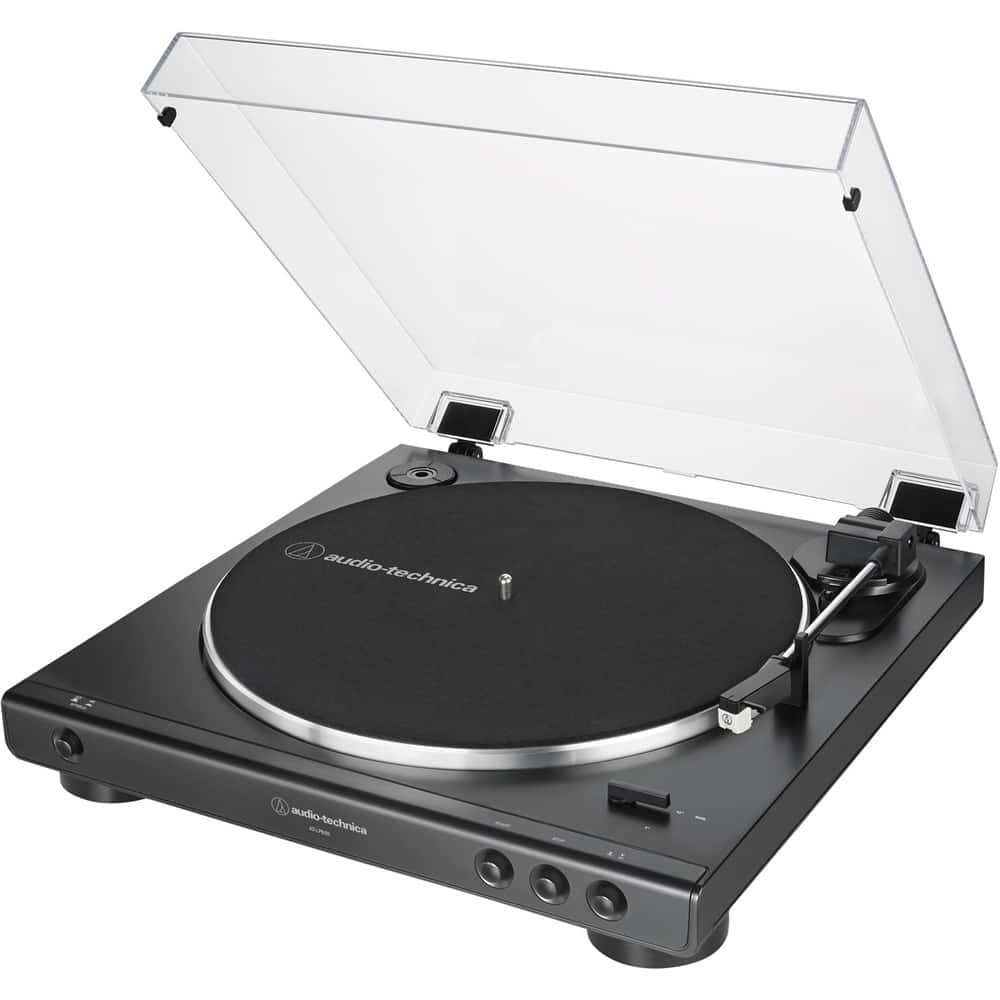
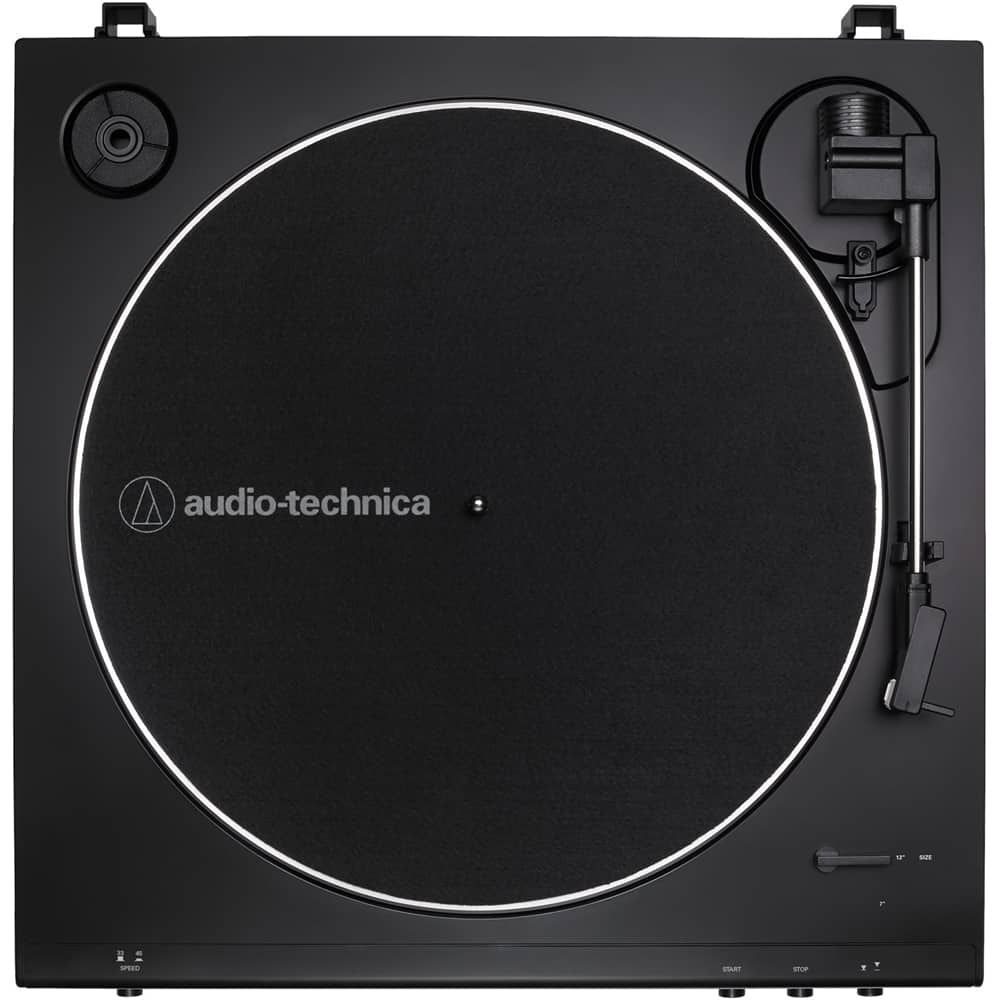
A:AnswerYes it will play 33 1/3 and 45 rpm records, 7 inch and 12 inch. It will play other sizes but the stylus has to be manually dropped. It will not play 78 rpm records.
A:AnswerCame back in stock as of 1-29-2022. If it goes out of stock check the main Audio Technica webpage for the turntable. They usually have a expected restock date on the webpage.
A:AnswerI have no technical abilities, but I was able to connect to my record player to the bluetooth speaker wirelessly. No connectivity problems. took a few seconds.
A:AnswerYea, you can get right on Audio- Technica’s website and they give you step by step directions on how to do it. https://www.audio-technica.com/en-us/support/audio-solutions-question-week-change-stylus-lp60-lp60-usb-turntable/
A:AnswerI Bluetooth it to my portable speaker and to my Alexa so I think it would connect to most Bluetooth speakers. It won’t connect to my AirPods though.
A:AnswerYes, any pair of a bookshelf type of speaker will work. I just bought some Edifier Bluetooth speakers off of Amazon and they sound amazing when plugged in directly to the player conducting it has the preamp and doesn't need a separate amp
A:Answer14” Wide
15.5” Deep with dust cover open (includes buttons on front, connections on rear)
4” High with dust cover closed
14” high with dust cover open
A:AnswerThe description is wrong. The cartridge is an integral part of the tonearm. The cartridge itself is not replaceable, only the stylus is, but the cartridge IS included. Also, the stylus shape is conical, the platter mat material is felt, a cable is included and the factory warranty period is 1 year from the date of purchase.