A:AnswerIn researching further, and conversing with AT support direct (via eMail), the tonearm has a downward force of, in their estimate, 3.5 grams (for me, this is too heavy). Per my research, recommended is (as light as possible to keep from skipping), or between 2.0 to 3.0 grams.
A:AnswerThe turntable can be connected directly to self powered (active) type speakers, other wise it will need to be connected to a stereo amplifier or receiver which has passive type speakers connected to that receiver or amplifier.
A:AnswerYou do not need an additional amplifier. Turn the phono preamplifier located inside the turntable ON by placing the preamp selector switch located on the rear of the turntable in the LINE position, then connect the turntables red and white RCA male plugs to either the SA-CD/CD, BD/DVD, SAT/CAT, or TV Audio In jacks on the rear of your receiver.
A:AnswerYes it will. Connect the turntables provide 3.5 mm male stereo to dual RCA male audio cable to the Left and Right Phono inputs on your amplifier. Make certain that the preamp selector switch on the rear of the turntable is set to the Phono position.
A:AnswerThe cartridge on 60 Series turntables is not replaceable, it is an integral part of the tonearm. Only the stylus (needle) assembly can be replaced and the model of the replacement stylus is ATN3600L.
A:AnswerYes, you can. Turn the phono preamplifier located inside the turntable ON by placing the switch on the rear of the turntable in the LINE position, then connect the turntable to the 3.5 mm AUX IN jack on the rear of the Bose Wave. You will need either an adapter cable which has dual RCA female jacks on one end and a single 3.5 mm male stereo mini-plug on the other end to add to the supplied cable, or an entirely different cable which has 3. 5 mm stereo male to 3.5 mm stereo male mini-plugs on each end in order to make the connection.
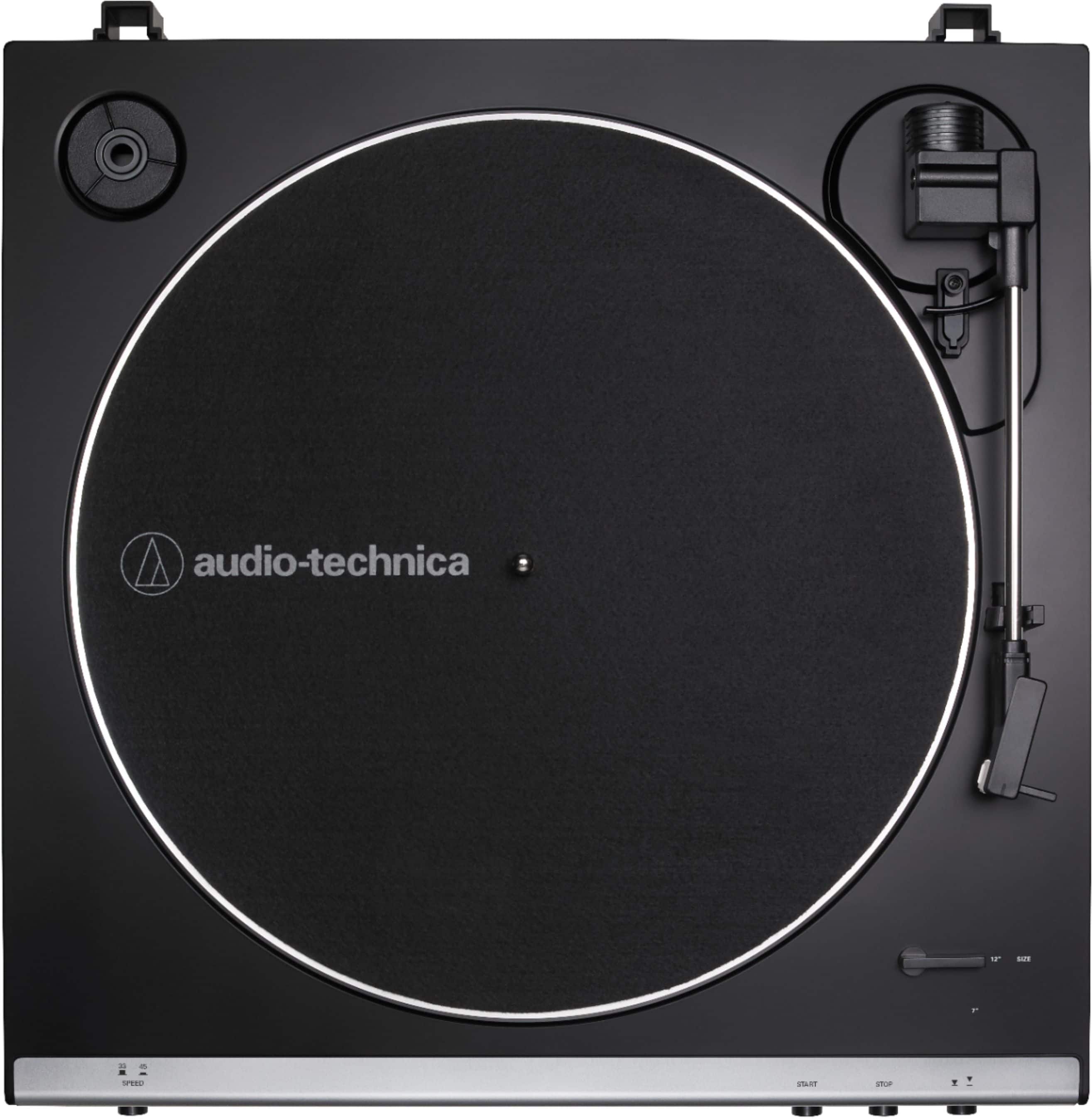
A:Answer33 1/3 & 45 rpm. There is also a selector switch to choose between 12" and 7" records so that the automatic tonearm mechanism will work with either.
A:AnswerYes it will but you will need a 3.5 mm stereo plug (male) to 3.5 mm stereo plug (male) audio cable to do so. The output connector on the turntable is a 3.5 mm stereo jack (female) type connector. The audio cable supplied with the turntable is the 3.5 mm Stereo plug (male) to dual (Left and Right) RCA plug (male) type cable.
A:AnswerThe AT-LP60X Turntable is fully automatic, press the Start button and the arm will lift, go over to the record, lower to the record and begin playing. At the end of the record the arm will lift, go back to the tonearm rest, lower to the rest and the platter will stop spinning.
A:AnswerIt should. It has a phono input. This turntable comes with a stereo audio cable with RCA connectors. There is a switch on the back of the turntable to select for either phono or auxiliary input on the stereo receiver it is connected to. There is no ground wire because the provided external power supply has eliminated the hum problem. The set up instructions included are illustrated and easy to follow.
A:AnswerYou need to have separate speakers since the turntable does not have its own. However you don’t need a receiver as there is a speaker connection on the back.
A:AnswerIt is fully automatic. You press start and it will play the entire record and return back and turn off when it gets to the end of the record. You can choose to raise the arm, place it where you want it to start and then lower the arm.
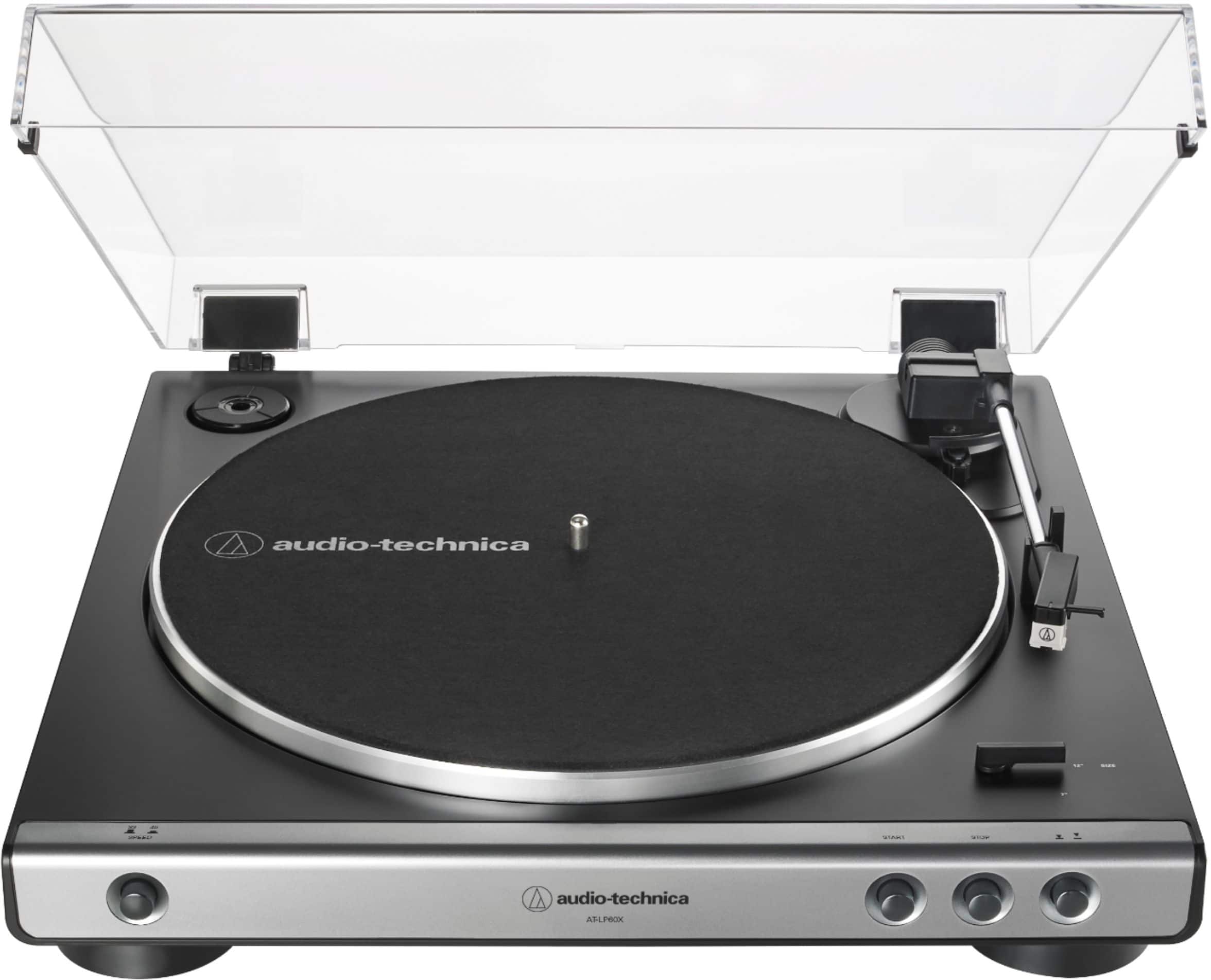
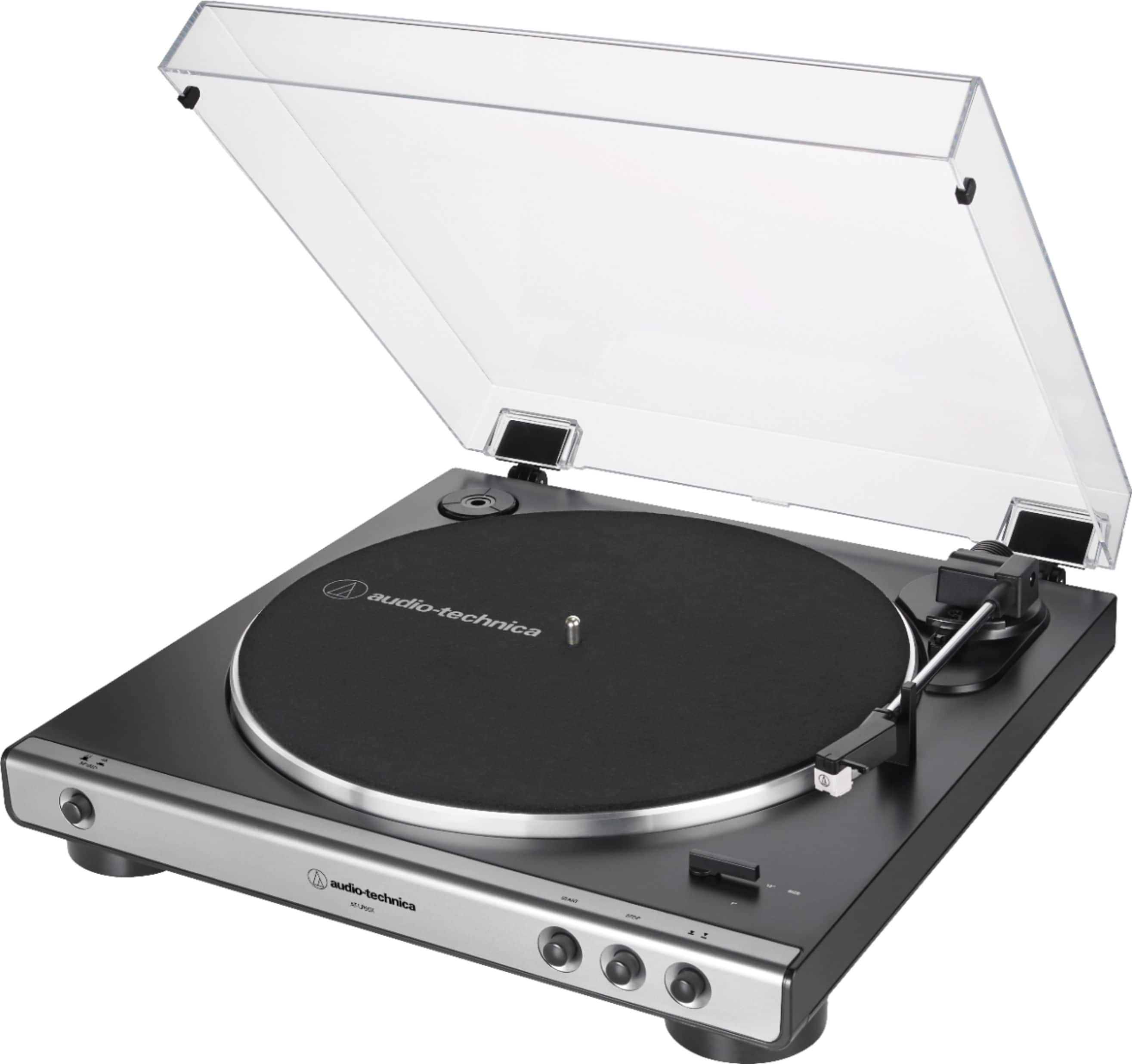
A:AnswerIn the top left corner of the turntable there is a round indentation. There should be a round plastic piece in it with a hole in the center. This plastic piece is the size of the hole in a 45 RPM record. Place the plastic piece over the turntable spindle. Also set the record speed button on the front left to 45 and the record size lever on the bottom right corner of the turntable to 7”. Then your turntable will be set to play 45 RPM records.
If your turntable is missing this round plastic piece, check if it is still in the packing box. If it is missing, contact the manufacturer.