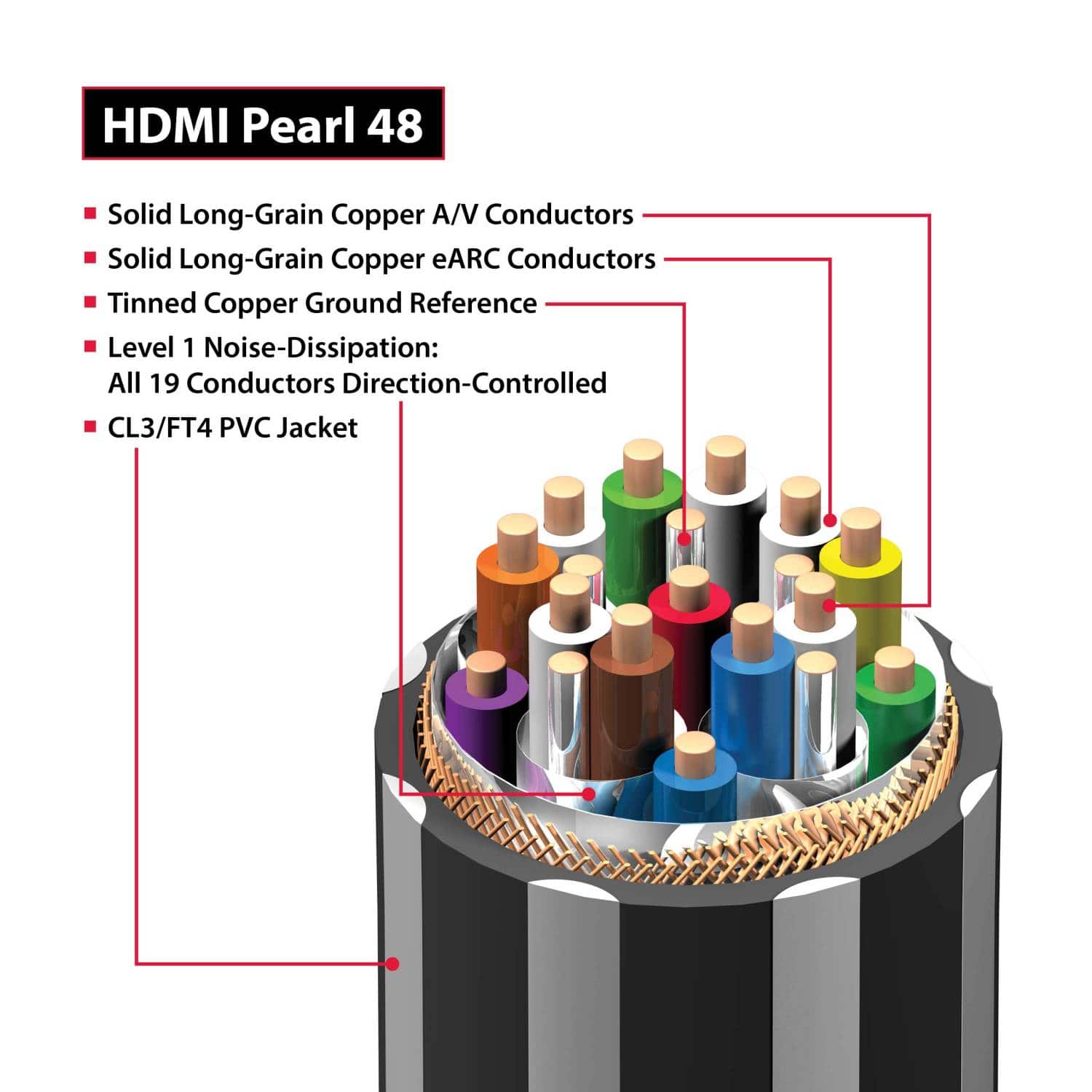
A:AnswereARC stands for Enhance Audio Return Channel. It delivers audio from your TV back to your receiver. Both TV and Receiver must have eARC capability. Ethernet is a different feature. Cables that have ethernet capability will say so on the box.
A:AnswerYes. The front of the package has an HDMI certification bar code on the front. You can download the HDMI app onto your phone. The app allows you to scan HDMI certification bar codes that on HDMI cable packaging. The app will tell you if the cable you are buying is certified.
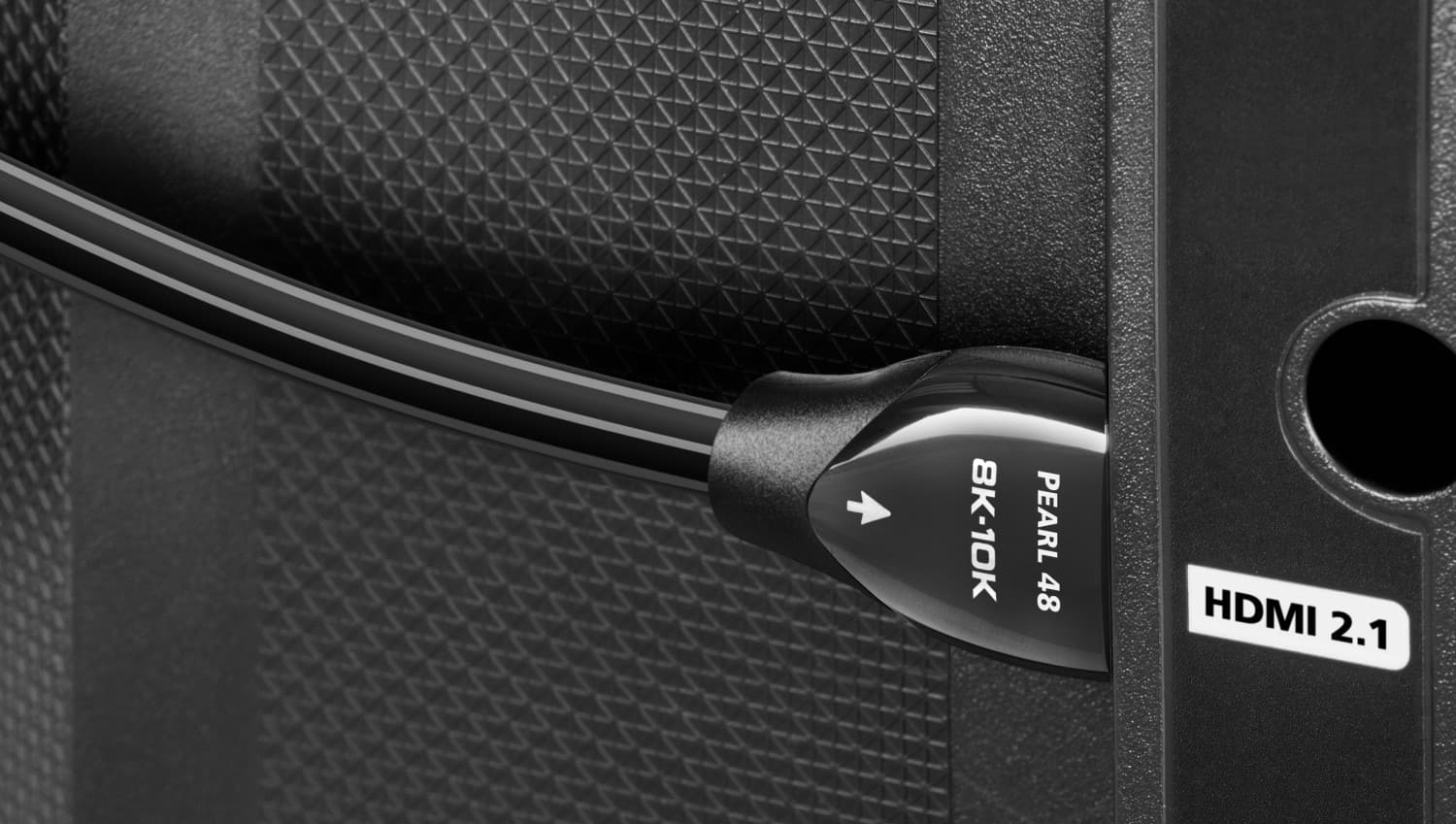
A:AnswerDepends on what you are trying to do. If, like me, you're looking to game on a newer Oled such as the LG C4 at 4k, 144hz, with Gsync, then no -- you will want to connect this cable directly from your RTX 4090 to your TV.
From there, if you have Earc on your receiver, you can connect another HDMI 2.1 cable from the Earc port on your AVR into the TV.
If you want to plug your video/audio source first into the AVR, then from there to the TV, you may get 4k/120hz support, but VRR will be off the table, and latency will be added as well.
If you are not trying to game from, say, an HTPC with a 4090, where 4k/144hz/G-Sync module support is essential, then perhaps this cable may be overkill for your purposes. Remember, though, that every HDMI 2.1 cable should have an official certification, meaning it will support 48gbps, and that anything longer than 10 feet or so will degrade signal quickly, unless you opt for optical HDMI cable.
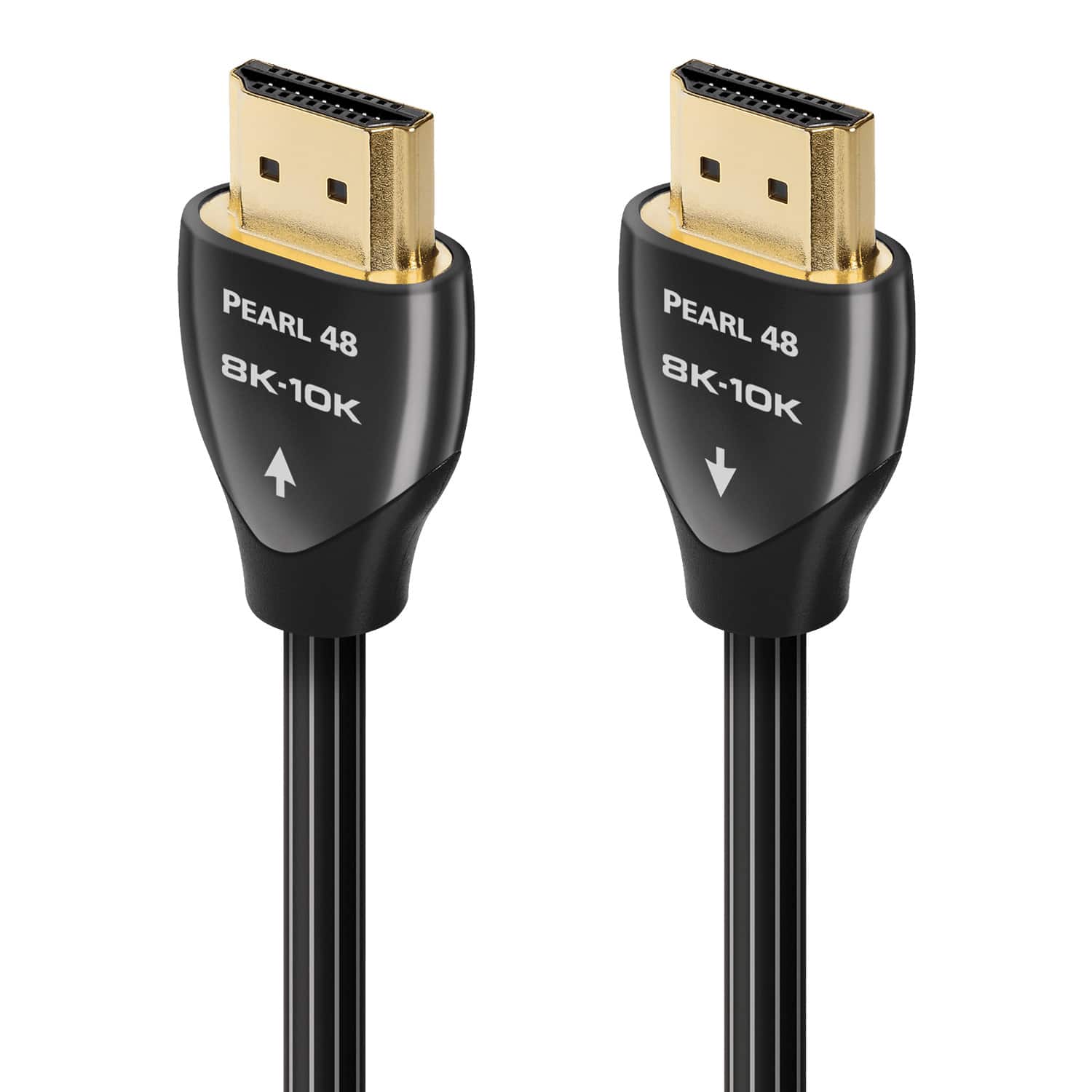
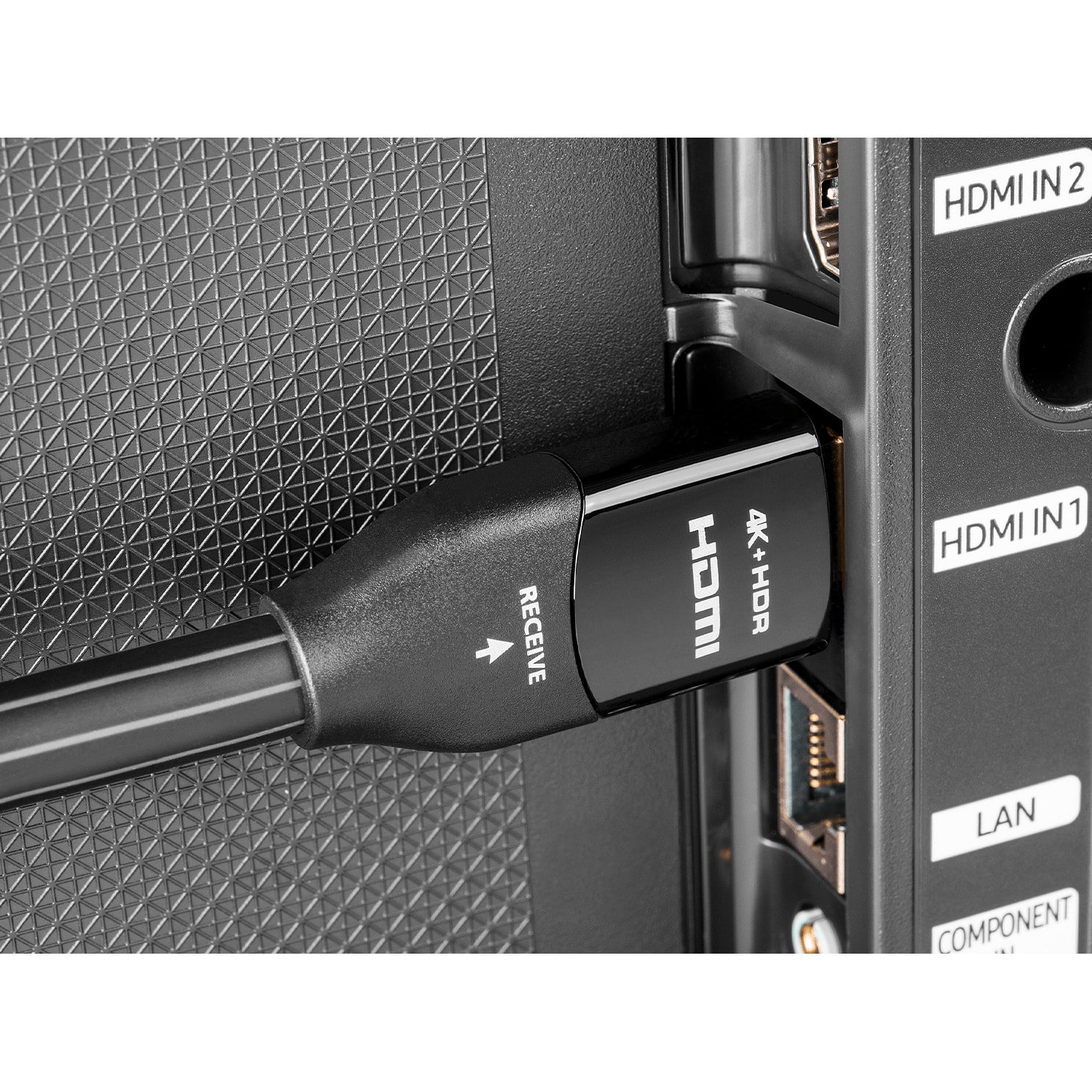
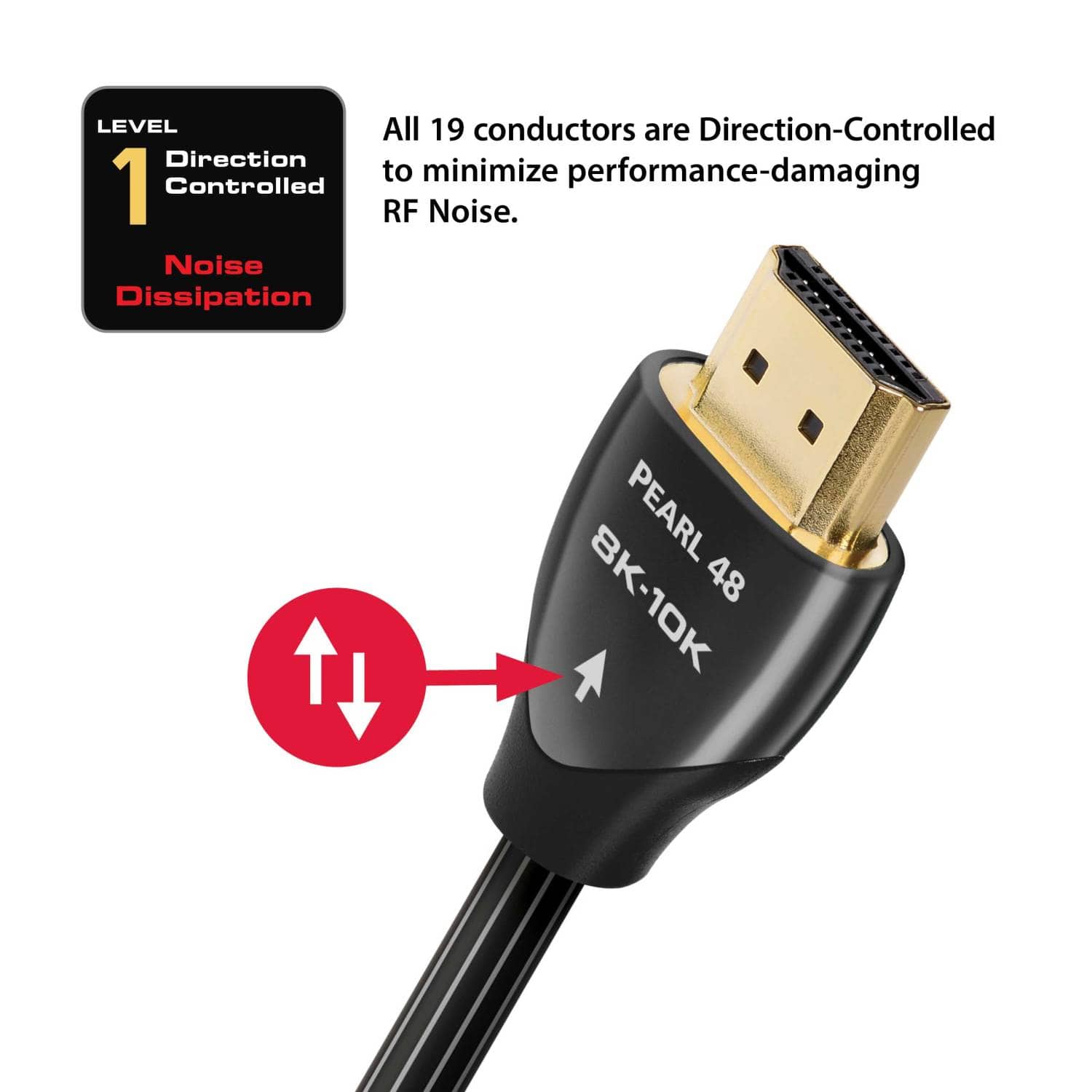
A:AnswerSo figure out which way? Looking up im getting different answers or just the answer that theres no such thing as directional lol. So seemed from source to tv like blueray, ps5, series x to tv but sounbar earc says its tv going to sounbar so shouldnt it be opposite tv to sounbar?
"The Audio Return Channel (arc) sends audio from the TV to a soundbar, receiver, or ARC input." Thats written on page in details for this hdmi cord.