A:AnswerHi, Carson. The Belkin INC022ttDG-RL only supports the following display resolutions.
- Windows (USB-C DP Alt Mode Port 1)
• Single-Monitor: 8K at 30 Hz / 4K at 120 Hz
• Dual-Monitor: 4K at 60 Hz
• Triple-Monitor: 4K at 60 Hz / 4K at 30 Hz / 4K at 30 Hz
- Windows (HDMI 2)
• Single-Monitor: 4K at 60 Hz
• Dual-Monitor: 4K at 60 Hz
• Triple-Monitor: 4K at 30 Hz / 4K at 60 Hz / 4K at 30 Hz
- Windows (HDMI 3)
• Single-Monitor: 4K at 60 Hz
• Dual-Monitor: 4K at 60 Hz
• Triple-Monitor: 4K at 30 Hz / 4K at 30 Hz / 4K at 60 Hz
- macOS (USB-C DP Alt Mode Port 1)
• Single-Monitor: 4K at 120 Hz
• Dual-Monitor: 4K at 60 Hz (mirrored)
• Triple-Monitor: 4K at 60 Hz (mirrored)
- macOS (HDMI 2)
• Single-Monitor: 4K at 60 Hz
• Dual-Monitor: 4K at 60 Hz (mirrored)
• Triple-Monitor: 4K at 60 Hz (mirrored)
- macOS (HDMI 3)
• Single-Monitor: 4K at 60 Hz
• Dual-Monitor: 4K at 60 Hz (mirrored)
• Triple-Monitor: 4K at 60 Hz (mirrored)
- Chrome (USB-C DP Alt Mode Port 1)
• Single-Monitor: 4K at 60 Hz
• Dual-Monitor: 4K at 60 Hz
• Triple-Monitor: Not applicable
- Chrome (HDMI 2)
• Single-Monitor: 4K at 60 Hz
• Dual-Monitor: 4K at 60 Hz
• Triple-Monitor: Not applicable
- Chrome (HDMI 3)
• Single-Monitor: 4K at 60 Hz
• Dual-Monitor: 4K at 60 Hz
• Triple-Monitor: Not applicable
If there’s anything specific, you’d like to see more of or if you need help with any of your Belkin devices, just send us an email at BelkinCares@belkin.com or call our support hotline which can be found here: https://www.belkin.com/support-article/?articleNum=55022.
A:AnswerHi, JD. Belkin INC004 can support up to three simultaneous monitor connections while using the dock. Take note that the maximum number of displays supported by the dock is different than that of maximum number of displays supported by your computer. While the dock can support up to the resolutions and refresh rates listed on the link below, your computer may not be able to support them. https://www.belkin.com/support-article/?articleNum=317818
A:AnswerHi,
The maximum monitor resolutions supported by the dock is based on number of displays attached and used at the same time, as well as the computer's power. Here is the supported dual display resolution of the dock:
• For Windows (Single and Dual Display Setup)
> HDMI: 3840 x 2160 at 30 Hz
> DisplayPort: 3840 x 2160 at 30 Hz
• For Windows (Tri-Display Setup)
> HDMI: 1280 x 720 at 60 Hz
> DisplayPort: 1280 x 720 at 60 Hz
• For MacOS (Single and Dual Display Setup)
> HDMI: 3840 x 2160 at 30 Hz
> DisplayPort: 3840 x 2160 at 30 Hz
• For MacOS (Tri-Display Display Setup)
> HDMI: 1920 x 1080 at 60 Hz
> DisplayPort: 1920 x 1080 at 60 Hz
You may also call our phone support team for advanced troubleshooting and hotlines are listed here: https://www.belkin.com/us/support-article?articleNum=55022.
A:AnswerMirroring or Extending is a function of your Mac. Unless it is a very old computer, you should be able to chose, on your Mac, if an external display extends or mirrors. This is true regardless of what kind of dock or HDMI adapter you use.
A:AnswerHi Michael! This is not tested with the 24" iMac yet. However, it should work as the INC004 is designed to work with computers and devices that can connect over USB-C.
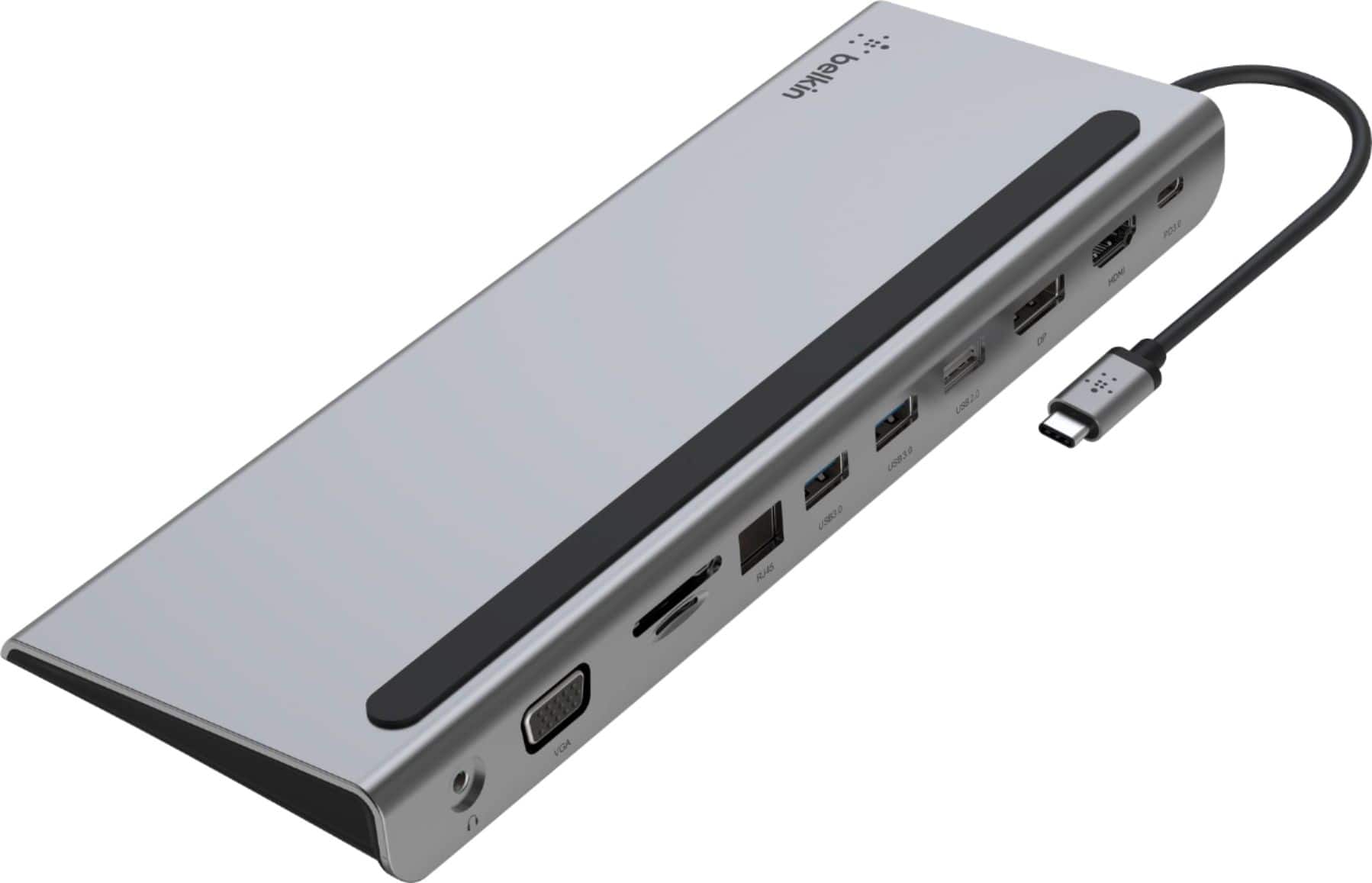
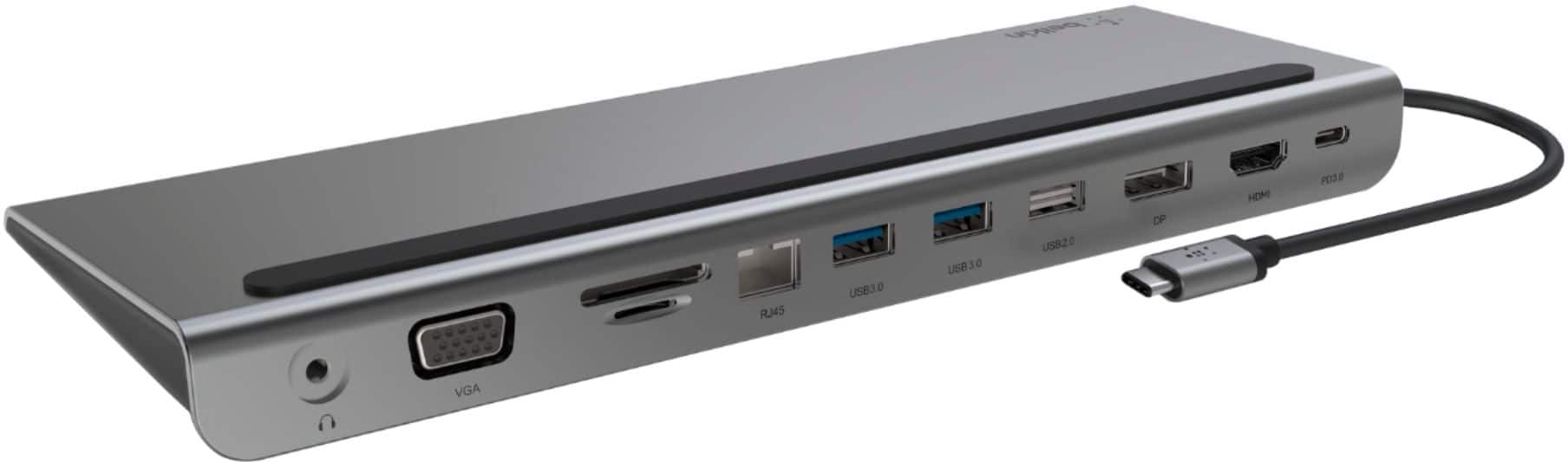
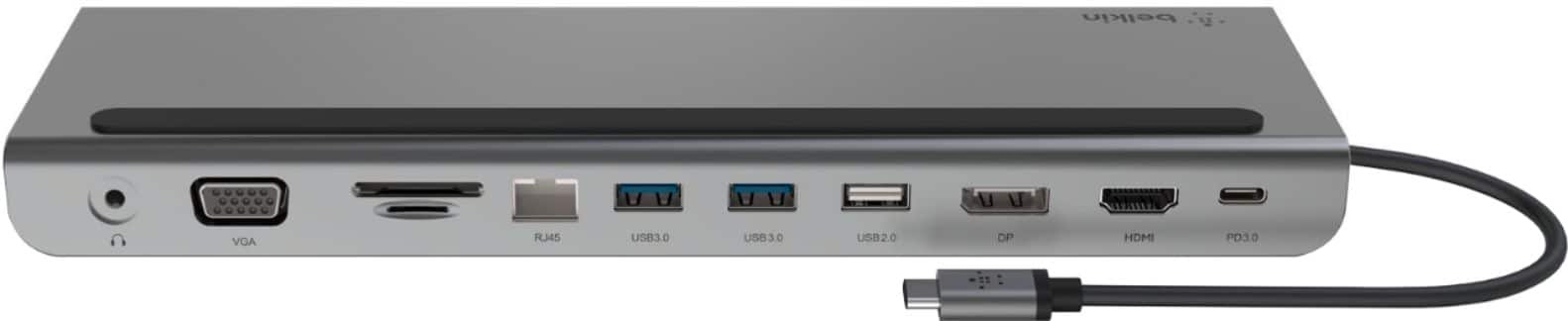
A:AnswerHi. The Belkin CONNECT USB-C 11-in-1 Multiport Dock, INC004 is the perfect all-in-one solution to connect your USB-C laptop to multiple devices. Create your ultimate workstation or lead a seamless online presentation by conveniently connecting your laptop to monitors, projectors, SD cards, ethernet networking, and USB thumb drives.
The Belkin INC004 also doubles as a laptop stand allowing you to neatly organize cables and connection ports in the back. Supporting USB-C PD pass-through charging of up to 100W, you no longer have to worry about choosing to have expansion ports or charge your laptop.