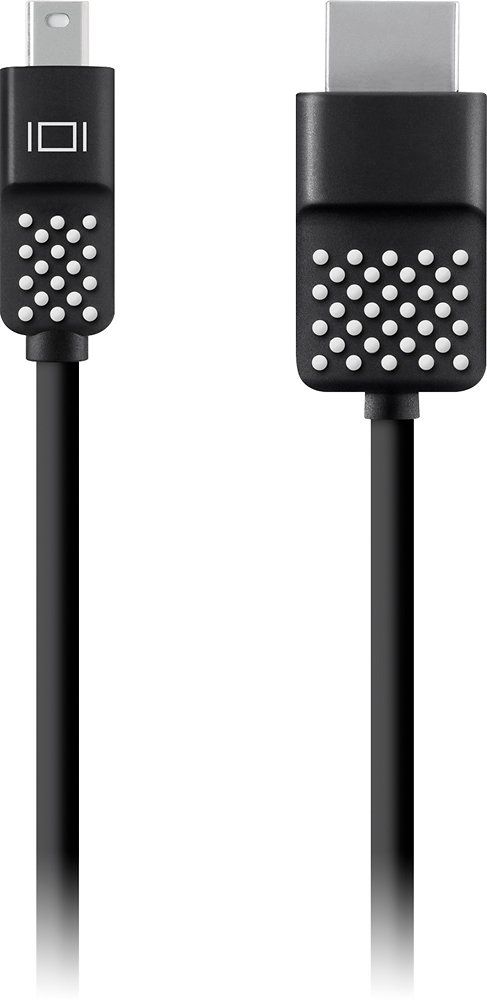
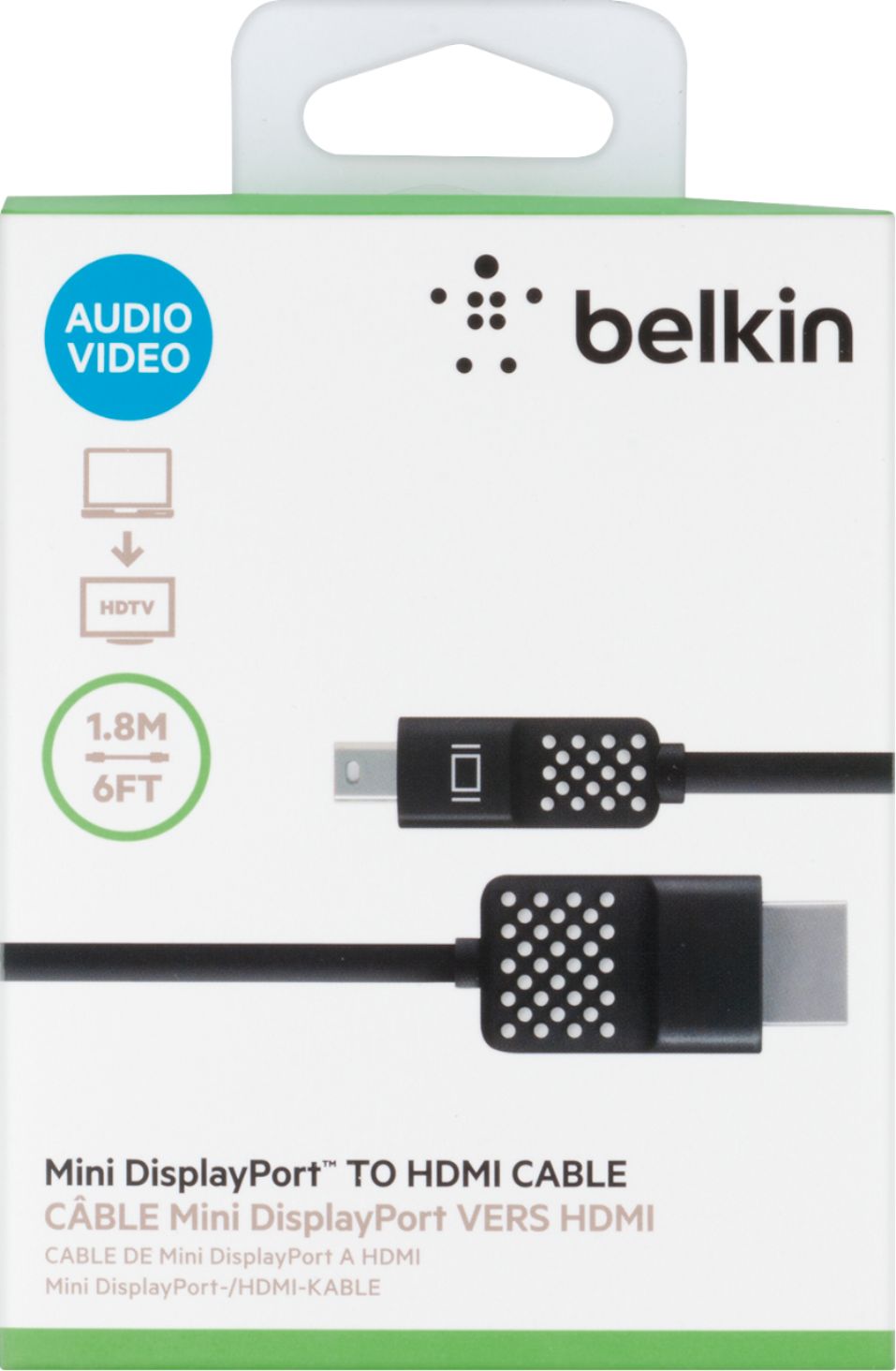
A:AnswerHi, Birdie. You can use the Mini Displayport to HDMI cable to your laptop to watch videos and pictures to your HD TV, however, it is not compatible with laptops running Windows OS. It is only compatible with Macbook devices and Surface Pro 2, 3 and 4 running Windows 8.1 Pro and higher.
A:AnswerHi, Cat. To answer your first question, this Belkin Mini DisplayPort to HDMI Cable (F2CD044bt06) will not work with Samsung Phone or tablet to connect to a Samsung HDTV because this type of cable is a Mini DisplayPort to HDMI cable, and Samsung devices have micro USB port. To answer the second one, yes you can connect and use an extender to make it have a longer reach/length.
A:AnswerNo, it will not work with Microsoft Surface Pro 2017. It is compatible only with Microsoft Surface Pro 2, Microsoft Surface Pro 3 and Microsoft Surface Pro 4.
A:AnswerHi. This product will only work with these devices:
MacBook Pro 13”
MacBook Pro 15”
MacBook Pro 17”
Motorola Xoom
Blackberry Playbook 9800
Blackberry Playbook 9860
Acer Iconia
Archos 10.1
Asus Eee Pad
A:AnswerHi! We'd like to know more details about your inquiry. Please send us an email at [email protected] with the link to this post and your contact details. Hope to hear from you soon!
A:AnswerHi, MikeM. This cable is only compatible to work with MacBook, MacBook Air, MacBook Air 11”, MacBook Air 13”, MacBook Pro (2014), MacBook Pro 13”, MacBook Pro 15”, MacBook Pro 17”, Surface Pro 2, Surface Pro 3, and Surface Pro 4.
A:AnswerHi! It may or may not work as it's not tested with that setup. The Belkin F2CD044 lets you stream high-quality audio and video content from your laptop or tablet to your HDTV.
A:AnswerHi, Candy. The Belkin F2CD04 has not been tested to work a Dish TV. It has been tested for compatibility with the following devices:
• MacBook Pro 13”, 15”, and 17”
• Asus Eee Pad
• Motorola XOOM
• Blackberry® PlayBook™ 9800 and 9860
• Acer Iconia
• Archos 10.1
A:AnswerHi, GiGi. The Belkin Mini DisplayPort to HDMI Cable, F2CD044 lets you stream high-quality audio and video content from your laptop or tablet to your HDTV. Simply plug the cable to the Mini DisplayPort or Thunderbolt port of your smart device then plug the other end to your HDTV’s HDMI port. As long as the system requirements are met, it should work fine with this set up.
A:AnswerHi, Notageek. As long as the devices supports Mini DisplayPort and HDMI connection, it should work fine with this cable. Also, this is a plug and play unit that requires no set up.
A:AnswerIf your device supports mini DisplayPort to HDMI connection, then it should work, john; moreover, the Belkin Mini DisplayPort to HDMI Cable (F2CD044) is compatible with the following devices:
MacBook Pro 13”, 15”, and 17”
Asus Eee Pad
Motorola XOOM
Blackberry PlayBook 9800 and 9860
Acer Iconia
Archos 10.1
A:AnswerNo. Tae. The Mini DisplayPort cable works with the following devices:
MacBook
MacBook Air
MacBook Air 11”
MacBook Air 13”
MacBook Pro (2014)
MacBook Pro 13”
MacBook Pro 15”
MacBook Pro 17”
Surface Pro 4