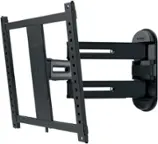
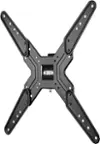
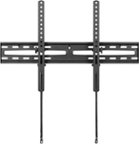
A:AnswerLoosen your tensioner bolt with the Allen wrench they supplied. Move the arms in the back with your hand and butterfly them out and then push the tv back into place against the wall.
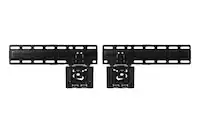
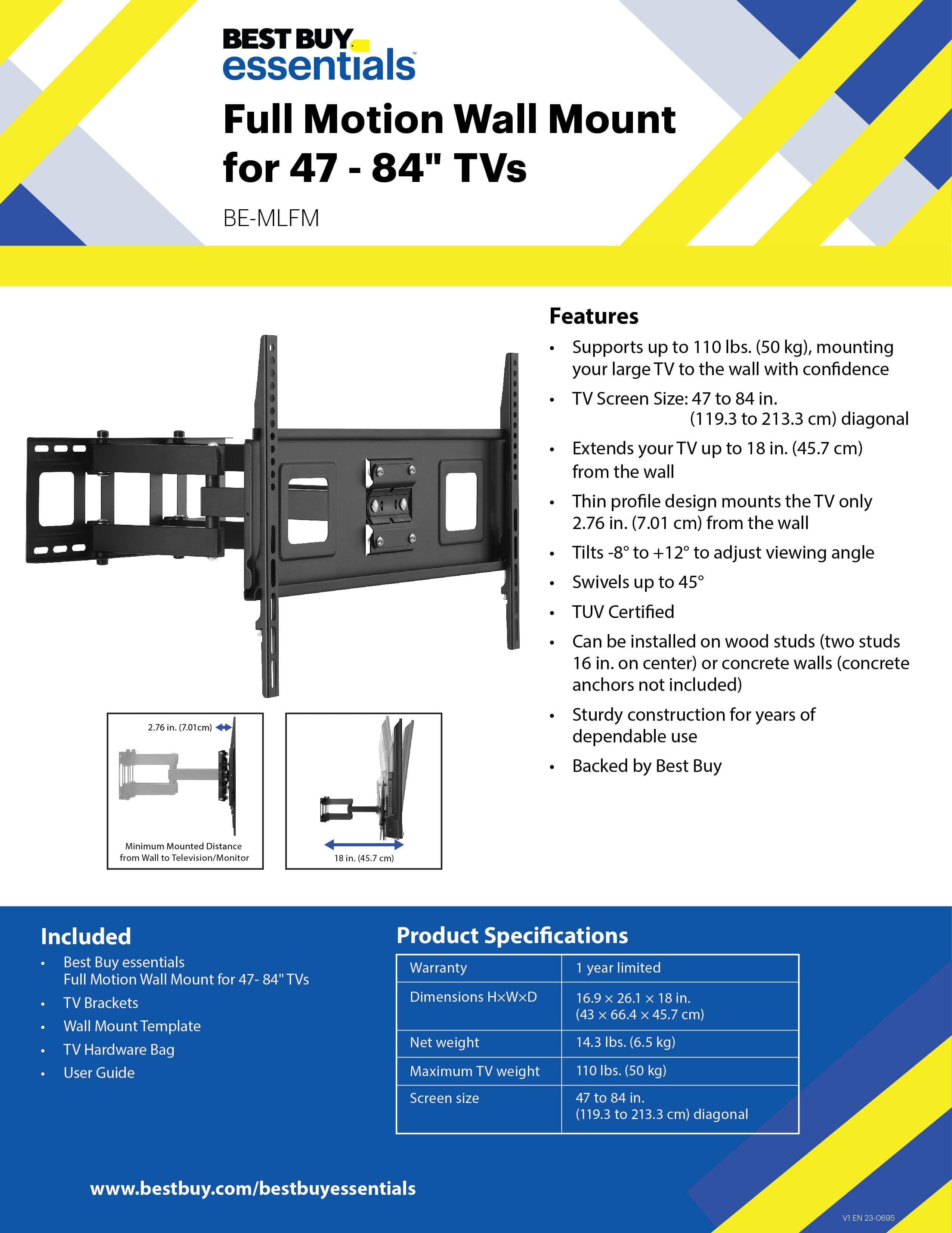
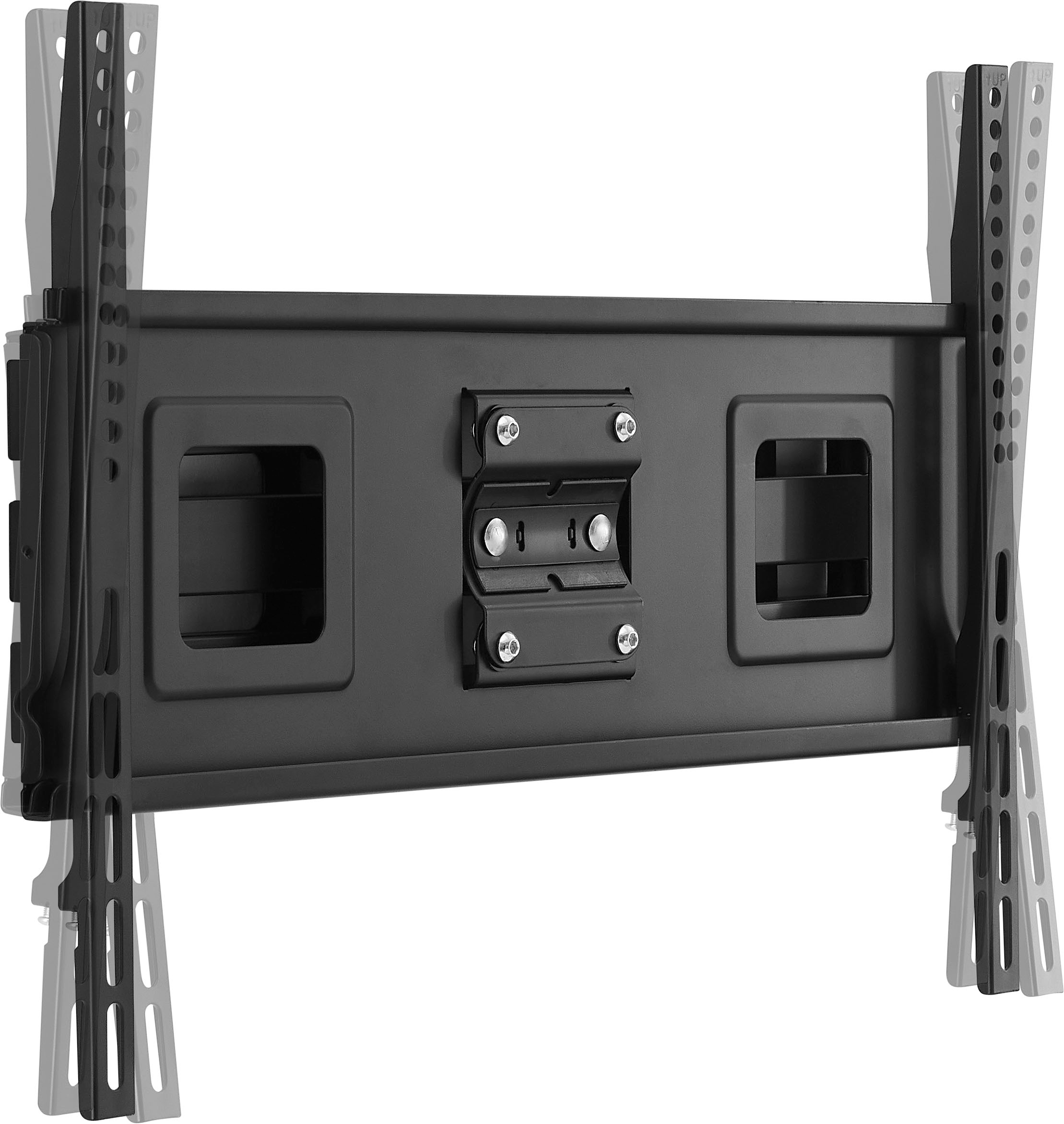
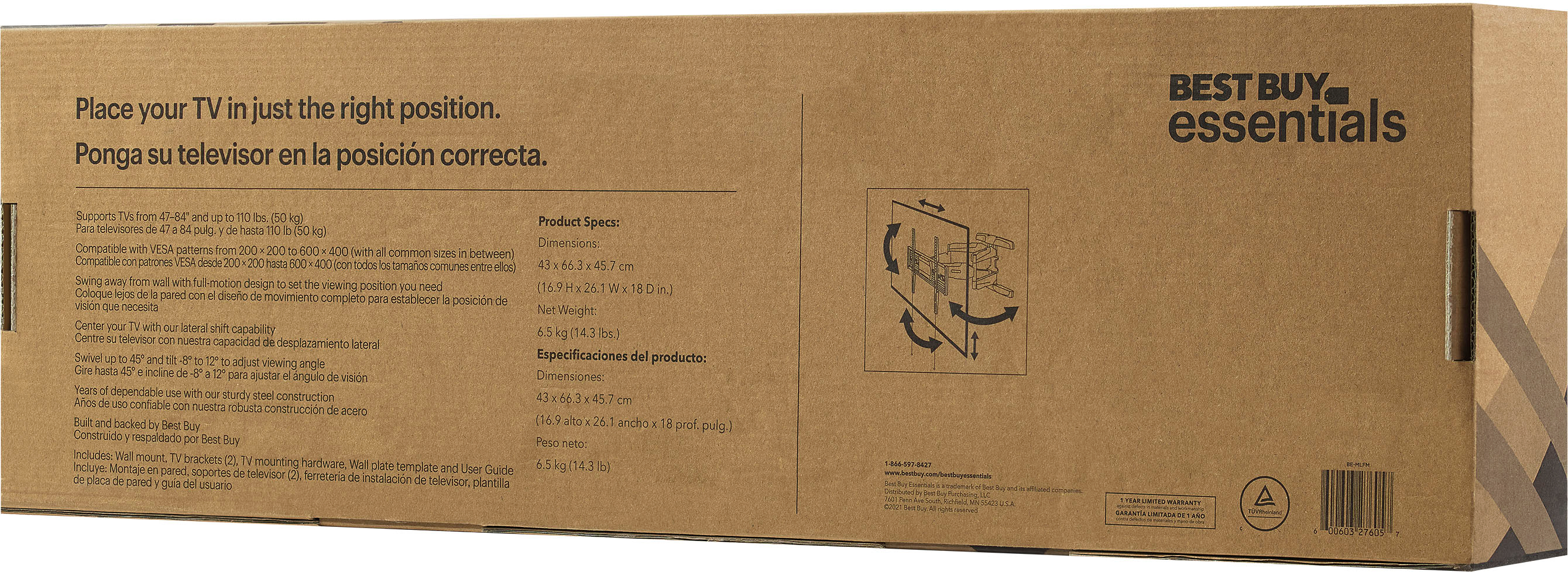
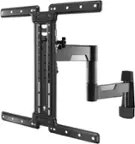
A:AnswerThank you for your inquiry! The Best Buy essentials™ Full Motion TV Wall Mount for 47–84" TVs supports various VESA patterns, which determine the distance between the mounting holes. The supported VESA patterns for this mount include 100mm x 100mm, 200mm x 100mm, 200mm x 200mm, 300mm x 200mm, 300mm x 300mm, 400mm x 200mm, 400mm x 300mm, and 400mm x 400mm. These measurements are in millimeters and represent the distance between the mounting holes in a rectangular pattern. If you have any other questions or need further assistance, feel free to ask! - Mae | BestBuy Essential Support
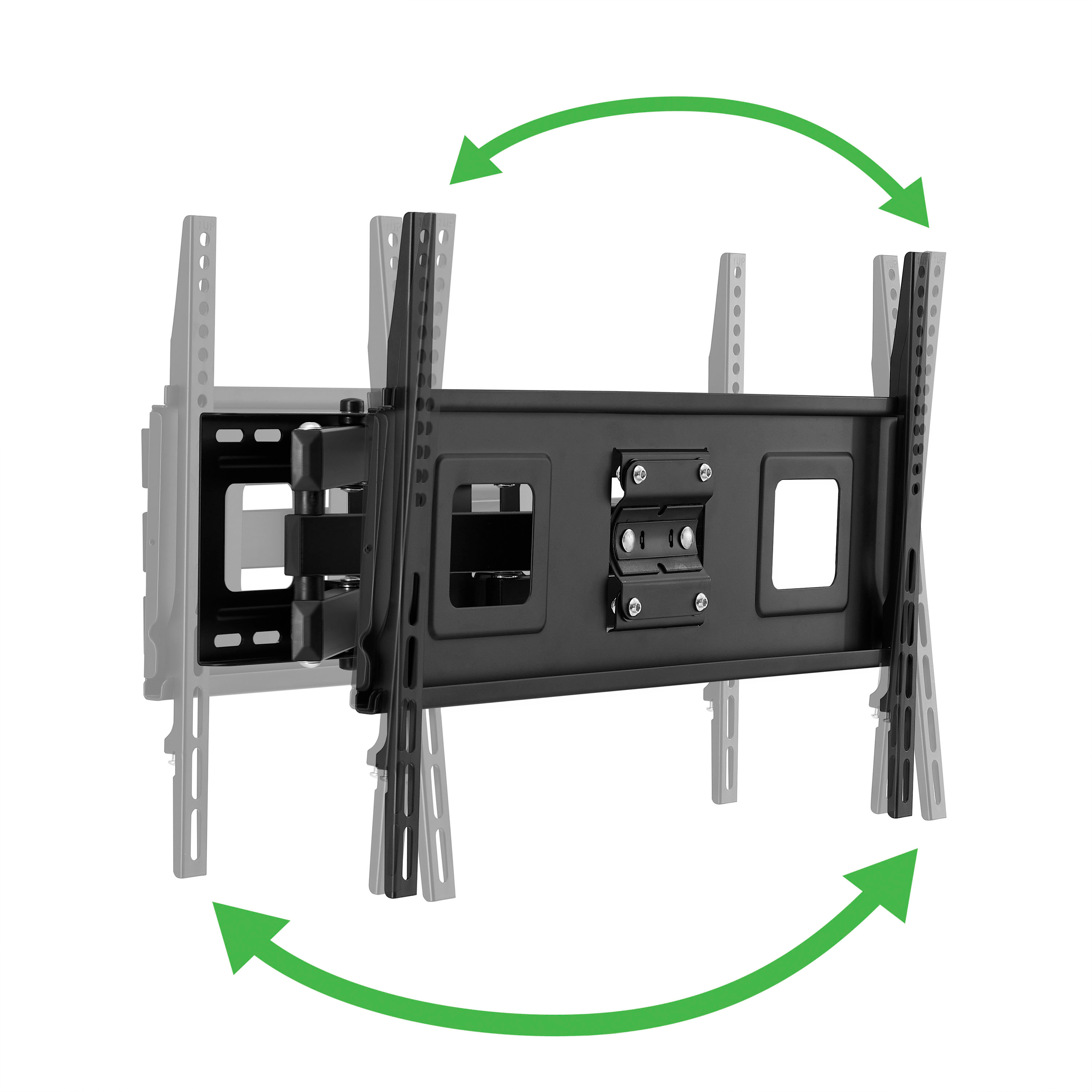
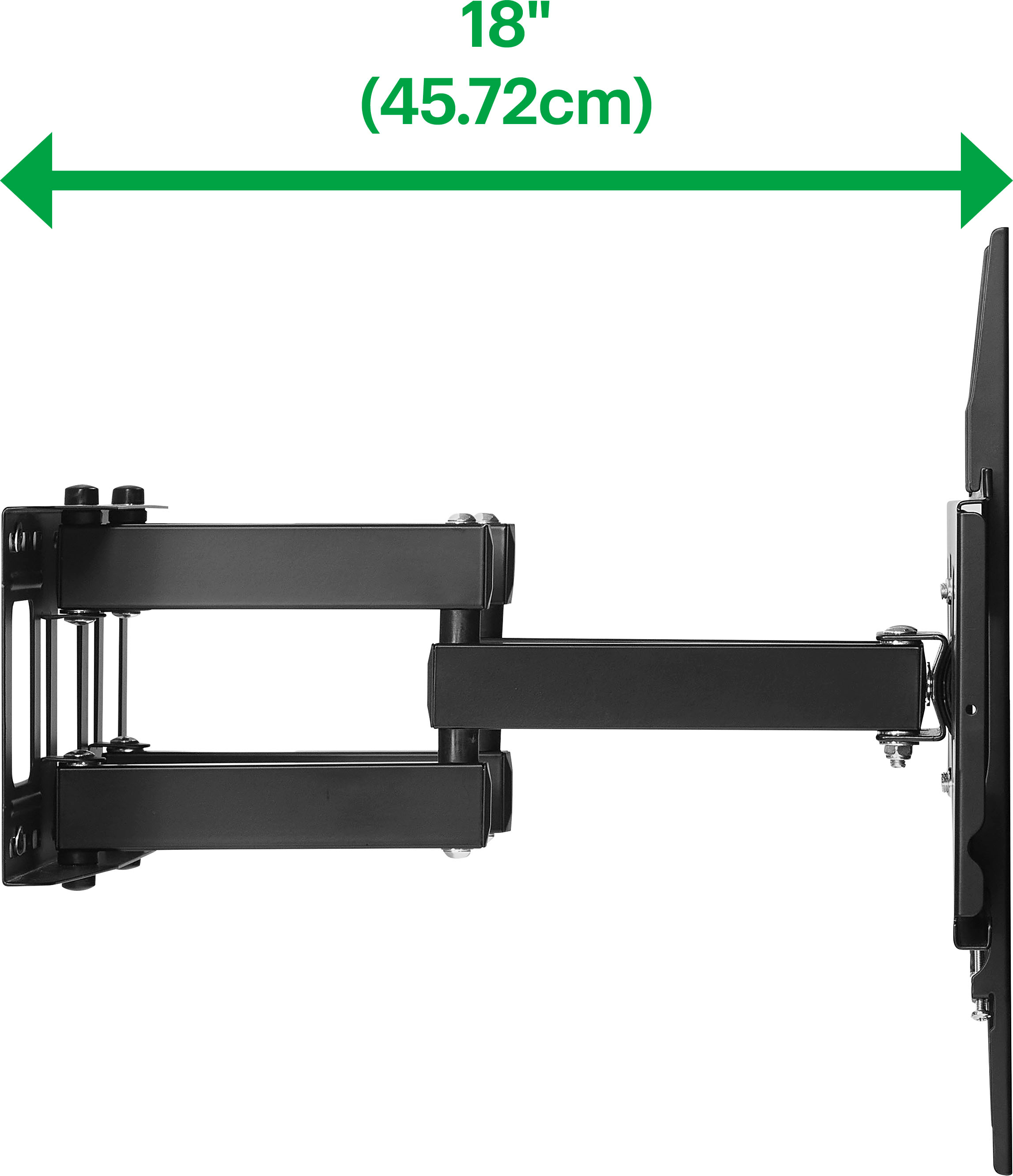
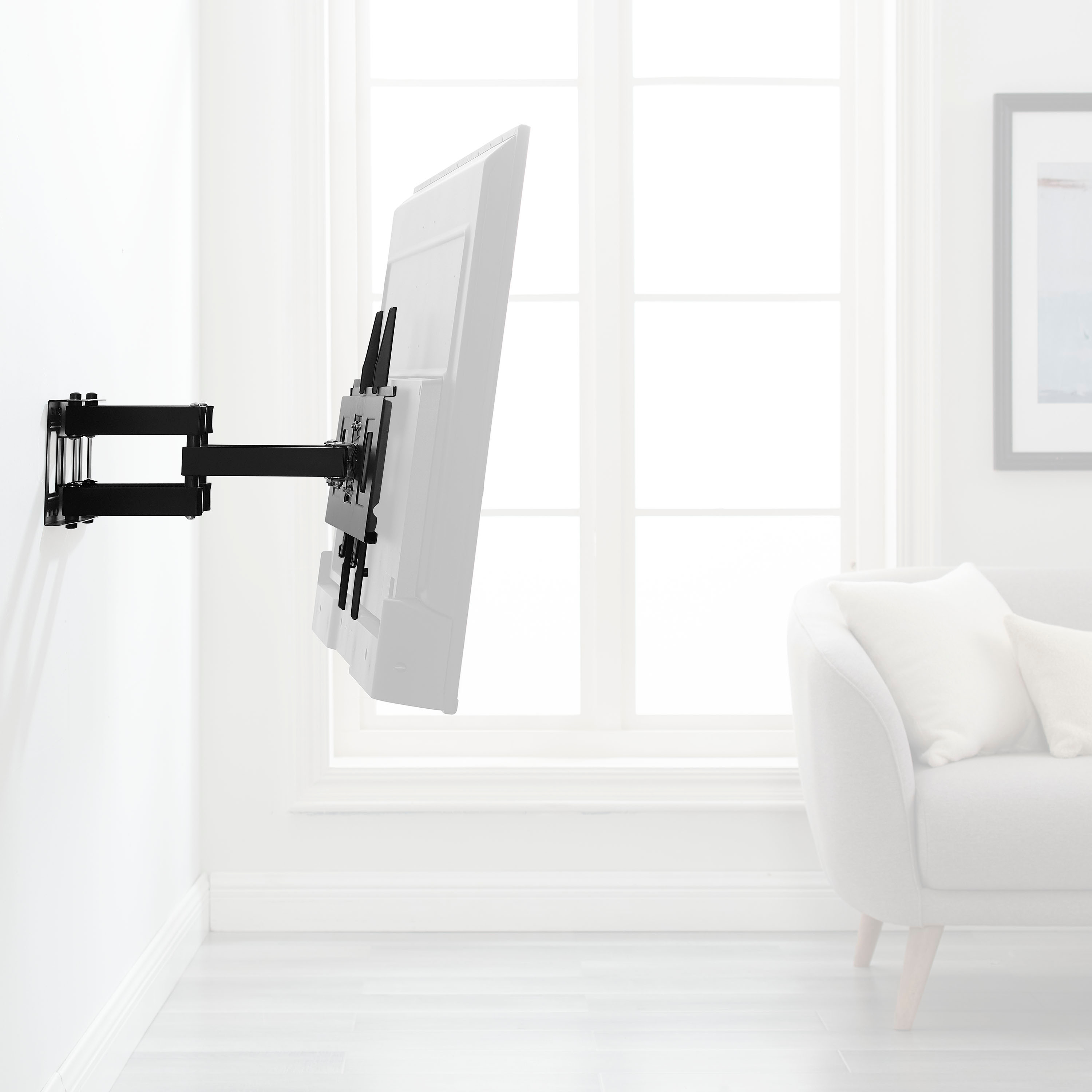
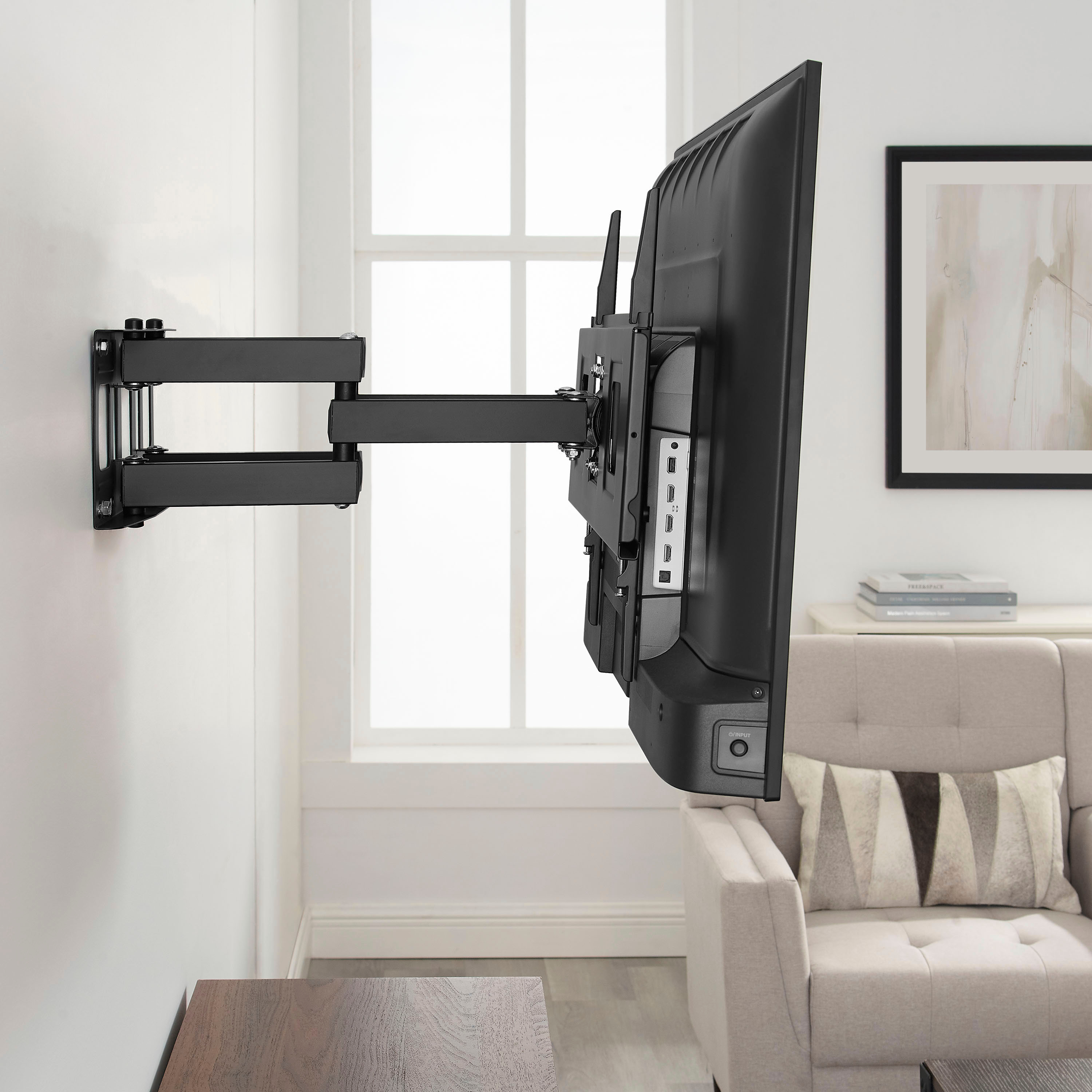
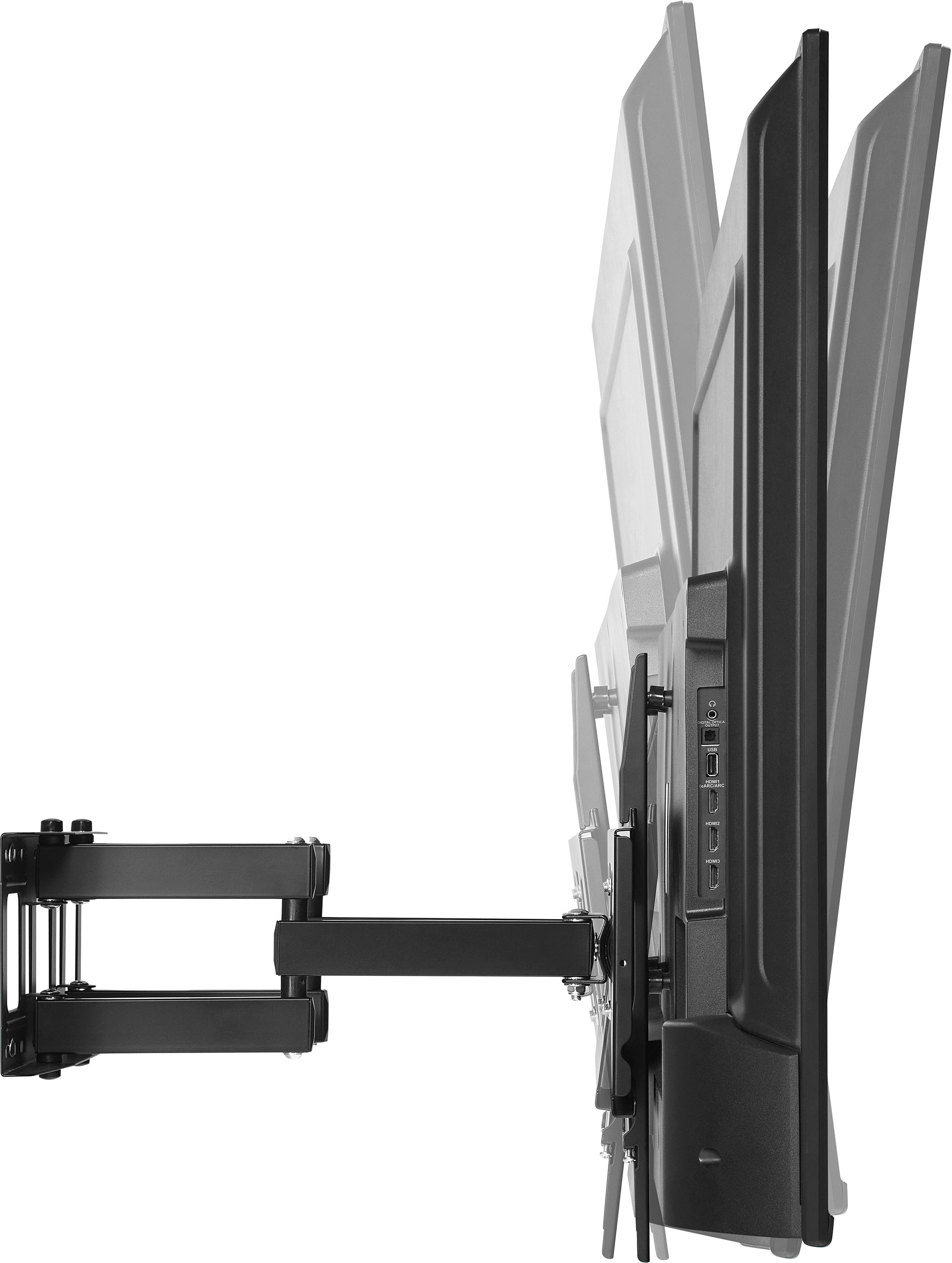
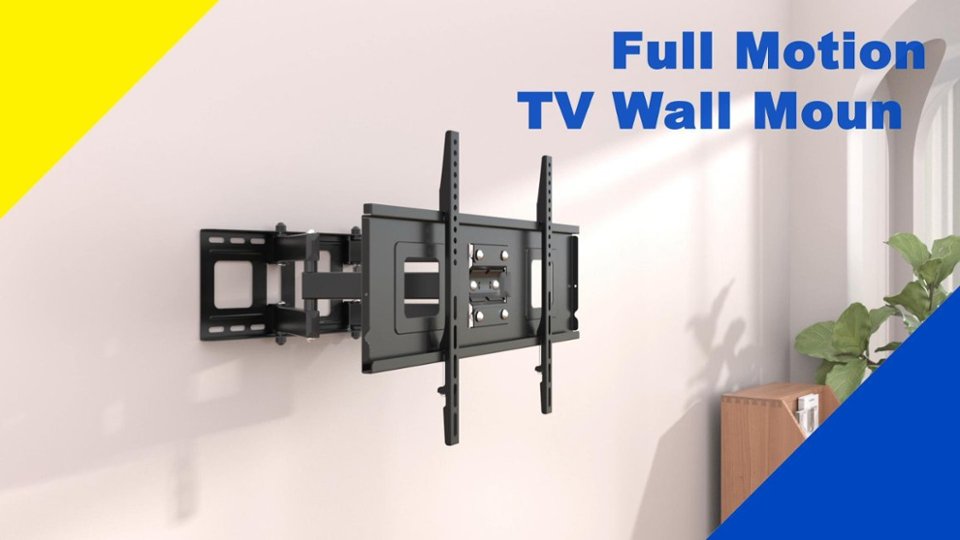
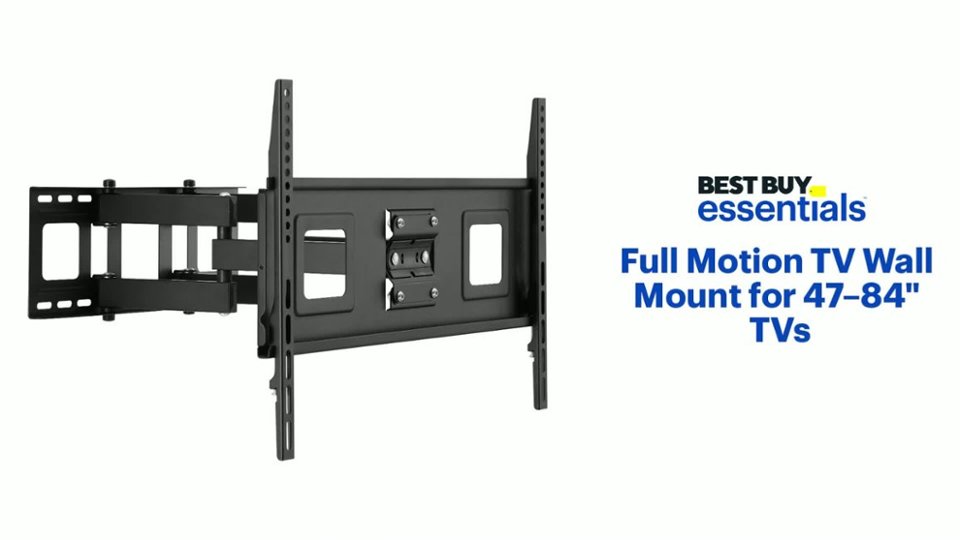
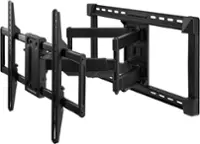
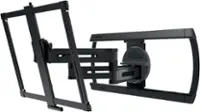
A:AnswerYes, the Best Buy essentials™ Full Motion TV Wall Mount for 47–84" TVs can work in a corner application for your 65" monitor. This mount features an 18-inch arm that allows you to move the TV away from the wall and a 90-degree swivel mechanism, providing flexibility in positioning. This makes it suitable for corner installations, as you can adjust the viewing angle to suit your needs.
If you have any other questions or need further assistance, feel free to ask!
A:AnswerTo determine the offset distance from your wall's center to the mount's center for your Samsung 77" Class S90D Series TV using the Best Buy essentials™ Full Motion TV Wall Mount (Model: BE-MLFM), you'll need to consider the following steps:
1. Check the VESA mounting pattern on the back of your TV. This is the distance between the mounting holes (both horizontally and vertically).
2. Since the TV mounts on the bottom section, measure the distance from the bottom of the TV to the center of the VESA mounting holes.
3. Subtract the distance from the bottom of the TV to the center of the VESA mounting holes from the total height of the TV. This will give you the offset distance from the bottom of the TV to the center of the mount.
4. Measure the height of the TV and divide it by 2 to find the center of the TV. Then, add the offset distance calculated in step 3 to find the distance from the wall's center to the mount's center.
So, the mount's center would be 9 inches above the center of the TV.
If you need precise measurements or further assistance, it might be helpful to refer to the TV and mount manuals or contact Best Buy support for detailed guidance.
If you have any other questions or need further assistance, feel free to ask!
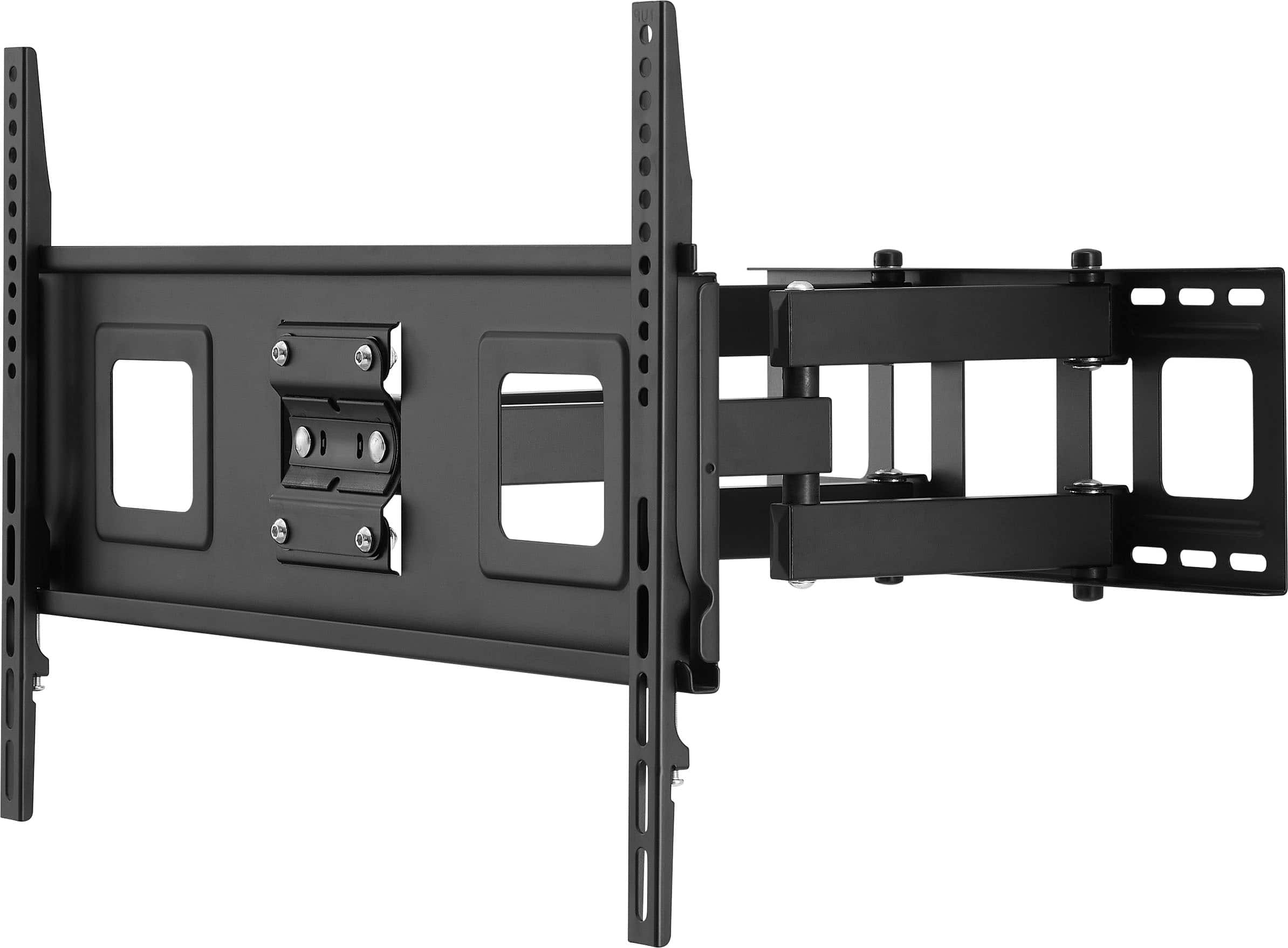
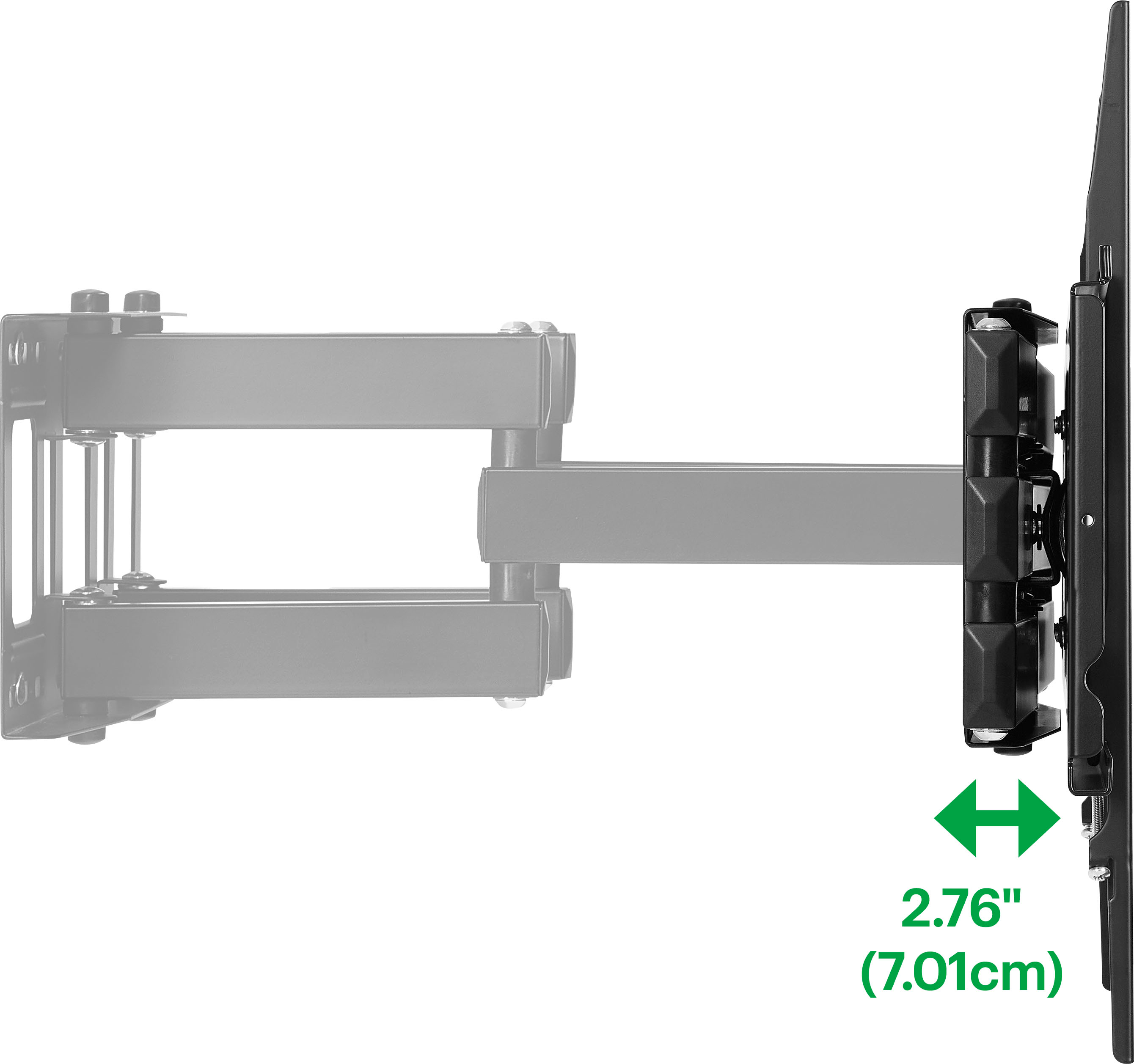
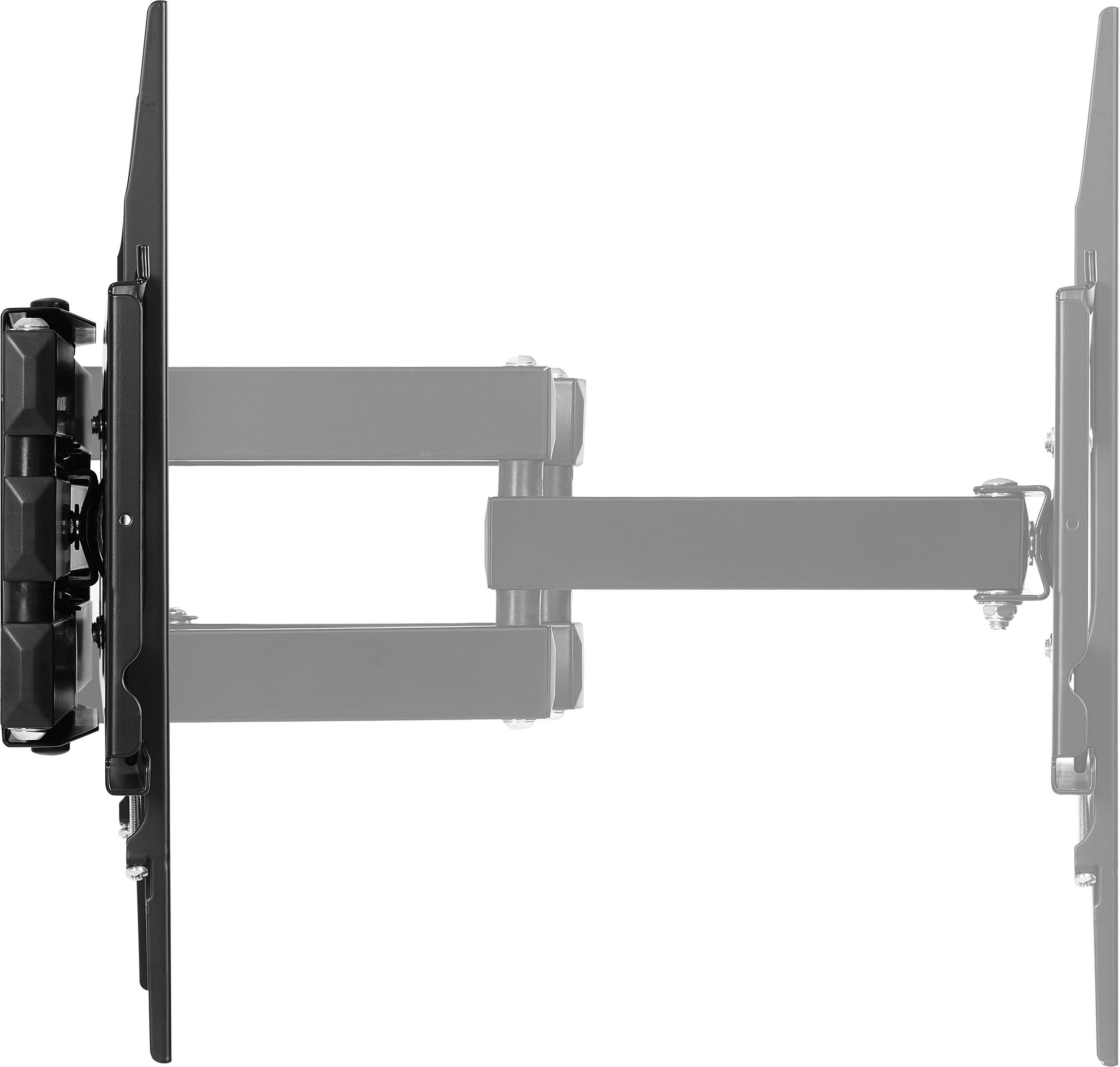
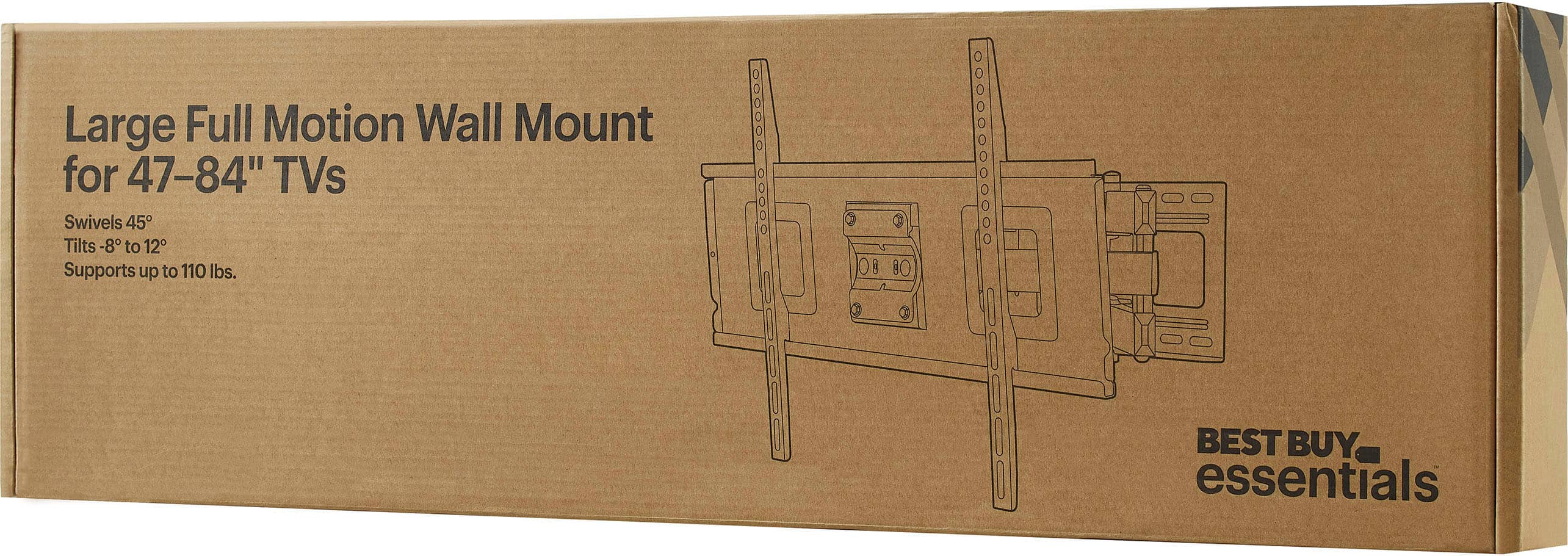
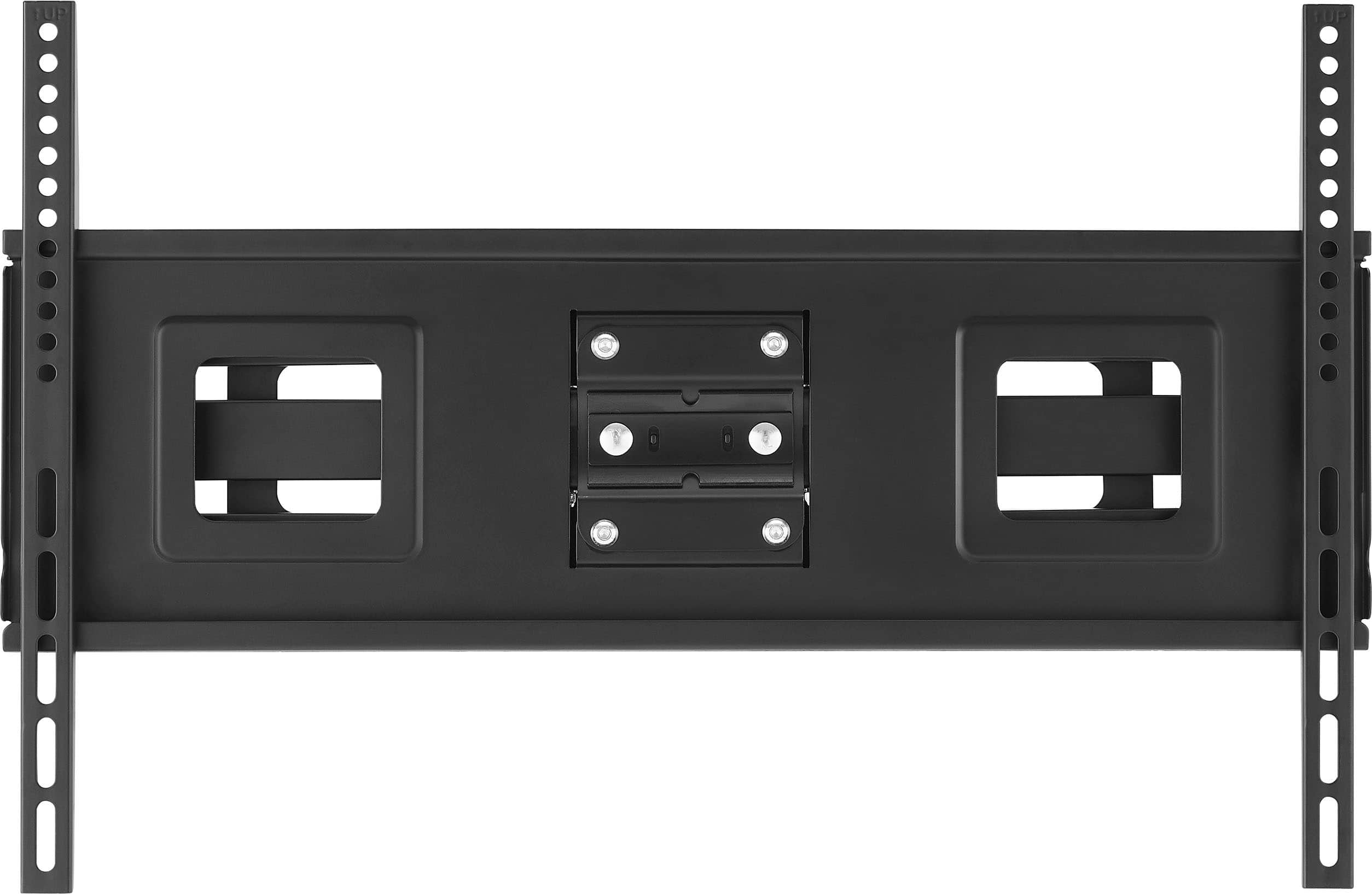
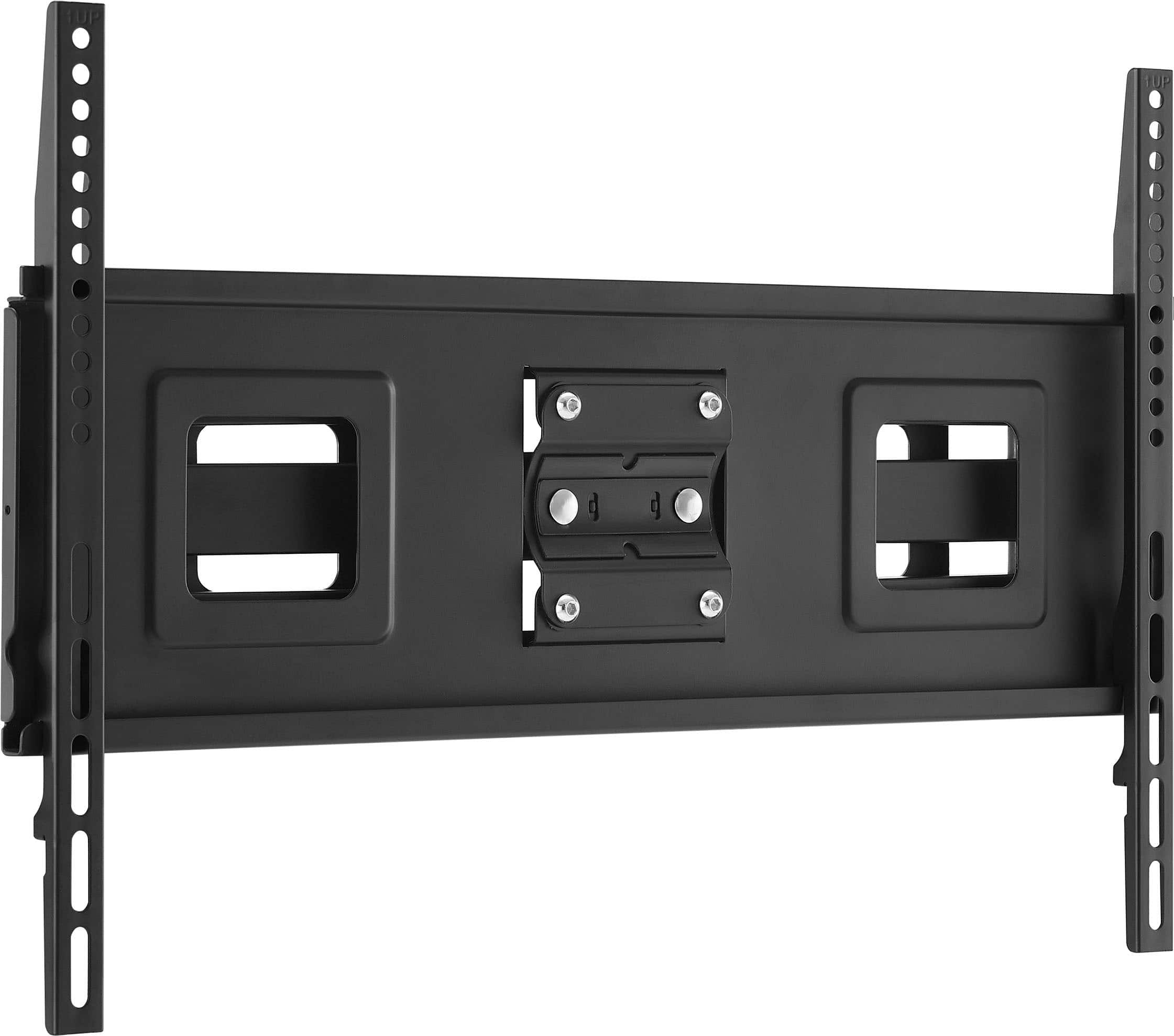
A:AnswerHi Ken! Thank you for your question! The Best Buy essentials™ Full Motion TV Wall Mount for 47–84" TVs has the following dimensions: Height: 16.9 inches; Width: 26.1 inches; Depth: 18 inches. This wall mount is designed to provide flexibility in positioning your TV, with an 18-inch arm that moves your TV away from the wall and a 90-degree swivel mechanism for multiple viewing angles. If you have any other questions or need further assistance, feel free to ask! - Mae | BestBuy Essential Support | https://www.bestbuy.com/site/brands/best-buy-brands/pcmcat1596746025285.c?id=pcmcat1596746025285
A:AnswerThank you for your question! The Best Buy essentials™ Full Motion TV Wall Mount for 47–84" TVs is primarily designed for installation on wood studs and concrete walls. Unfortunately, it is not recommended for use with metal studs due to the potential for insufficient support and stability. If you have any other questions or need further assistance, feel free to ask! - Mae | BestBuy Essential Support | https://www.bestbuy.com/site/brands/best-buy-brands/pcmcat1596746025285.c?id=pcmcat1596746025285
A:AnswerMost TV wall mounts, even if the manual only shows tilt and swivel features, usually have small adjustment screws or knobs that allow you to fine-tune the TV's level on the mount after installation
A:AnswerMounting the Best Buy essentials™ Full Motion TV Wall Mount to a single six-inch wide post is not recommended. This mount is designed to be secured to wood studs, solid concrete, or concrete block walls, which provide the necessary stability and support for the weight of the TV and the mount itself.
A single six-inch wide post may not offer sufficient support, especially for larger TVs. For safety and stability, it’s best to follow the manufacturer’s guidelines and mount the bracket on a surface that meets their recommendations.
If you have any doubts, consulting with a professional installer might be a good idea to ensure a safe and secure installation.
If you have any questions or need further assistance, please don't hesitate to reach out. - Mae | BestBuy Essential Support | https://www.bestbuy.com/site/brands/best-buy-brands/pcmcat1596746025285.c?id=pcmcat1596746025285
A:AnswerHi there! The Best Buy essentials™ Full Motion TV Wall Mount for 47–84" TVs is designed to be compatible with wood studs, but it typically requires studs that are 16 inches apart, which is the standard spacing in most homes. If you need further assistance, feel free to ask. |Angelica| Best Buy Essentials Product| https://www.bestbuy.com/site/best-buy-essentials-full-motion-tv-wall-mount-for-47-84-tvs-black/6451333.p?skuId=6451333