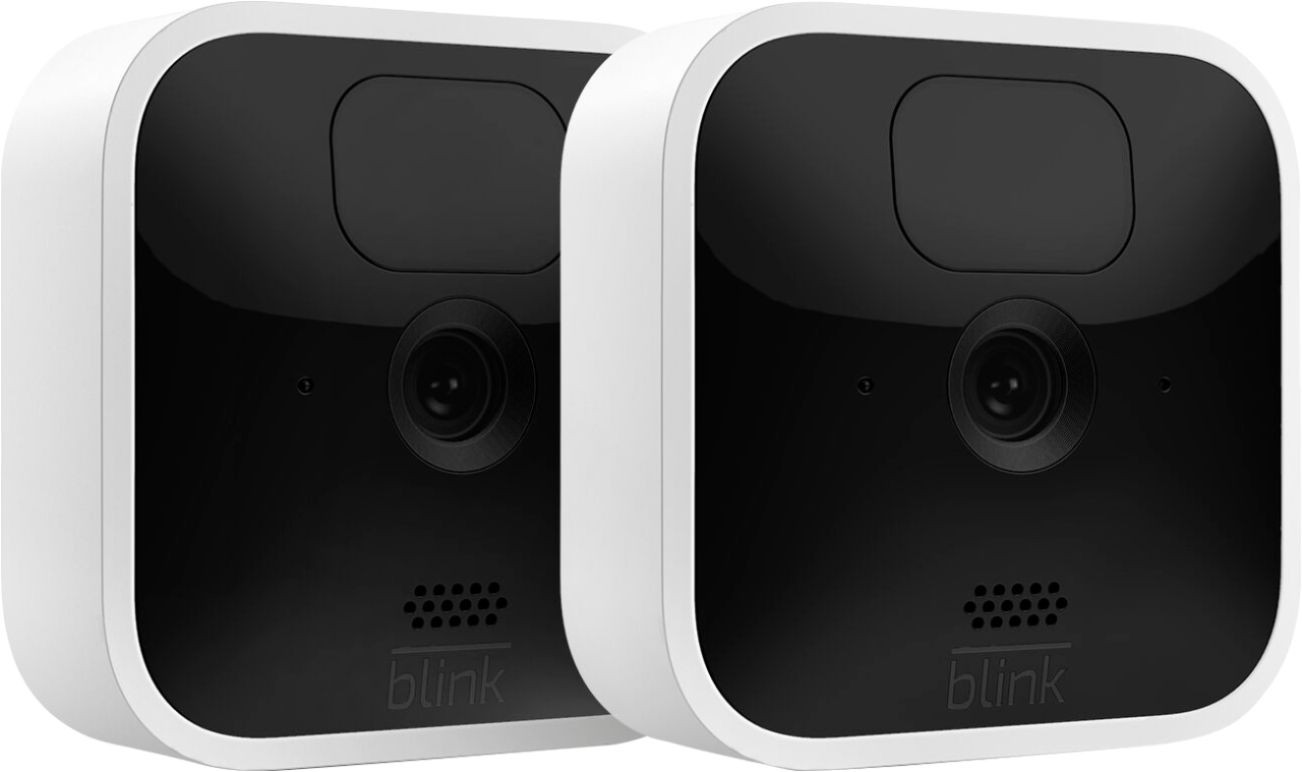
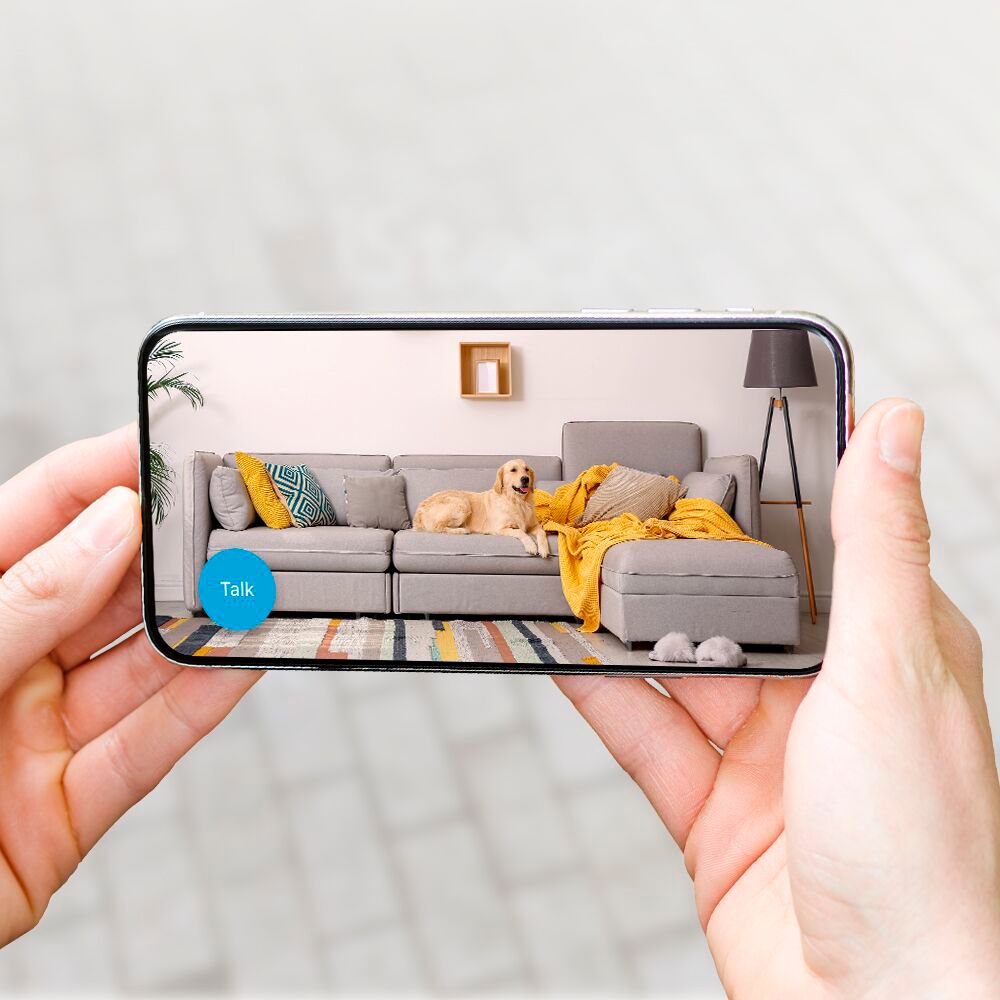
A:AnswerThe Blink Indoor and Blink Outdoor cameras do both have a temperature alert feature that can be enabled to notify you when the temperature goes above/below a set temperature.
A:AnswerYou don’t really need the geek squad to do this. It is so simple. You just put them in the rooms you want them in and you’re done. In answer to your question though, I don’t think so, but I’m not positive. Call them and ask.
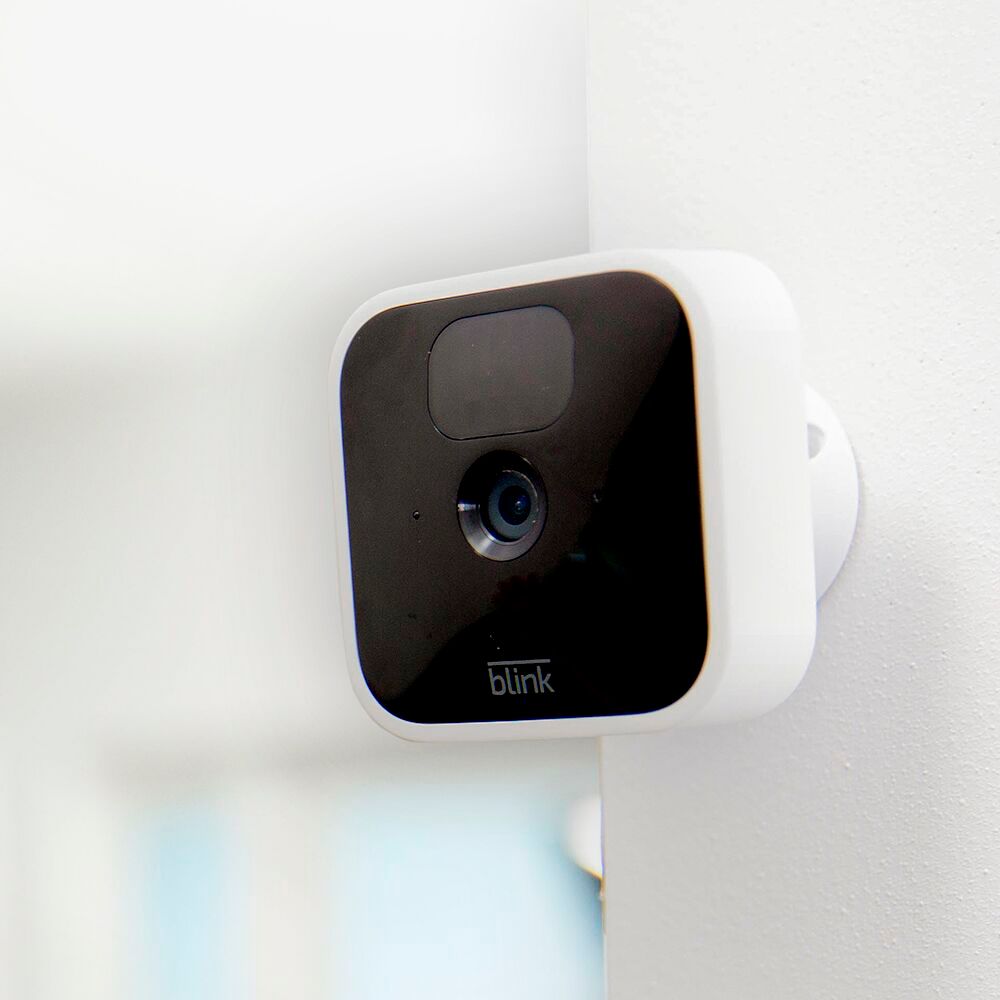
A:AnswerYes, you can use the mounts if you want or you can just place them in the rooms wherever you want them to sit. I have mine in five rooms and have not used the mounts.
A:AnswerYes, it does. However, I wouldn't plce it near a light source. For ex. I have my video doorbell under my porch light and it's hard to see clearly because of the glare from the light above. Hope this helps.
A:AnswerThe Blink Systems (including the Blink Mini) do currently require a 2.4ghz wifi-based Internet connection to operate. Blink is not compatible with wifi networks broadcasting a 5ghz signal.
A:AnswerYou would generally set the cameras to shut off a desired amount of time after motion stops. I don't think the cameras can be setup to run continuously. That's the whole point of motion activation. Your storage would fill up in a short amount of time.
A:AnswerThe Blink Indoor cameras themselves are battery-powered so you can place them anywhere. The sync module however needed to operate the Blink Indoor cameras would need to be plugged into a normal wall outlet at all times and within 100ft of the cameras in any direction.
A:AnswerYou are able to set the motion clip recordings on the Blink Indoor cameras to be anywhere from 5 to 60 seconds within the camera settings in the APP. The Blink Indoor camera will continue to capture 5-60 second video clips as long as motion is being detected. There is a delay between consecutive clips (as the camera turns off and back on) which can be set by you in the Blink App to anywhere between 10 to 60 seconds depending on your preference.
A:AnswerThe Sync Module is an integral part of a Blink system, allowing Blink devices to stay online. It must be plugged in to a power supply and connected to an active 2.4 GHz Wi-Fi internet connection at all times. The sync module would ship with all Blink Systems/kits. Any Blink Mini, Blink Indoor and Blink Outdoor system/camera added to a Blink account created after 4/15/2020 will require a subscription for cloud storage to save videos after the free trial of the Blink Cloud Subscription Service has ended.
A:AnswerYou can only have one username/email address and password per account however, you can download our app to as many compatible iOS, Android and Amazon Fire devices as you’d like, so the entire household can receive alerts or check in at home.
When launching the app on additional devices, please use the sign in option to access the account you created on your first Blink connected mobile device. You will not have to go through the setup process again. Please note you will not be able to use Live View from multiple devices at the same time.
A:AnswerThe Blink 3-camera Indoor Kit would come with 3 Blink Indoor cameras and the sync module 2. We do also ship each camera with a mount, mounting hardware screws and the batteries and the sync module would ship with the correct power cord and adapter.
The USB port on the back of the camera can be used with a Micro USB cable and power adapter (not included with your camera) to power your cameras rather than using batteries (for proper safety only use 5V/1A USB power adapters).
A:AnswerYou are able to add Blink cameras to your existing Blink System at anytime. You can have up to 10 Blink devices per sync module as long as they are all within the 100ft operating range of the sync module in any direction. The cameras on the sync module can be in any combination.