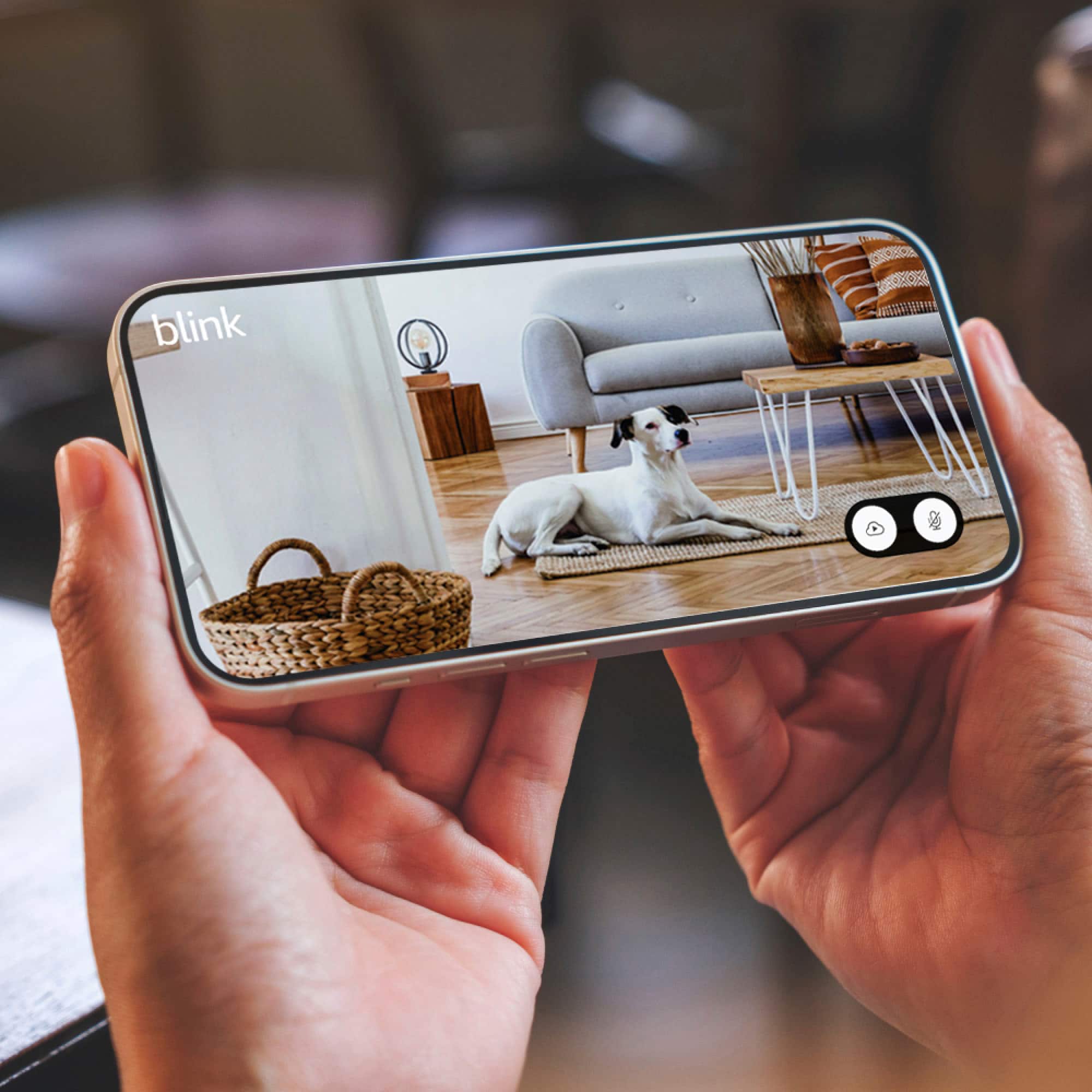
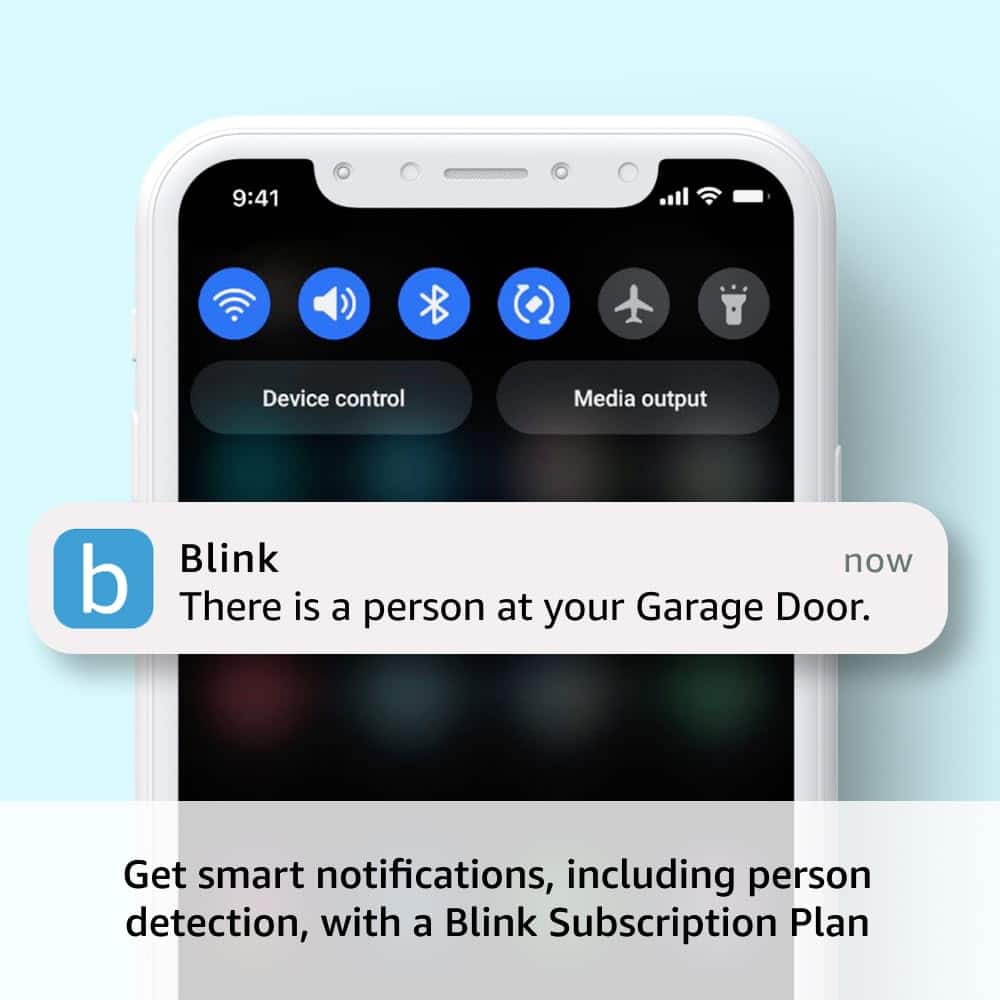
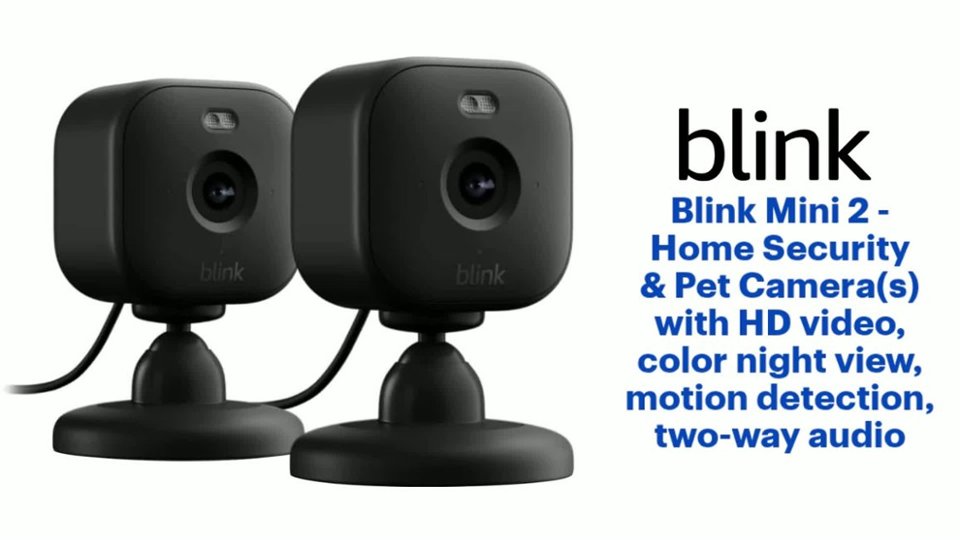
A:AnswerThe Blink application will allow the Mini 2 to perform a live view at any time. In order for the camera to actually record events, either a Blink subscription plan or Local Storage must be used. Please click here for more information: https://support.blinkforhome.com/using-your-camera/blink-storage-options?from_search=181167463
A:AnswerHi Lulu, thank you for your question. The Blink devices get added to your Blink account (you must be there in person to add any device since you have to be connected to the Wi-Fi at the time) and you can access the system at any time from the Blink app installed on your phone. It is important to note the cameras require constantly internet connection and power. If either is interrupted, the only way to get the device(s) back online would require you to be there in person with them. I hope this helps, have a great day!
A:AnswerHi there,
The Blink app does not have the ability to natively change alert tones. However, some phones may be able to do this in their settings. Check your phone settings for this feature!
A:AnswerManual positioning, we havent had it that cold but, so far the weather hasnt affected it. I can sure hear the wind! Mine is facing the west and it's still working properly.
A:AnswerAll Blink cameras require a 2.4 GHz Wi-Fi Internet connection. The cameras use Wi-Fi to send images and notifications so you can view them from the Blink app on your mobile device. At minimum, Blink systems need a connection of at least 2 Mbps upload speed.
A:AnswerHello Chait,
Unfortunately the Blink Mini 2 can not be used as a Webcam. It does not have the Direct USB Plug and Play compatibility. So if you were to plug it in to your computer using a USB the computer would not recognize it as a camera.
I hope this answers your question.