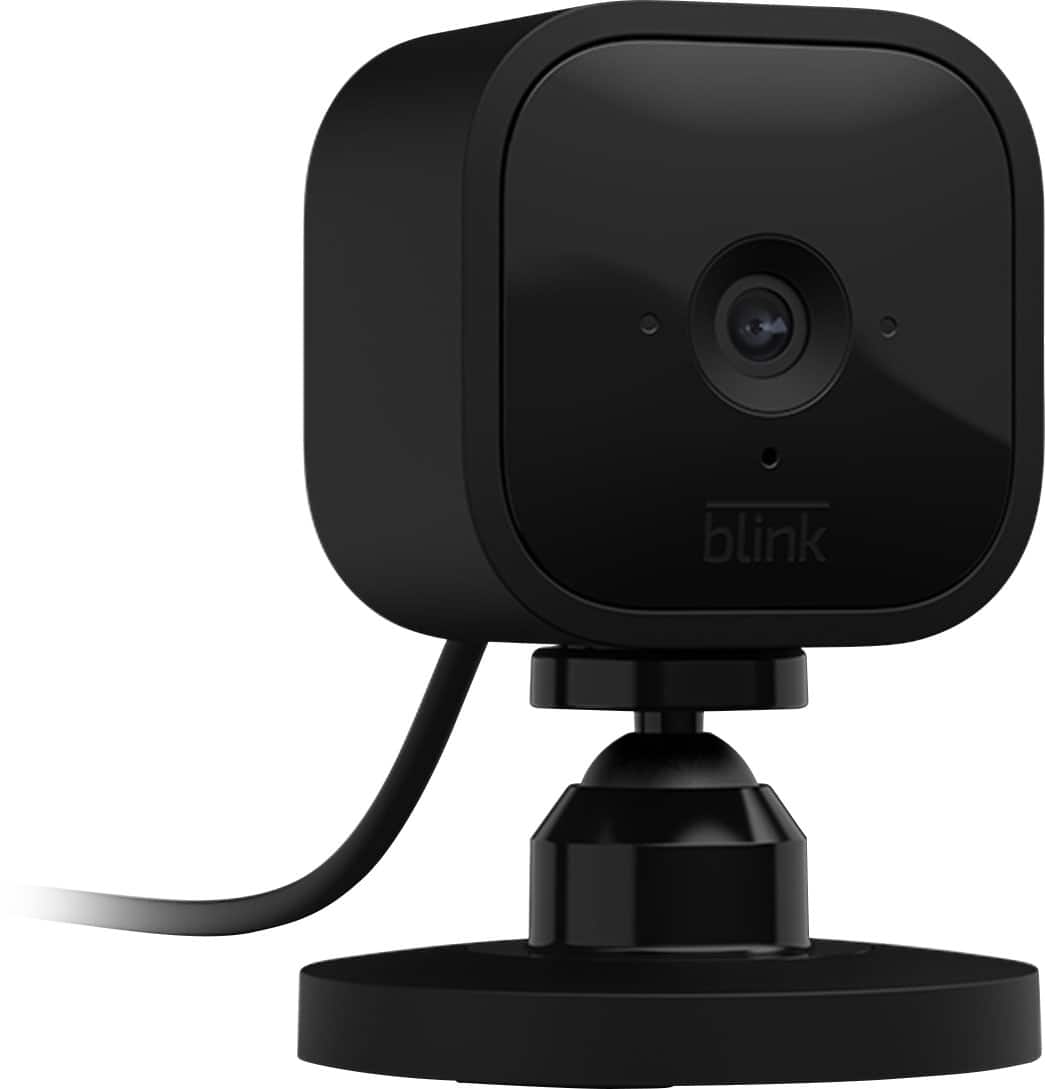
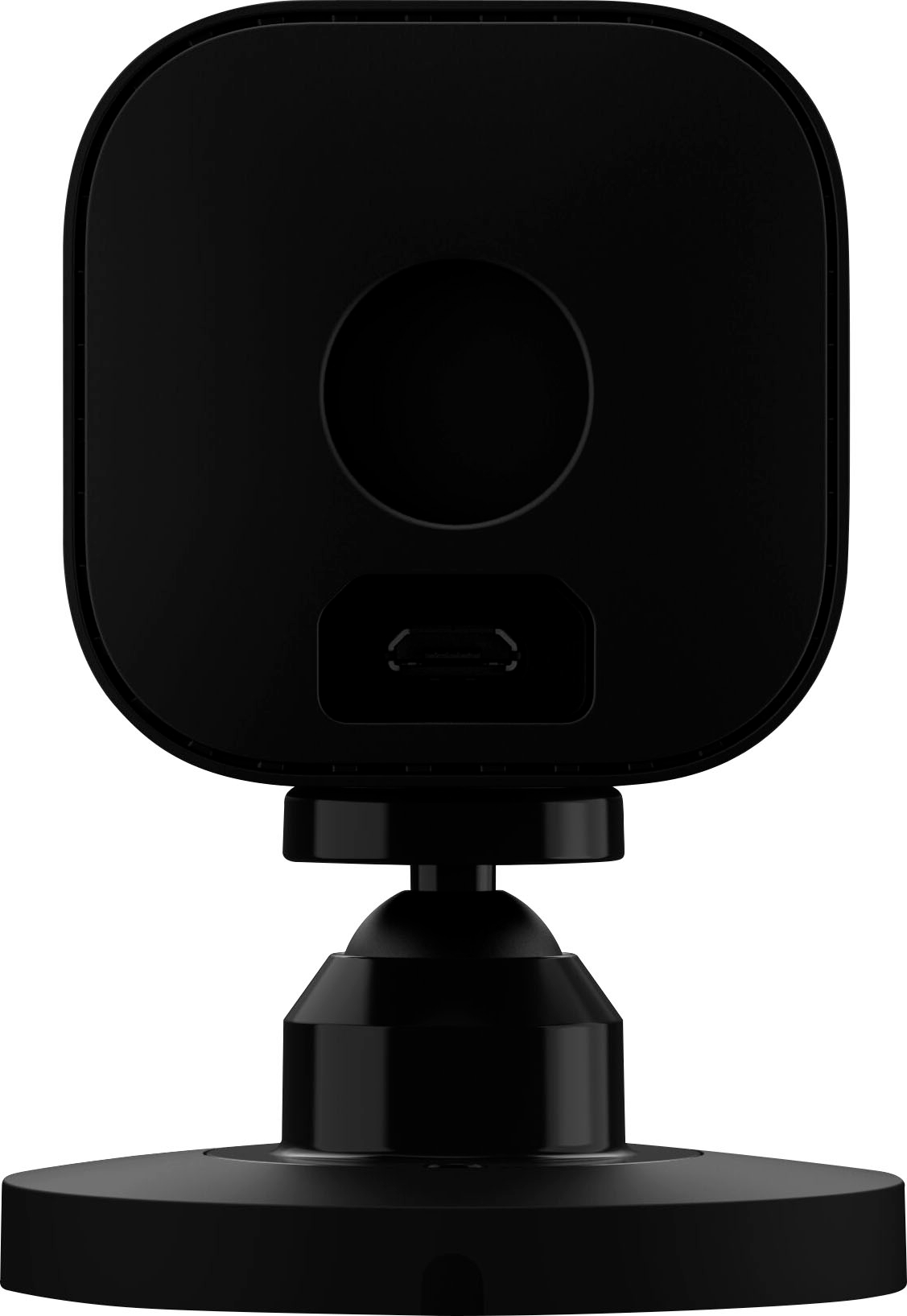
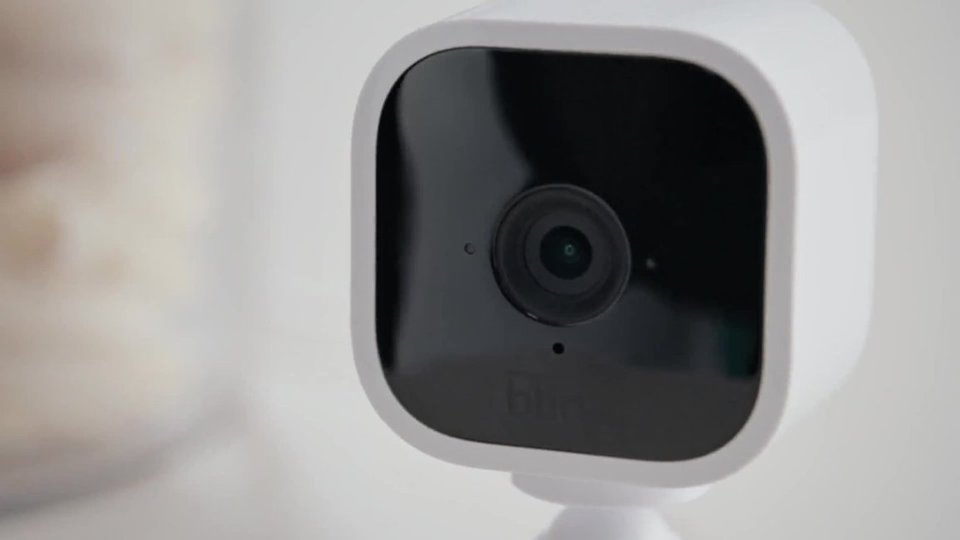
A:AnswerYes, The Blink Mini can be added to your existing Blink System. You can have up to 10 Blink devices per sync module as long as they are all within the 100ft operating range of the sync module in any direction. The cameras on the sync module can be in any combination.
A:AnswerWhile the Blink System does integrate with the Amazon Alexa enabled devices, you do not need one of these to operate the Blink System. The Blink App is currently compatible with any iOS mobile devices running version 10.3 or higher, Android mobile devices running version 5.0 (Lollipop) or higher and Fire OS mobile devices, running software version 5.1 or higher
A:AnswerThe Blink systems (including the Blink Mini) do require power and a WiFi/Internet connection to operate - if it loses these connections, it will automatically resume normal operation as soon as these connections are restored.
A:AnswerNo charges until the end of 2020. If you choose to keep using their cloud, there will be a charge, and if you don't there will be no charge but you won't be able to save your recordings. Blink has promised a local storage device called Blink Sync Module 2, slated to arrive later this year for $34.99. Think of this as a mini-storage server where you can plug in a USB flash drive for storing clips. One Sync Module 2 will support up to 10 Blink cameras: Mini, XT, XT2 and Indoor are included. This way you can store files locally and you won’t need to pay monthly fees.
A:AnswerIt's not intended to be outdoors but I have mine outside under a roof exposed to 40-100+ temperatures, no direct sun nor rain exposure, still working as good as new for almost a year
A:AnswerThere’s no alarm to tell you that it’s offline. The only way that I’m aware of is by opening the app and seeing the status of the cameras. I have a few battery powered versions and when the battery is low there’s a red battery symbol and when the battery is dead it says camera offline. I did unplug my mini to move it around and unless I was looking at the app, I wouldn’t have known if it had been unplugged. Bottom line-yea someone could easily unplug it overnight and you wouldn’t know unless you were monitoring the app.
A:AnswerYou are able to use a USB flash drive up to 256GB with the sync module 2. We do hope to have the add-on sync module available soon, you can use this link to sign up to be notified, https://www.bestbuy.com/site/searchpage.jsp?st=blink+sync+module+2
A:AnswerYes, you can. All you have to do is install a free app called BlueStacks.
>> www.bluestacks.com/download.html <<
It's an android emulator. Once installed you just go to the Google Play store in the emulator and download the Blink app. Then just sign in with your credentials and BAM you have full access to your blink security system with the power of your PC.
A:AnswerYou are able to adjust your camera settings, view video clips, receive notifications, and access live view through the App on your compatible mobile device from anywhere as long as you have a WIFI or cellular connection. This is important to note for your cellular data plan, watching a five second motion clip without WIFI connection will use about 750KB of your data plan.
A:AnswerHere are the Blink System requirements: A non-cellular 2.4 GHz Wi-Fi network (name and password) and high speed Internet connection (DSL, Cable, Fiber) with a minimum 2 Mbit/sec upload speed. Unfortunately, due to high latency issues, we do not recommend using Blink with Satellite providers. Please note that Blink is unable to gain internet access on networks that require authentication through a third-party login website.