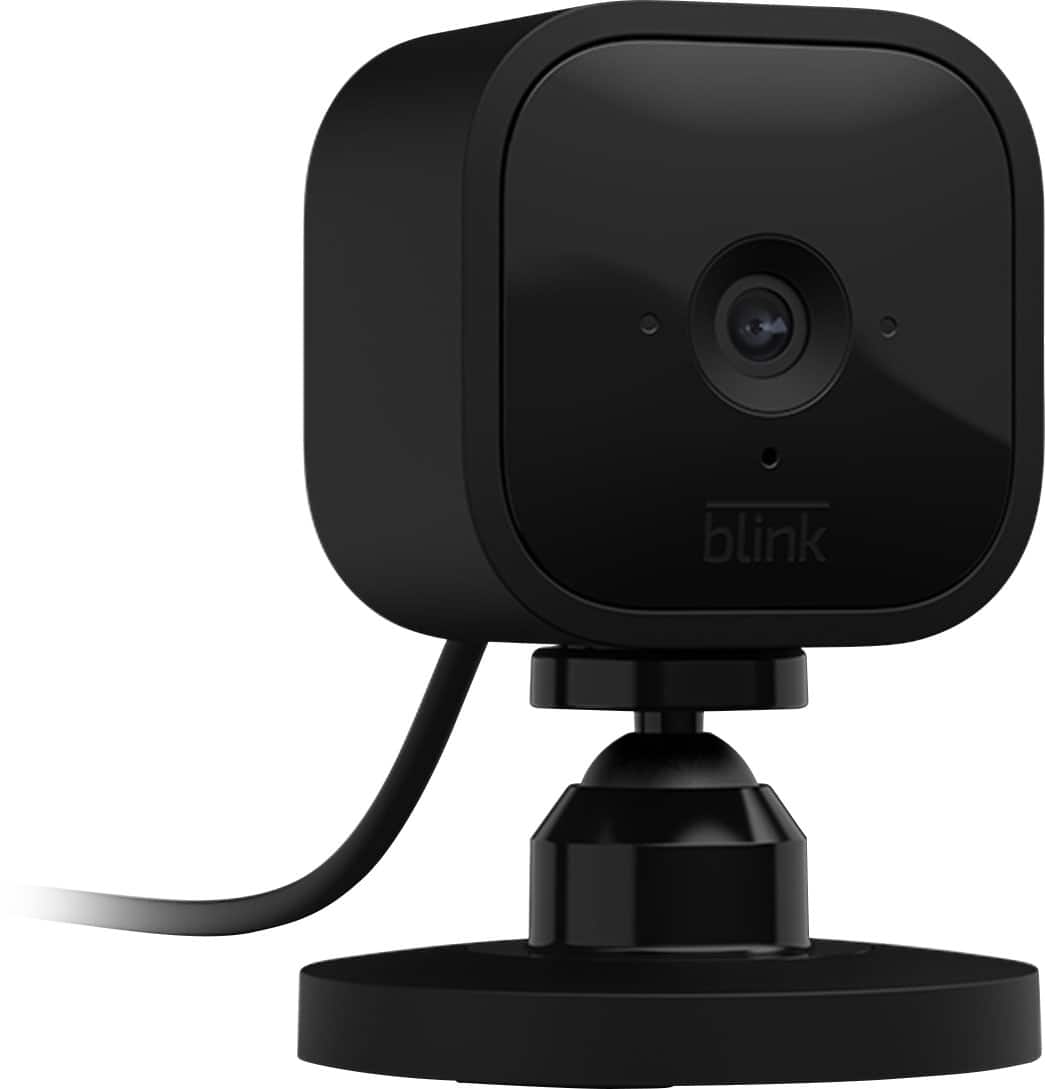
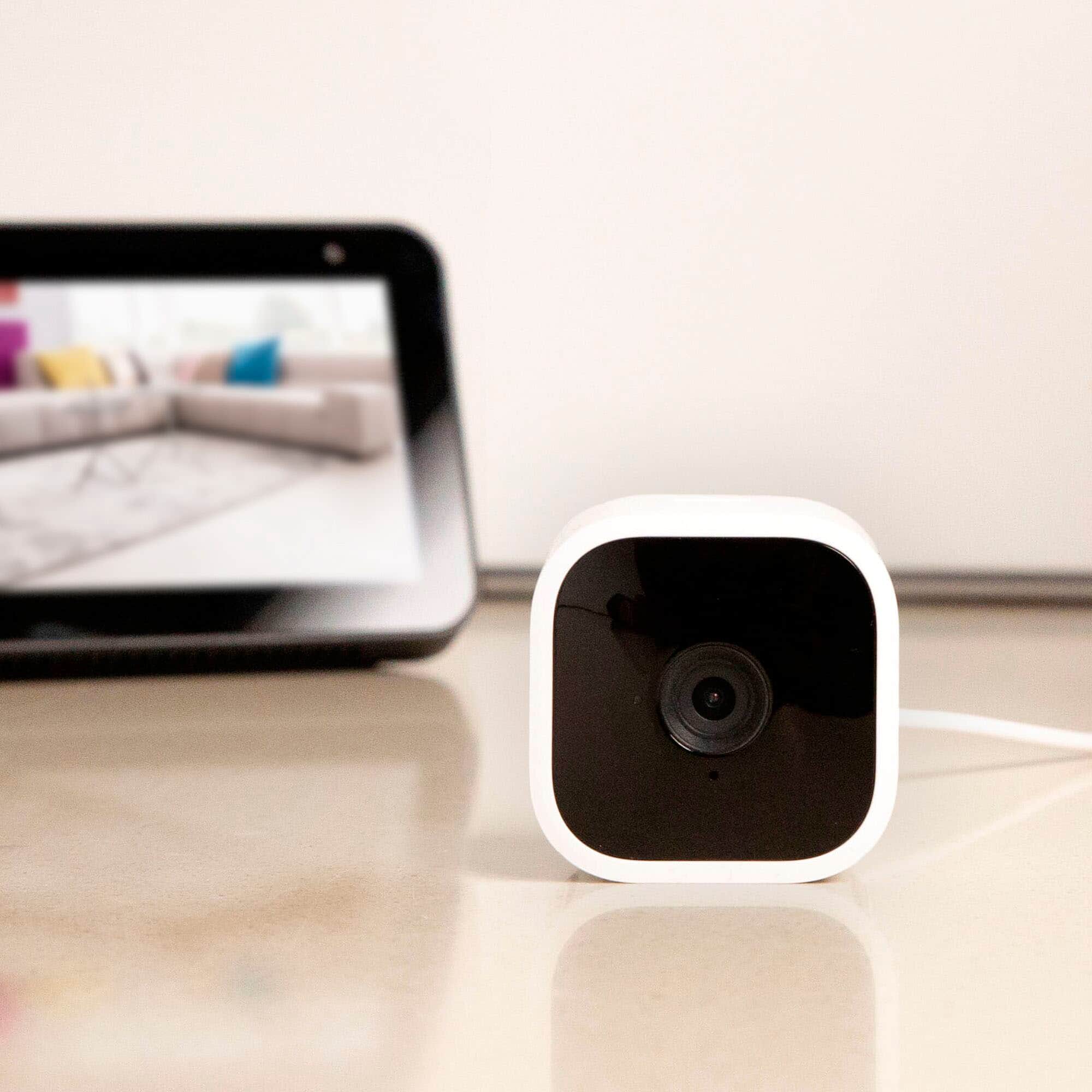
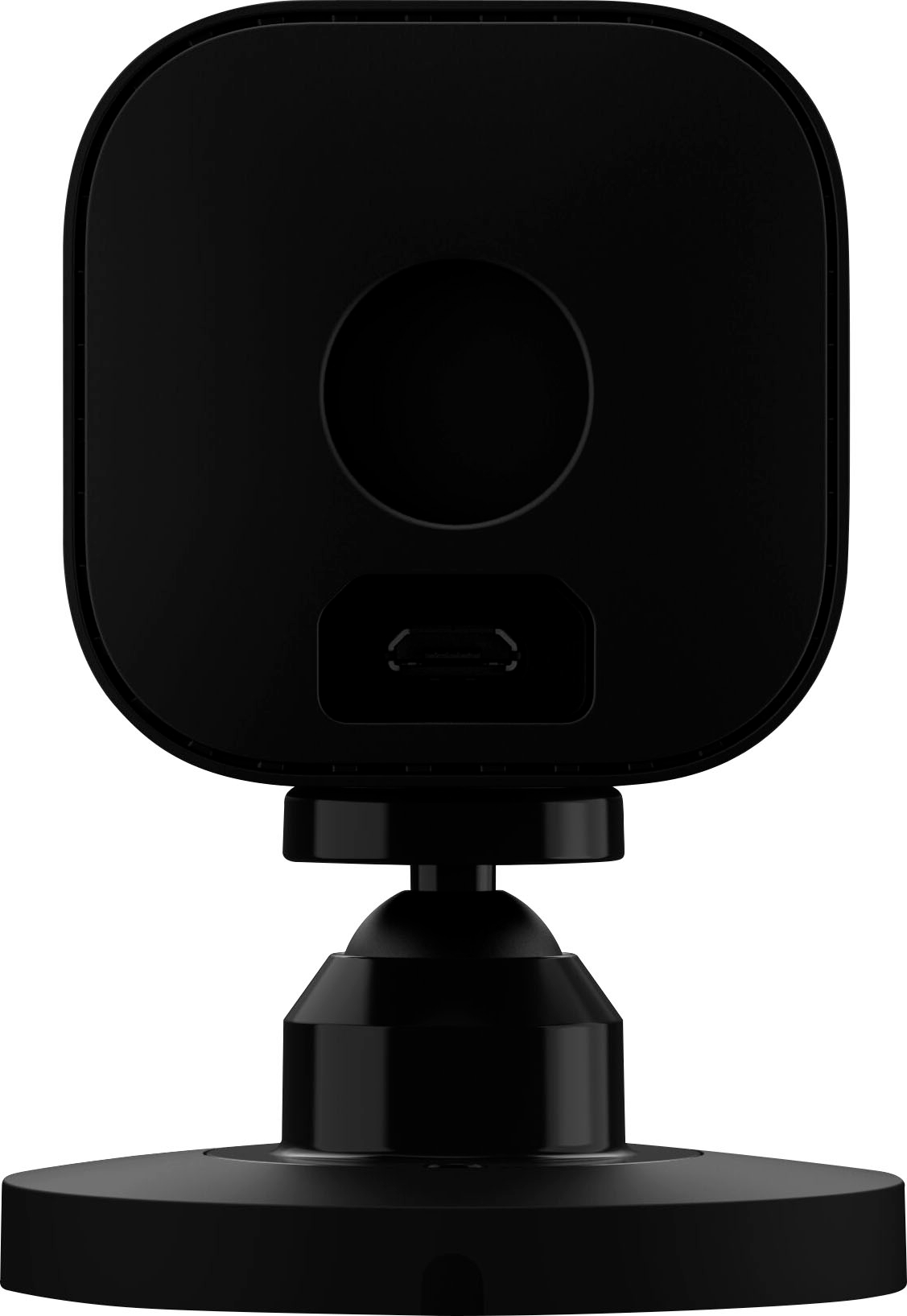
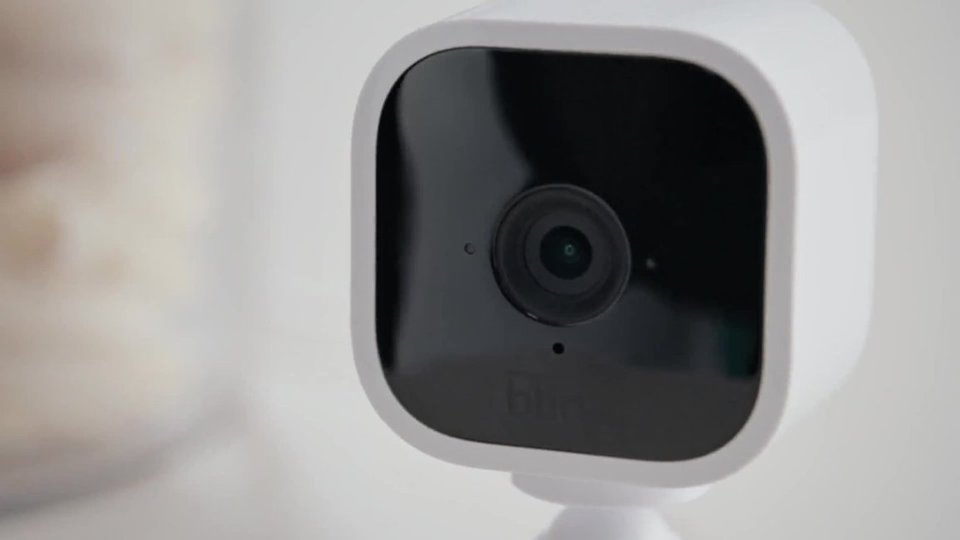
A:AnswerIt has night vision but the window will most likely block the view. I would get a reflection on my window. I did have an automatic light outside and that helped
A:AnswerAll existing customers who have an account created on or before 4/15/2020 will continue to receive free cloud storage on all devices added to their account going forward – this includes Mini, and Blink Indoor, Outdoor and Doorbell. Separately, XT, XT2, and legacy Indoor cams will continue to have free storage.
Accounts created after 4/15/2020 will receive free cloud storage on any legacy device (1st Gen Indoor, XT or XT2), but any Mini, new Blink Indoor, Outdoor cameras or Doorbell added to that same account will require either local storage via the Sync Module 2 or a subscription for cloud storage to save videos. If you do not subscribe to the Blink subscription plan, you can still enable motion alerts that notify you if your cameras detect movement, however, without a subscription this notification will not trigger a video clip recording but you can still live view.
A subscription is not required for local storage. Local USB storage will still be available for no charge. You will still be able to record and do everything the same as with Cloud storage except live view record.
No matter which storage system you use, your clips will be recorded & uploaded to the proper place. If you're using local storage they go to your USB stick, subscription cloud storage would send it to the cloud.
The only time that a motion notification/motion event won't record a clip is when there is no storage system in place. Since there is nowhere to send the clips without storage, the clips don't get recorded.
A:AnswerNo it’s only 110 degrees but I use mine on a back wall and I can see a good bit of the room since it is up high you also don’t have view underneath it….for the price I’d just but two and point them facing each other to get full coverage
A:AnswerFor the Blink Mini Camera, If you head into the camera settings, the three lines w/dots at the upper right corner of the cameras thumbnail image in the APP, you will find an option for "Status LED" Simply switching this to "Off" will toggle that recording LED off.
A:AnswerAs long as you have wifi and a compatible mobile device the Blink Mini is designed to operate on its own (no sync module required), it would ship with everything needed to get started.
A:AnswerWireless in the title seems to be a mistaken use of terminology. The title should not really say wireless since it already says it's WiFi (which is what the wireless in this title means). This camera does require a power connection as it is not battery powered.
A:AnswerI have placed this camera outside with no problems, but they do need to be cleaned every so often, so the image is clear and not blurred by dirt or moisture.
A:AnswerThe Blink cameras, when armed can turn on based on motion detection only and send a notification to your mobile device. With a valid Blink cloud storage subscription plan or use of local storage via the sync module 2 and USB flash drive these motion clips will be recorded and viewable within the Blink App for you to access.
A:AnswerAfter you mount the blink mini 1080p to your barn door go out and ask a cow to walk past it while you monitor it from the comfort of the milking parlor.