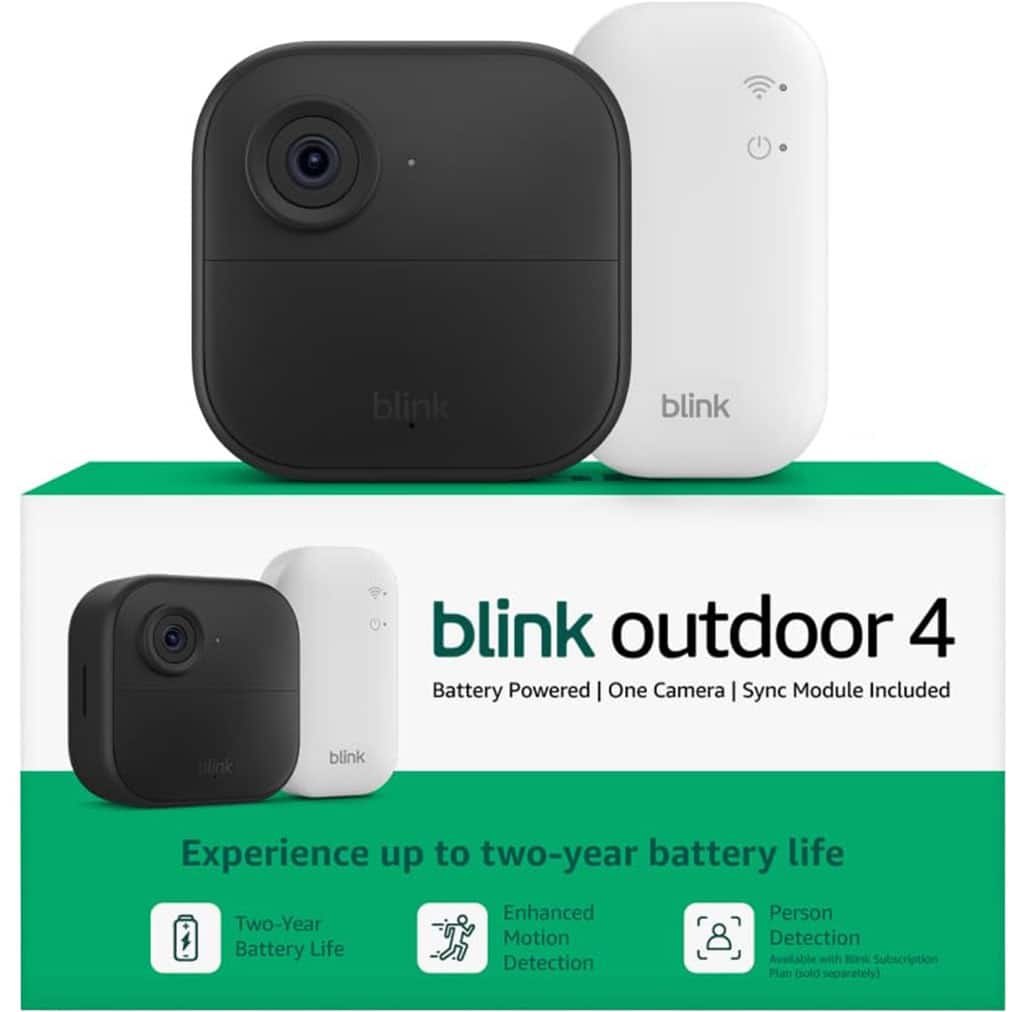
A:AnswerYes, each sync module supports up to ten cameras.
If the complete system is on sale cheaper than the add-on camera you actually save money by not using the new sync module.
A:AnswerYou can’t connect the Blink Outdoor 4 cameras directly to a laptop to save recordings, but you can get the video files onto your computer with a couple of methods:
View and save clips from the Blink app on your phone or tablet — then export them to your laptop via email, messaging, or cloud services (like Dropbox).
If you have a Sync Module with local storage support (like Sync Module 2 with a USB drive or Sync Module XR with a microSD card), your clips can be saved locally. You can then remove the USB or microSD card and plug it into your laptop to view or copy the video files directly.
So while there’s no direct camera‑to‑laptop connection, you can save and view the recordings on your laptop by exporting them or using removable storage from a compatible Sync Module.
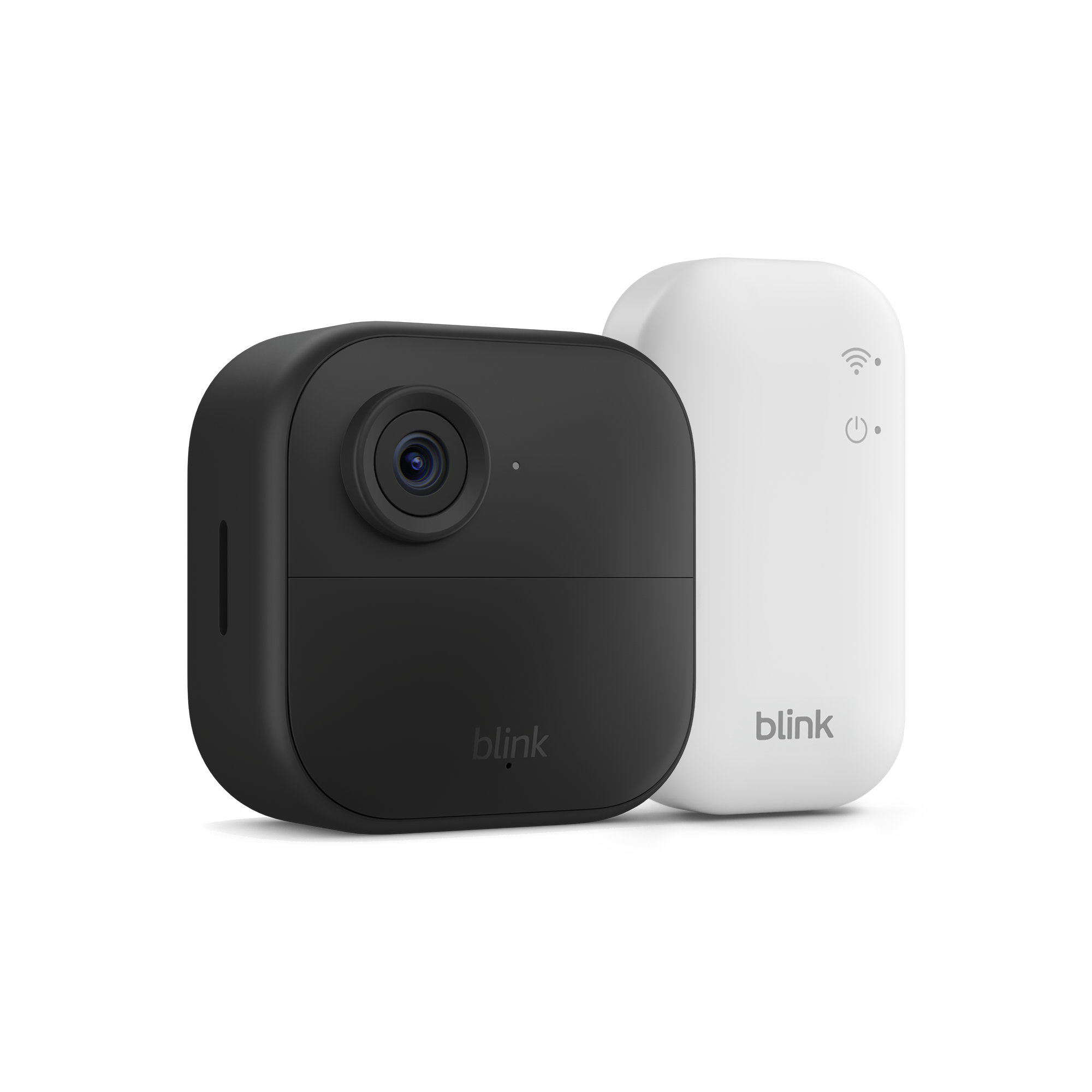
A:AnswerHello Rae, the Blink Outdoor 4 camera system comes with a Sync Module that plugs into the wall and connects to your network via WI-FI. To set up the system you will first download the Blink App and it will walk you through the setup process.
Have a great day!
A:AnswerThe Blink Outdoor 4 cameras do have audio as well as video. They record both video and sound, so you not only see what’s happening but also hear what’s going on around the camera. When you view a live feed or recorded clip in the Blink Home Monitor app, you’ll be able to hear audio from the camera too.
So yes — they provide both video and audio, not just video.
A:AnswerHello Sam! Based on the technical specifications I found, the Blink Outdoor 4 camera system is not currently available for installation in India. The Blink Outdoor 4 cameras are manufactured in different regional variants based on radio frequency requirements, including NA 915MHz for North America (US, Canada, Mexico), EU 868MHz for Europe (UK, Germany, France, Italy, Spain, etc.), and ANZ 915MHz for Australia and New Zealand, but India is not listed among the supported regions for any Blink Outdoor 4 camera variant. The cameras operate on specific radio frequencies (915MHz or 868MHz) that are certified for use in particular countries, and there is no India-specific model available. This matters because wireless devices like the Blink Outdoor 4 must comply with local telecommunications regulations, the radio frequencies used by these cameras may not be approved for use in India, and using non-certified wireless devices could violate local regulations. Hope this helps and have a great day!
A:AnswerYes, each sync module supports up to ten cameras. Sometimes the complete system is on sale cheaper than the add-on camera. If so, just add the new camera to your current sync module instead of the new one.
A:AnswerI've seen many adhesive mounts on websites but most have mixed reviews with either failure to stick or damaging the walls when removed. If your apartment has vinyl siding there are hooks available that screw to the camera mount and clip into the seam between panels without doing any damage.
A:AnswerHello Brian. Thank you for your question. While both the original Blink Outdoor and the new Blink Outdoor 4 are similar in design, they have slightly different dimensions which means they aren't fully compatible with older generation mounts. You will need to use the new mounting brackets that come with the Blink Outdoor 4 cameras. Each Blink Outdoor 4 camera comes with its own mounting kit, so you won't need to purchase additional mounts separately. I hope that helps and have a great day!
A:AnswerHello Tim,
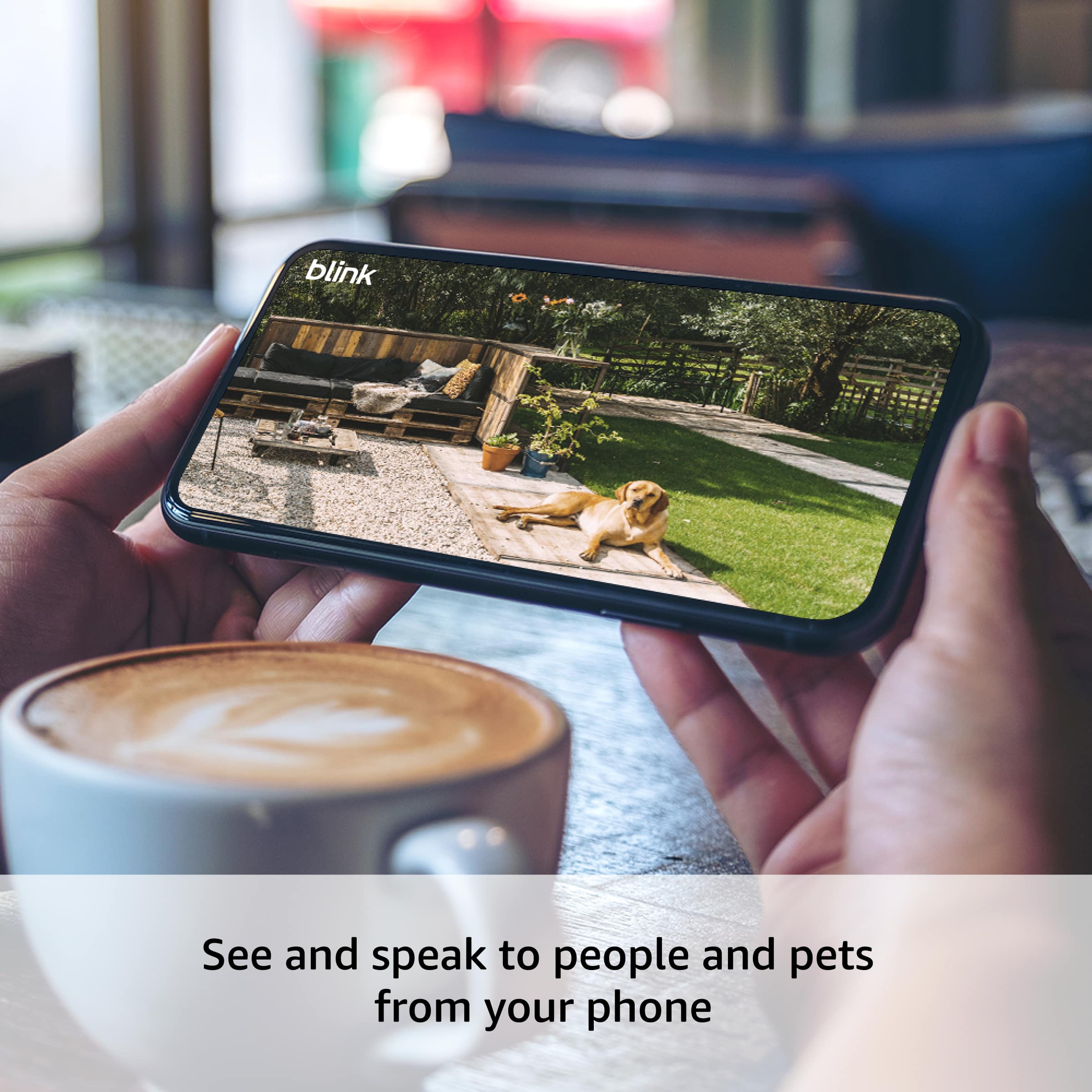
Yes, the Blink Outdoor 4 camera has crisp two-way audio that allows you to both hear and speak through the camera from the Blink app.
Audio Features:
Listen in to what's happening around your camera
Speak through the camera to communicate with visitors or deter intruders
Surprisingly clear sound for such a compact camera
Customers specifically mention the speaker is "surprisingly useful for such a small size" and that the audio quality is "nice and loud." This makes it great for checking in on deliveries, talking to family members, or even scaring off unwanted visitors. I hope this information helps, have a great day!
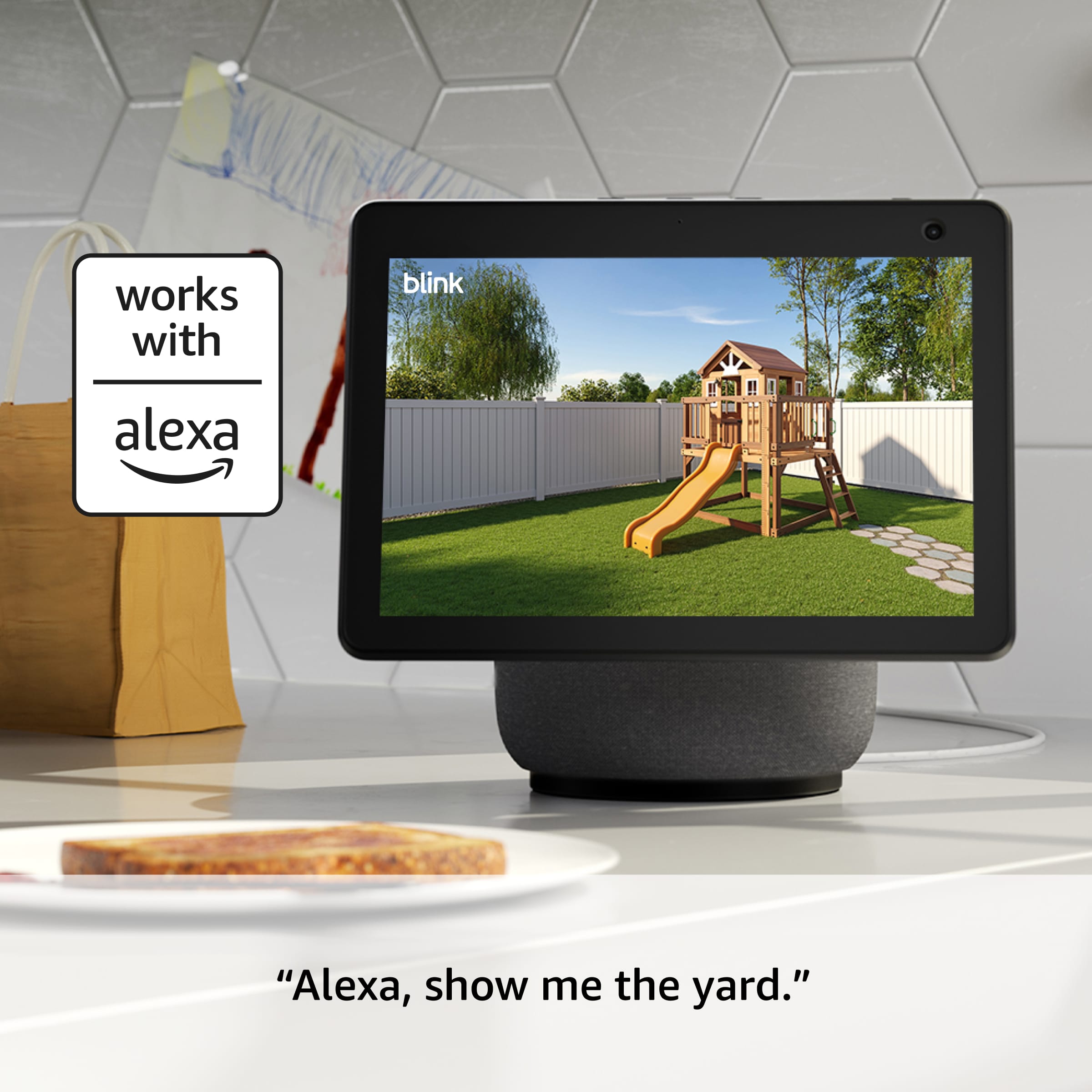
A:Answeres — you can view your Blink Outdoor 4 cameras on a TV, but not by connecting the cameras directly to the TV. To watch your camera feed on a TV, you use a smart display device that supports Blink (like Amazon Fire TV or an Echo Show):
Fire TV / Fire TV Stick – You can ask Alexa to show a camera on your TV screen (for example, “Alexa, show front yard camera”), and the live feed appears on your TV.
Echo Show / Alexa devices with screens – While not a TV, these devices also display your camera video using Alexa.
Direct HDMI or wired connection from the cameras to a TV isn’t supported — you must use a compatible smart device and Alexa to cast the video to your TV screen.
A:AnswerHi there! The Blink Plus plan, which is currently $11.99 a month when I write this (11/24/2025) covers all cameras at all of your locations that are attached to your Blink account. This will also enable some additional features for your account, which can be found at their website: https://blinkforhome.com/plans. I hope that helps, have a great rest of your day!
A:AnswerHi Donna! The Blink Outdoor 4 system will come with some adjustable mounts, however they don't come with anything specially designed for attaching to vinyl siding. You can always screw them directly in, but it would be a good idea to seal the screw holes with some silicon or outdoor caulk to avoid water seeping in from them. Looking around online, there are a variety of vinyl siding clips you can get and some of them are even designed for the Blink Outdoor 4! I hope that helps, have a great rest of your day!
A:AnswerHi Terri! The Sync Module Core included with this 5 camera system does not support micro SD cards, I would suggest checking out a version that comes with the Sync Module XR if you want access to local storage via micro SD card. You only need a smart device like a phone or tablet in order to download the Blink app and get things setup, and then you can check your alerts and access live view directly from that app. While Blink works great with Alexa, you don't need to use Alexa to access your cameras. To avoid a subscription, you'll want to set up local storage with that Sync Module XR, and the cameras support two way talk so you'll be able to hear the videos and speak to anyone you see while using live view. I hope that clears things up, have a great rest of your day!
A:AnswerHi Ts! To use the Blink Outdoor 4 system with Google Home, you'll have to use IFTTT which can be a little bit complicated. Here's a link to Blink's website about how to set things up: https://support.blinkforhome.com/en_US/f-a-q/how-do-i-use-ifttt-applets-with-blink. Blink works a bit more intuitively with Alexa, and can be easily pulled up on an Echo Show device. I hope that helps, have a great rest of your day!
A:AnswerHi Dick! The Blink Outdoor 4 Wireless camera's installation is probably referring to putting it up outside of the house, which some customers prefer to have done professionally. If you'd like the install the camera yourself, the process is pretty simple and can be done a few different ways. A lot of customers use the included mounting kit to attach them to the outside of their homes. You'll also need to use the free Blink app to set up the Sync Module Core and connect it and the cameras to your account, but the app will walk you through the process. I hope that helps, have a great rest of your day!