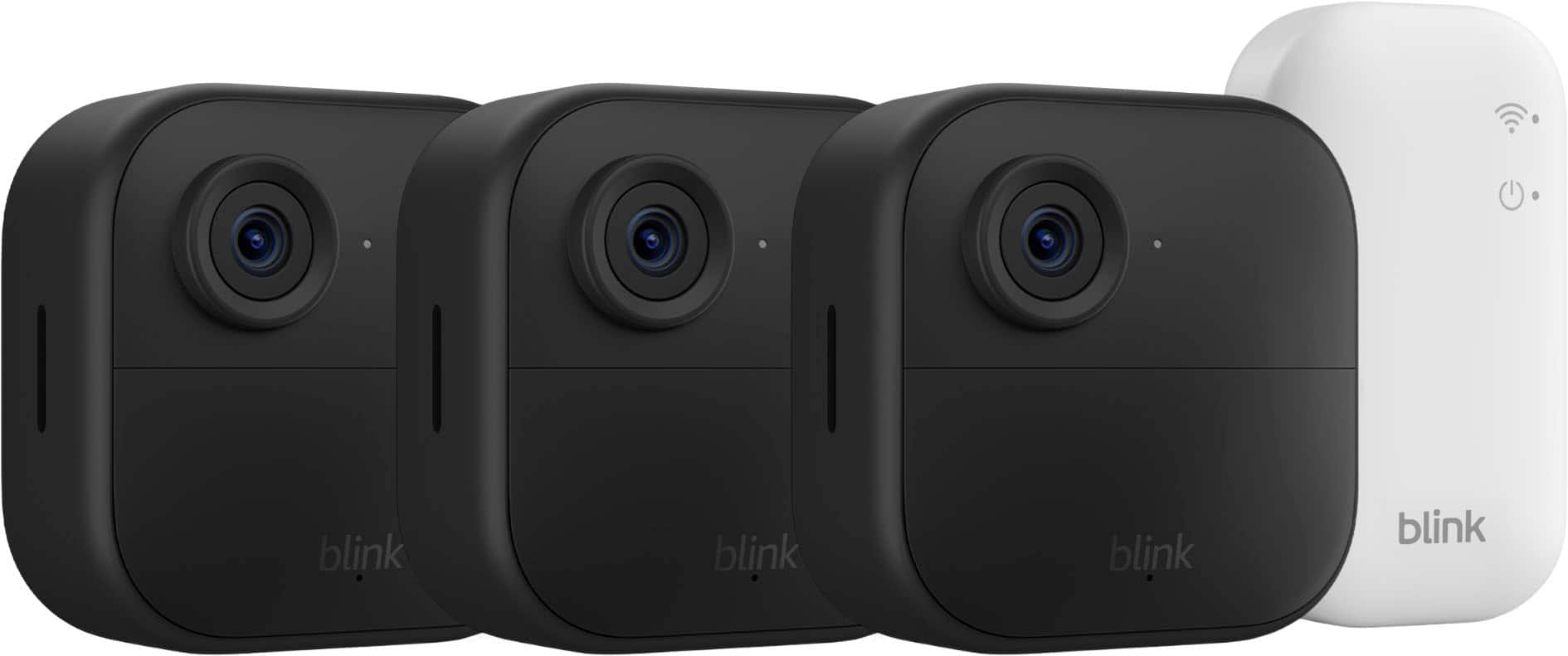
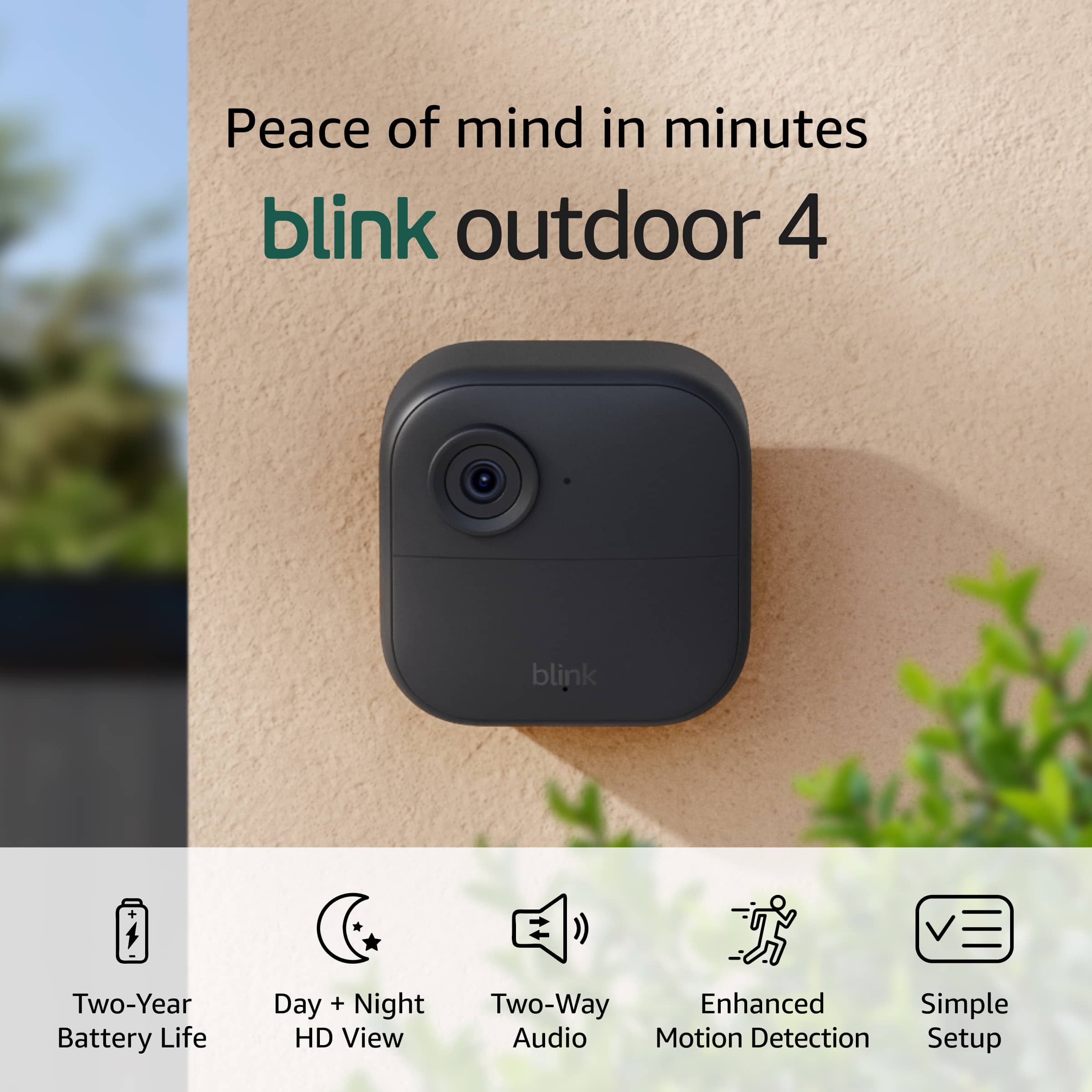
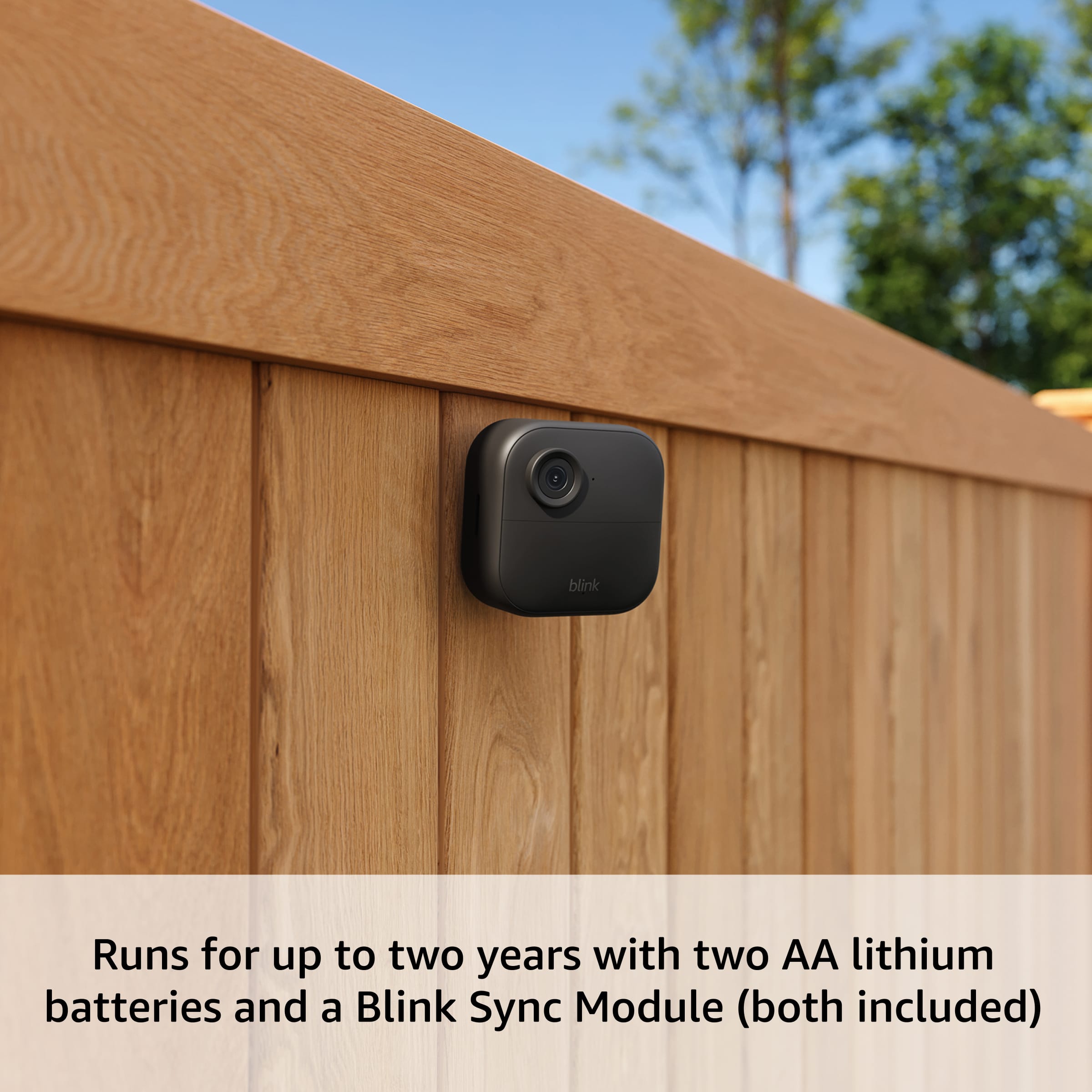
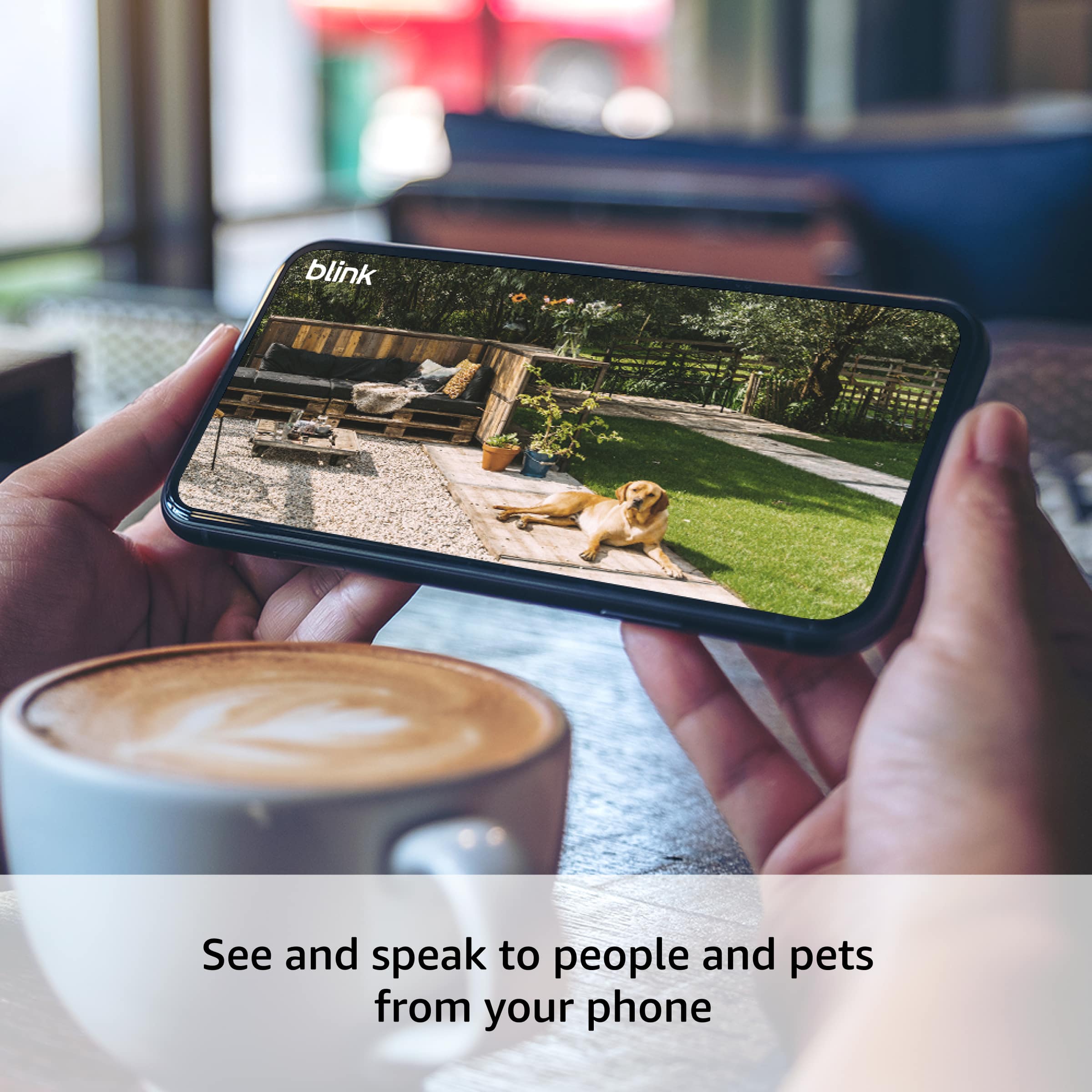
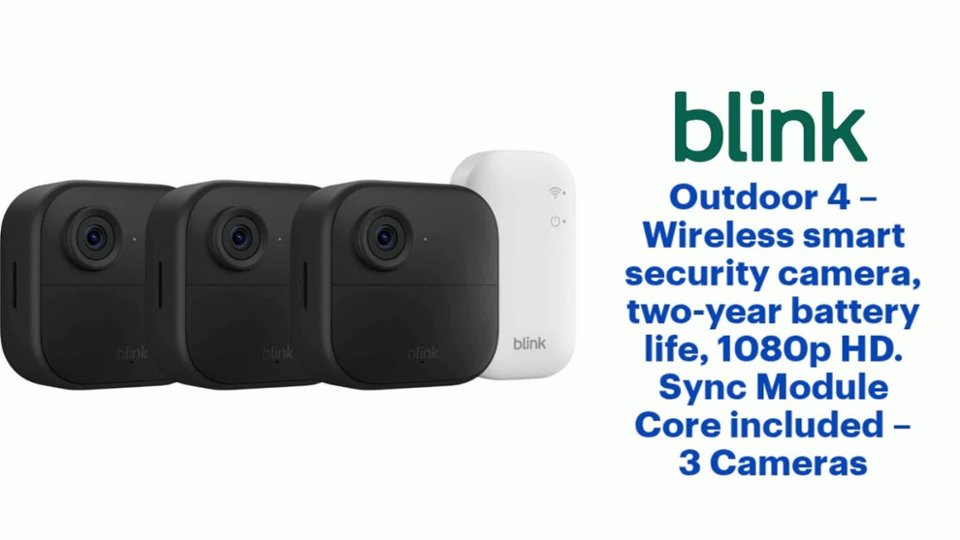
A:AnswerHello Jarrell, thank you for your question. Yes, the Blink Video Doorbell will work with your Blink Outdoor 4 cameras and the included Sync Module, as Blink devices are designed to be managed within a single system via a Sync Module, which supports up to 10 devices. You can simply add your Video Doorbell to your existing Blink account and system, ensuring both your cameras and doorbell are connected to the same Sync Module Core. I hope that helps, have a great day!
A:AnswerHello JD, the Blink Outdoor 4 cameras can be used anywhere you would like. They are designed for outdoor use since they are weather proof, but there is no reason you can't use them indoors. I have a couple that I use in my house when I travel since they are easy to set up and run on batteries.
Have a great day!
A:AnswerHello Tired1,
Having a weak or poor wifi signal can be detrimental to the functionality of your Blink Outdoor 4 system. The Synch Module requires a wifi signal to make the initial connection to the peripheral devices. The Wifi Connection also establishes the devices on Blinks servers in order to send software updates. You can however, use the Synch Modules local storage option. This will allow you to store motion triggered clips on a USB Drive or SD Card. When you are setting up your Blink System you will just need to enable the "Local Storage" Option on the app as opposed to "Cloud Storage". The clips will then save to the external storage device which you can remove and view from computer.
I hope this answers your question.
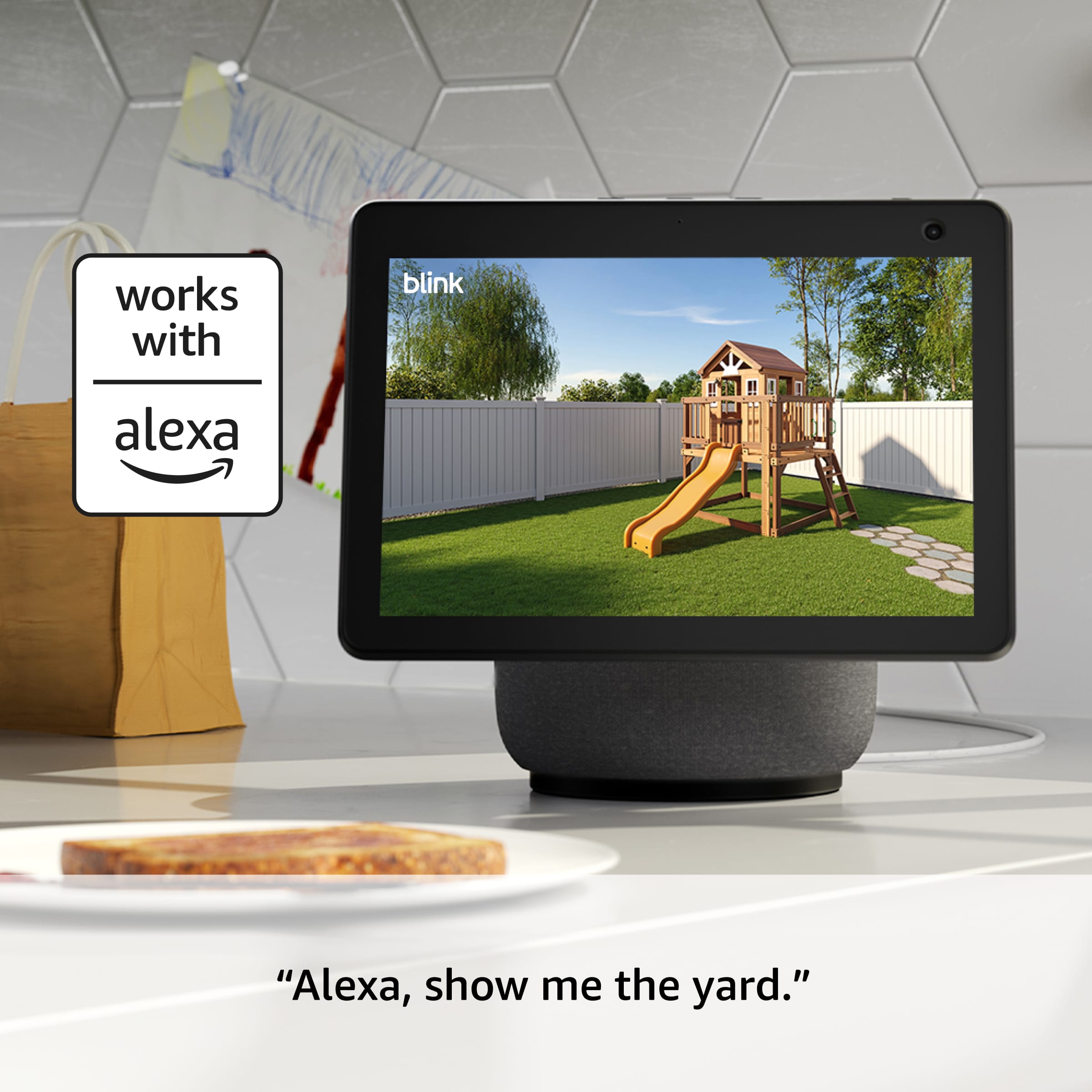
A:AnswerHello Di, thank you for your question. No, you do not need to own an Amazon Alexa device to use the Blink Outdoor 4; it functions independently with the Blink mobile app for basic features like live view and motion alerts. While Alexa integration offers voice control and other smart features, the camera can be fully set up and used with a compatible smartphone or tablet without requiring any Alexa-enabled devices. I hope that helps, have a great day!
A:AnswerOnly records the clips for past views. You can watch live at any time. Please be aware that after free trial you need a subscription to see any clips
A:AnswerYes they say you can do that however, I am not tech savvy enough to know if you can immediately see clips
Unfortunately, I will need subscription because the account is being shared to keep an eye on elderly parent
A:AnswerHello Jeff,
The Outdoor 4 Camera's will not connect directly to a Monitor. They are only able to be viewed through a smart device such as a Smartphone, Tablet, or Smart TV. You would be able to view the live feed via a monitor that had an HDMI Port that you could plug an Amazon Fire Stick in to. Using the Amazon Fire Stick, or any Smart TV which is Alexa enabled, you would be able to pull up the feed and view it on a monitor or TV.
I hope this answers your question!
A:AnswerBlink currently integrates with both IFTTT and Alexa Smart Home. Certain devices have Person Detection available (only with a subscription plan): https://support.blinkforhome.com/en_US/using-your-camera/person-detection