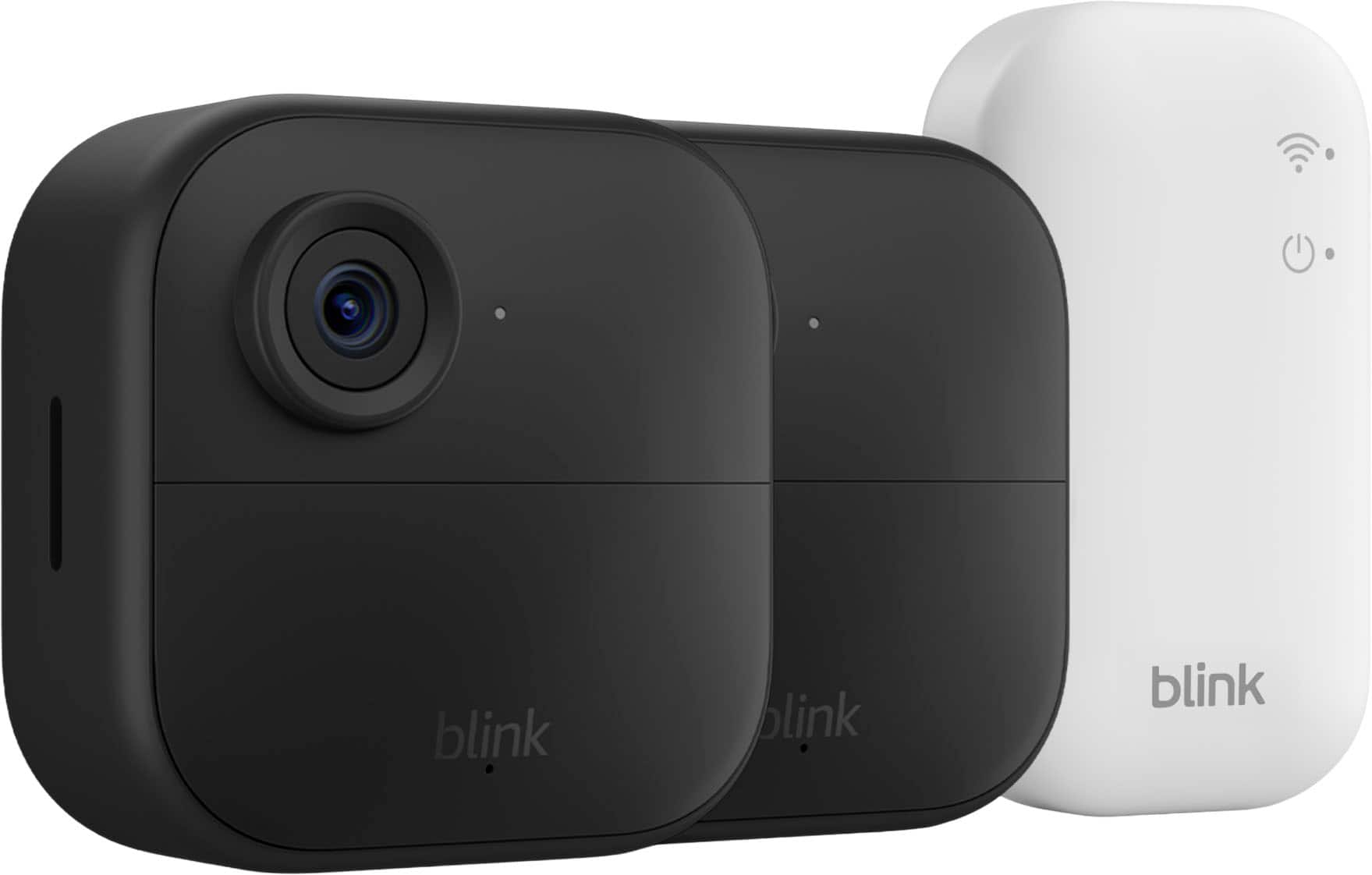
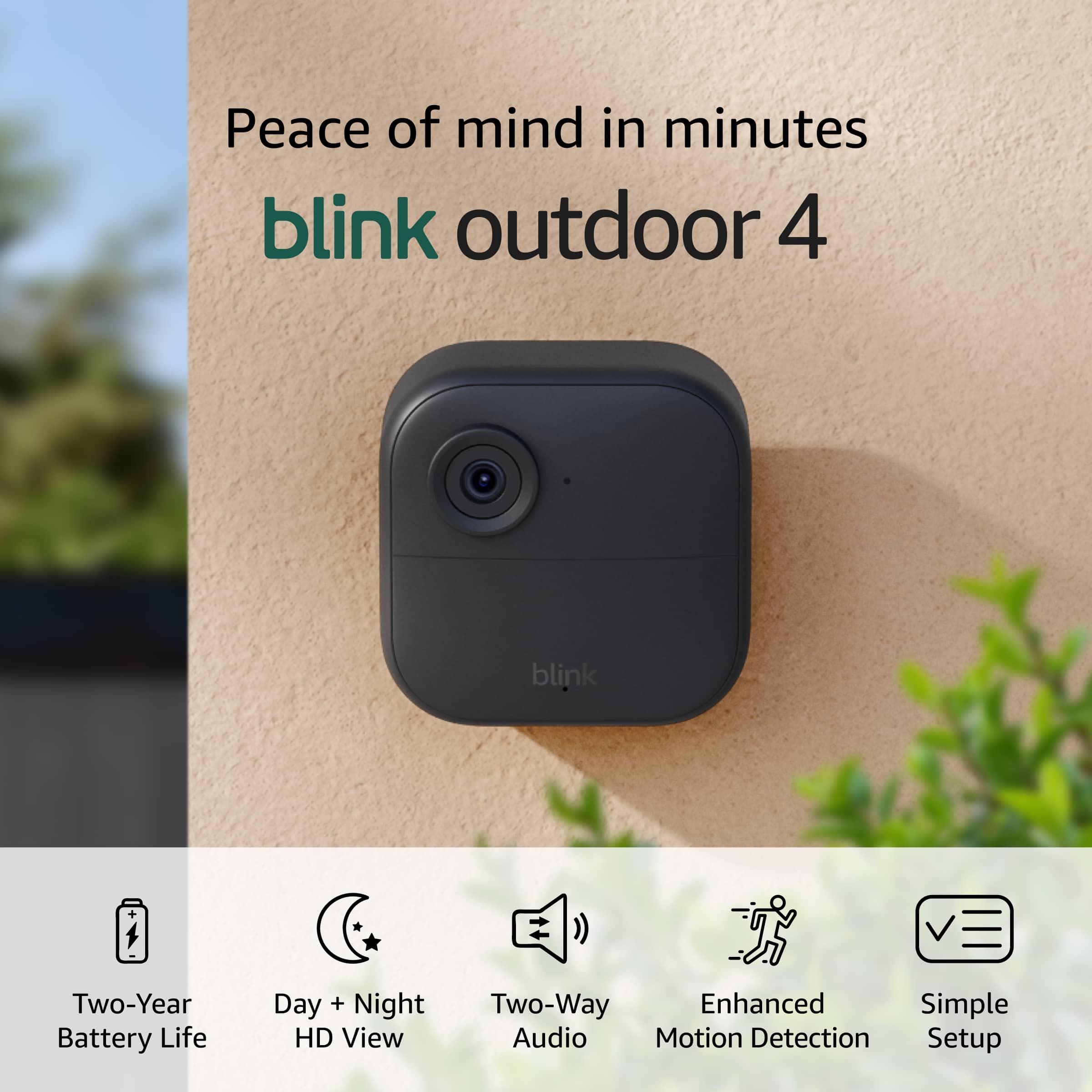
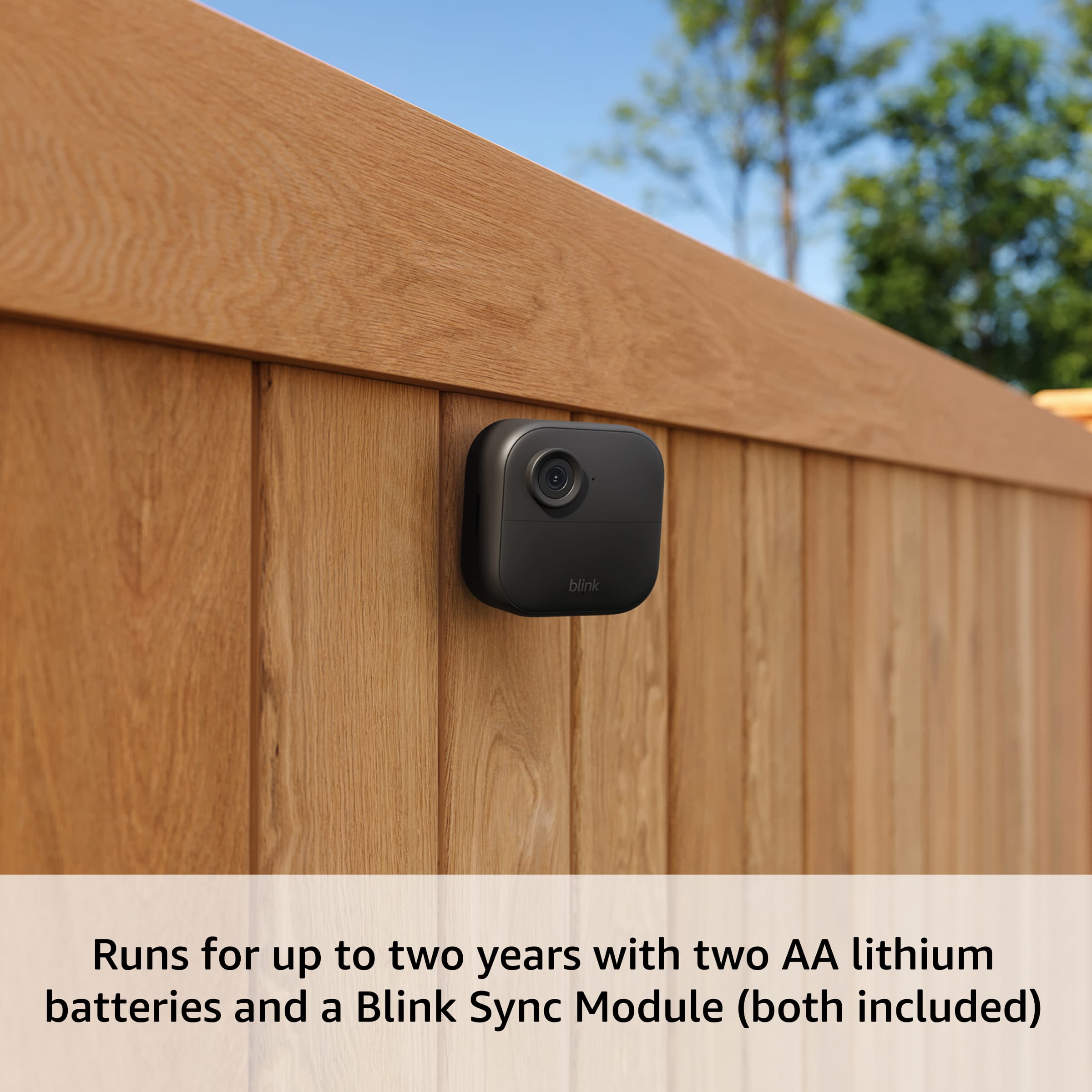
A:AnswerHi Donna! The Blink Outdoor 4 system will come with some adjustable mounts, however they don't come with anything specially designed for attaching to vinyl siding. You can always screw them directly in, but it would be a good idea to seal the screw holes with some silicon or outdoor caulk to avoid water seeping in from them. Looking around online, there are a variety of vinyl siding clips you can get and some of them are even designed for the Blink Outdoor 4! I hope that helps, have a great rest of your day!
A:AnswerHi Terri! The Sync Module Core included with this 5 camera system does not support micro SD cards, I would suggest checking out a version that comes with the Sync Module XR if you want access to local storage via micro SD card. You only need a smart device like a phone or tablet in order to download the Blink app and get things setup, and then you can check your alerts and access live view directly from that app. While Blink works great with Alexa, you don't need to use Alexa to access your cameras. To avoid a subscription, you'll want to set up local storage with that Sync Module XR, and the cameras support two way talk so you'll be able to hear the videos and speak to anyone you see while using live view. I hope that clears things up, have a great rest of your day!
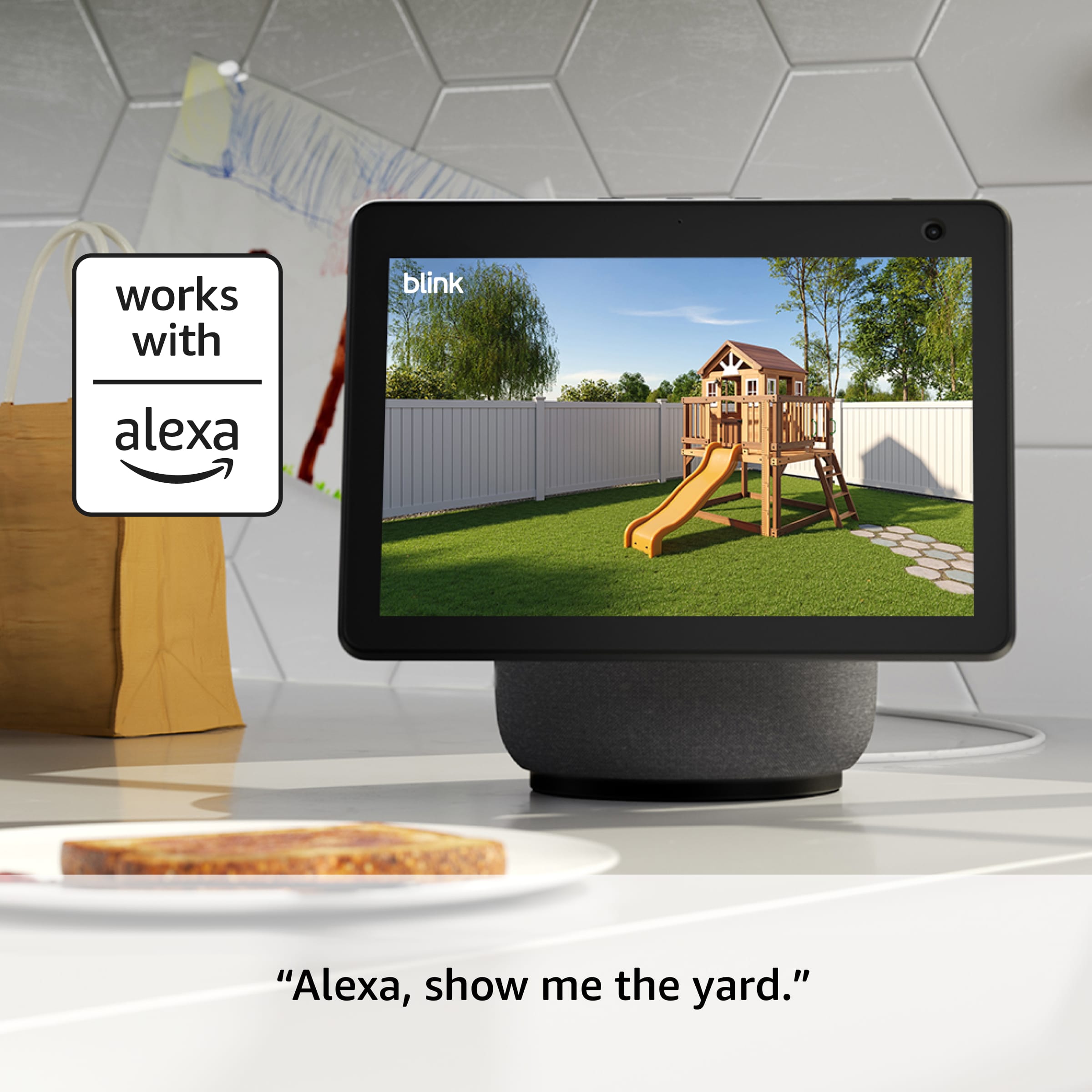
A:AnswerHi Ts! To use the Blink Outdoor 4 system with Google Home, you'll have to use IFTTT which can be a little bit complicated. Here's a link to Blink's website about how to set things up: https://support.blinkforhome.com/en_US/f-a-q/how-do-i-use-ifttt-applets-with-blink. Blink works a bit more intuitively with Alexa, and can be easily pulled up on an Echo Show device. I hope that helps, have a great rest of your day!
A:AnswerHi Dick! The Blink Outdoor 4 Wireless camera's installation is probably referring to putting it up outside of the house, which some customers prefer to have done professionally. If you'd like the install the camera yourself, the process is pretty simple and can be done a few different ways. A lot of customers use the included mounting kit to attach them to the outside of their homes. You'll also need to use the free Blink app to set up the Sync Module Core and connect it and the cameras to your account, but the app will walk you through the process. I hope that helps, have a great rest of your day!
A:AnswerNo — Blink Outdoor 4 cameras are not compatible with SimpliSafe security systems. They use their own Blink app and ecosystem and cannot be integrated directly with SimpliSafe’s app or hardware. To use these cameras, you set them up and control them through the Blink Home Monitor app on your phone or tablet, not through SimpliSafe’s system.
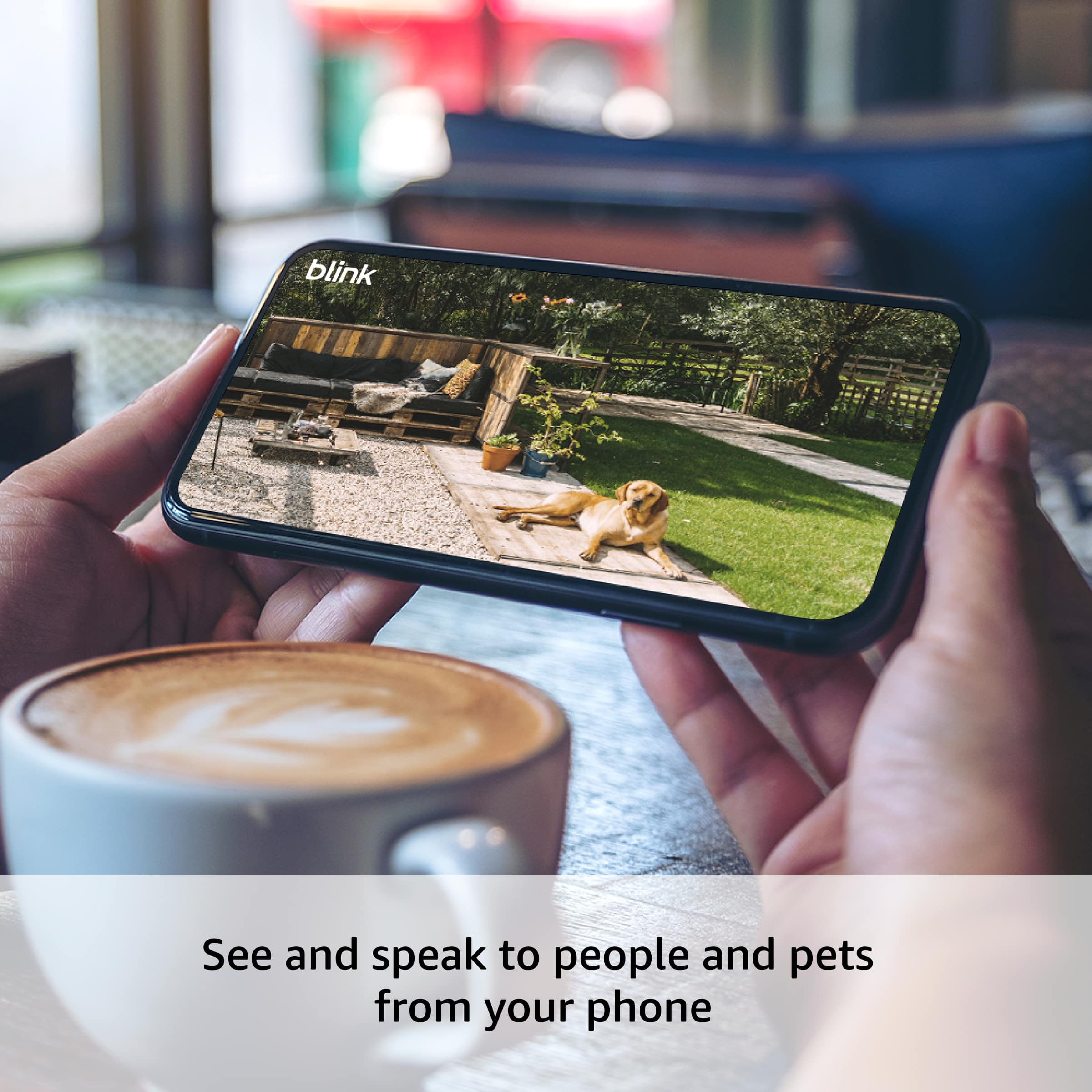
A:AnswerHi Drew! If you're just occasionally dropping in to check on your dog with brief live view sessions (rather than keeping the camera streaming continuously), the battery life should still be quite good, though it won't quite reach the full two-year estimate. The two-year battery life is based on typical usage with motion-activated recording, and occasional live view check-ins will use more power than motion detection alone, but not dramatically so if you're only viewing for a few minutes at a time. Many users report getting well over a year of battery life with normal use, and if you're just checking in on your dog a few times throughout the day for short periods, you should expect somewhere between 12-18 months of battery life depending on how frequently you use live view. Yes, the Blink Outdoor 4 cameras use standard two AA lithium batteries, they're not proprietary to Blink, so you can purchase any brand of AA lithium batteries. The cameras come with lithium batteries included, and lithium batteries are recommended over alkaline because they perform better in extreme temperatures and last longer. When the batteries do run low, the Blink app will notify you, and replacing them is as simple as opening the back of the camera and swapping in fresh AA lithium batteries. Have a great day!
A:AnswerYes, it requires a Wi-Fi signal to work. Although the cameras are battery powered, they rely on Wi-Fi to connect to the sync module for recording the video clips to either your cloud subscription or your USB stick.
A:AnswerHi --, Yes, you can use outdoor 4 wireless smart security cameras indoors because they are designed to be weather-resistant, not just weather-proof. The outdoor cameras are safe for both indoor and outdoor environments, but they cannot be used behind glass for motion detection as it will not work through windows. Hope you have a great day!
A:Answerunfortunately the Sync Module, does have to be plugged into the electrical outlet with the ac adaptor and can only be powered by the AC adaptor that came with your Sync Module
A:AnswerHello Ann and thank you for your question! The Blink Outdoor 4 Wireless Smart Security Camera only comes in black. Hope that helps! Have a great day!
A:AnswerHi Oldschool,
Our Blink Outdoor 4 cameras can be located up to 100 feet from the Sync Module Core. However, if you are looking for extended range, the Sync Module XR can extend the connection up to 250 feet in Extended Range (XR) mode or 400 feet in Extended Range Plus (XR+) mode.
I hope this answers your question!
A:AnswerHi nanamana3,
The range of a Blink Outdoor 4 camera from its Sync Module Core is up to 100 feet. The Sync Module Core does not offer extended range; for greater distances, you would need the Blink Sync Module XR, which extends the connection range to 250 feet in XR mode and up to 400 feet in XR+ mode.
I hope this answers your question!
A:AnswerHello Clay, thank you for your question. You can connect up to 10 Blink devices to a single Sync Module, and a single Blink account can support multiple separate systems (each containing a Sync Module with up to 10 cameras or independent Mini/Video Doorbell cameras). The total number of cameras you can use on one account is unlimited if you have a Blink Plus subscription. I hope that helps, have a great day!