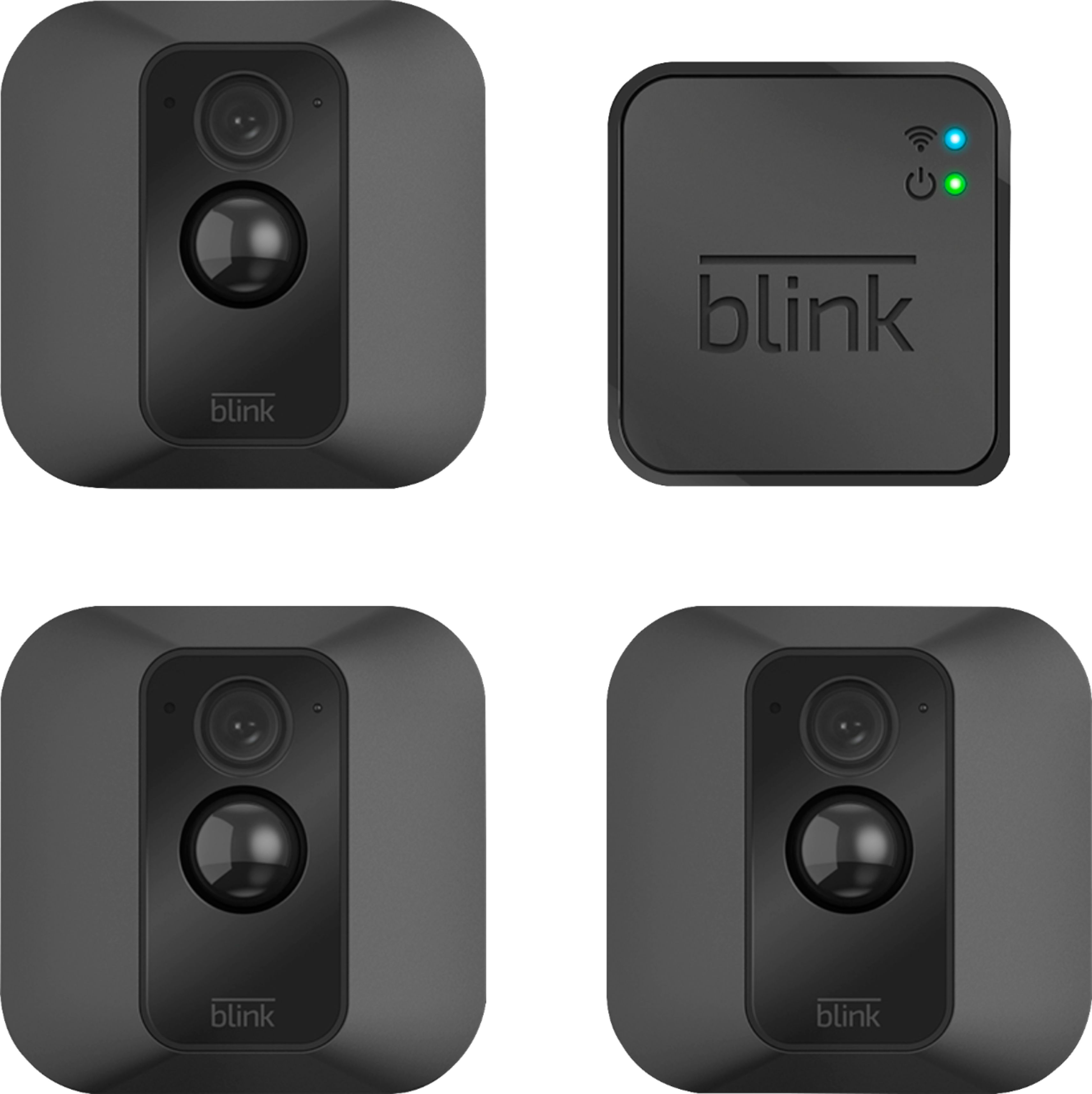
A:AnswerThe specs say 10. I have not tried to add that many so I cannot speak for experience but I would expect the manufacturer to know how many cameras the system can handle.
A:AnswerAssuming a fairly standard home (single building, no unusually dense construction materials), the Sync Module should be able to communicate with Blink camera units up to 100ft away in any direction.
A:AnswerThe USB port on the back of the camera can be used with a MicroUSB cable and power adapter (not included with your camera purchase) to power your cameras rather than using batteries.
A:AnswerI am not sure about Google Home but you can with Alexa...here is a link: https://blinkforhome.com/blogs/blink-home-security-blog/blink-now-works-with-alexa-voice-and-video
A:AnswerThe Blink cameras need to be within 100ft of the sync module in any direction to operate. As far as how far away they can be from your wireless router would depend on the strength of your internet/wifi, we recommend at least three bars of signal strength.
A:AnswerThe Blink App is currently compatible with iOS devices running 10 or higher, Android devices running version 5.0 (Lollipop) or higher and Fire OS mobile devices, running software version 5.0 or higher
A:AnswerDon’t know. I think you can charge the batteries that they came with the original unit. There is an outlet inside the case of the camera unplug the cord from the sending unit and plug it into the plug inside the camera case. I’m charging the batteries now. The camera is blinking red I hope I’m knot burning it up I’ll let go for a few hours.
A:AnswerIf I understand your question correctly then once you "uninstall" (or delete) a camera from your system, it will no longer connect to Blink hub. Your other devices won't be able to see that deleted camera anymore.