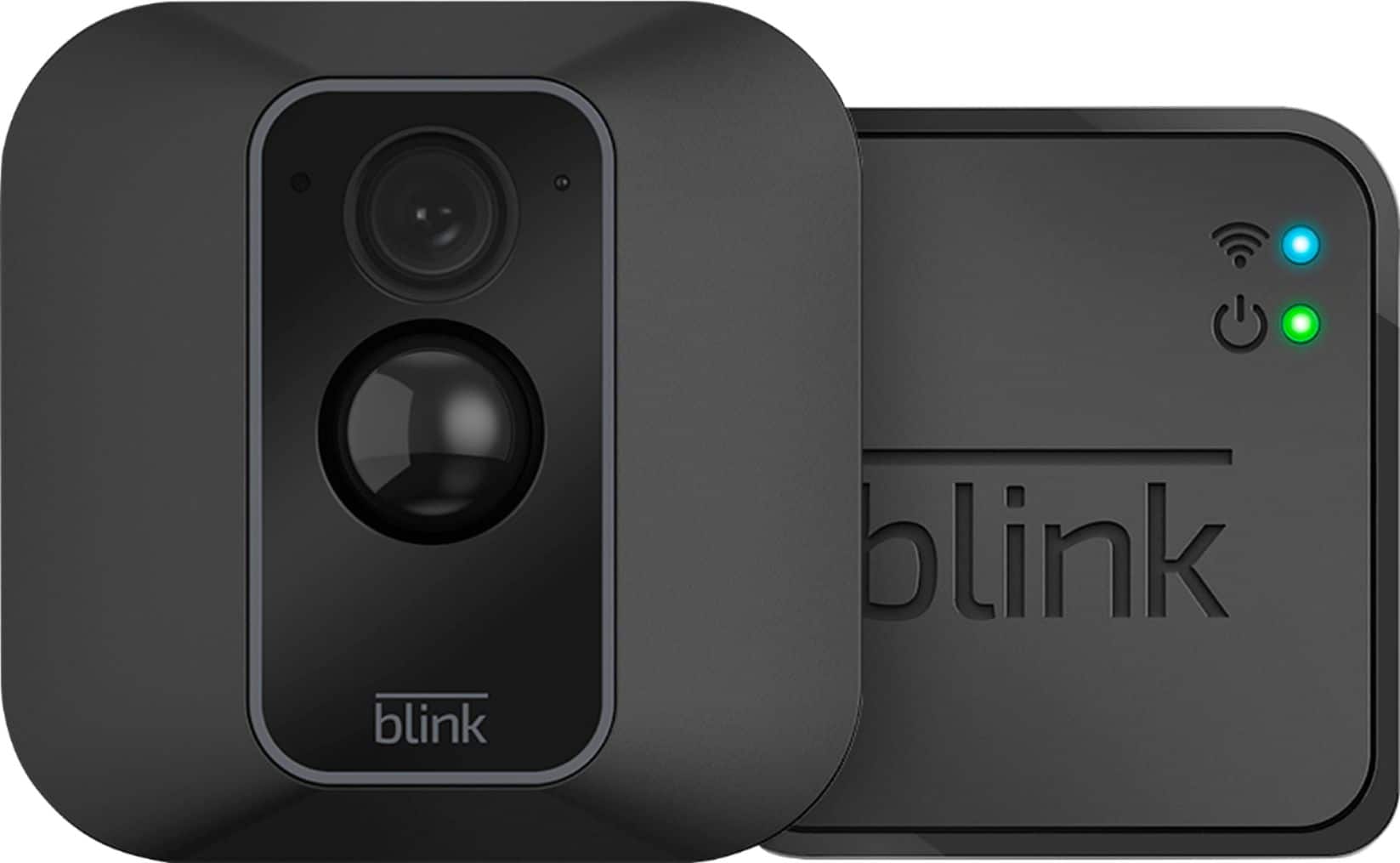
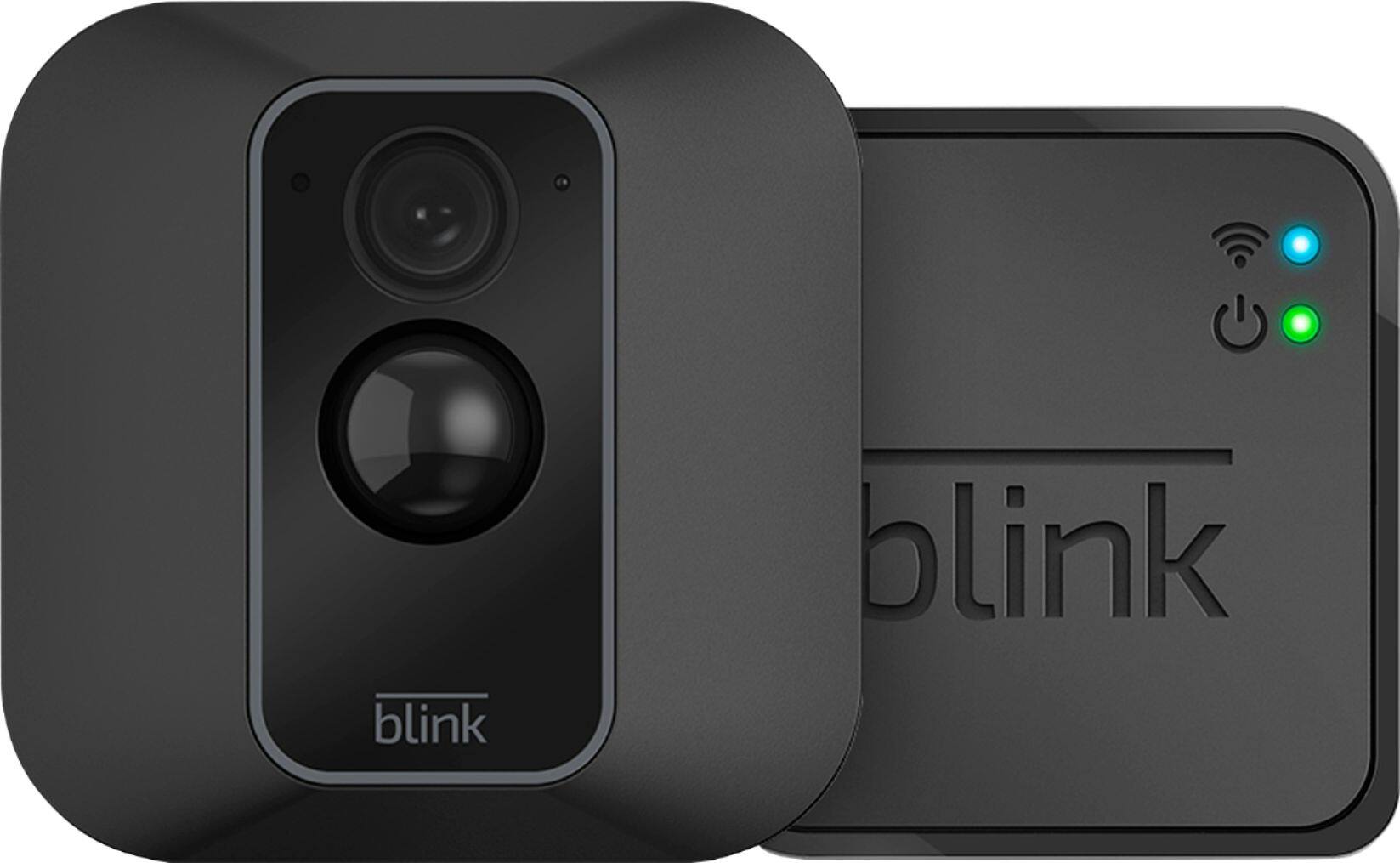
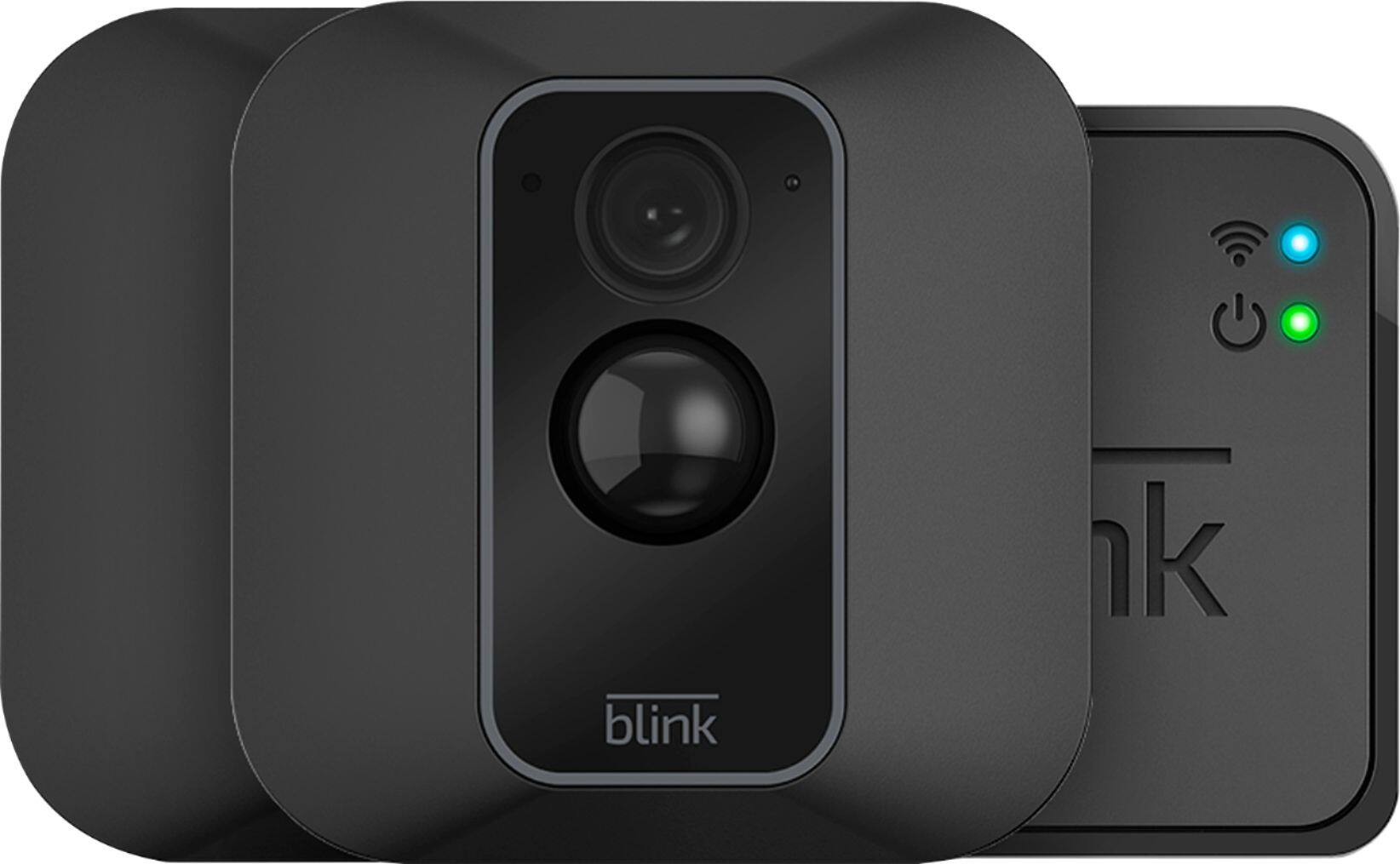
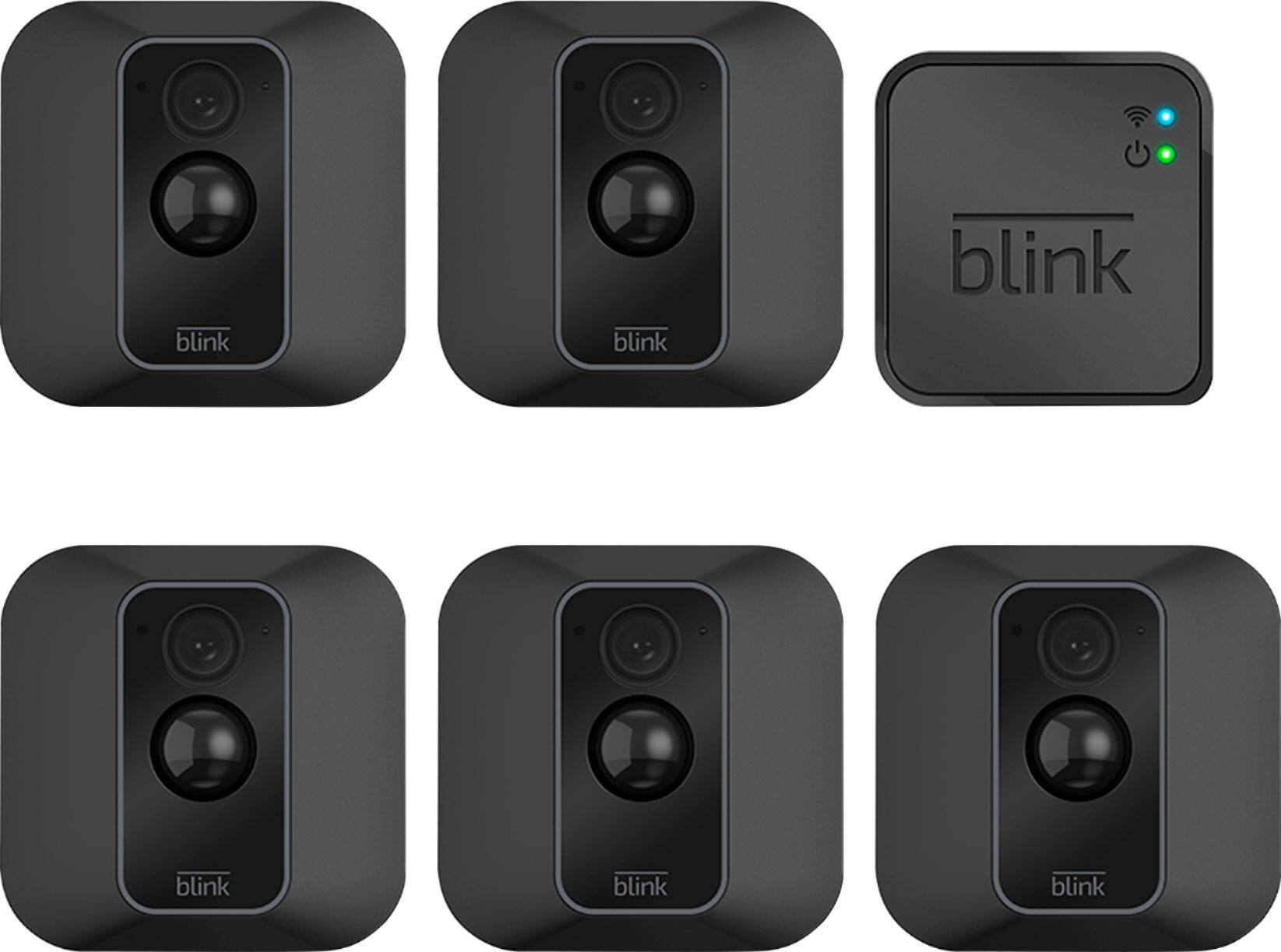
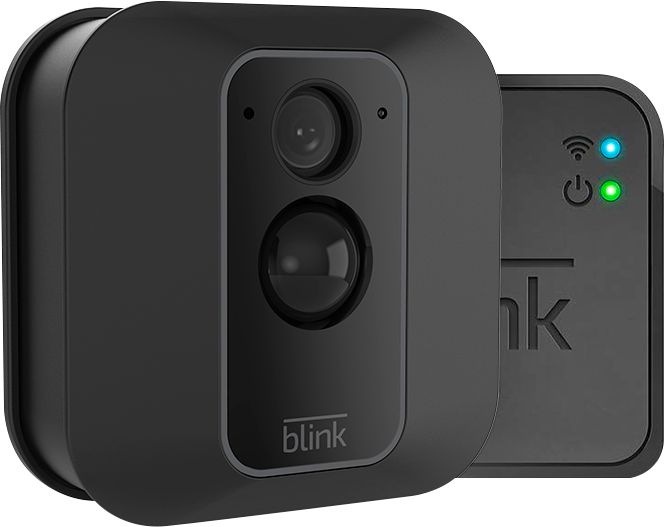
A:AnswerAssuming a fairly standard home (single building, no unusually dense construction materials), the Sync Module should be able to communicate with Blink camera units up to 100ft away in any direction. As far as how far away the system can be from your wireless router would depend on the strength of your internet/WIFI, we recommend at least three bars of signal strength.
A:AnswerYou are able to add Blink cameras to your Blink System at anytime. You can have up to 10 Blink devices per sync module as long as they are all within the 100ft operating range of the sync module in any direction. The cameras on the sync module can be in any combination.
A:AnswerAssuming a fairly standard home (single building, no unusually dense construction materials), the Sync Module should be able to communicate with Blink camera units up to 100ft away in any direction.As far as how far away the system can be from your wireless router would depend on the strenght of your internet/WIFI, we recommend at least three bars of signal strength.
A:AnswerNo, the motion light will not be an issue with the camera I have 3 cameras covering the exterior of my home and have motion lights about 3-7 feet from the cameras. Recording are clear and the motion lights do not blind the cameras.
A:AnswerAssuming a fairly standard home (single building, no unusually dense construction materials), the Sync Module should be able to communicate with Blink camera units up to 100ft away in any direction. As for how far away the system can be from your wireless router would depend on the strength of your internet/WIFI, we recommend at least three bars of signal strength.
A:AnswerHere are our system requirements: A non-cellular 2.4 Ghz Wi-Fi network (name and password) and high speed Internet connection (DSL, Cable, Fiber) with a minimum 2 Mbit/sec upload speed. Unfortunately, due to high latency issues, we do not recommend using Blink with Satellite providers. Please note that Blink is unable to gain internet access on networks that require authentication through a third-party login website.
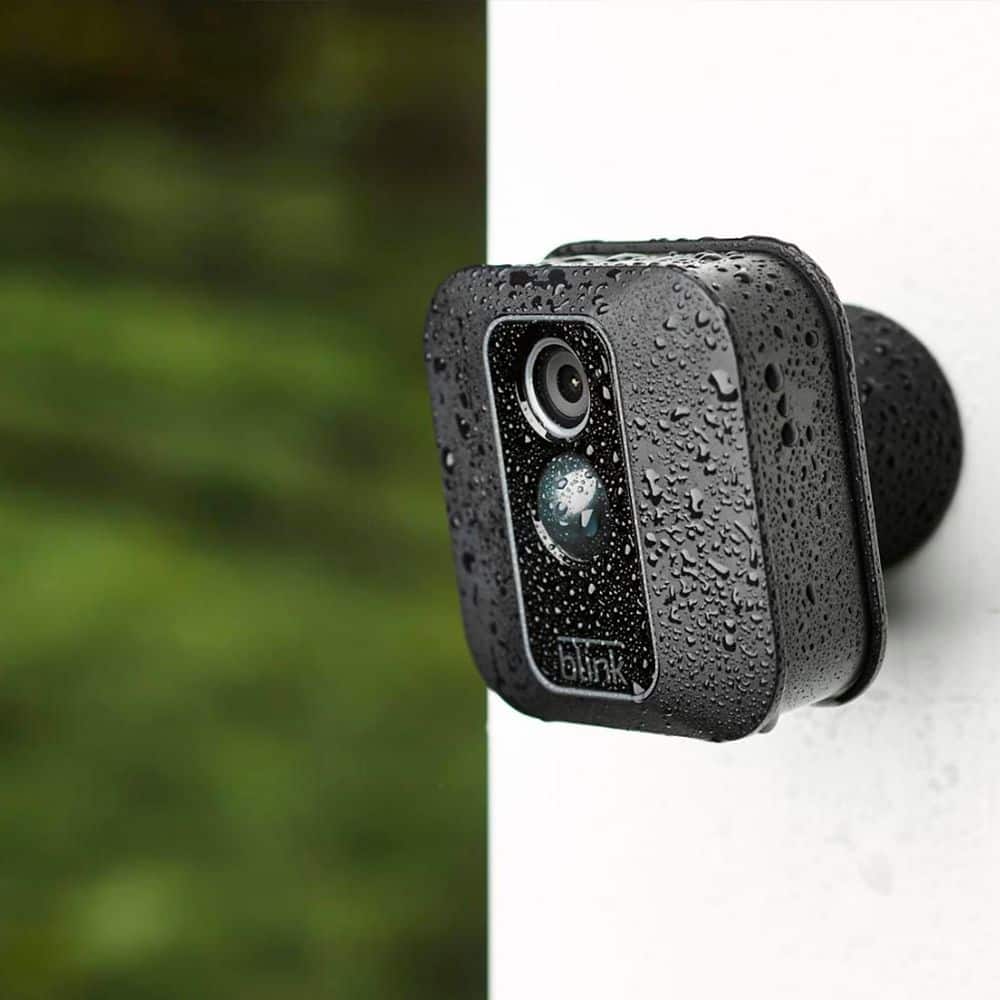
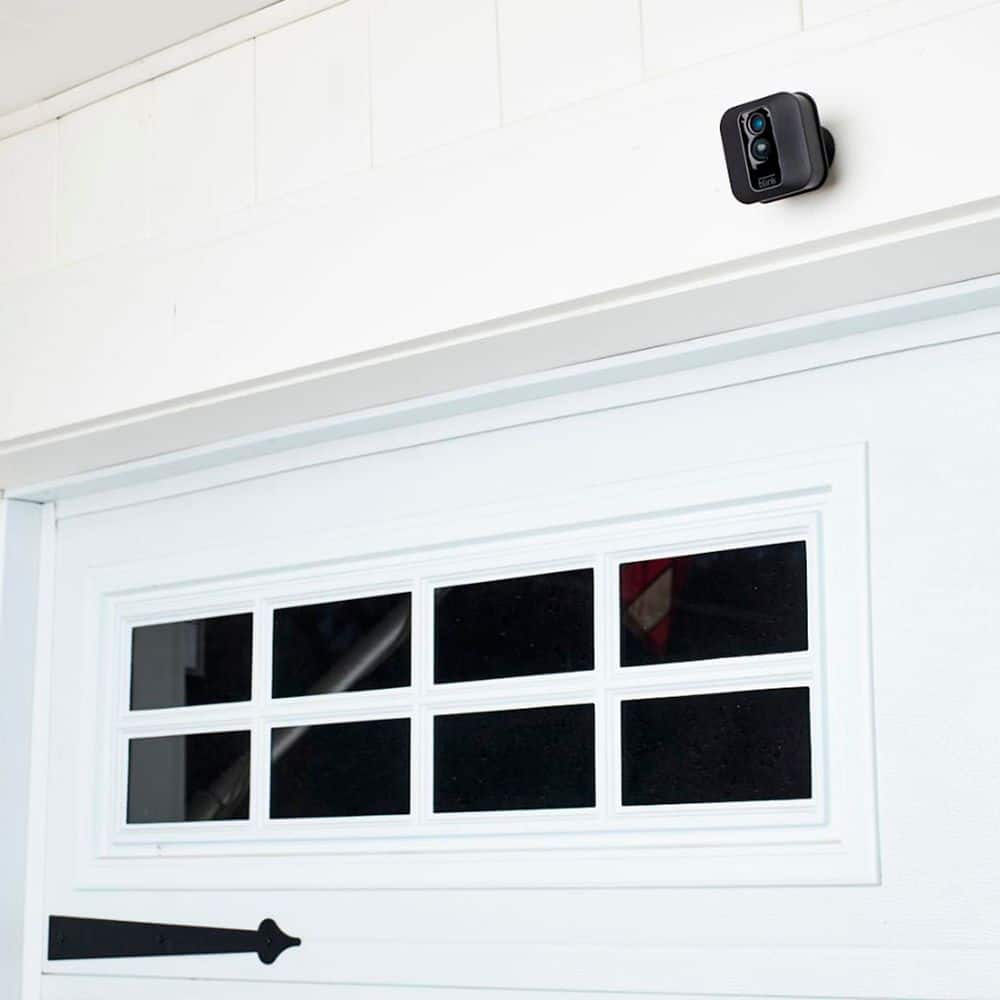
A:AnswerEach camera in the box has the same mounting brackets. There is no specific outdoor bracket that comes in the box. The brackets are attached by 2 screws.
A:AnswerYes I believe so. On the app umder settings or on the app where it shows your camreas there are lines on the right that are above each camrea. There is a way to set the cameras to record at pacific times as well as intensity of movement etc..