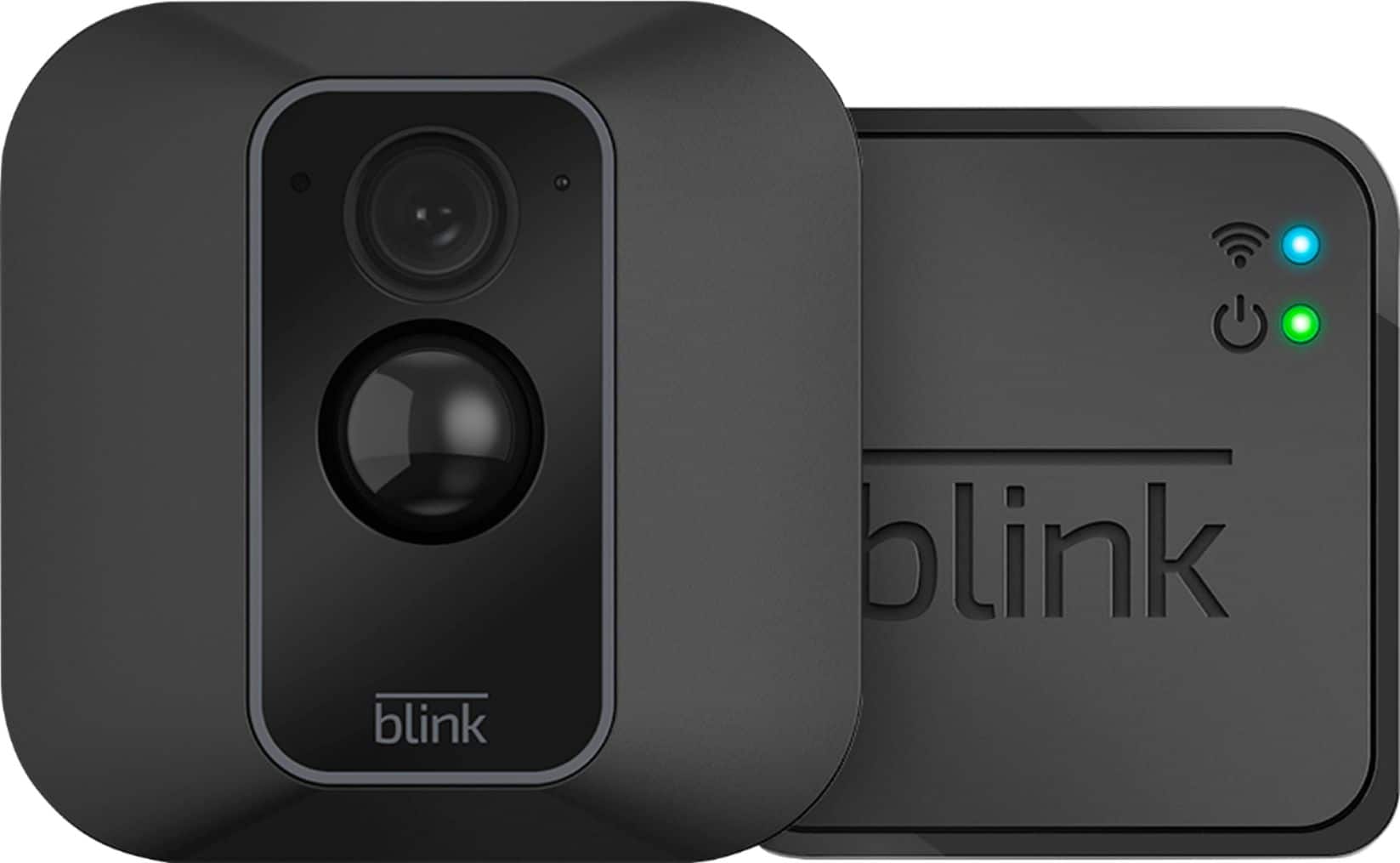
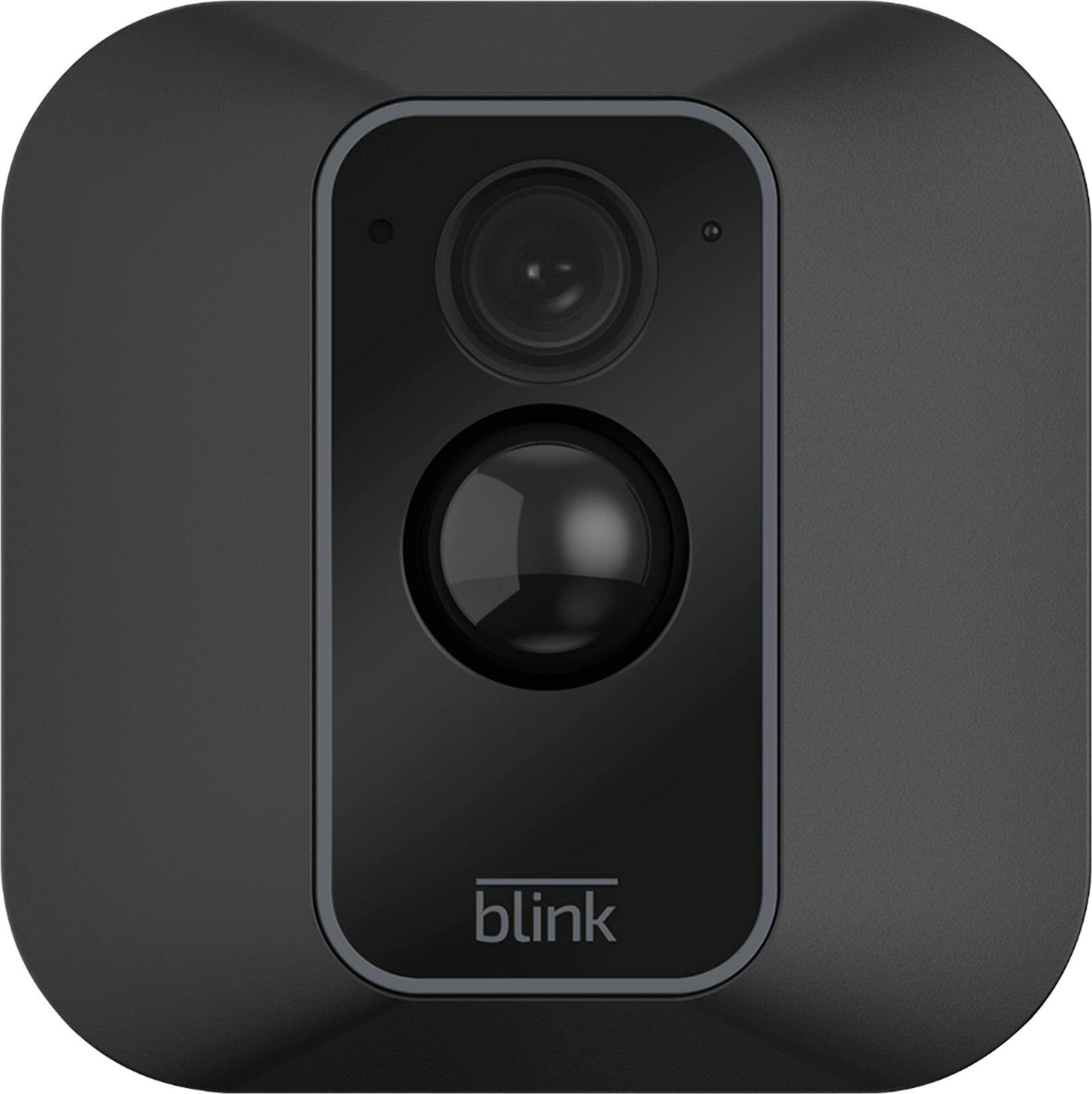
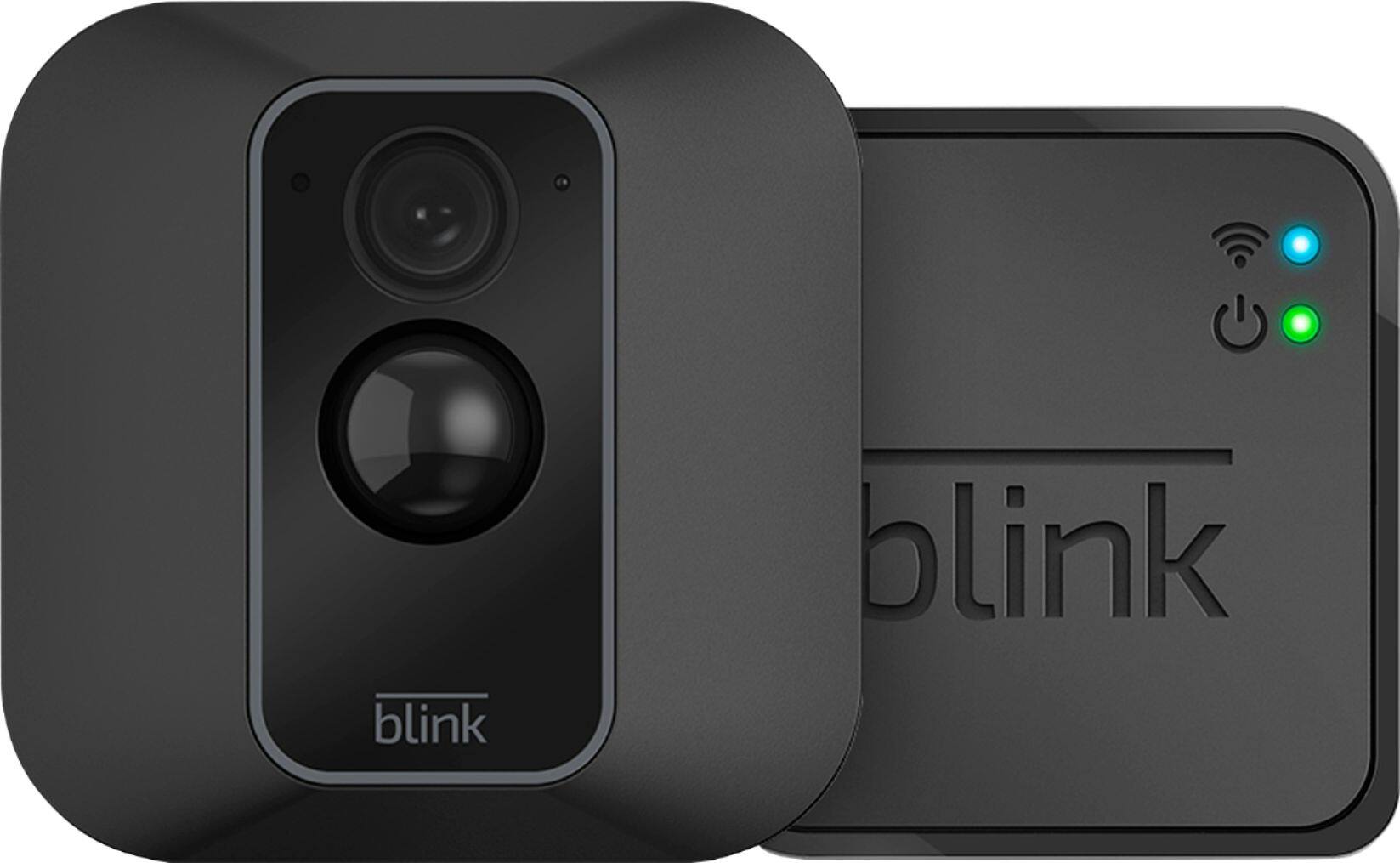
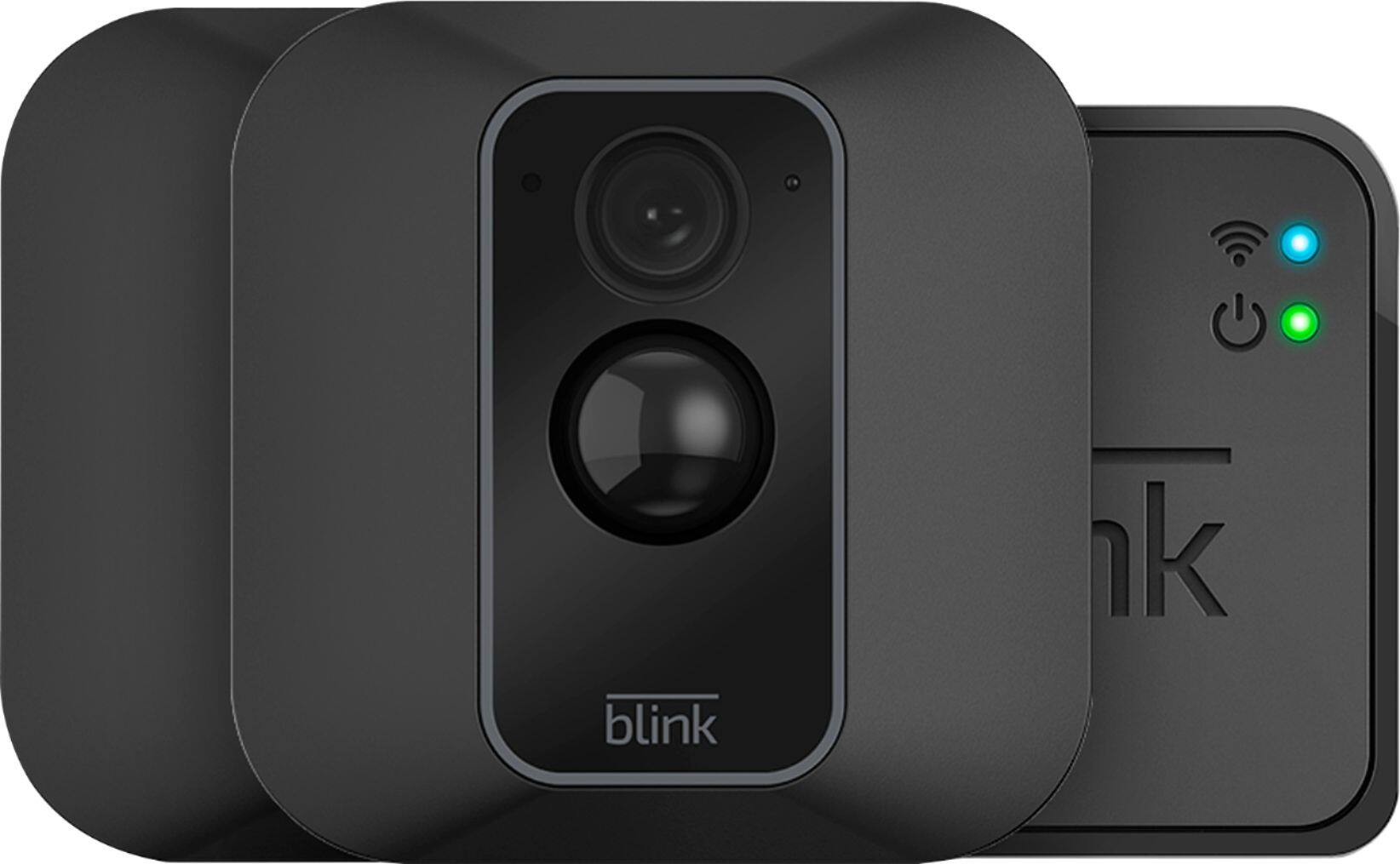
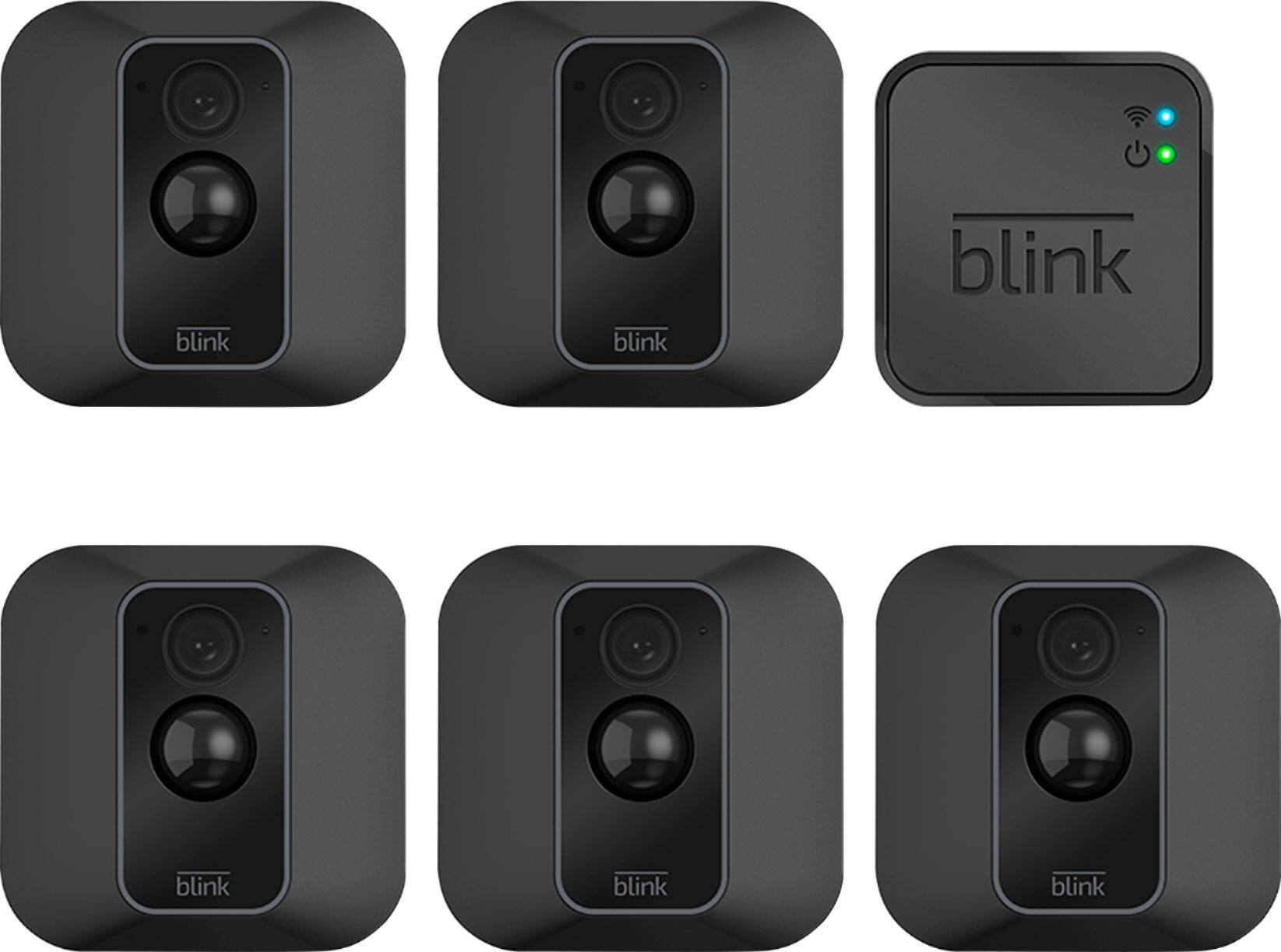
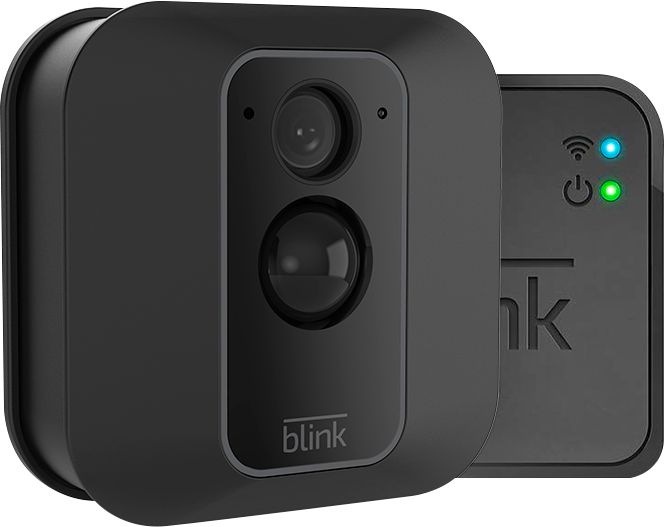
A:AnswerYou can add Blink cameras to your existing Blink System at anytime. You can have up to 10 Blink devices per sync module as long as they are all within the 100ft operating range of the sync module in any direction. The cameras on the sync module can be in any combination.
Blink’s server provides each Sync Module storage for up to 7,200 total seconds of video (or 1,440 five-second events) for as long as you like (no expiration). If you reach your storage limit, it will automatically delete the oldest clip in order to make room for the next one.
You are able to set clips to automatically delete based on a time limit. By default, this is set to 14 days, but you can also change that to 3 days, 7 days, 30 days, and 1 year.
You are also able to manually delete clips at anytime and any important clips can also be saved to your mobile device at anytime by using the share feature on the clip within the clip roll folder of the APP.
A:AnswerBlink currently requires a 2.4ghz WiFi-based Internet connection to operate. Blink is not compatible with wifi networks broadcasting a 5ghz signal.
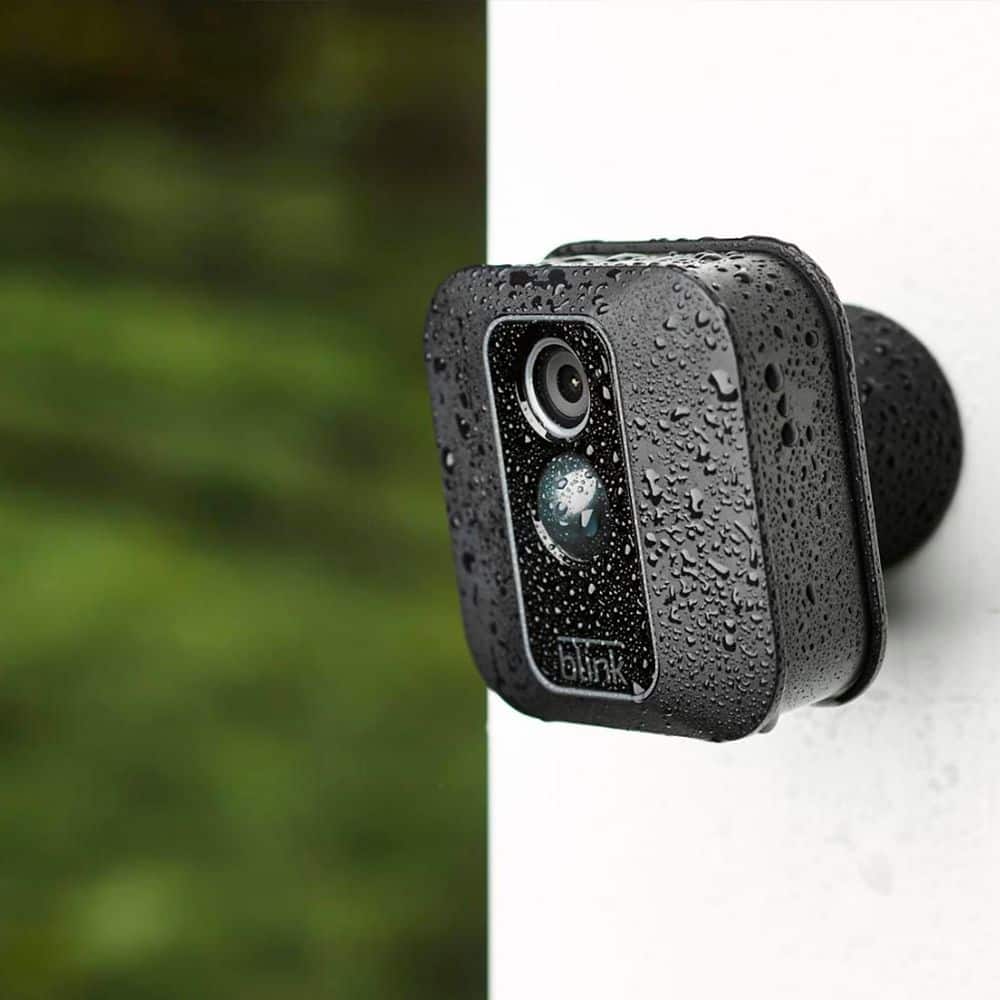
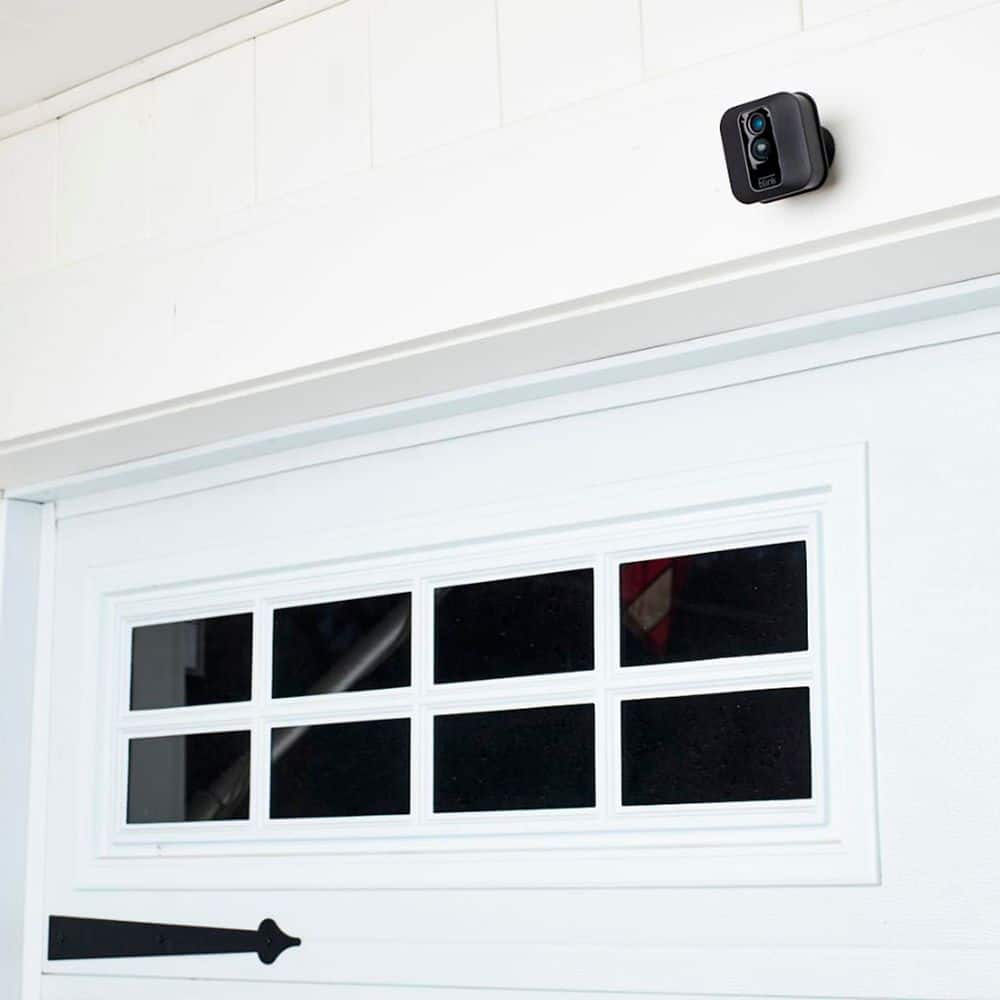
A:AnswerIt came with necessary mounting hardware to attach to the side of my house. If you have something other than wood that you're drilling into, you might need some other mounting hardware.
A:AnswerYou are able to check the battery status within the APP and also set-up low battery notifications as well. You are able to add Blink cameras to your existing Blink System at any time, You can have up to 10 Blink devices per sync module as long as they are all within the 100ft operating range of the sync module in any direction. The cameras on the sync module can be in any combination.
A:AnswerAssuming a fairly standard home (single building, no unusually dense construction materials), the Sync Module should be able to communicate with Blink camera units up to 100ft away in any direction. As far as how far away from the wireless router the system can be would depend on the strength of your internet/WIFI, we recommend at least three bars of signal strength.
A:AnswerMy understanding is up to 4 phones can be connected and view at one time but as long as people have your password anyone can connect, the only way I found to remove a phone is to change your password, I have found no way to tell which phone is viewing.
A:AnswerYou are able to add Blink cameras to your existing Blink System at anytime. You can have up to 10 Blink devices per sync module as long as they are all within the 100ft operating range of the sync module in any direction. The cameras on the sync module can be in any combination.
A:AnswerYes, you get a swivel mount and mounting screws for each camera. Very easy to install and position the cameras to cover the areas you want to cover.