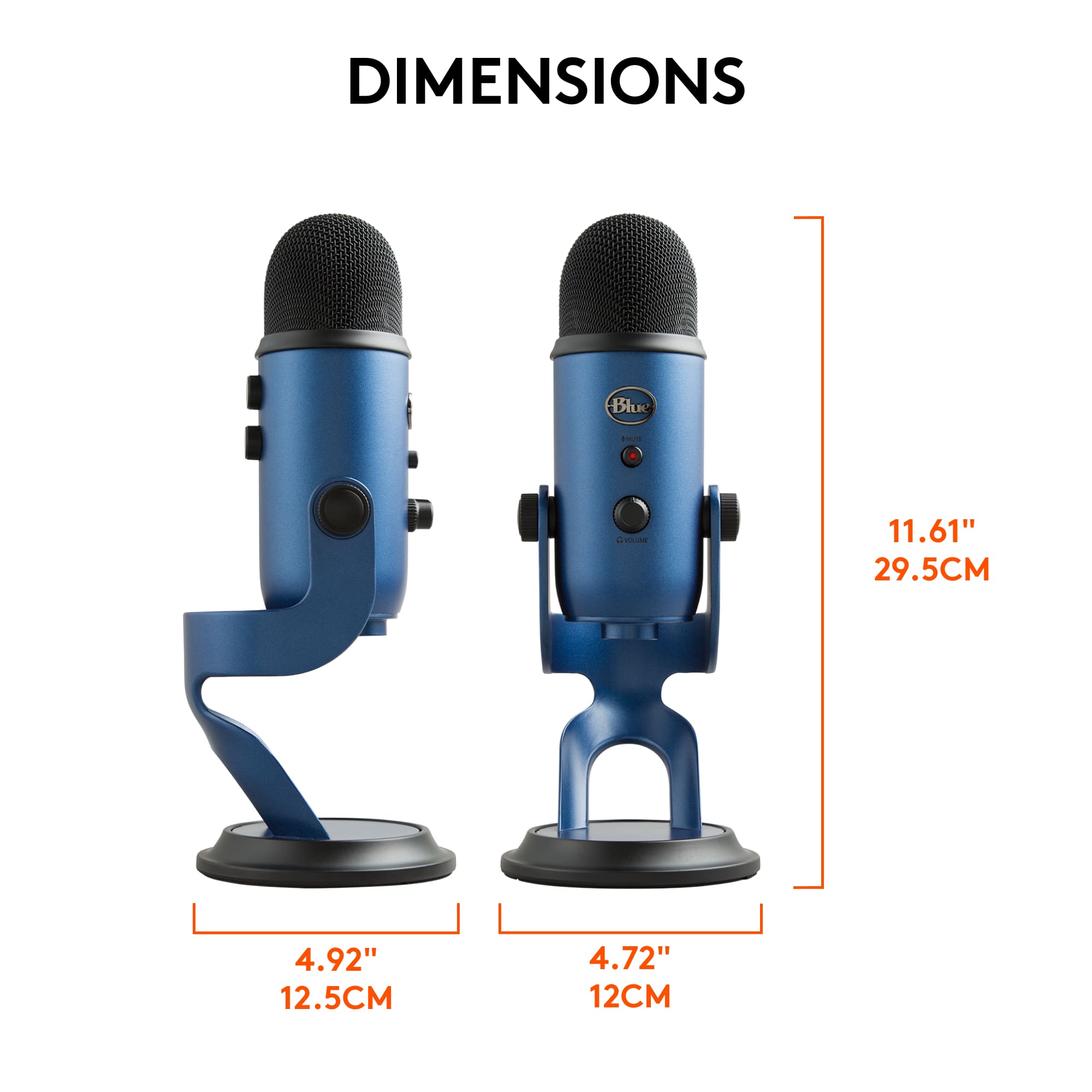
A:AnswerHello, ArizonaKid! Yes, the Yeti has two different patterns that you could use called Omnidirectional or Bidirectional. Omnidirectional is going to pick up from all sides of the microphone while bidirectional is going to pick up on the front and back of the microphone. Bidirectional is optimal for podcast settings. Whereas, omnidirectional is optimal for group settings. - Maggie from Blue
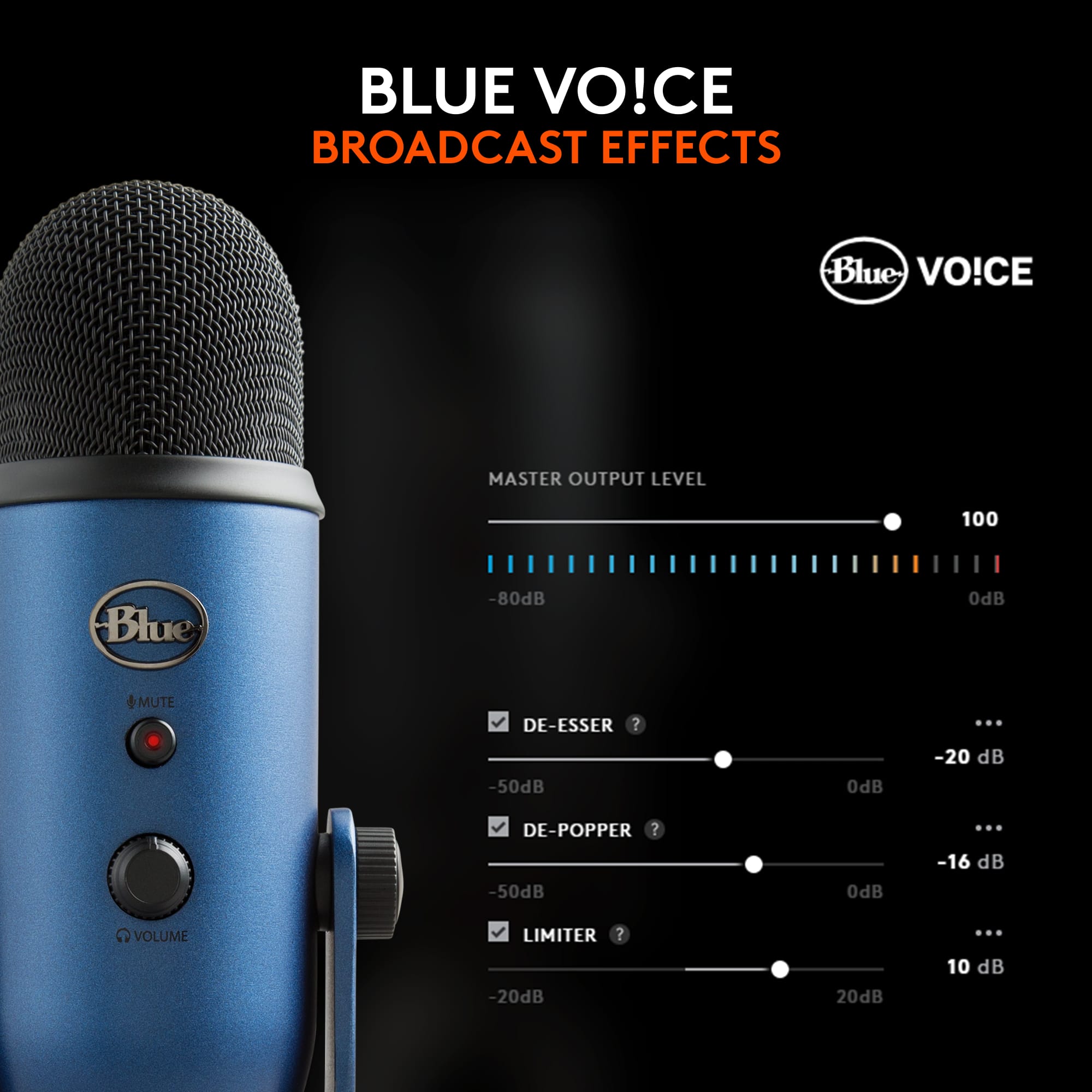
A:AnswerHey there! Speakers may cause some issues with your microphone, but if you download our GHub software, you should be able to modify your microphones settings to minimize or entirely eliminate excess background noise. -Weston from Logitech
A:AnswerHello
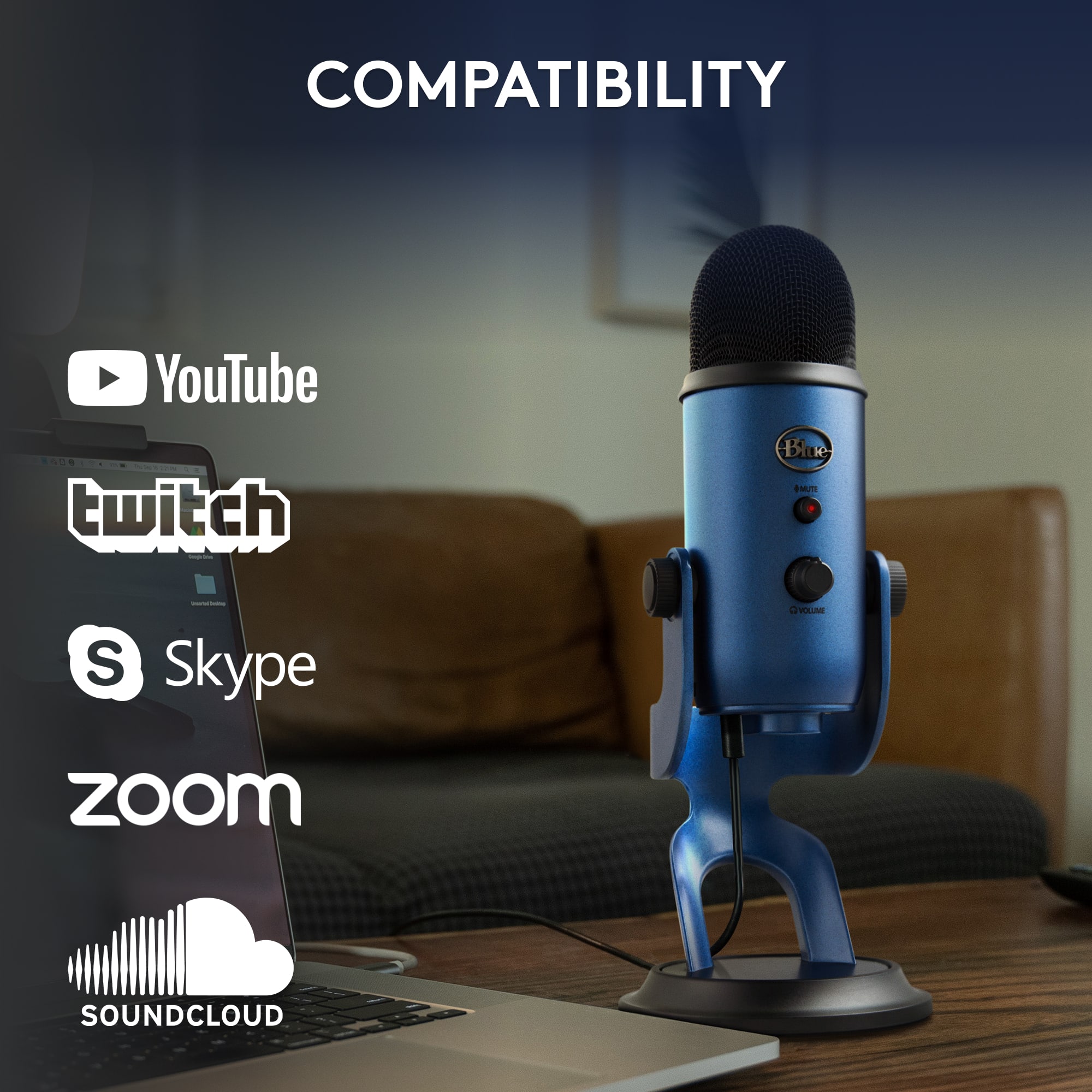
Thank you for your interest in the Blue Yeti microphone. Yes, the Yeti is a versatile microphone that can be used to “ pick up the sound of a gong and transmit it over Zoom”. I recommend downloading the Blue Sherpa software for firmware updates, adjustments to the sample rate, and level monitoring/adjustments. I recommend checking your levels before you go live, and the Blue Sherpa software will be useful to do so. I have attached a link to the “Getting Started” guide, where you will find the Blue Sherpa download, a startup guide and further support. I hope you enjoy the Blue Yeti USB microphone and please feel welcome to visit the support website for further assistance.
Best regards,
John at Blue/Logitech
https://support.bluedesigns.com/hc/en-us/articles/360033969774
A:AnswerNo problem! Unfortunately, the only way to power the microphone would be to plug it directly into the computer since the microphone also requires drivers from the computer to capture audio.
A:AnswerA standard USB-C to USB-A adapter should be the adapter you need. The microphone should have came with a Mini USB to USB-A cable, the Mini USB part going into the microphone and the USB-A going into the adapter.
A:AnswerZoom is pretty smart and recognizes the output sound versus the input sound, to make sure the two don't interfere, so no a headset is not necessary to prevent feedback. The Yeti has 4 different sound pickup patterns you can test to make sure your AC is not being picked up, but generally this is not a problem we encounter. I use the Yeti without headphones all day and haven't had issues with feedback or it picking up the sound from my own central AC.
A:AnswerHello, you can use any Bluetooth headset/earbuds of your choice. All you have to do, is make sure that the audio output settings on your computer are set to your Air Pods or Beats headphones. Have a great day.
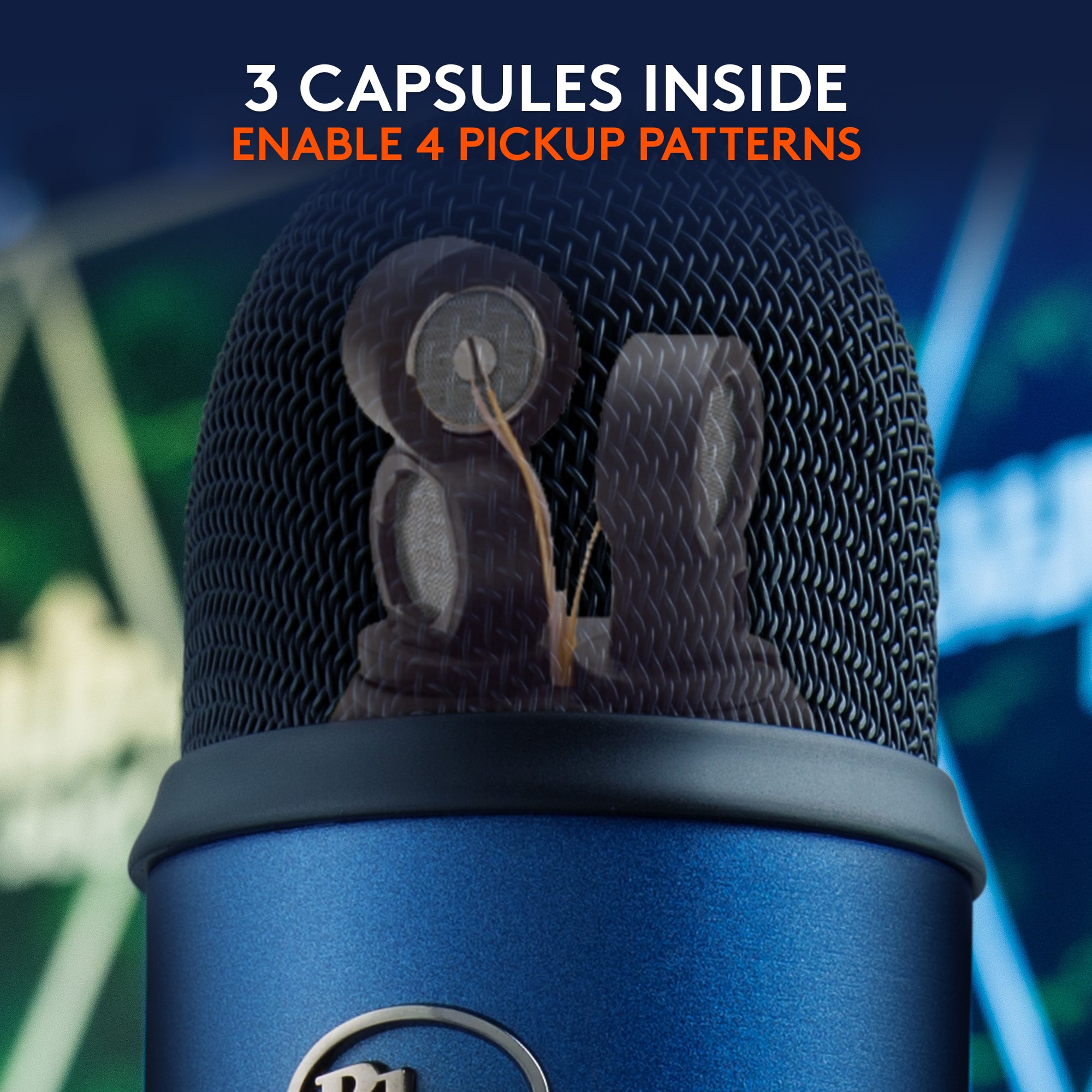
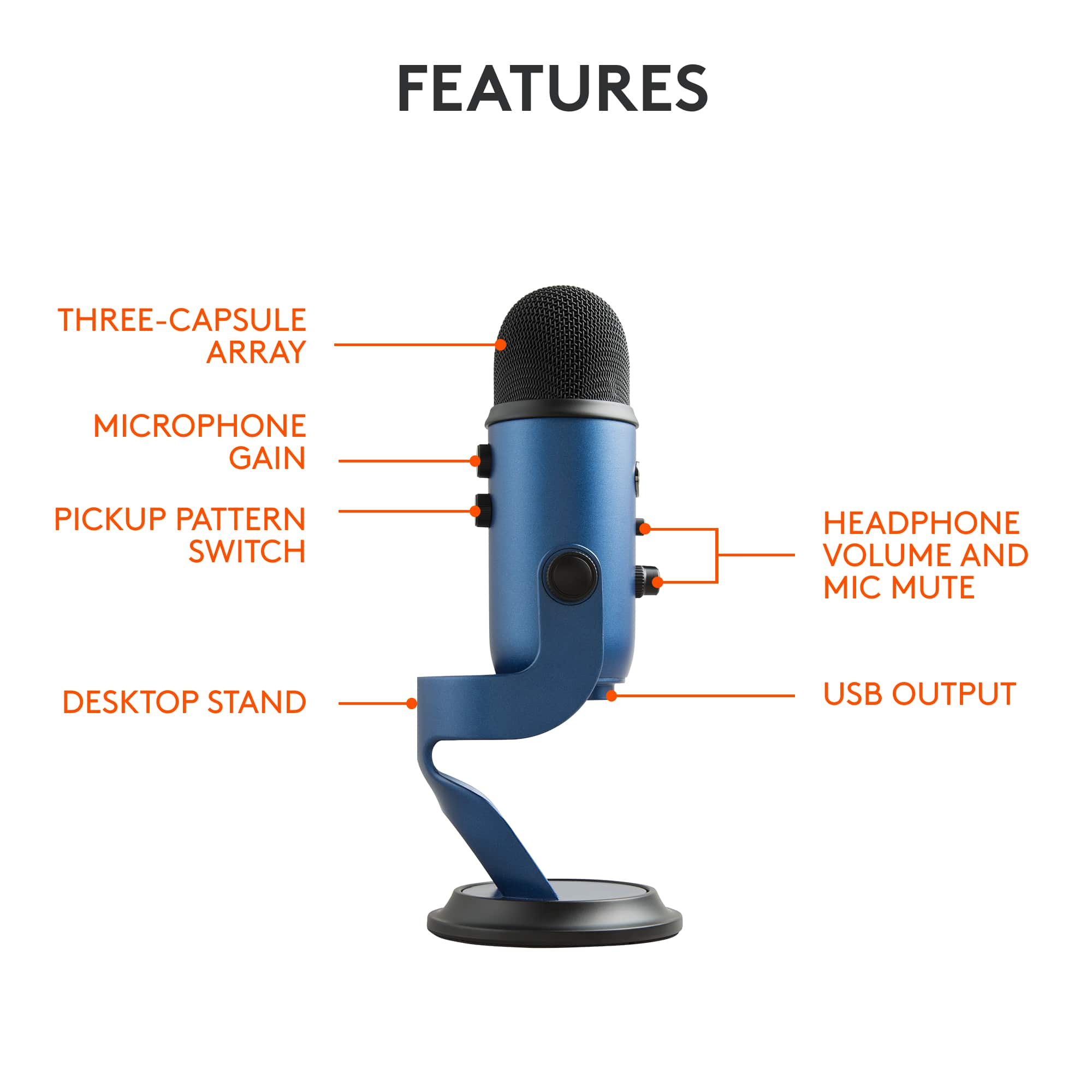
A:AnswerHello, the Yeti has 3 condenser capsules. There is a dial on the back of the microphone to switch between 4 different polar patterns: Cardiod, Omnidirectional, Bi-Directional, and Stereo. The Yeti X also has these 4 polar patterns.
A:AnswerI, personally, wouldn't use this mic for recording singing or performance-based vocals. If you're good at what you do, spend the money on a decent interface (Behringer Uphoria, Focusrite Scarlet, etc) and a decent mic.
If you have a vocal booth, this mic would work fine. Without a sound-treated vocal booth, this mic is going to capture the room as much or more than your voice. You can try the Samson Q2U or the slightly better Audio Technica AT2005USB if you're looking for a USB mic.
Best of luck with your endeavors. Create, share and keep pushing!