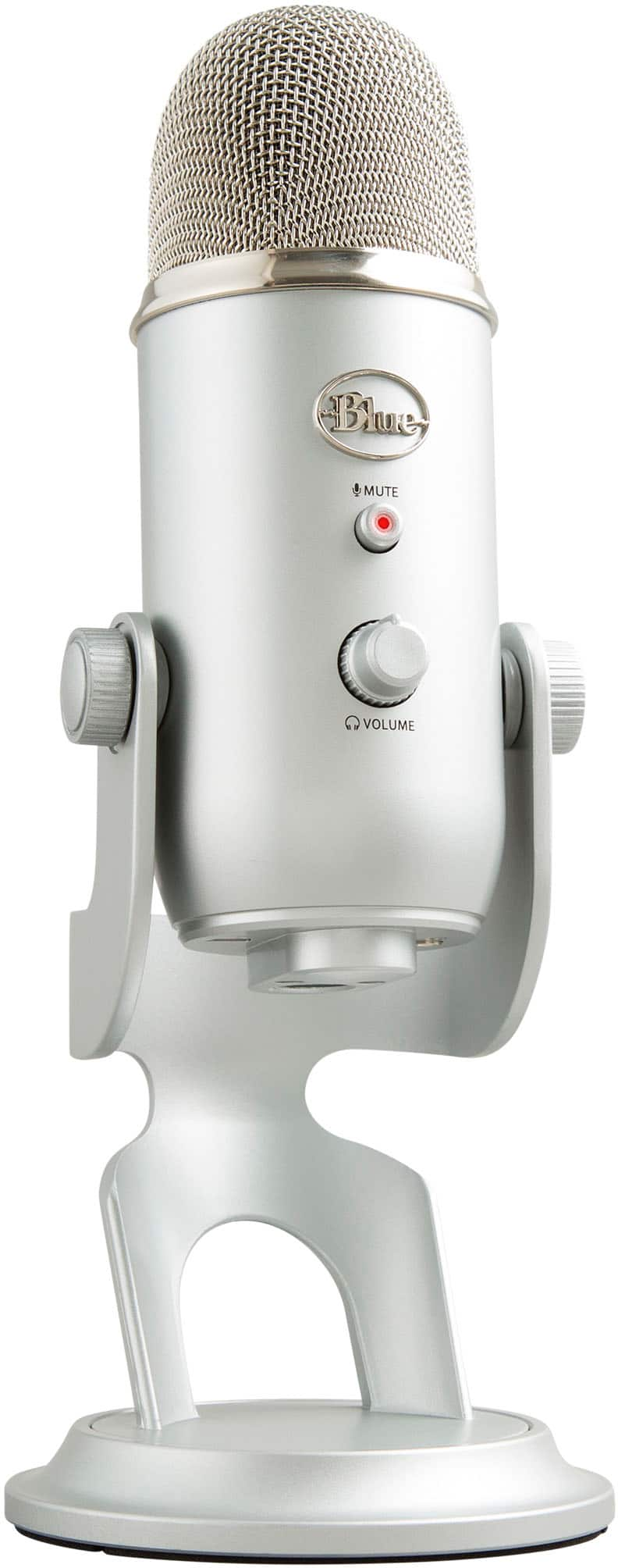
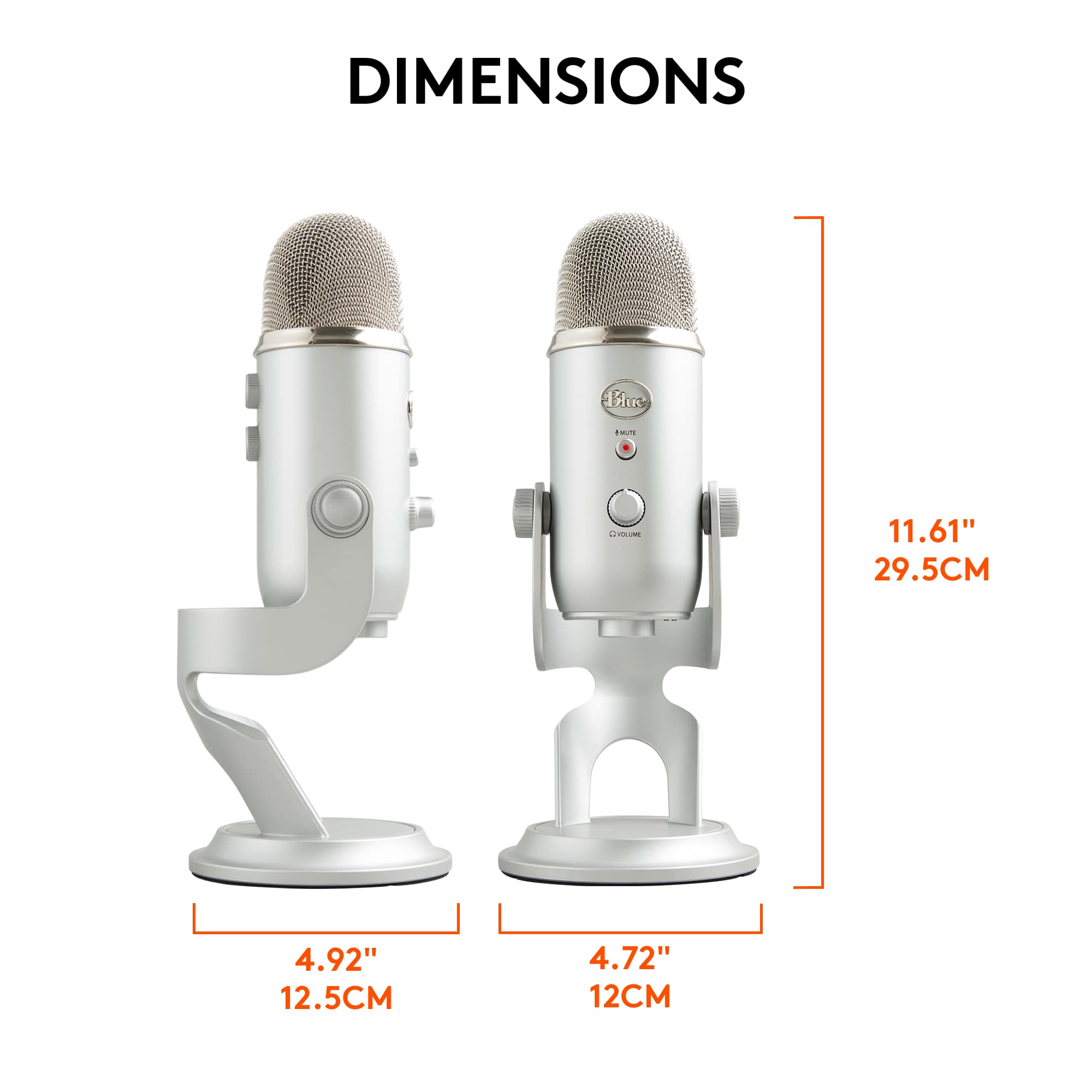
A:AnswerYes, this item comes with the cord and stand as shown. You will need to get/use a plug in set of ear buds or headset to hear yourself record with it. It works well for recording voice overs for PPT presentations and video. You can use any available recording program, such as Audacity, to record or record right in PPT.
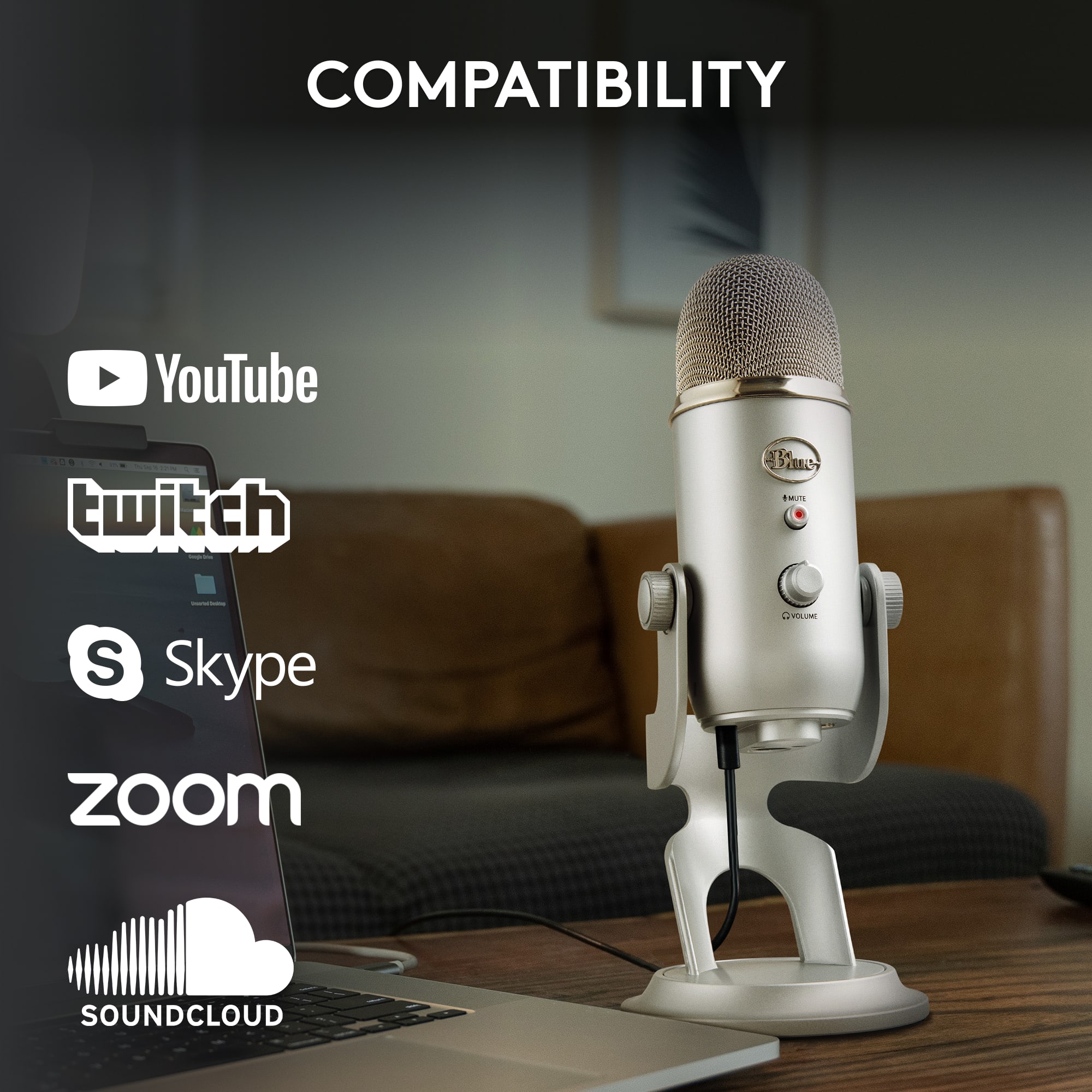
A:AnswerGood day! Please note that Blue Yeti is officially only compatible with Windows® 10 or later and macOS® 10.14 or later. It requires one USB 1.1/2.0/3.0 port.
A:AnswerProbably not, The Yeti is USB, it required power from the device it's being plugged into. Thus you'd have to power it from the iphone. I suppose you could get an adaptor but i'm unsure if the Iphone would have the power or software to drive the mic.
A:AnswerSince it's on sale at this very moment as I'm typing this, I'd say the answer is: Yes. But it might not be on sale anymore by the time my answer's posted, so you'll just have to keep an eye out for future sales.
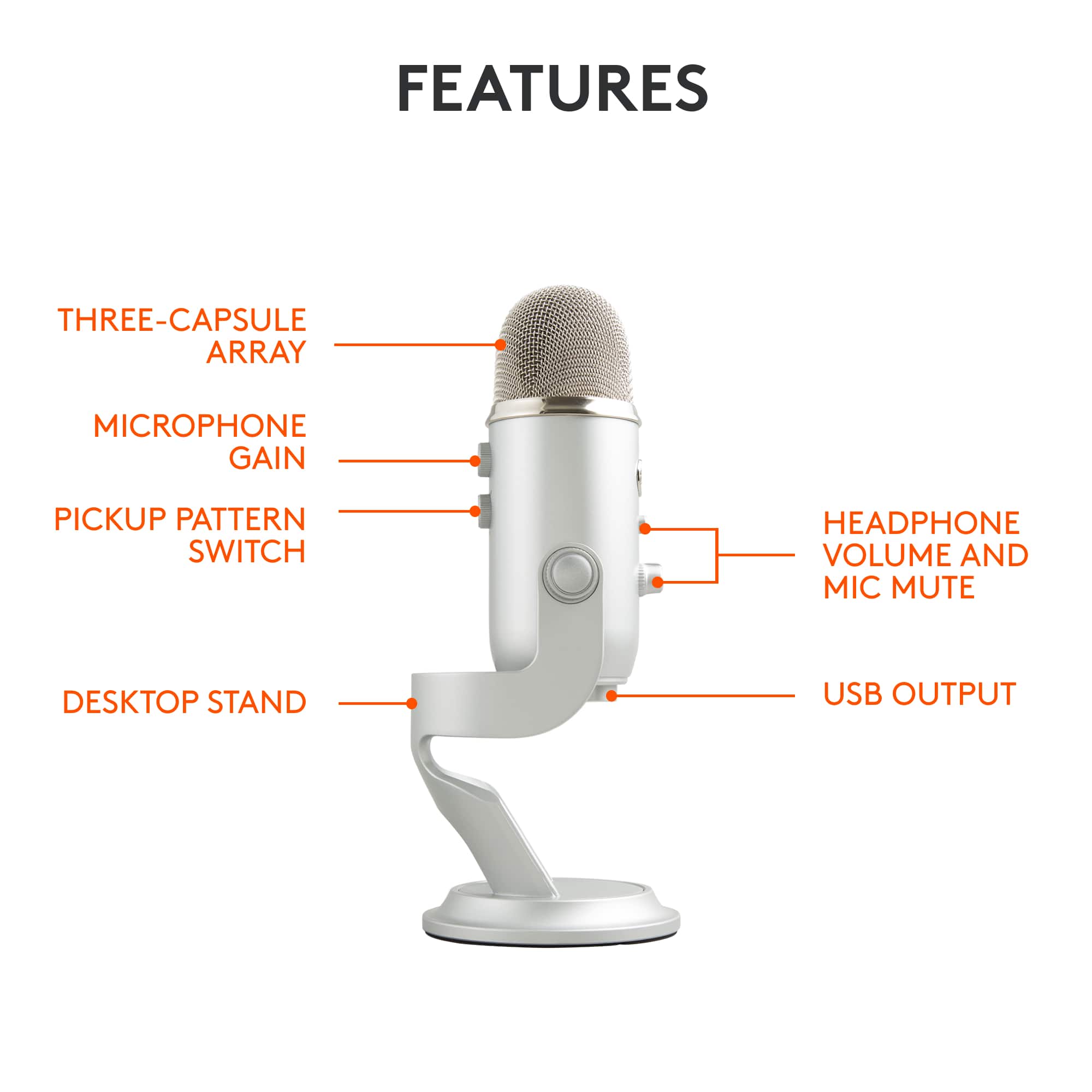
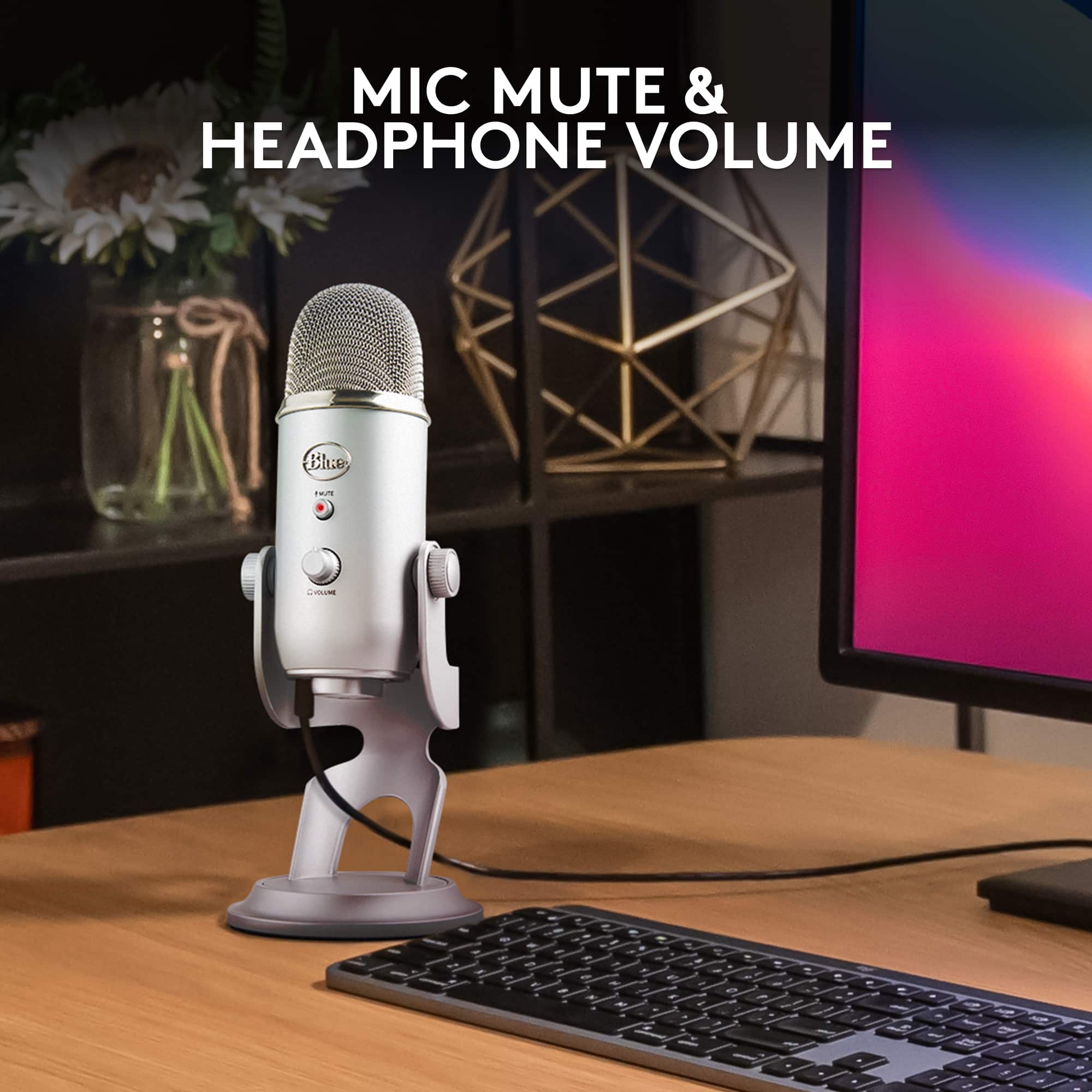
A:AnswerYou should be able to hear the playback of your headphones are plugged into the mic. If not, you will need to unplug the mic in order to hear the playback.