A:Answeri just read with the nano version you can use as usb adaptor . and a lightning cable if you wish. one jut just pluged it right into his ipad . but the end of was a lightning cable i think It didnt have a regular usb end to it.
A:AnswerHello thewhiz64, yes, the Yeti microphone is better than the Yeti nano for recording live music. The Yeti is perfect for vocals, musical instruments, podcasting, voice overs, interviews, gaming, field recordings, conference calls and more. Best feature, it allows you to record in full stereo sound.
A:AnswerThe microphone is only a microphone. You will need some kind of recording software on your computer to record or store your audio. There is a free one called Audacity that works on windows, mac and linux. You would need a PC/laptop for this to work. It doesn't seem to work on Chromebook.
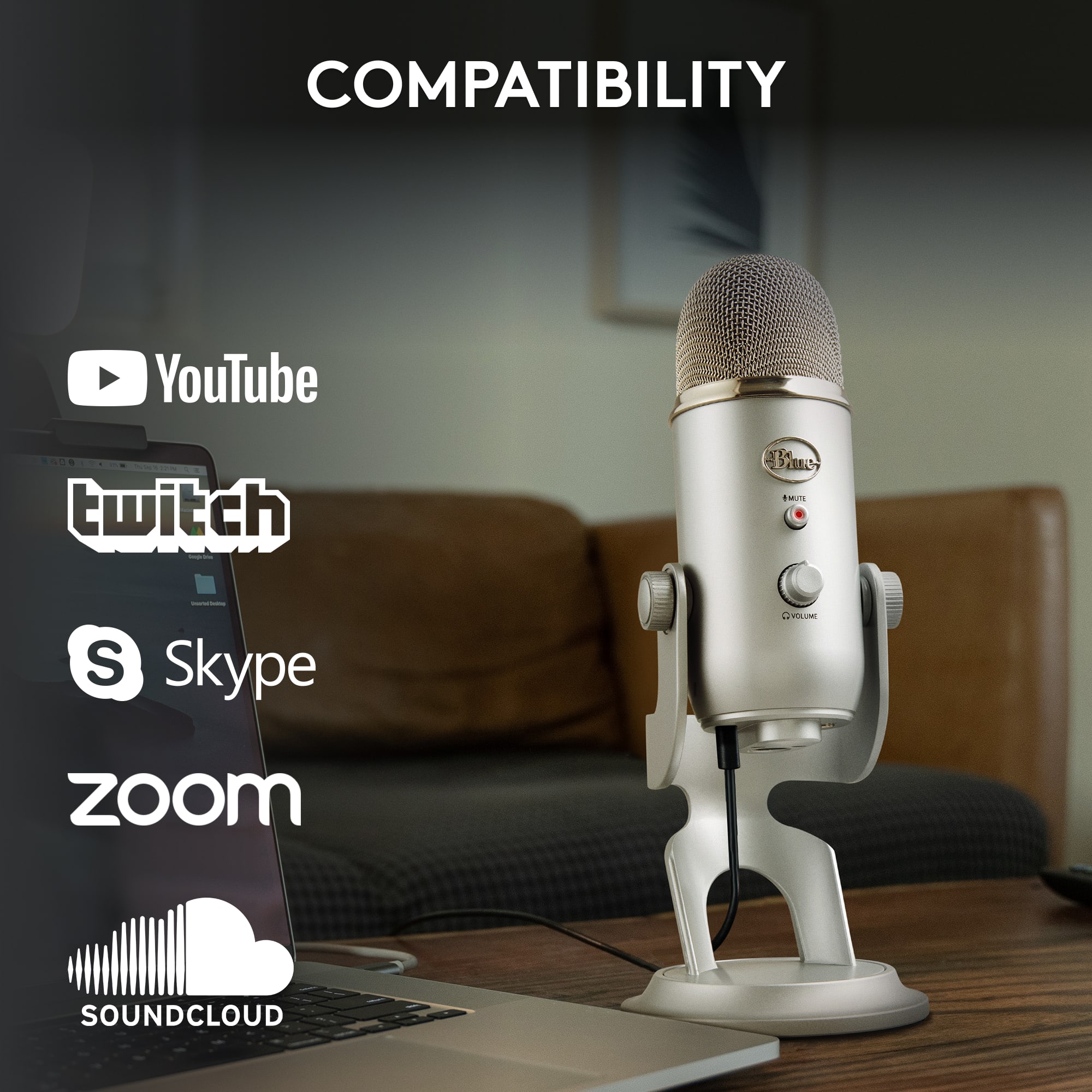
A:AnswerHello Angel, no it is not compatible with an Amazon Fire Tablet. The system requirements for the Yeti microphone are: Windows 7, 8.1, or 10, macOS 10.10 or higher. Must have a USB 1.1/2.0/3.0
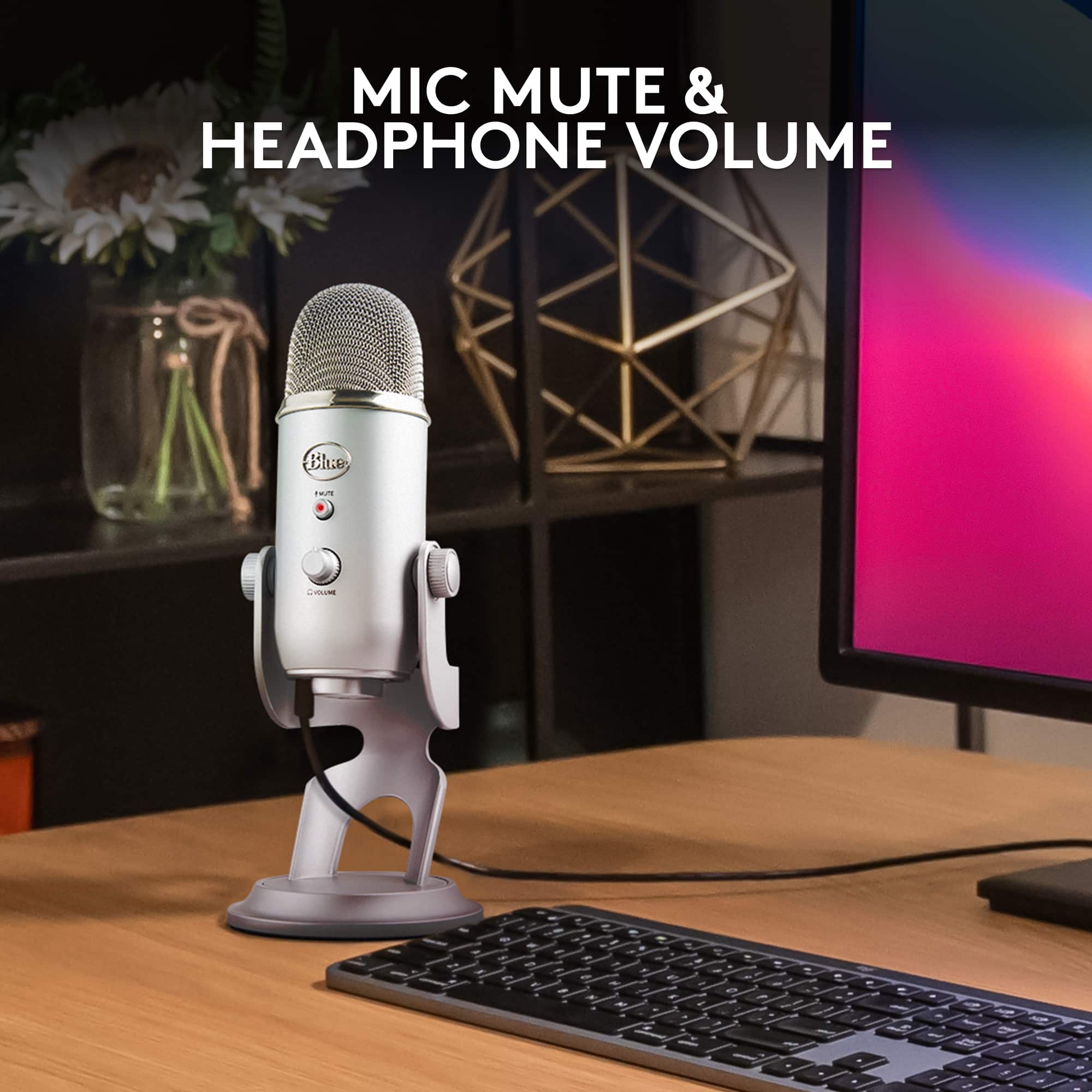
A:AnswerIt already comes with the cord you will need to plug into your computer. It's legit plug and play. The only thing you will need is headphones if you want to hear yourself.
A:AnswerNot entirely sure what your issue is. But to verify if it’s the mic try connecting it to another ps4 or a computer to see if the light comes on. This will let you isolate the issue to the mic/cable. If it doesn’t light up still try another cable and if it still doesn’t your mic may need replaced.
A:AnswerIts controlled via USB into a computer. I wouldn't recommend for use with XLR converters (if they are even available for this type of connection)
A:AnswerYes, it may work with your device, however, you would need to use a powered USB adapter to deliver a sufficient amount of power to run the Yeti.