A:AnswerYou could try it and see if it works? I am using the Sound Bar 500 using the HDMI ARC connection. Or call Bose and find out. Or try Help in the Bose App. There is nothing in the instructions for using this connection.
A:AnswerHowever, if you have a Bose home theater system (like a Lifestyle series) with a dedicated subwoofer, it usually connects via a proprietary wireless or wired connection designed specifically for Bose systems. Unfortunately, these subwoofers aren’t typically designed to work directly with third-party receivers like Nakamichi unless you use a special adapter or connection that supports universal subwoofer outputs.
If you want to replace your JBL subwoofer and are looking for a Bose subwoofer to improve your bass experience, you might want to check for a Bose subwoofer that’s compatible with external receivers (like the Bose Bass Module). Make sure the receiver has the necessary subwoofer output (typically an RCA or LFE connection), or consider using an adapter if needed.
You can also reach out to Bose customer support or the Nakamichi receiver manufacturer to confirm compatibility options for direct subwoofer connections.
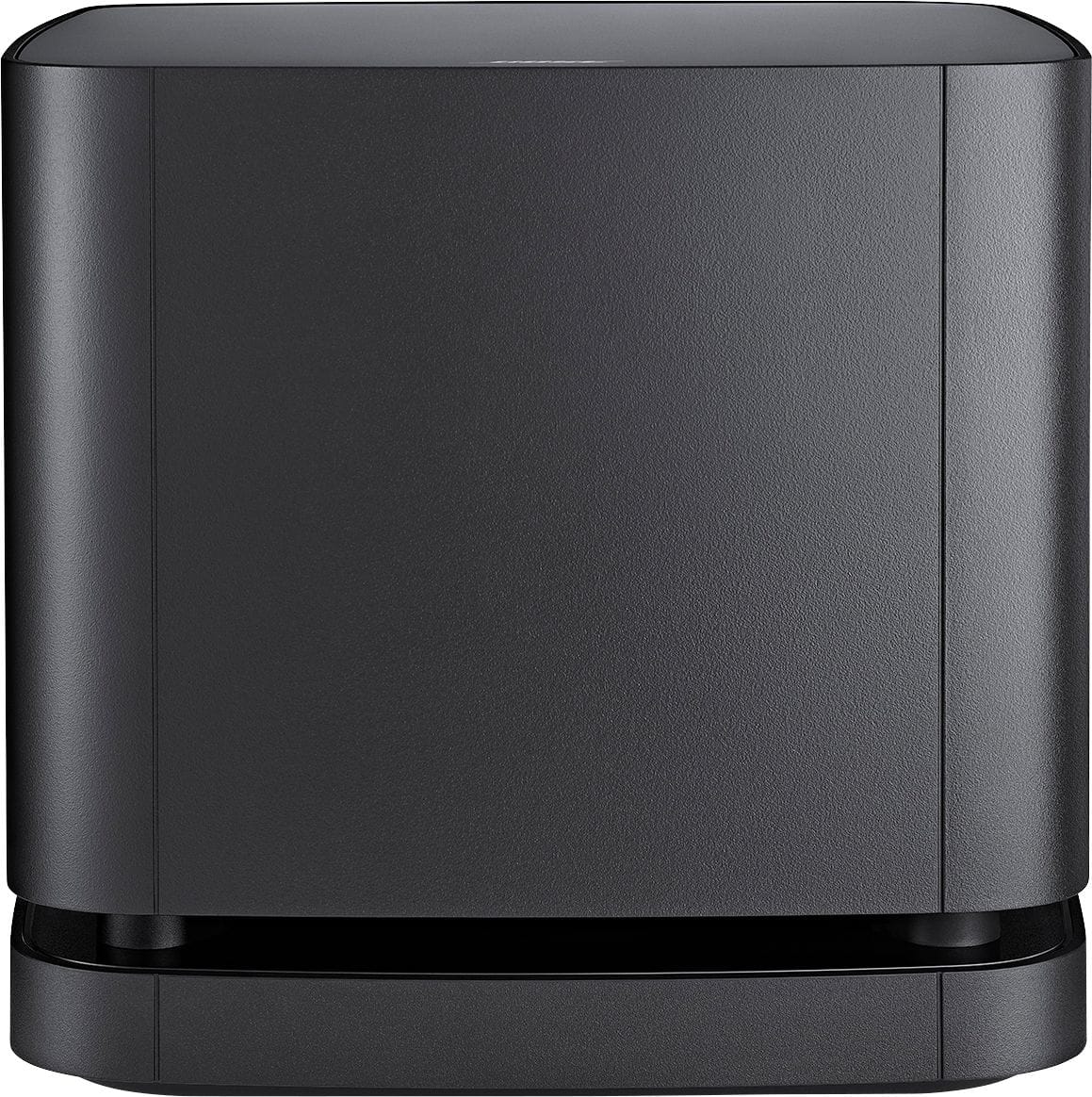
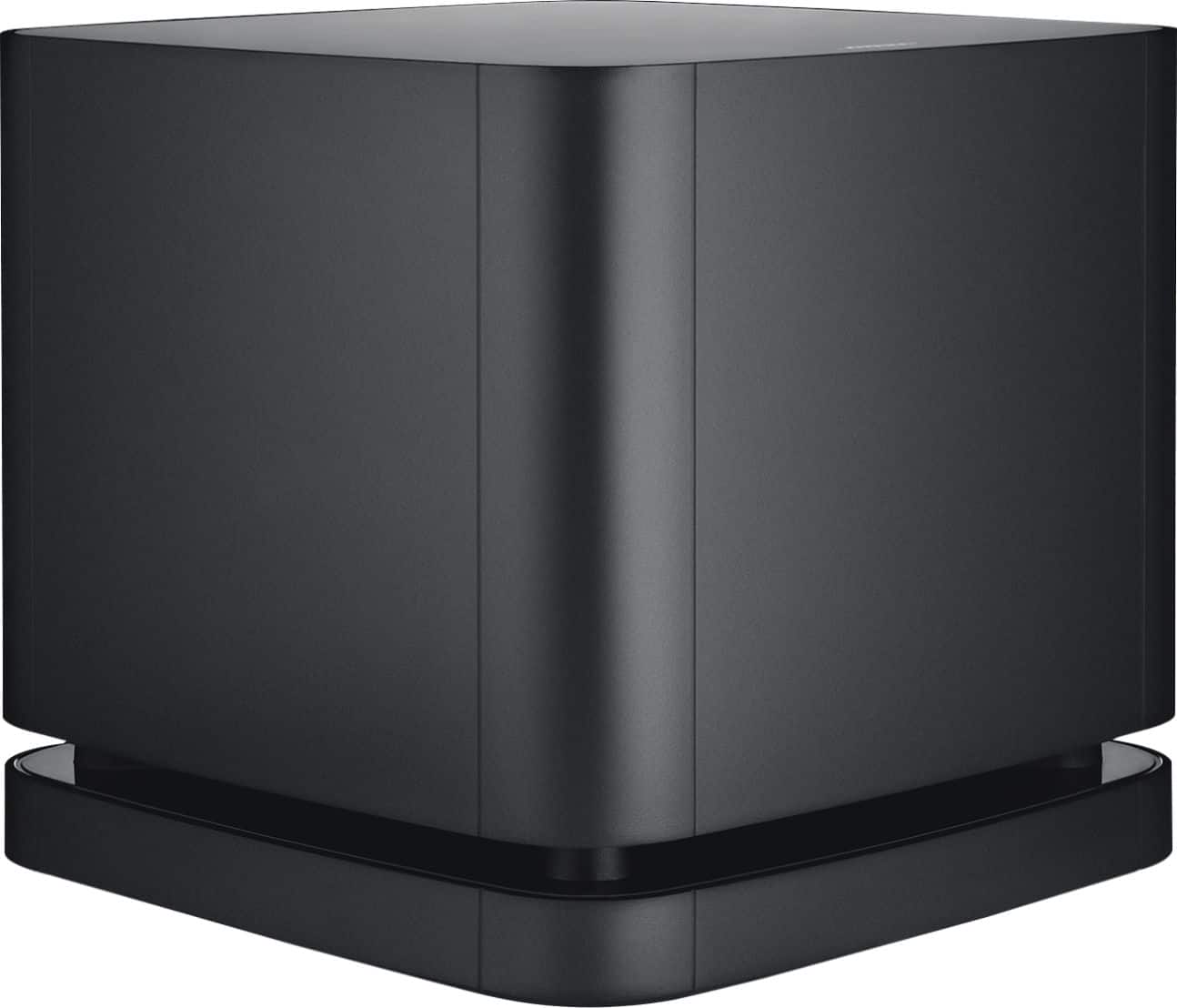
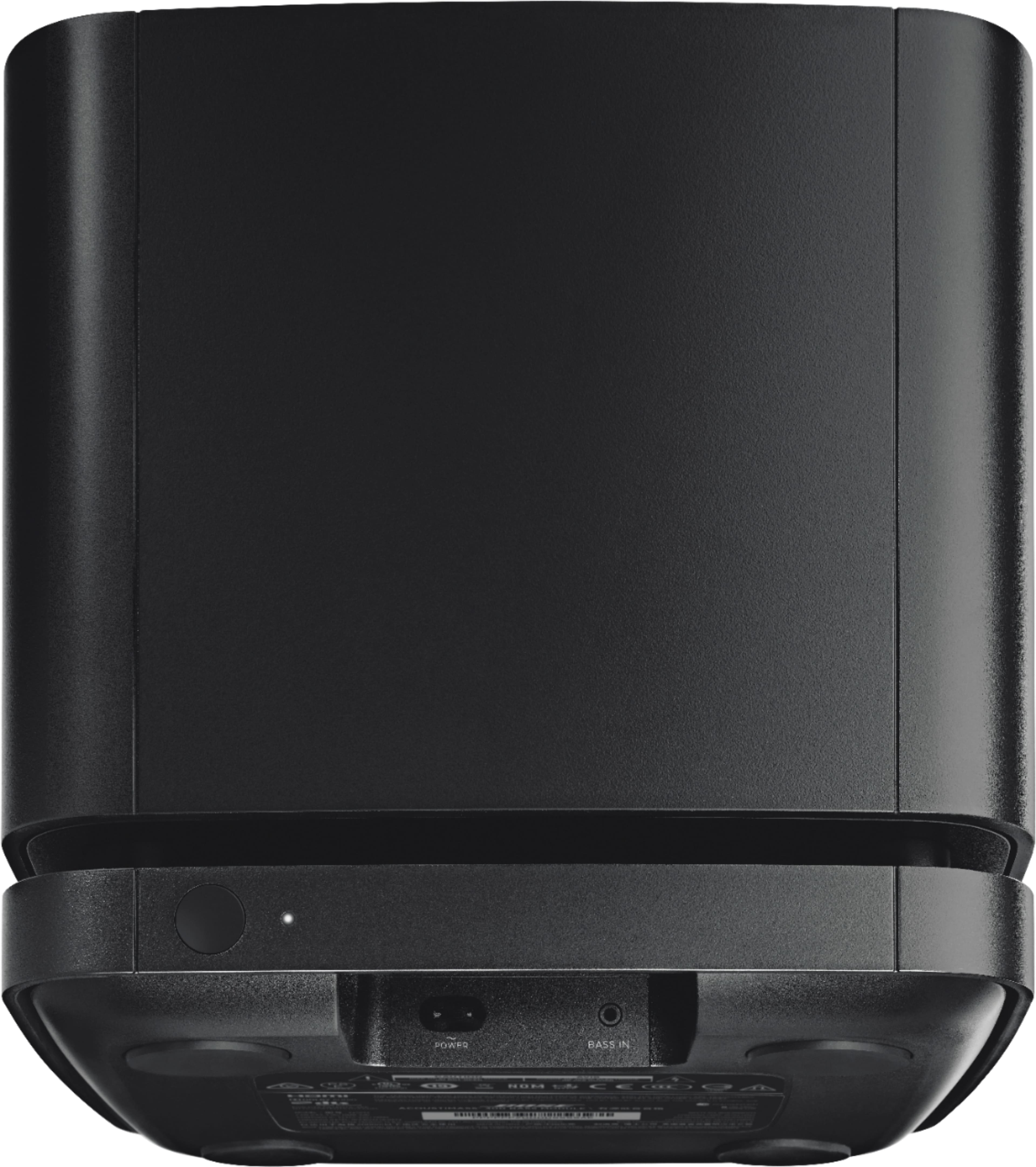
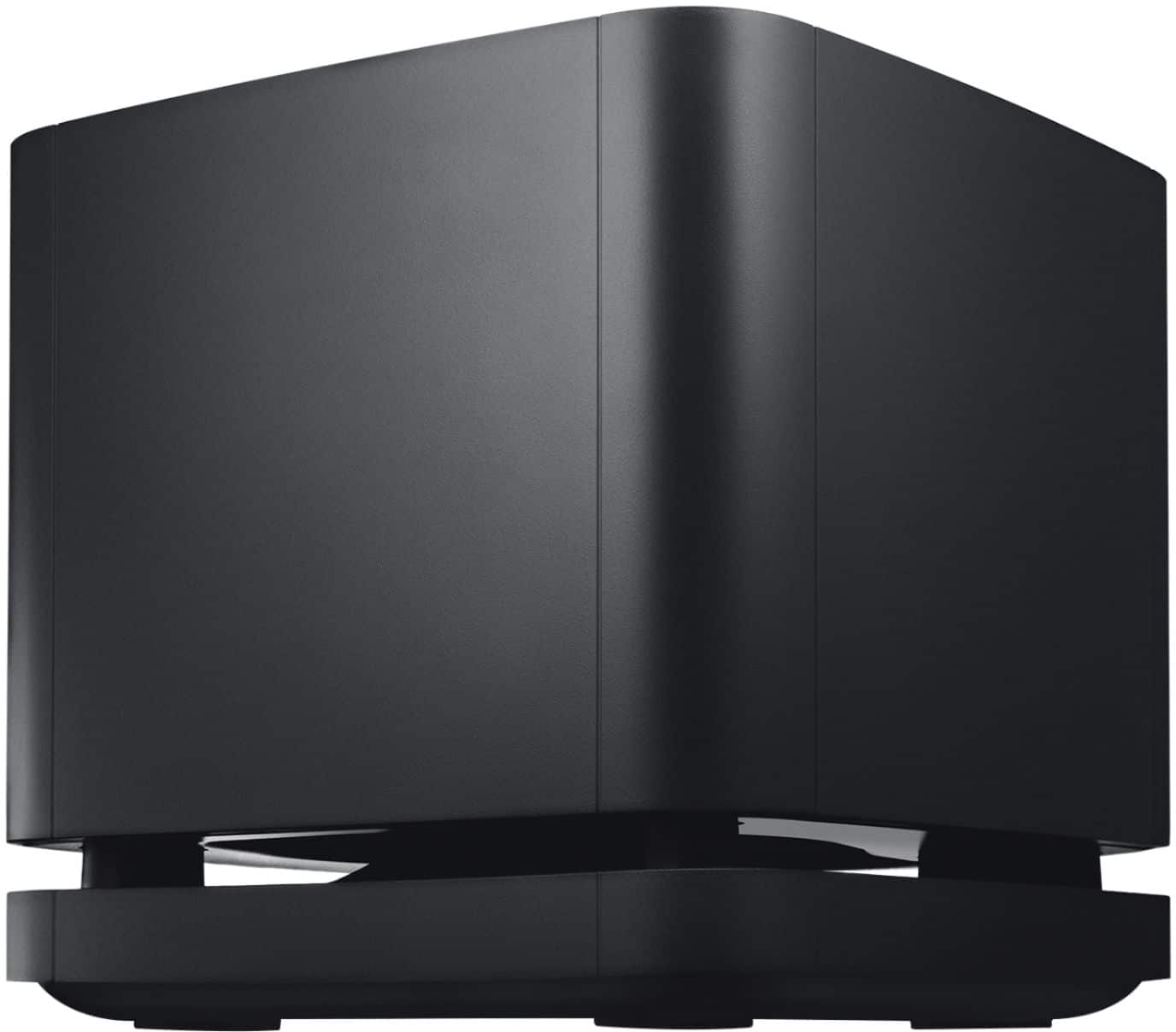
A:AnswerThere are no wired connections on the bass module 500 or 700 to connect to a reciver or TV. It is made to be a wireless connection between the bass module and the soundbar 500 and 700.
A:AnswerCheck To make sure your HDMI cable is in the right one in back of your TV. I had this issue. I believe it is HDMI 4? But instructions actually tell you which one. It will not work in any of the otherHDMI 1,2
A:AnswerThrough the app it should walk you through it. With your base module plugged in and during set up it should ask you if you want to connect other devices. Mine didn't have a problem. If that doesn't work I would call bose for help
A:AnswerHi there!
Apologies for any confusion caused. We can confirm that the Bass Module 500 is compatible with the SoundTouch 300 Soundbar, and we're sorry to hear that you've had connection issues.
Our suggestion would be to try a factory reset of the Soundbar, then attempt to pair these again.
This system can be restored to these factory defaults by pressing the SoundTouch button on the remote (between AUX and Bluetooth) once, then pressing and holding the Teletext button (Bottom right of the remote, to the right of the "CC" button) for 10 seconds, until the first 4 indicator on your soundbar start blinking white.
When these blink white, please release the button, and wait for this to reset. When reset, please attempt to pair this again!
Failing the above, please try a direct cabled connection from the Bass Module to your Soundbar.
If you are still unable to get this to work as intended, please get in touch with Bose Support in your local country/region so we can assist you further in getting this resolved.
We hope this helps, and please follow up with us if needed!
A:AnswerMany thanks for your question. You can certainly use the Bass Module 500 with the Soundtouch 300, however you will need to update the Soundtouch 300 firmware to the latest version before pairing them together.
A:AnswerYes, you can. Using the Bose Music app, you can shut manually disconnect any accessory linked to your Bose Soundbar, including Bass Modules and Wireless Surround Speakers.
A:AnswerHello, RG3. The Bass Module 500 can be hardwired to the Bose Soundbar 500 using a standard 3.5 mm audio cable. We hope this helps! Ashley - Bose Support