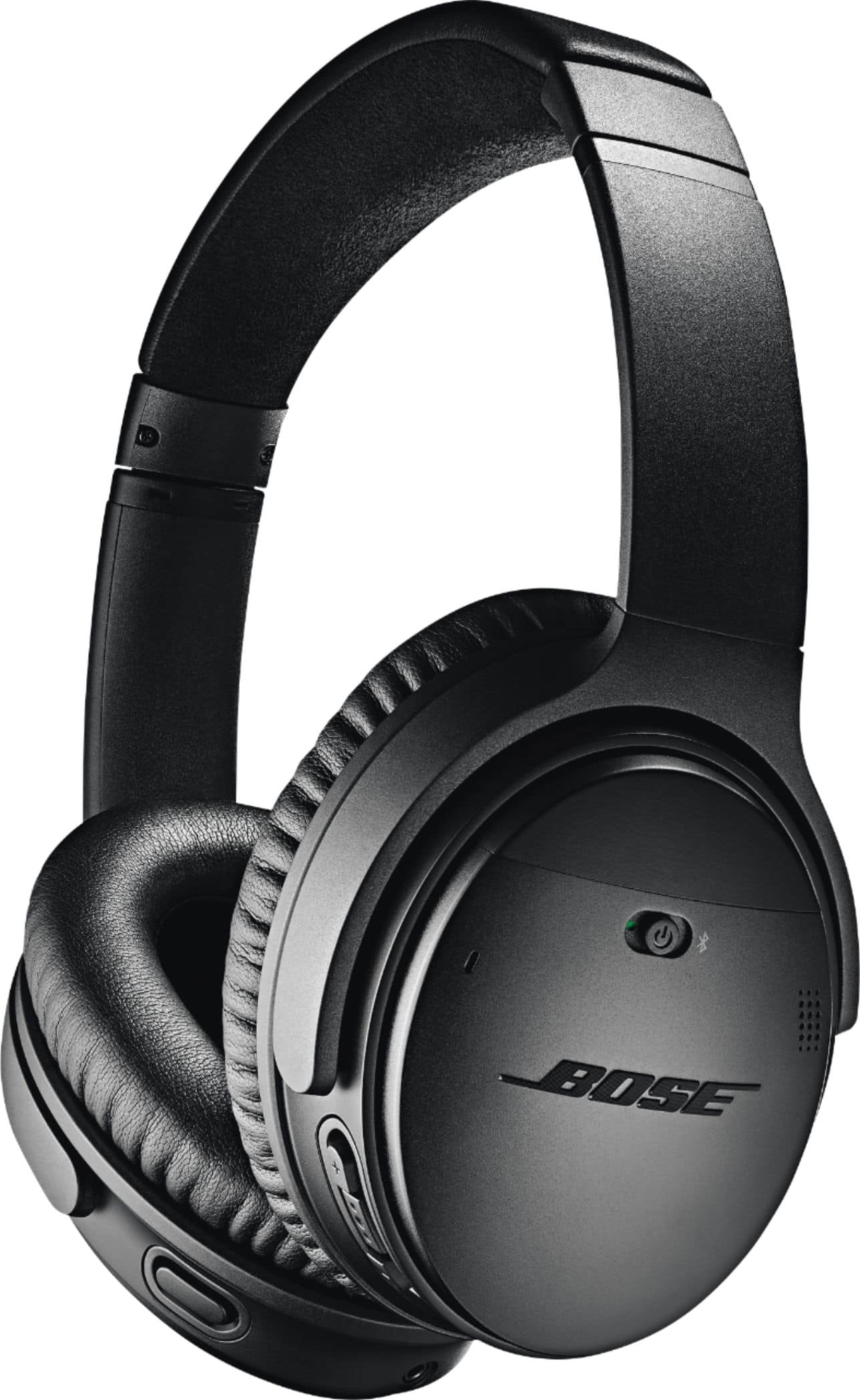
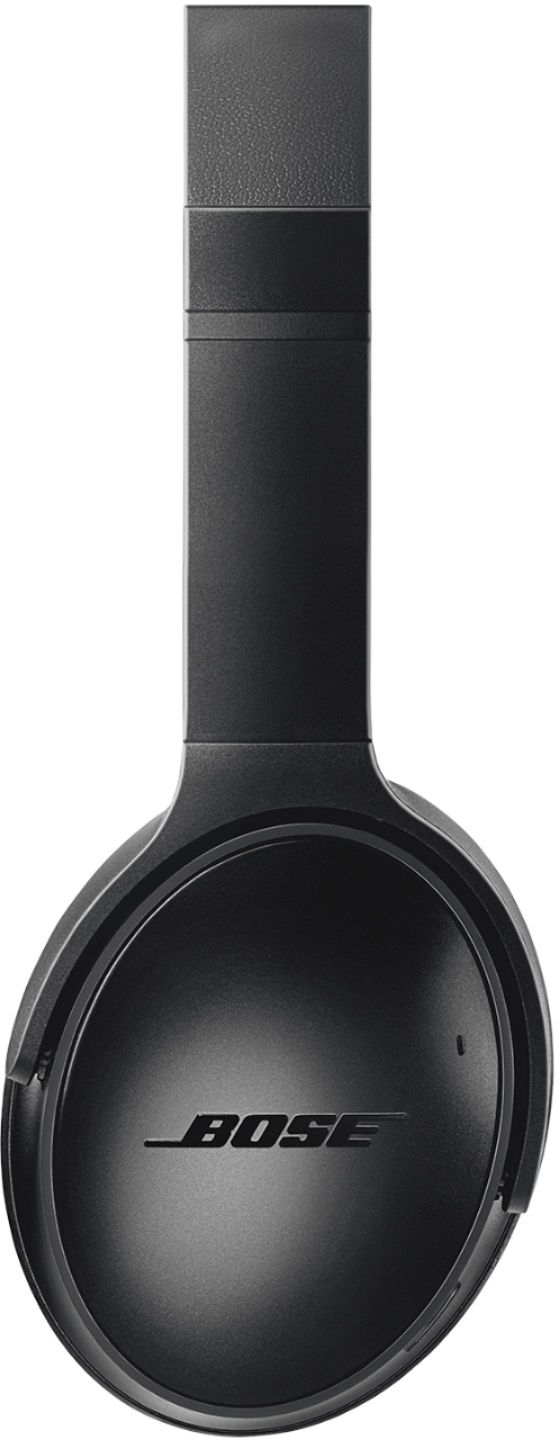
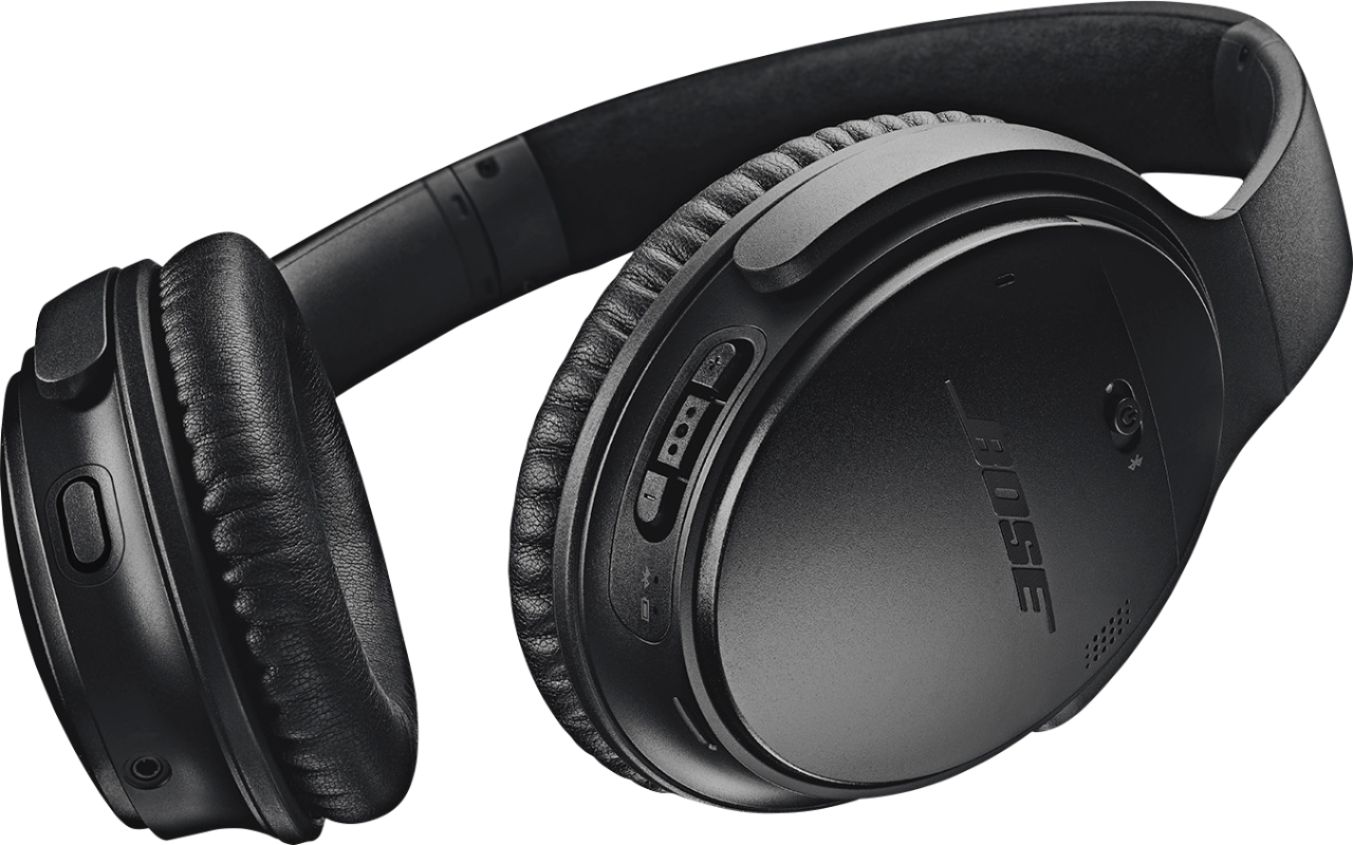
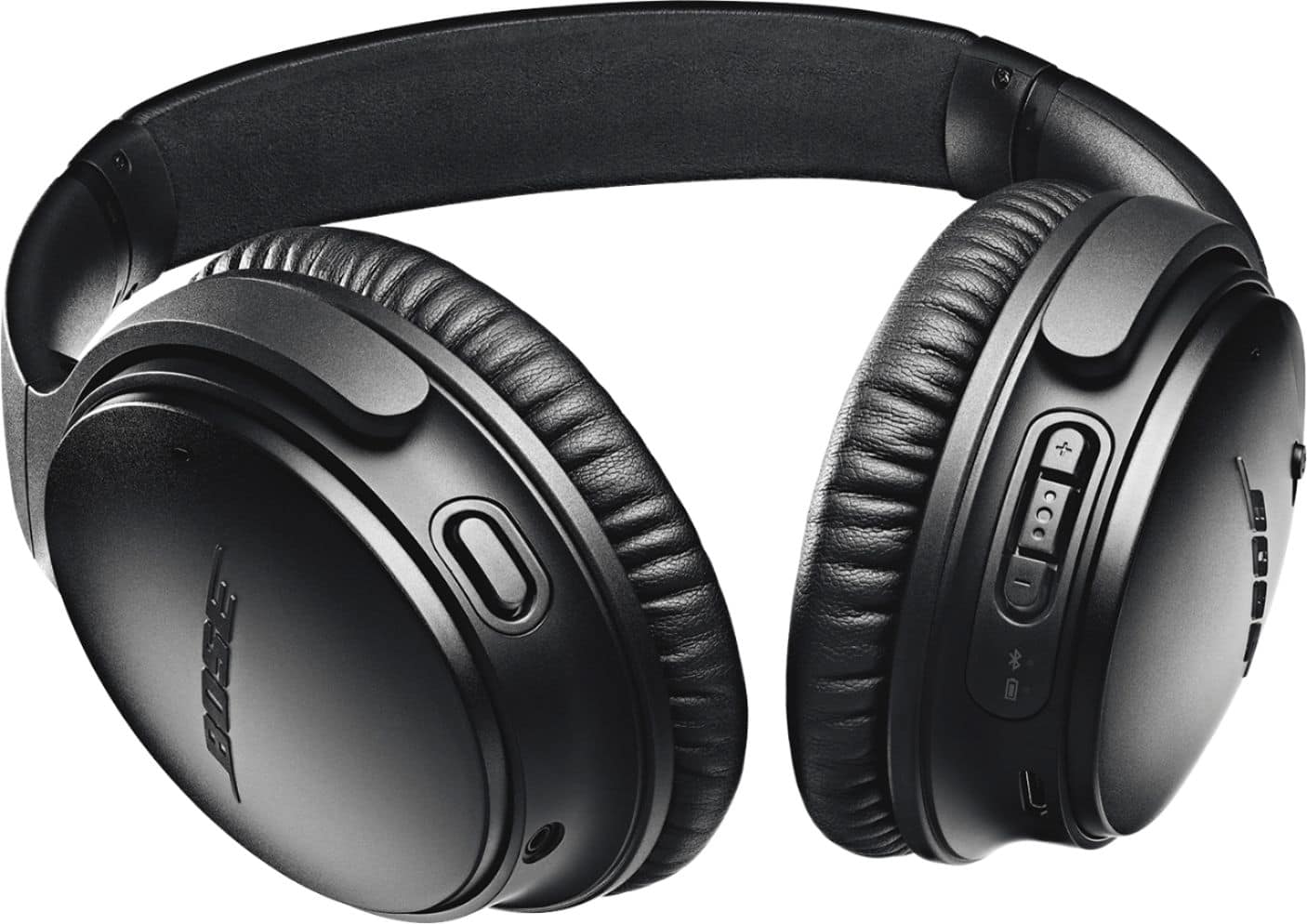
A:AnswerTax will always be determined by the State you are purchasing in. In my case living in Delaware if it is mailed to my home address than I avoid the taxes.
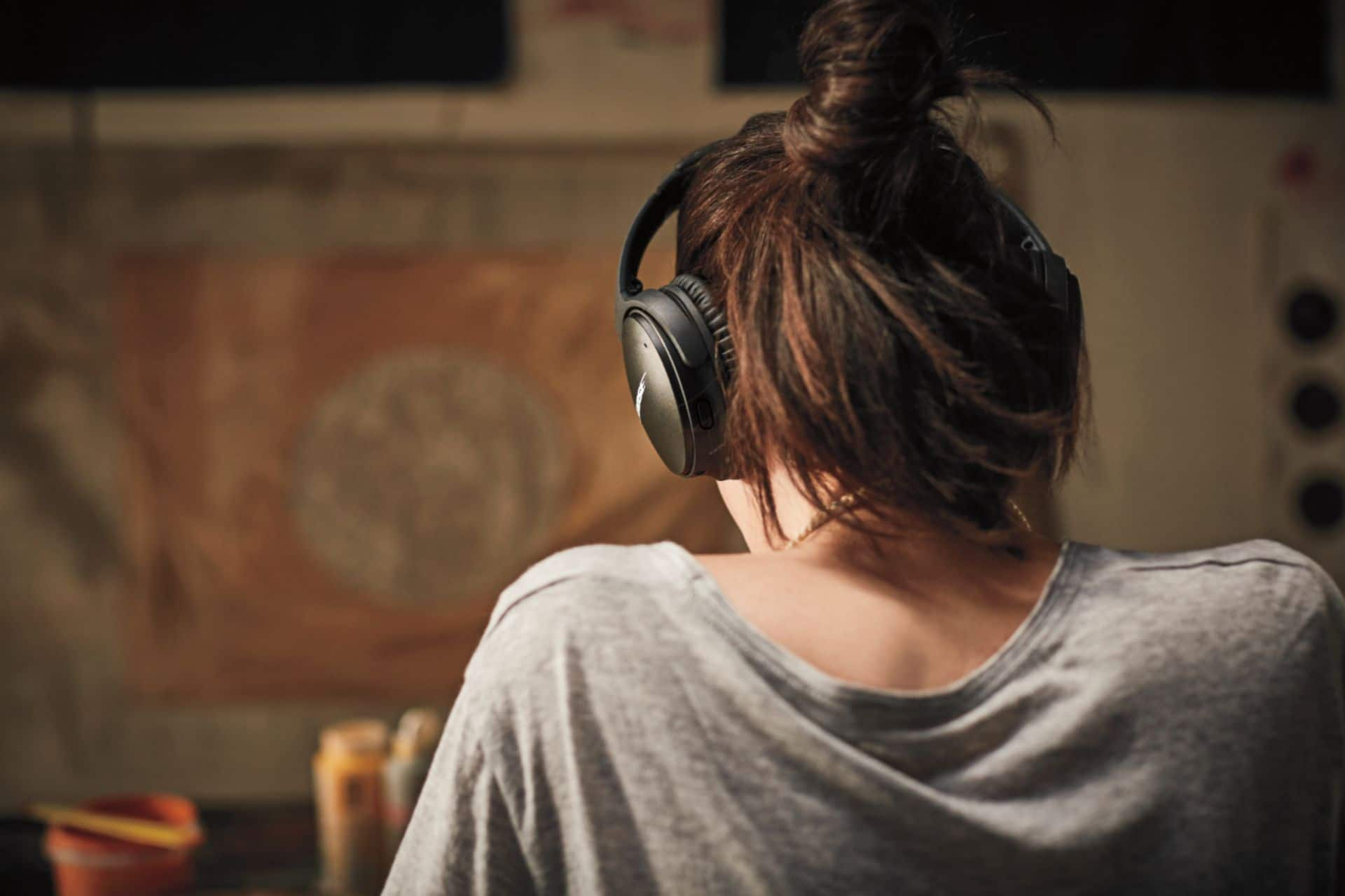
A:AnswerTo get the full effect of noise cancellation, the pads must be on/over your ears. The unit will be in noise cancel mode as soon as you turn them on, regardless of where they are situated.
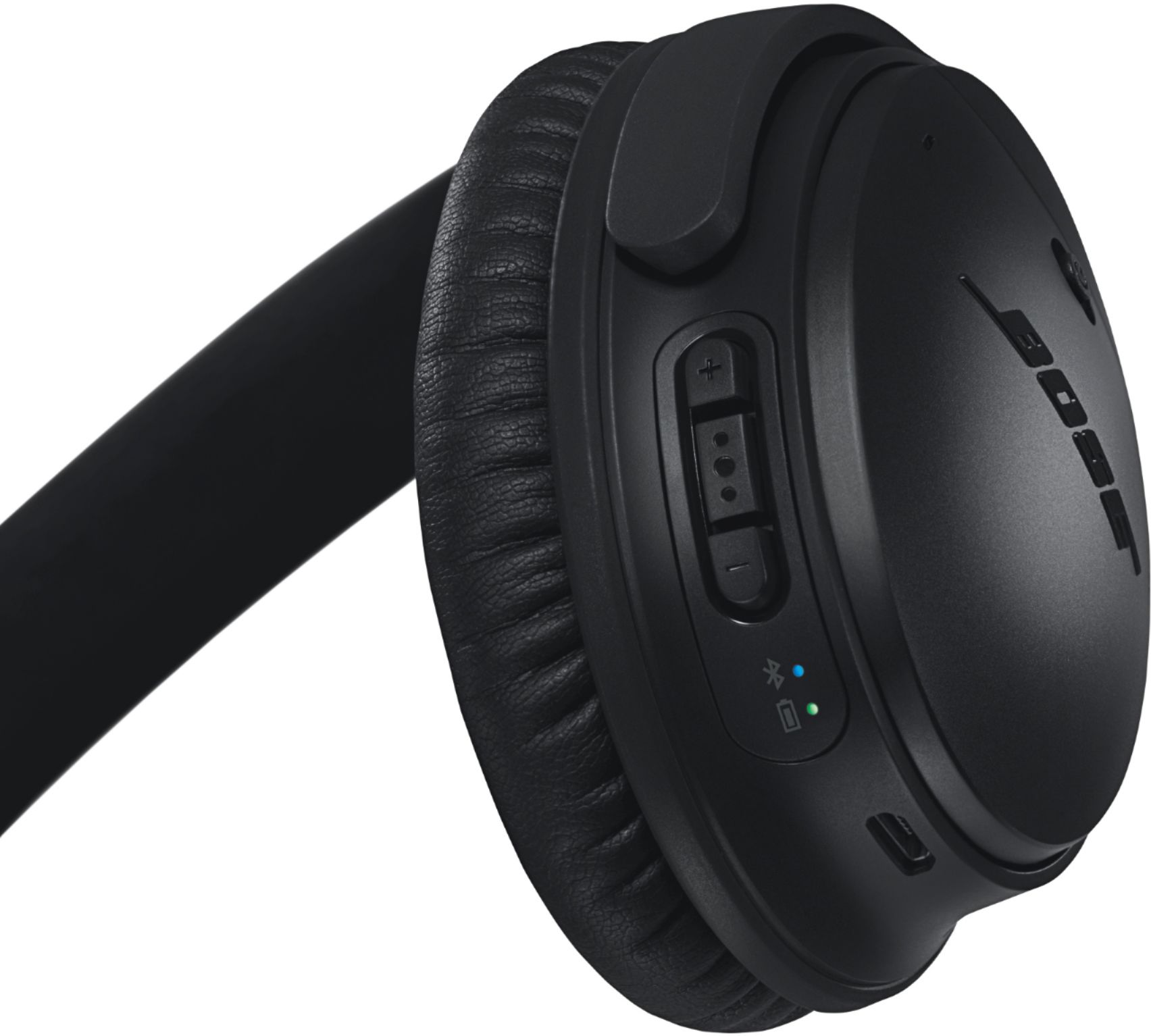
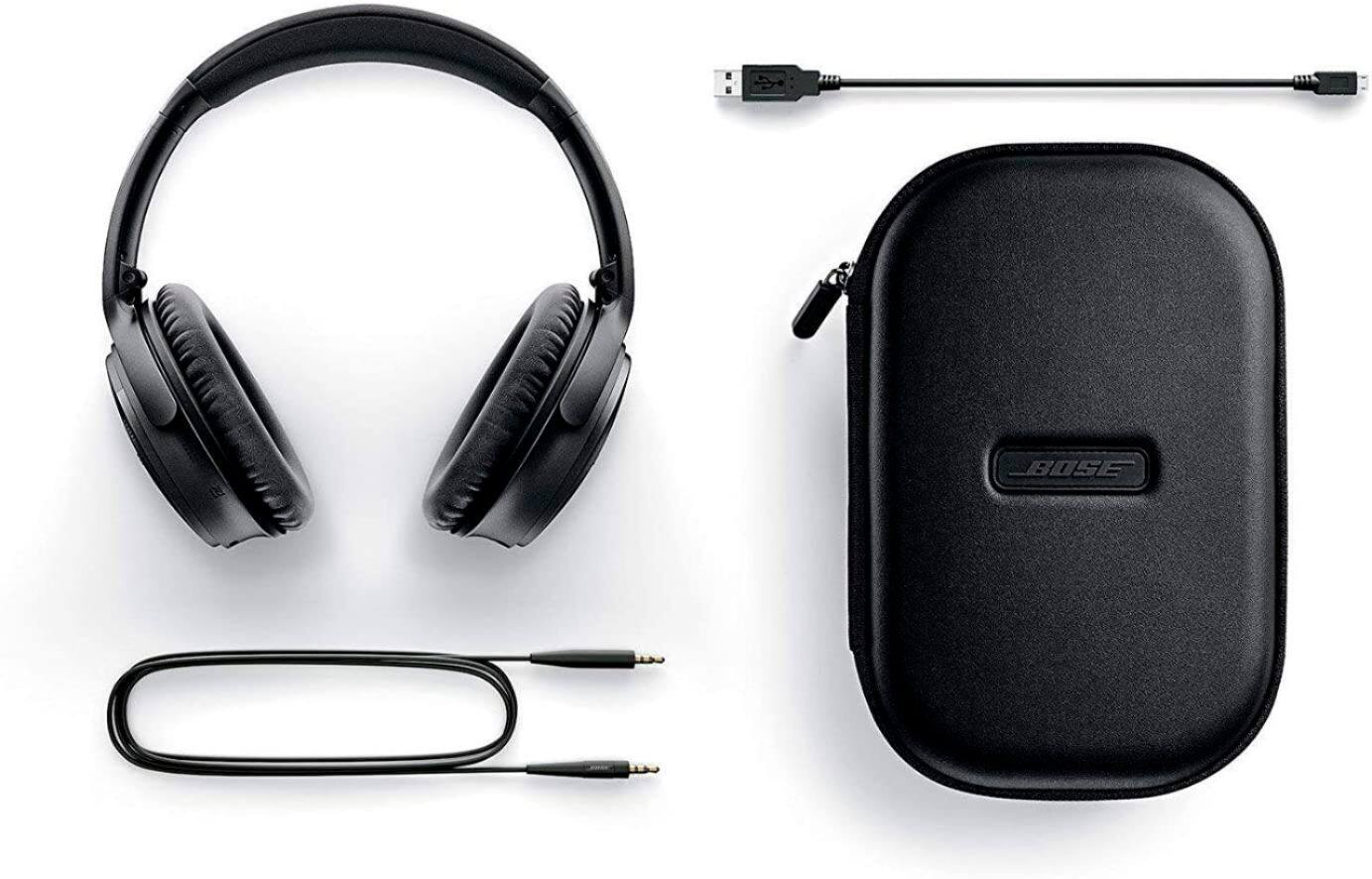
A:AnswerThese headphones come with the standard jacks to fit into a phone, MP3 player, iPod, etc (3.5mm, I think). This may fit some airlines, but generally, you would need an adapter to listen to airline stations.
A:AnswerI myself have hearing aids, the headset covers the ear and does not both the hearing aids at all. My preference is to take my hear aids out prior to use as I also wear glasses and at times I just feel like there is too much stuff in and on the ear. My hearing aids drive me nuts anyway!!
A:AnswerI paired with a Samsung Smart TV with no problem. If the Smart TV you are using has an audio Bluetooth transmitter built in then you would be able to pair. If it doesn't then BestBuy has a transmitter for around $50 that plugs into USB or for even better quality plug it into the spre HDMI port. You can leave sound on the TV if you wish but I prefer to mute TV and control ear cup volume by headset controls.
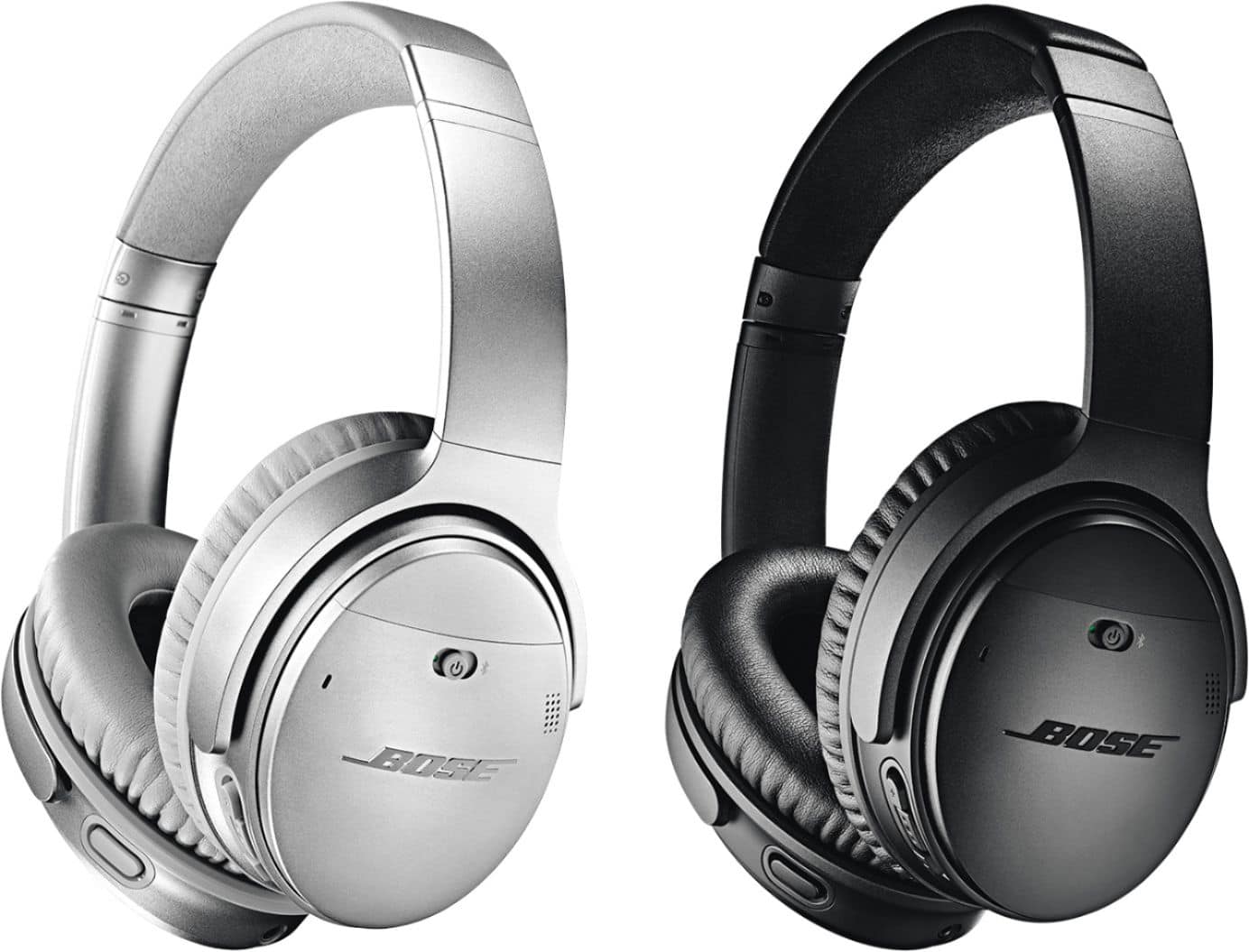
A:AnswerYou get what you pay for! With the BOSE you get arguably the best of the best. Bose was at the forefront of the Noise Cancelling Technology and all of their sound reproduction devices are considered at the top of everyones' list in terms of sound, durability and ease of use, reliability and compatibility to most electronic devices. No offence but whaatttt???
A:AnswerThank you for your inquiry. If your Bluetooth-enabled landline phone supports wireless connectivity to Bluetooth headsets using either the Hands Free (HFP) or Headset (HSP) Bluetooth profiles, you should be able to use the QuietComfort 35 wireless headphones II without any issues. We hope this helps! - Brian