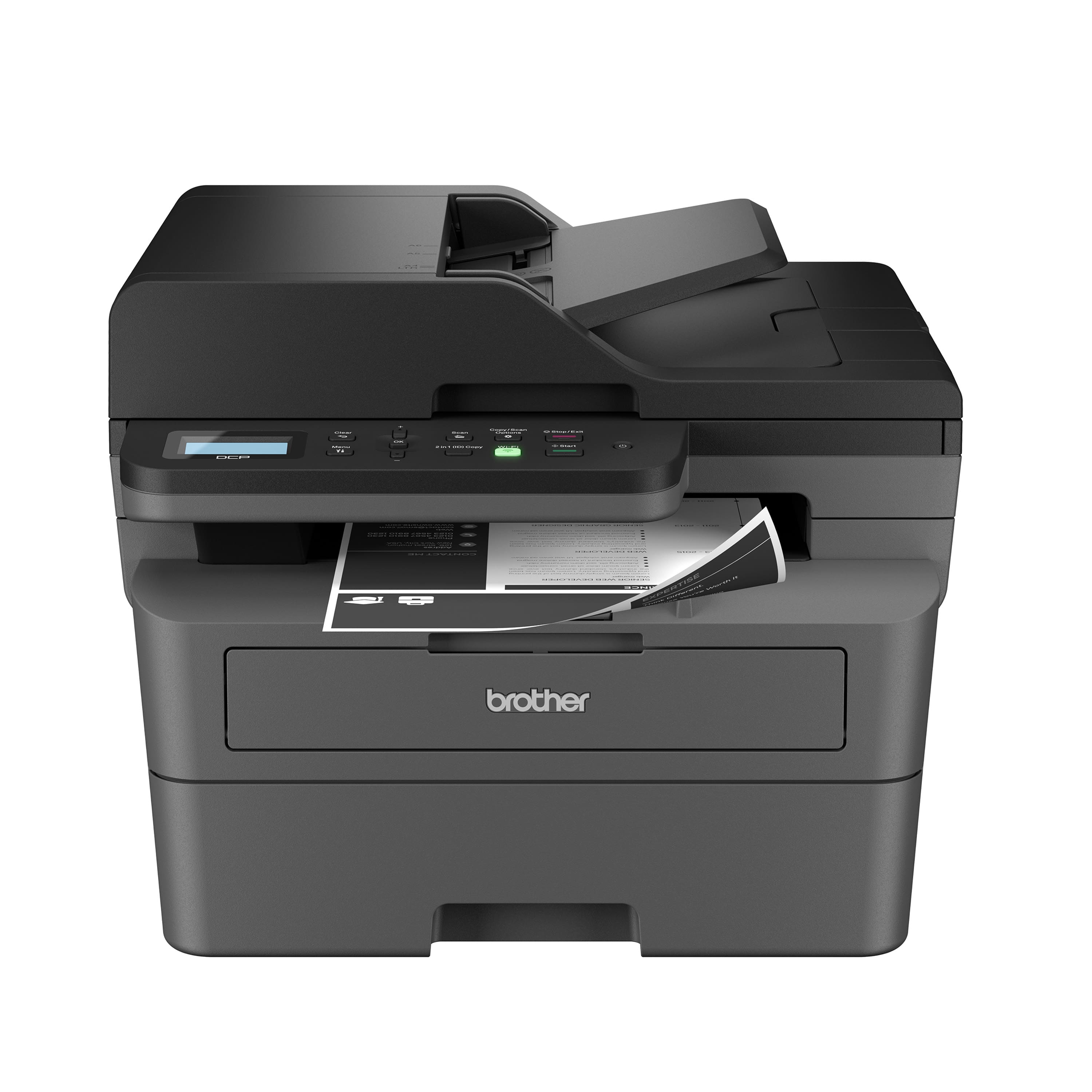
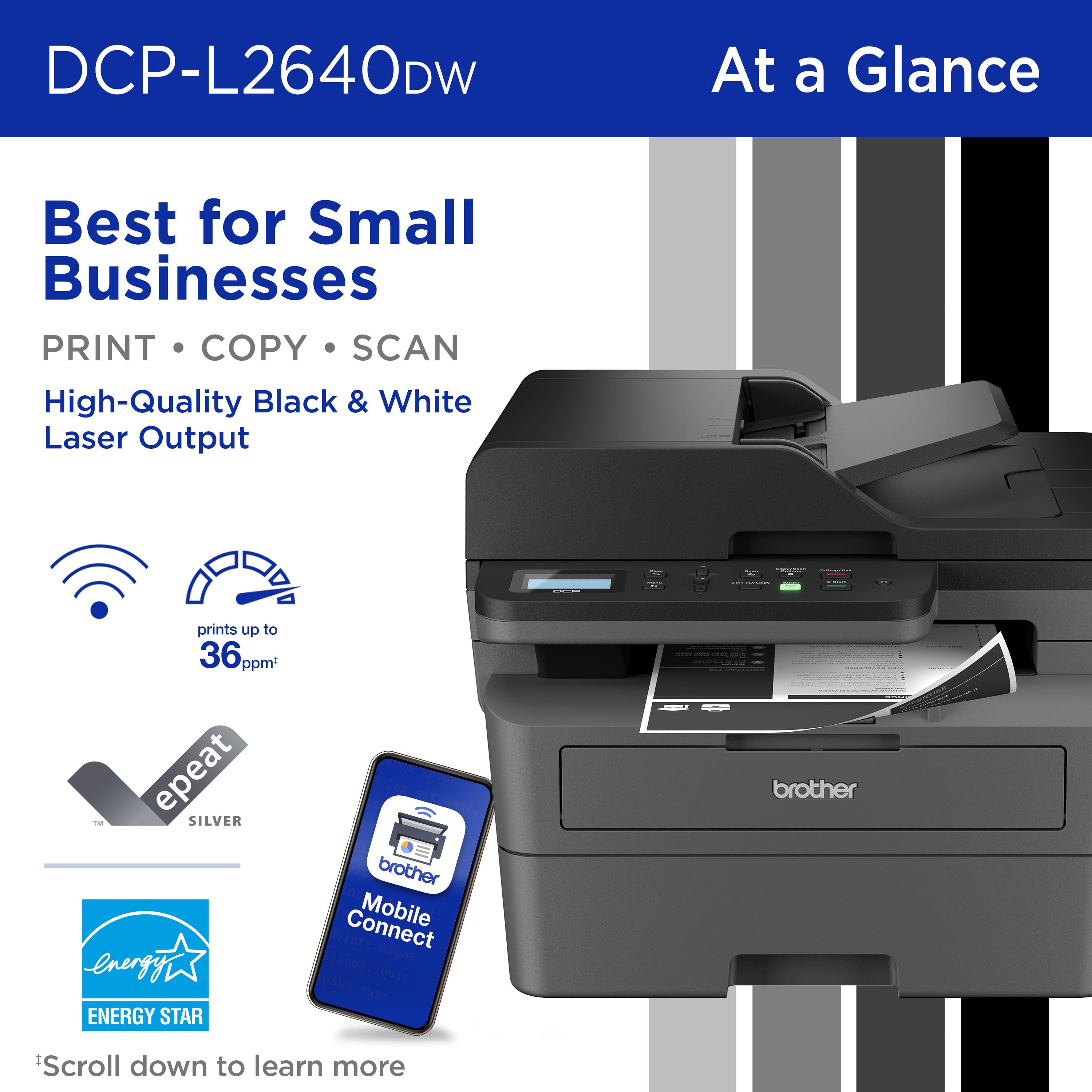
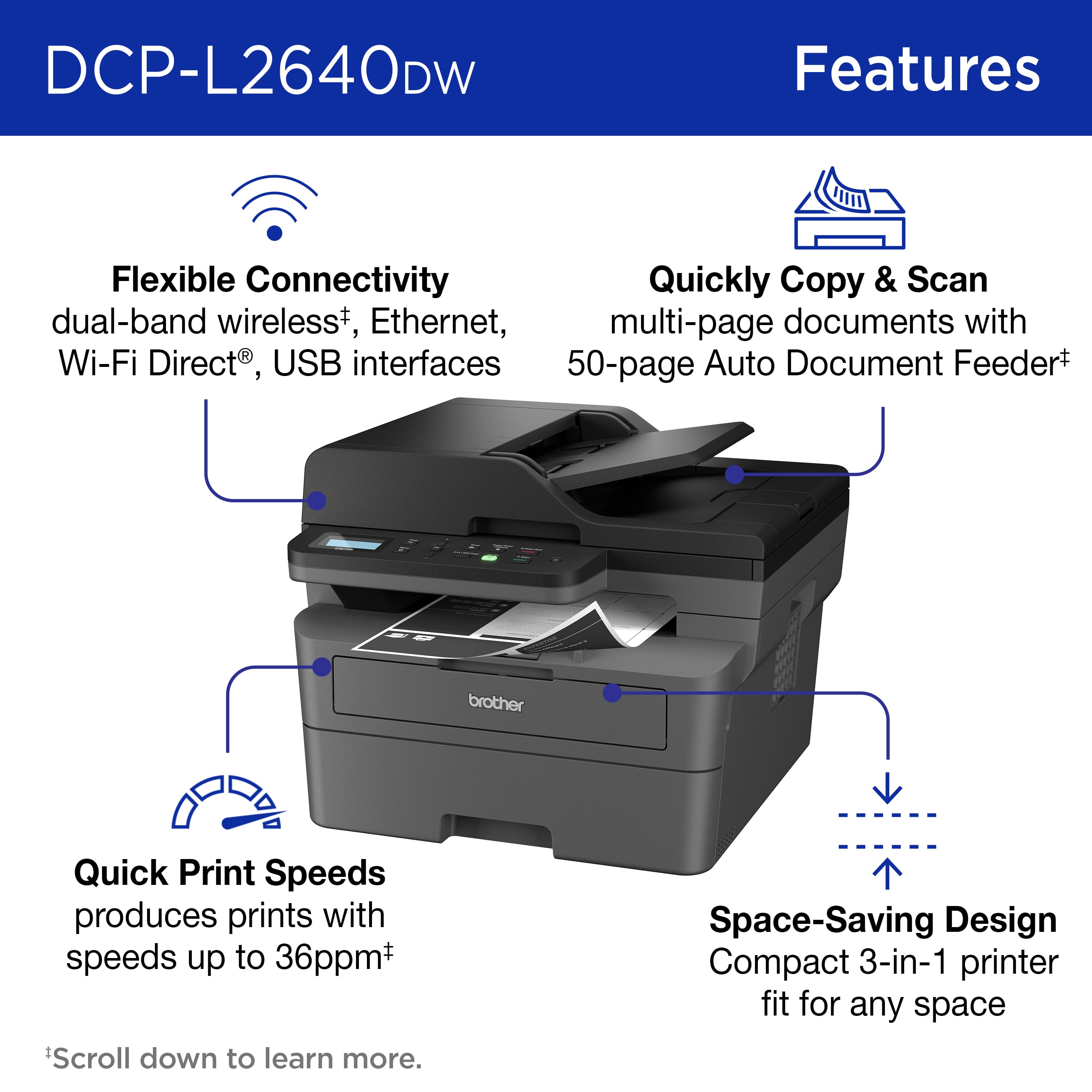
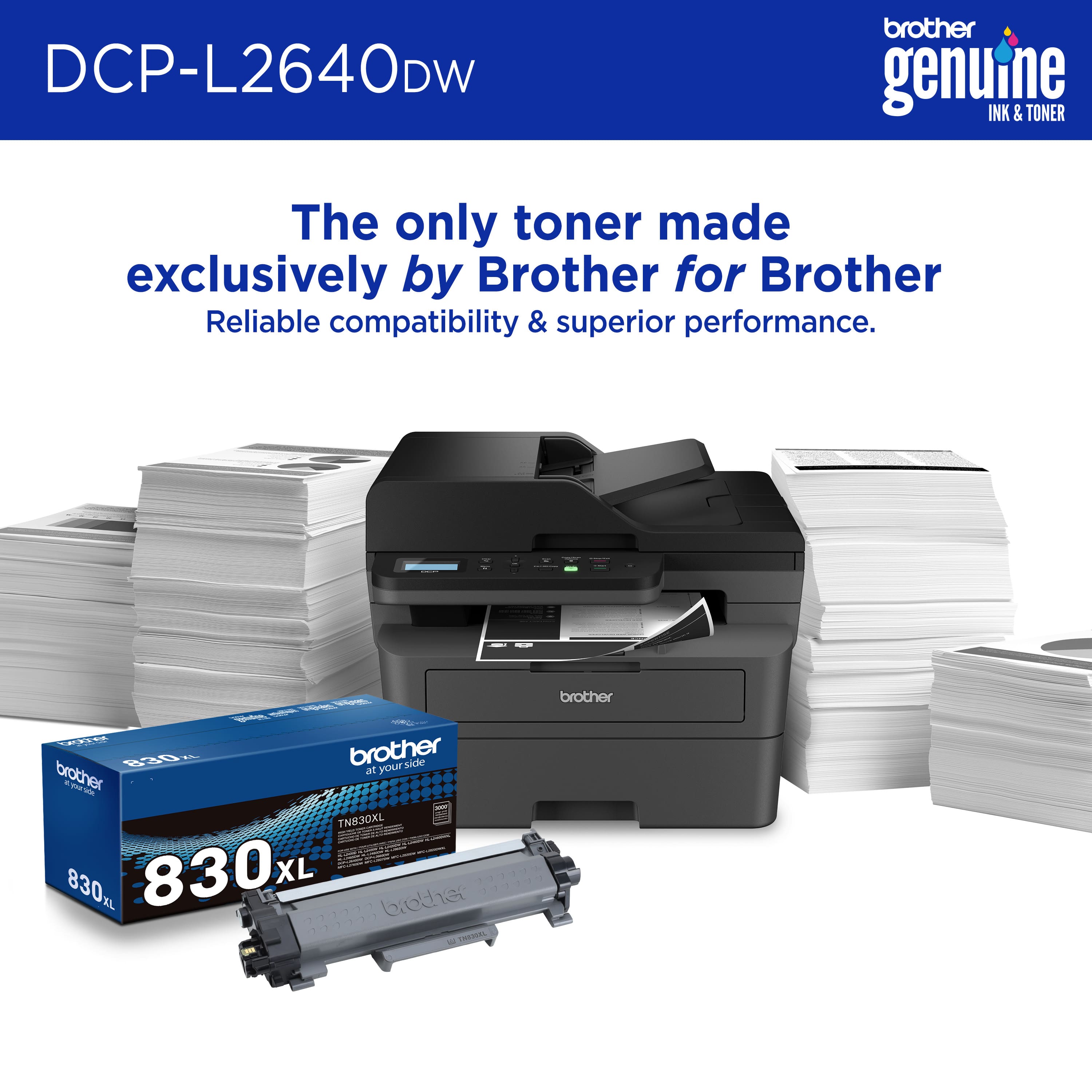
A:AnswerThanks for taking the time to review your experience with the Brother DCPL2640DW. We appreciate your feedback. I’m sorry to hear that you are having error issues with the Brother DCPL2640DW. I sincerely apologize for any inconvenience this issue may have caused you. We would love to hear from you with more details to be able to better assist you. Our Brother Customer Support Team is available to assist you direct: www.brother-usa.com/brother-support/DCPL2640DW
A:AnswerYou can change your Brother printer's name using the steps below: https://help.brother-usa.com/app/answers/detail/a_id/170058/~/configure-the-printers-network-discovery-name
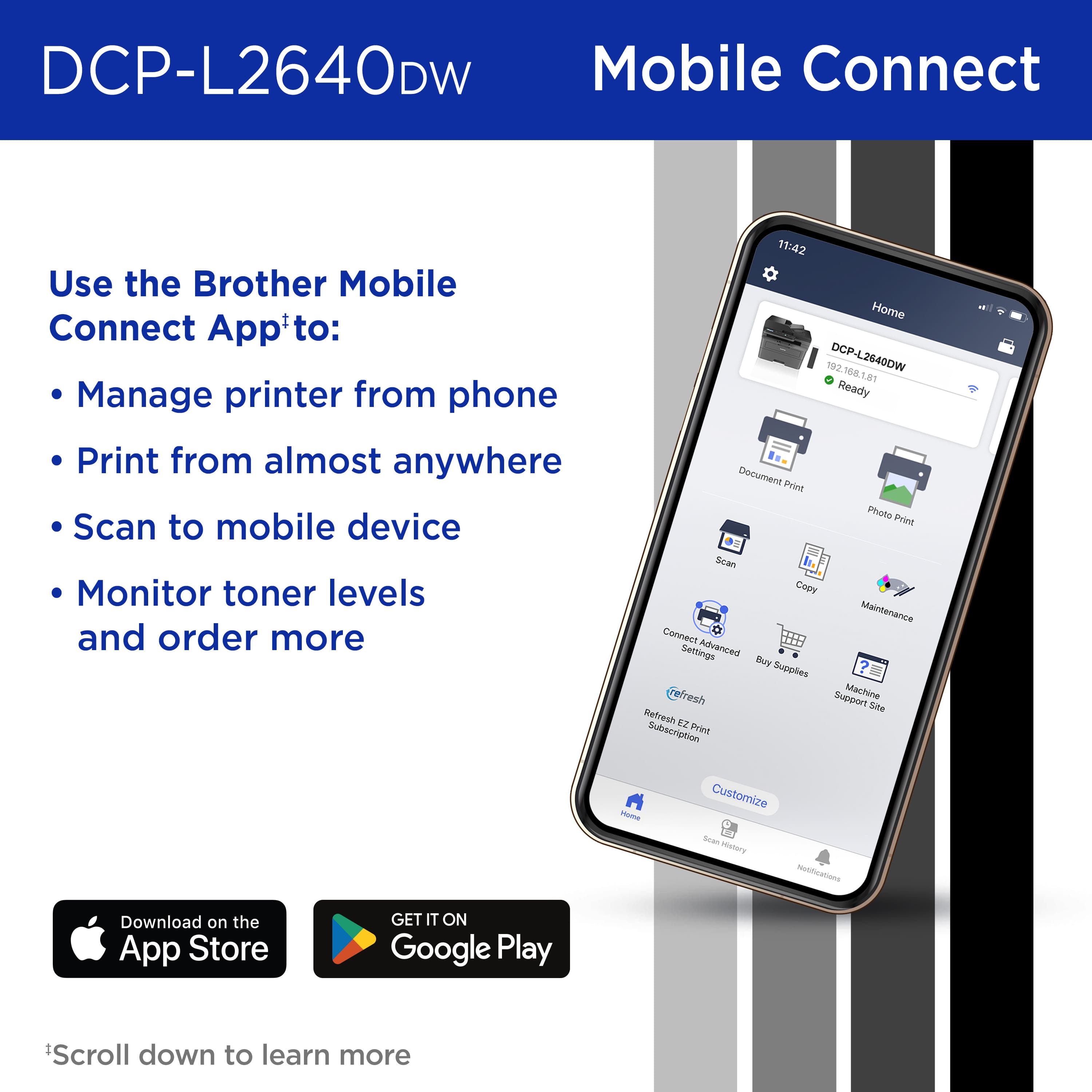
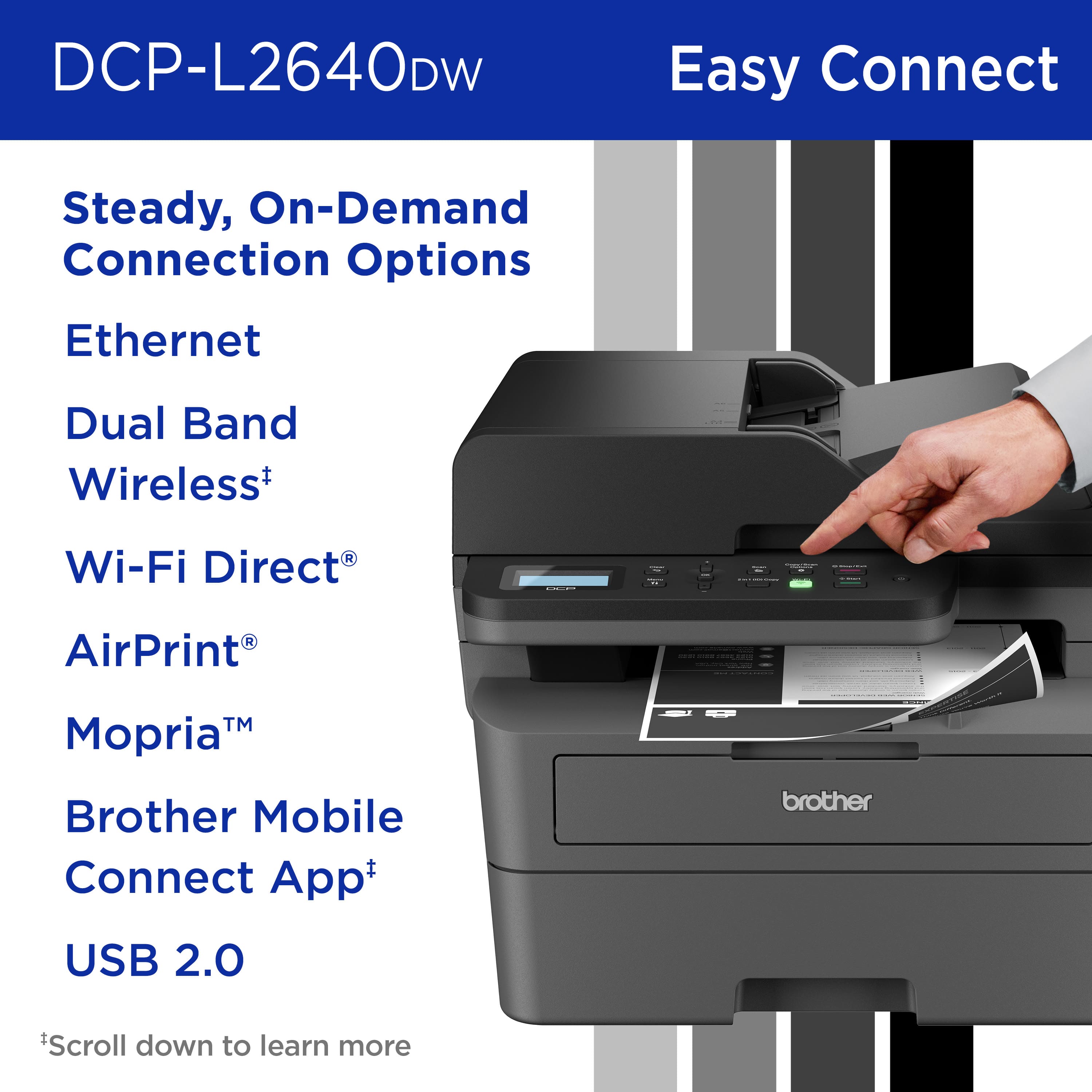
A:AnswerYes, you can print from iPhone 14 Pro Max or iPad Pro sixth generation with the Brother DCPL2640DW. Please be advised, will need to connect the Brother DCPL2640DW to your wireless network.
I have included a link to the FAQ answer that should assist you. Please follow all the steps listed in the following link:
Answer Link: https://help.brother-usa.com/AgentWeb/api/contextmanager/v.32505160004/workspaceContext/workspace/processedPrint/Answer/185670
Answer Link: https://help.brother-usa.com/AgentWeb/api/contextmanager/v.32505160004/workspaceContext/workspace/processedPrint/Answer/173849
Answer Link: https://help.brother-usa.com/AgentWeb/api/contextmanager/v.32505160004/workspaceContext/workspace/processedPrint/Answer/186468
Answer Link: https://help.brother-usa.com/AgentWeb/api/contextmanager/v.32505160004/workspaceContext/workspace/processedPrint/Answer/178479
If you still have difficulties please contact Brother Customer Service at:
https://www.brother-usa.com/support/DCPL2640DW
A:AnswerYes, the Brother DCPL2640DW is compatible with Windows 11 operating systems. Below is a link with all the compatible operating systems for the Brother DCPL2640DW.
Answer Link: https://support.brother.com/g/b/oslist.aspx?c=us&lang=en&prod=dcpl2640dw_us_as
A:AnswerYes, the Brother DCPL2640DW is compatible with MacBook pro and other Apple devices like iPhone and iPad. Below is a link with all the compatible operating systems for your Brother DCPL2640DW.
Answer Link: https://support.brother.com/g/b/oslist.aspx?c=us&lang=en&prod=dcpl2640dw_us_as
Please be advised, In order to be able to print using your iPhone and iPad please install the Brother Mobile Connect App. I have included a link to the FAQ answer that should assist you. Please follow all the steps listed in the following link:
Answer Link: https://help.brother-usa.com/AgentWeb/api/contextmanager/v.32503280002/workspaceContext/workspace/processedPrint/Answer/173849
Answer Link: https://help.brother-usa.com/AgentWeb/api/contextmanager/v.32503280002/workspaceContext/workspace/processedPrint/Answer/183936
Answer Link: https://help.brother-usa.com/AgentWeb/api/contextmanager/v.32503280002/workspaceContext/workspace/processedPrint/Answer/178479
If you still have difficulties please contact Brother Customer Service at:
https://www.brother-usa.com/support/DCPL2640DW