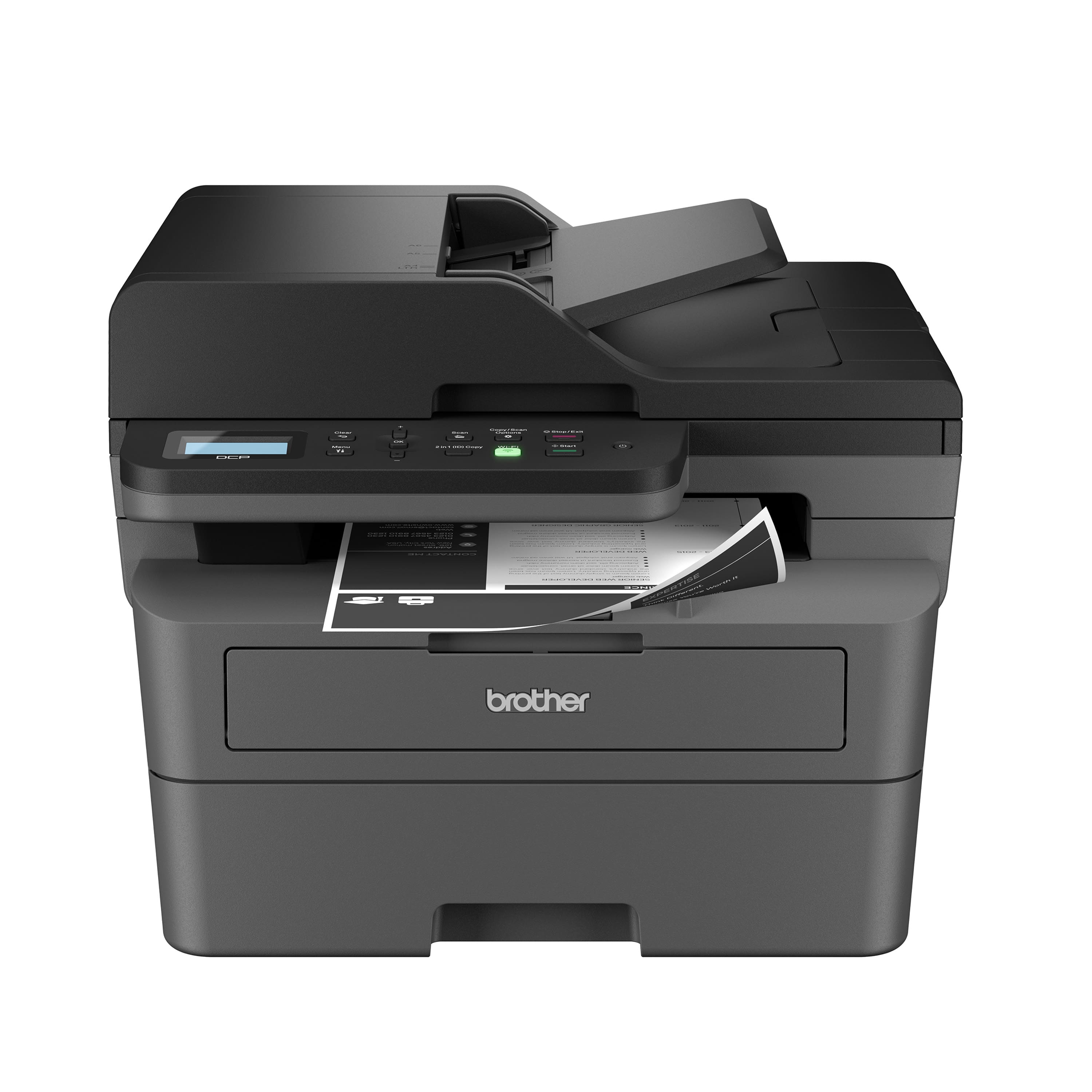
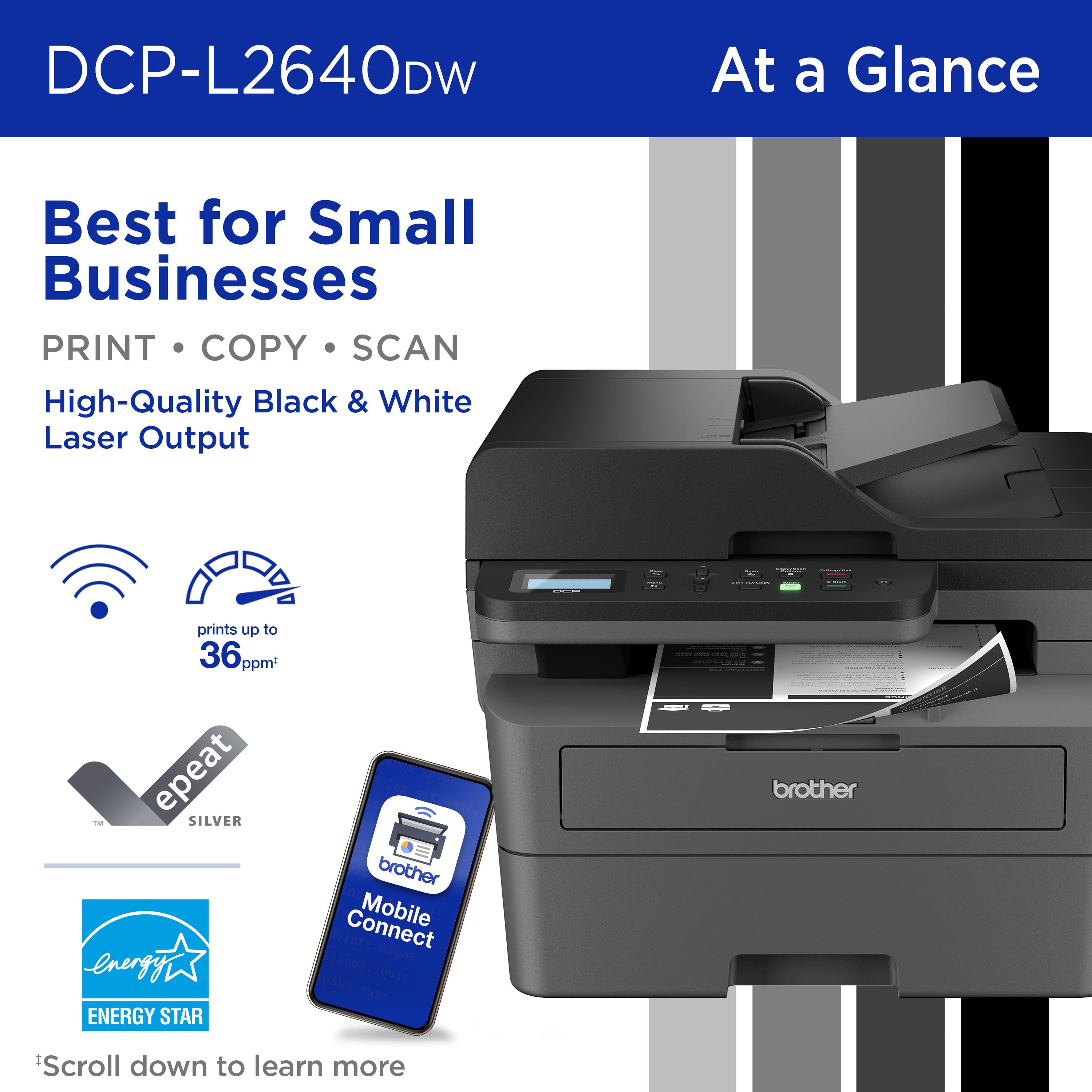
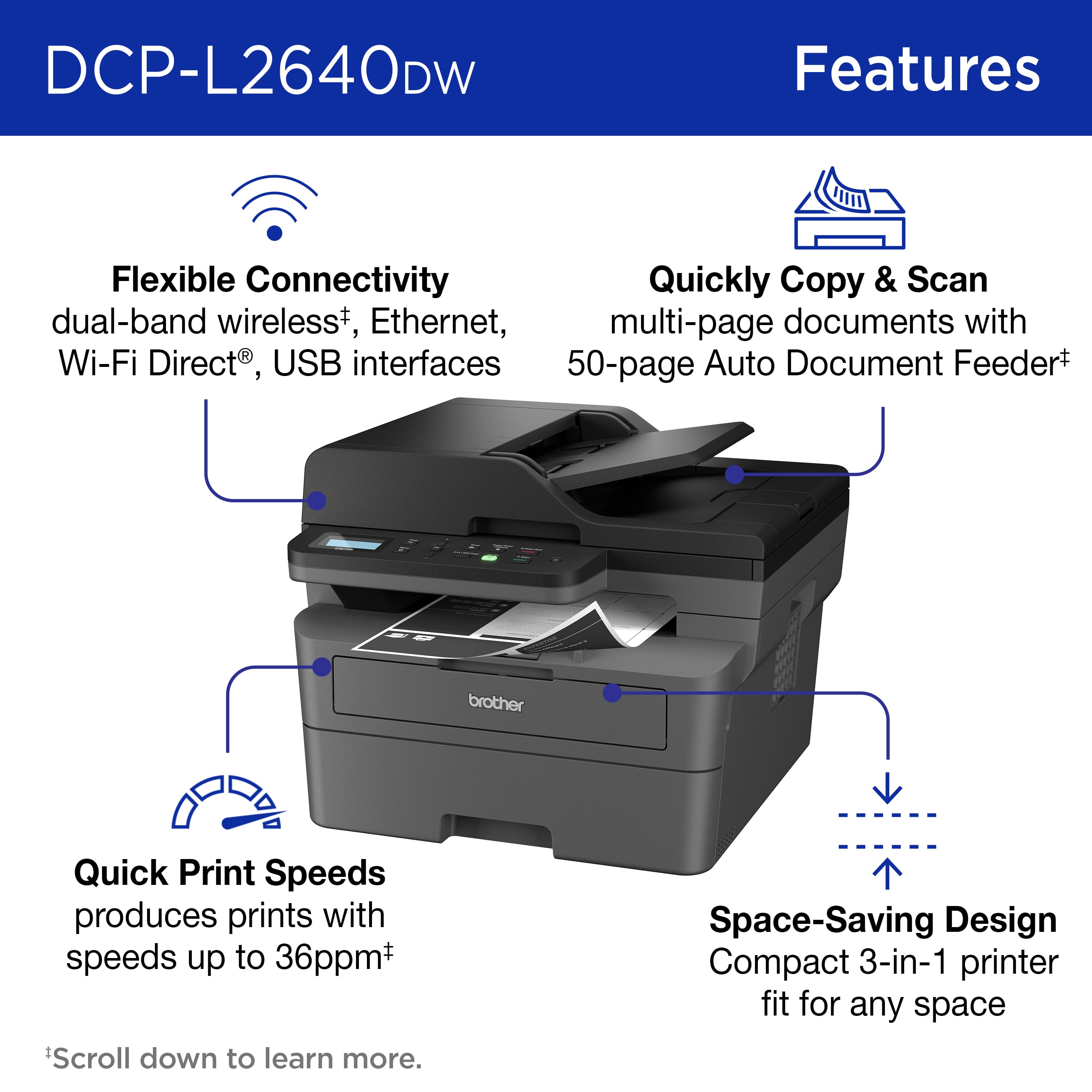
A:AnswerYes, this printer will function as a copier real easy. Use it like a traditional copier by just place a sheet on the platen and pressing the start button. You're finished. Also, you can use the automatic document feeder on the top for multiple sheets.
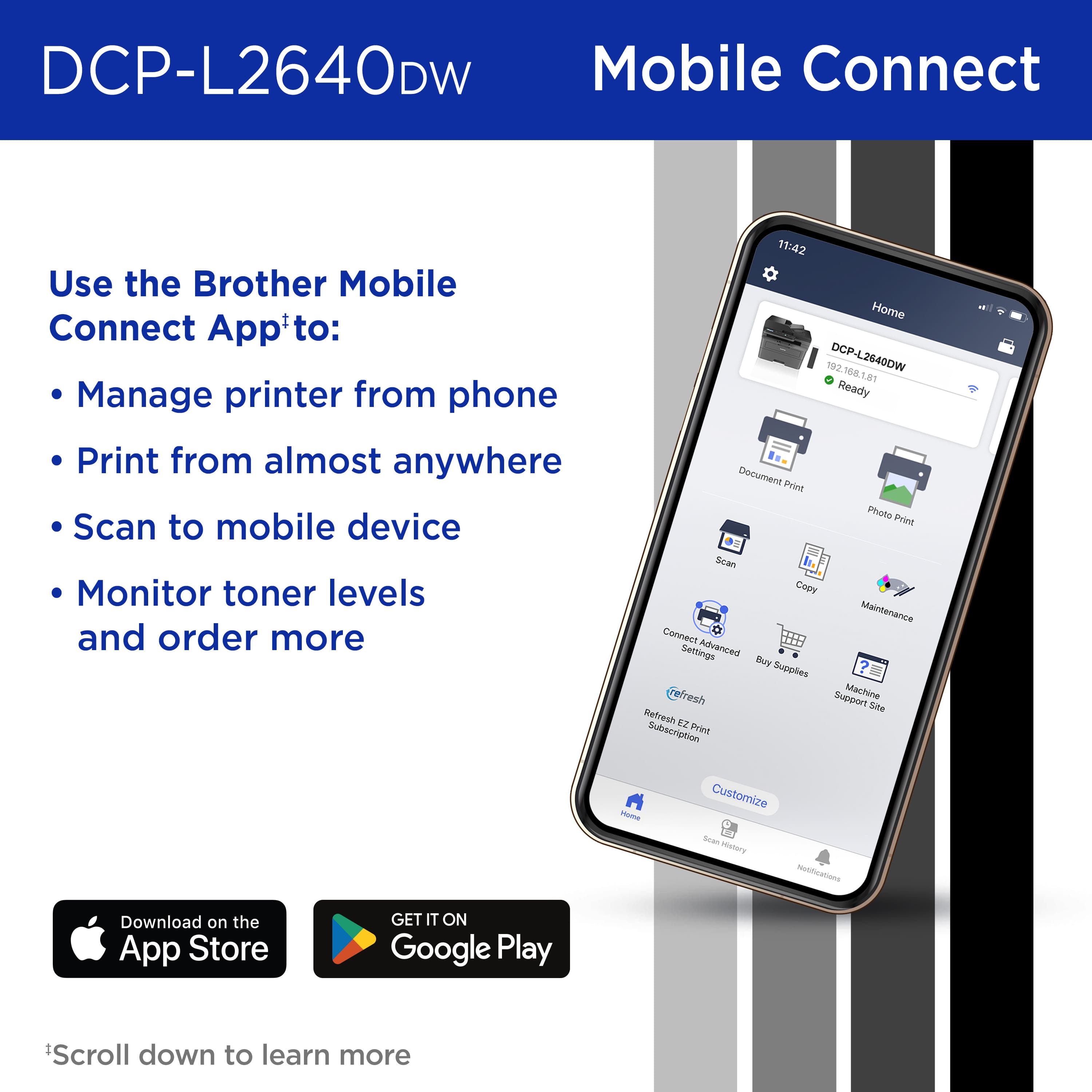
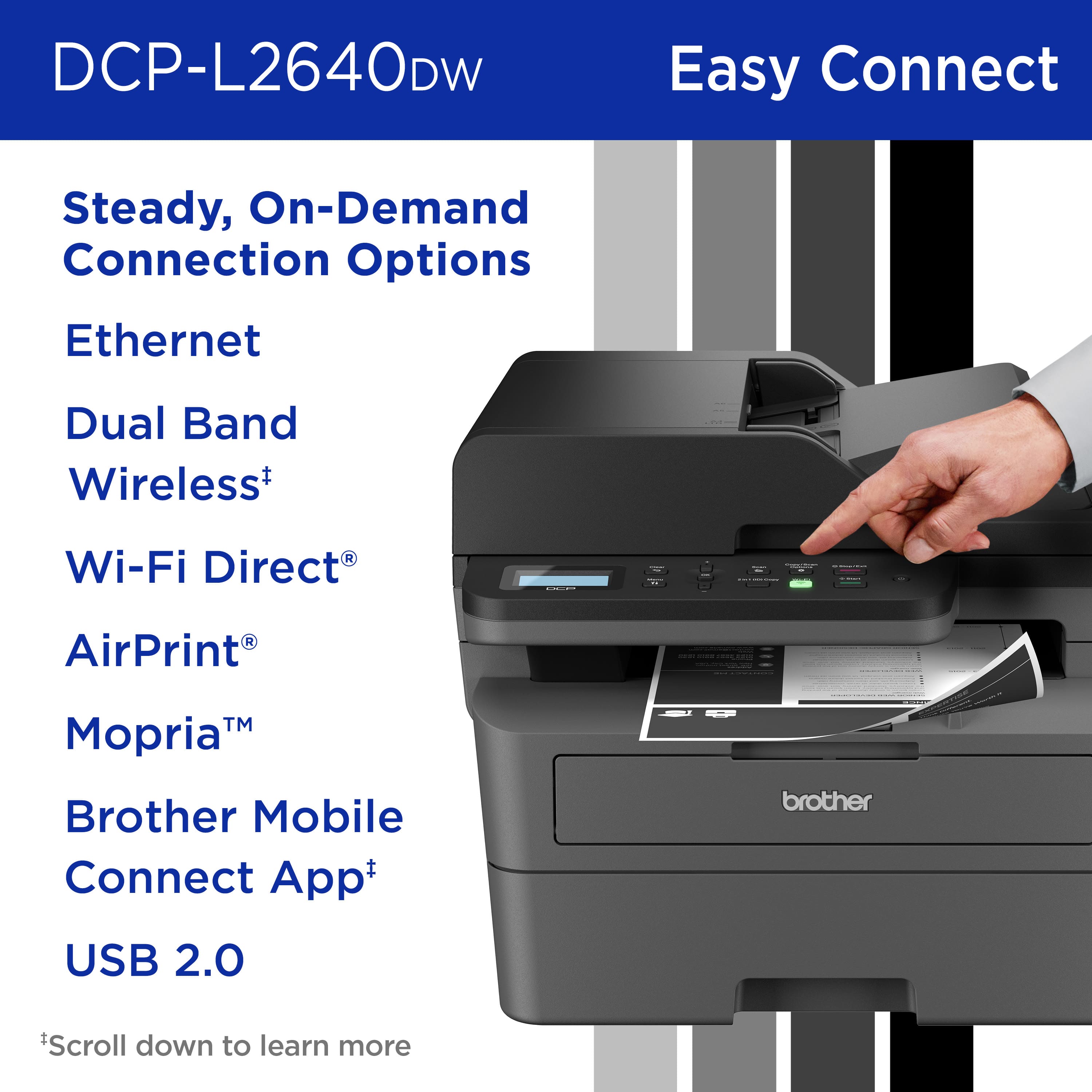
A:AnswerI have a Samsung Galaxy S23. I downloaded the free Brother Mobile Connect app. With my phone and the DCP-L2640W on my WiFi, I just open a document which prompts for the app or you can the app separately. The Brother Android app works as well or better than their desktop app.
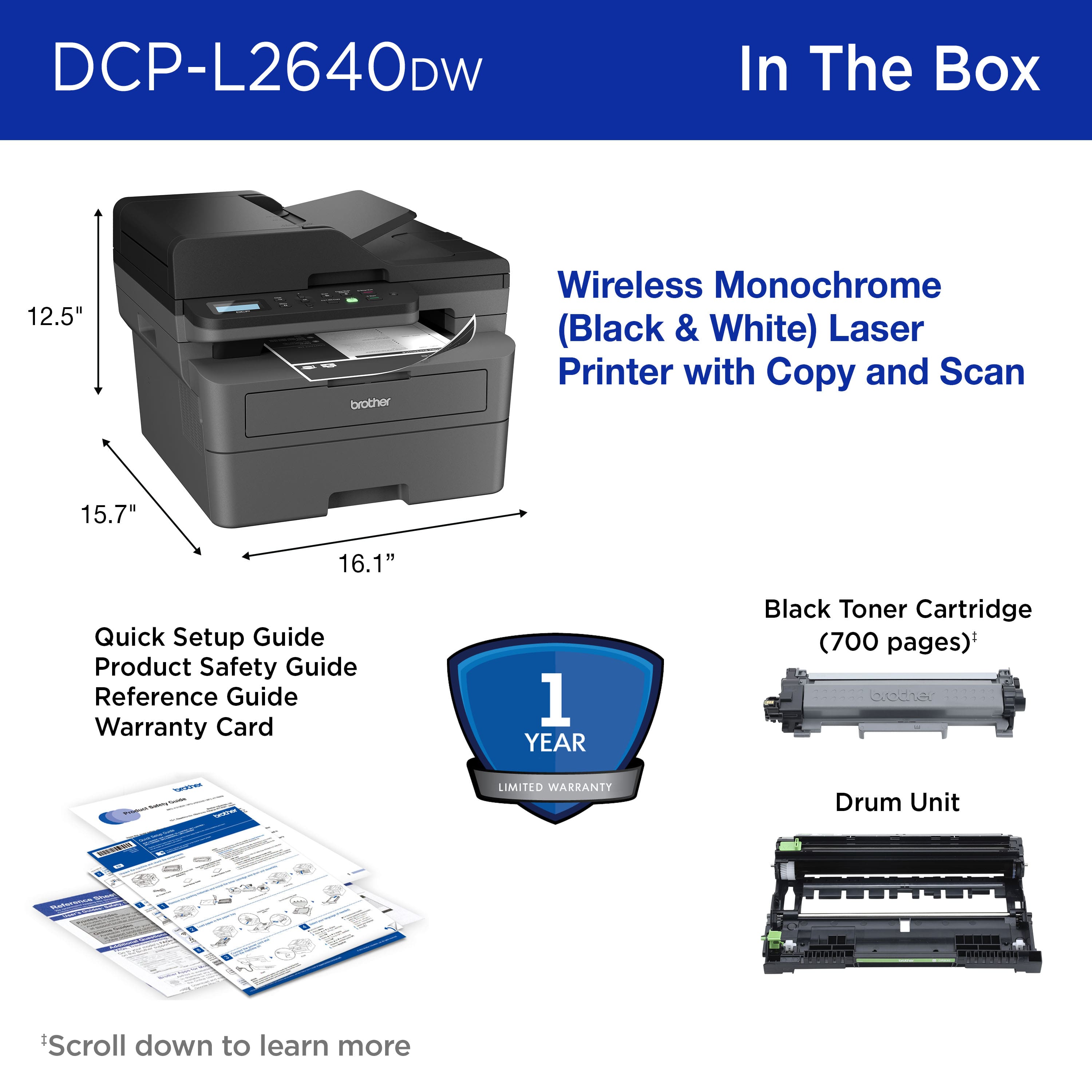
A:AnswerThe platen will only fit 8 1/2 x 11 sheets. The paper tray is limited to 8 1/2 x 11 paper. You can scan anything longer than 11 inches like legal size by feeding the sheets through the automatic document feeder. However, there's no way to print on 8 1/2 x 14 legal size paper.
A:AnswerI understand that you would like to know how to scan a document with the Brother DCPL2640DW. We can help with that. I have included a link to the FAQ answer that should assist you. Please follow all the steps listed in the following link:
Answer Link: https://help.brother-usa.com/AgentWeb/api/contextmanager/v.32509020002/workspaceContext/workspace/processedPrint/Answer/185725
Answer Link: https://help.brother-usa.com/AgentWeb/api/contextmanager/v.32509020002/workspaceContext/workspace/processedPrint/Answer/186468
If you still have difficulties, please contact Brother Customer Service at:
https://www.brother-usa.com/support/DCPL2640DW