A:AnswerThanks for taking the time to review your experience with the Brother HLL2405W. We appreciate your feedback. I’m sorry to hear that you are having jamming issues with the Brother HLL2405W. I sincerely apologize for any inconvenience this issue may have caused you. We can help with that. I have included a link to the FAQ answer that should assist you. Please follow all the steps listed in the following link:
Answer Link: https://help.brother-usa.com/AgentWeb/api/contextmanager/v.32410250004/workspaceContext/workspace/processedPrint/Answer/185475
Answer Link: https://help.brother-usa.com/AgentWeb/api/contextmanager/v.32410250004/workspaceContext/workspace/processedPrint/Answer/185477
Answer Link: https://help.brother-usa.com/AgentWeb/api/contextmanager/v.32410250004/workspaceContext/workspace/processedPrint/Answer/185489
Answer Link: https://help.brother-usa.com/AgentWeb/api/contextmanager/v.32410250004/workspaceContext/workspace/processedPrint/Answer/185751
If you still have difficulties please contact Brother Customer Service at:
https://www.brother-usa.com/support/HLL2405W
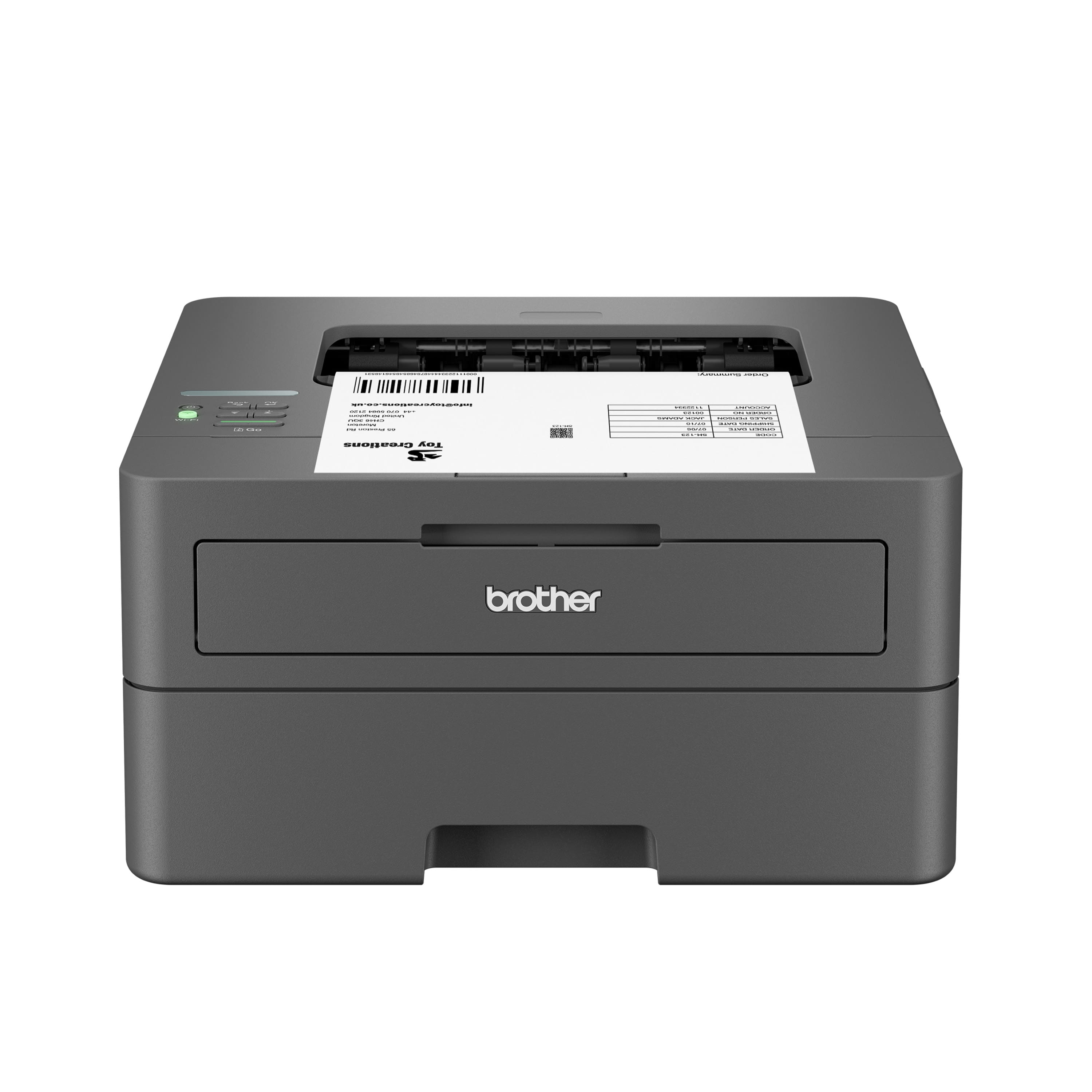
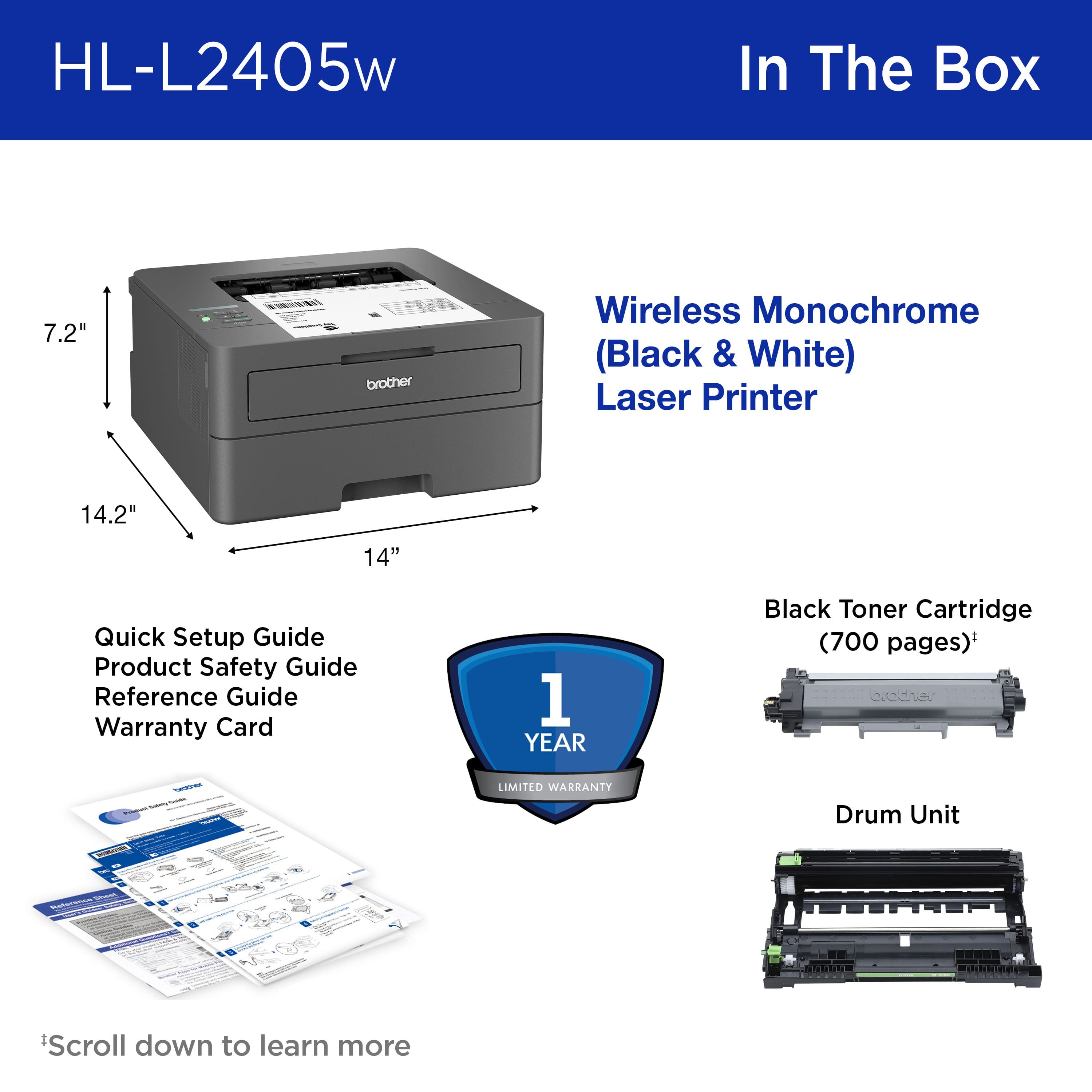
A:AnswerNo, the Brother HLL2405W is not able to make copies. The Brother HLL2405W is a printer only, not able to copy, scan or fax. I apologize for any inconvenience this issue may have caused you. Below is an answer link with the Brother HLL2405W specifications.
Answer Link: https://support.brother.com/g/s/id/htmldoc/printer/cv_hll2460dw/use/html/GUID-54D4812C-41E7-4CC4-BC10-F386912482D0_1.html?c=us&lang=en&prod=hll2405w_us
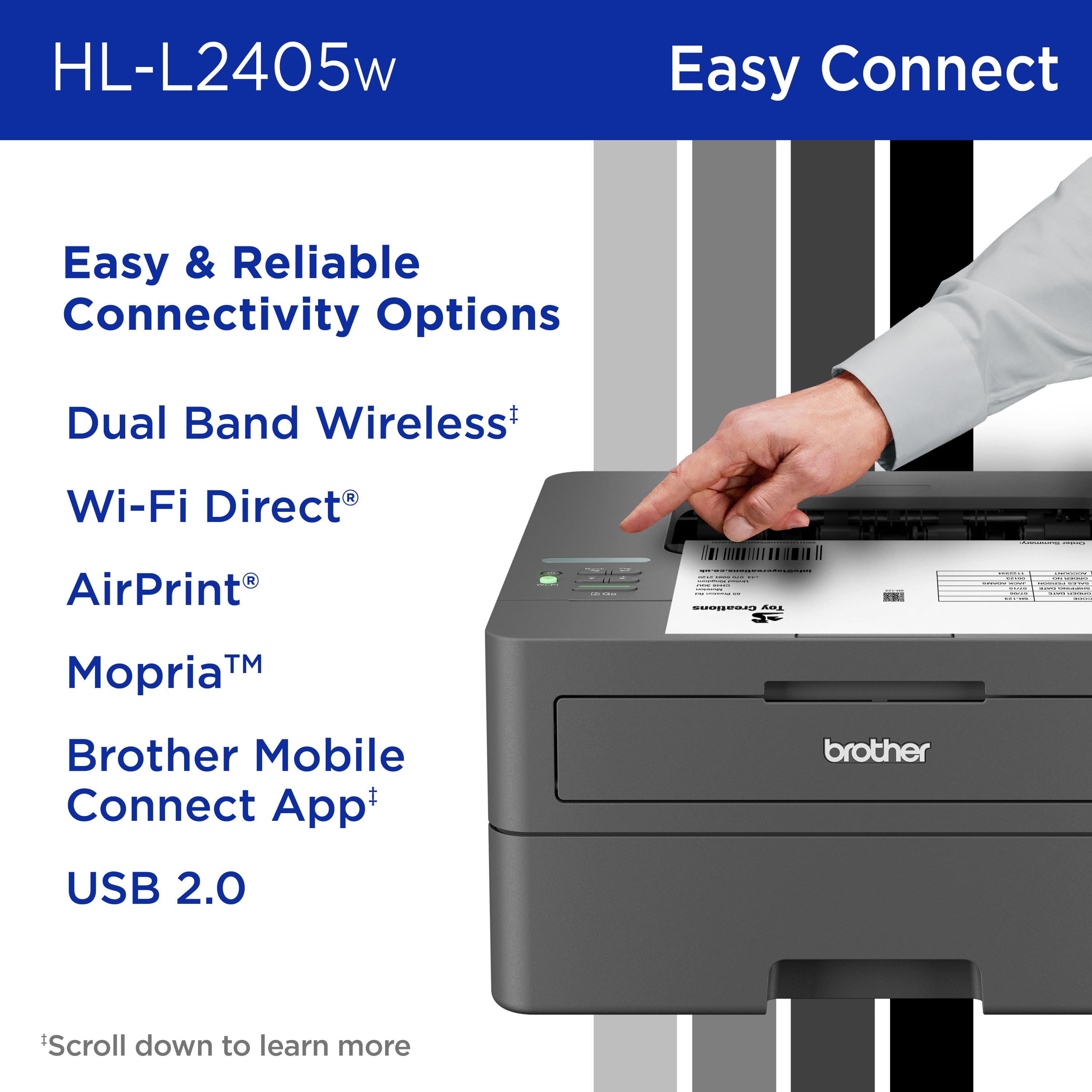
A:AnswerThe Brother HLL2405W can be connected to a computer using a type A/B USB 2.0 cable as pictured. The Brother machine has a Standard-B USB port. Below is a link with the USB cable specifications for the Brother HLL2405W.
Answer Link: https://help.brother-usa.com/AgentWeb/api/contextmanager/v.32409130002/workspaceContext/workspace/processedPrint/Answer/51249
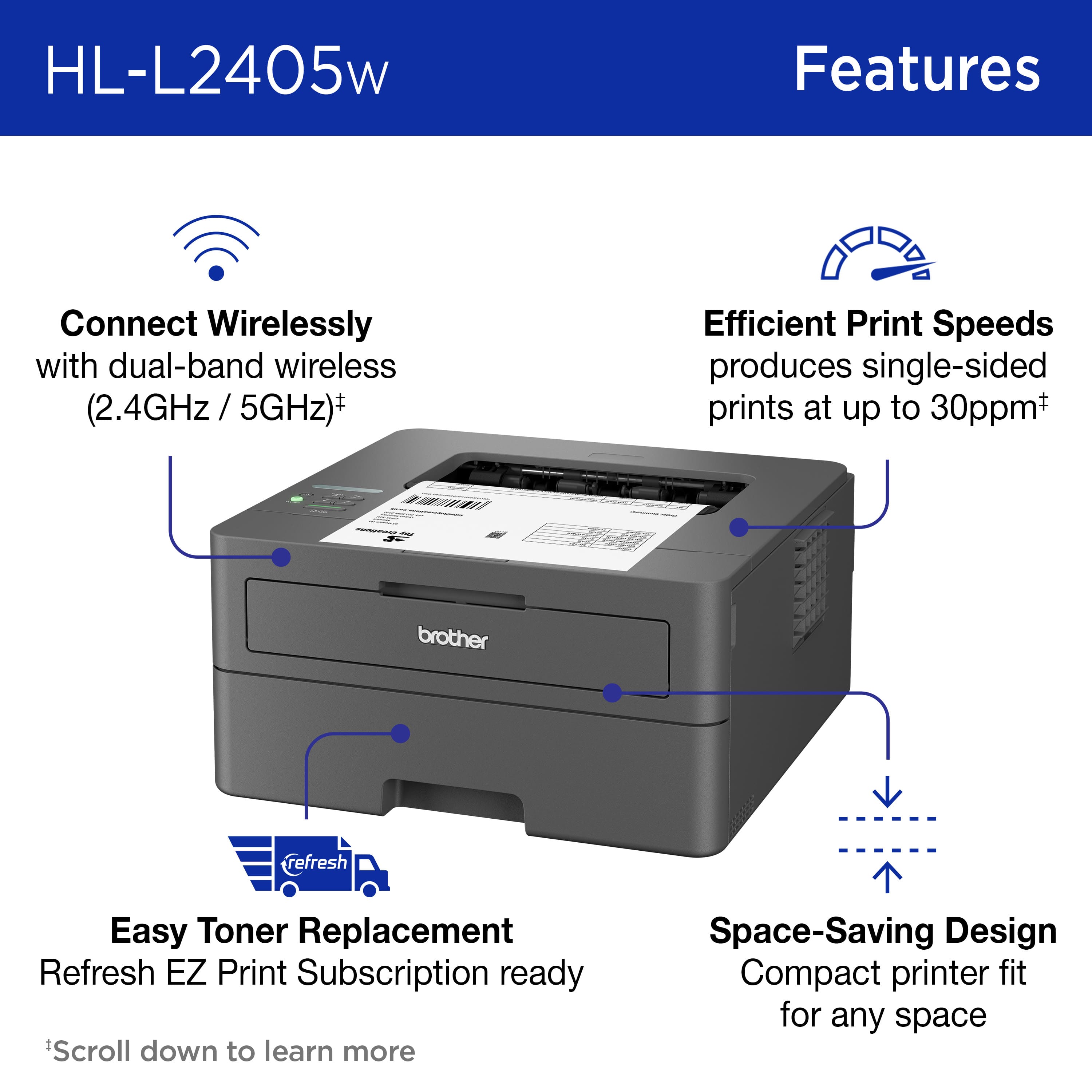
A:AnswerYes, you will need to connect the Brother HLL2405W to your wireless network. I have included a link to the FAQ answer that should assist you. Please follow all the steps listed in the following link:
Answer Link: https://help.brother-usa.com/AgentWeb/api/contextmanager/v.32409130002/workspaceContext/workspace/processedPrint/Answer/185671
If you still have difficulties please contact Brother Customer Service at:
https://www.brother-usa.com/support/HLL2405W
A:AnswerAS far as it went, the reply from Brother was correct: this machine only prints. However, to add additional information: if you want a Brother, there is a model available, designation DCP-L2640DW, that prints, copies, and scans.
A:AnswerIn Specifications, under "Minimum System Requirements," It says "Windows 10, 11; Windows Server (2012," all of which were released after Windows 7, so my guess is "No," However, there might be a workaround, since it is also compatible with Chrome OS and AirPrint, such as drivers available from Brother. I suggest that you check the Brother website directly for support.
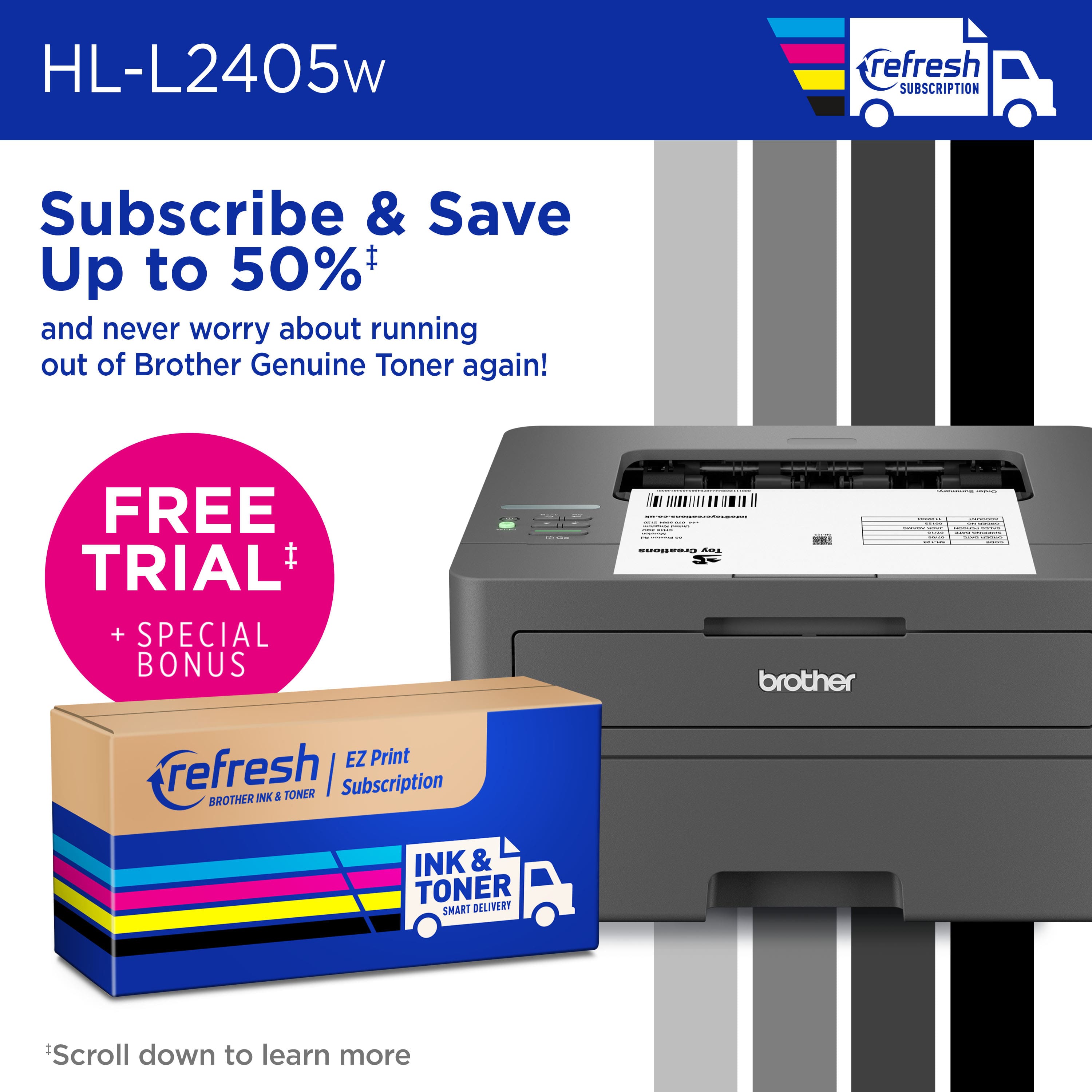
A:AnswerThe Brother HLL2405W does not require to be enrolled into the print subscription program in order to use the toner included with the machine. The print subscription is optional.