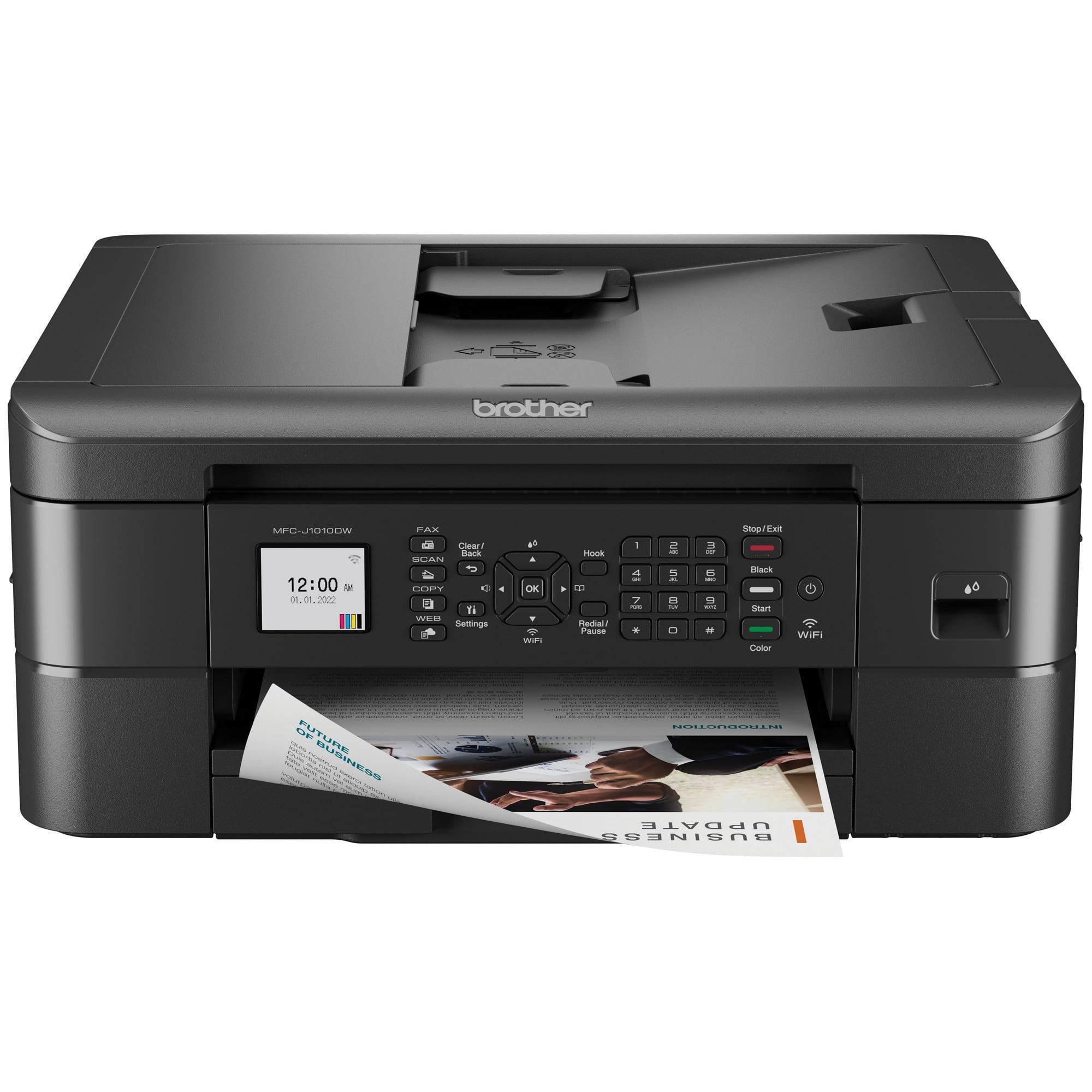
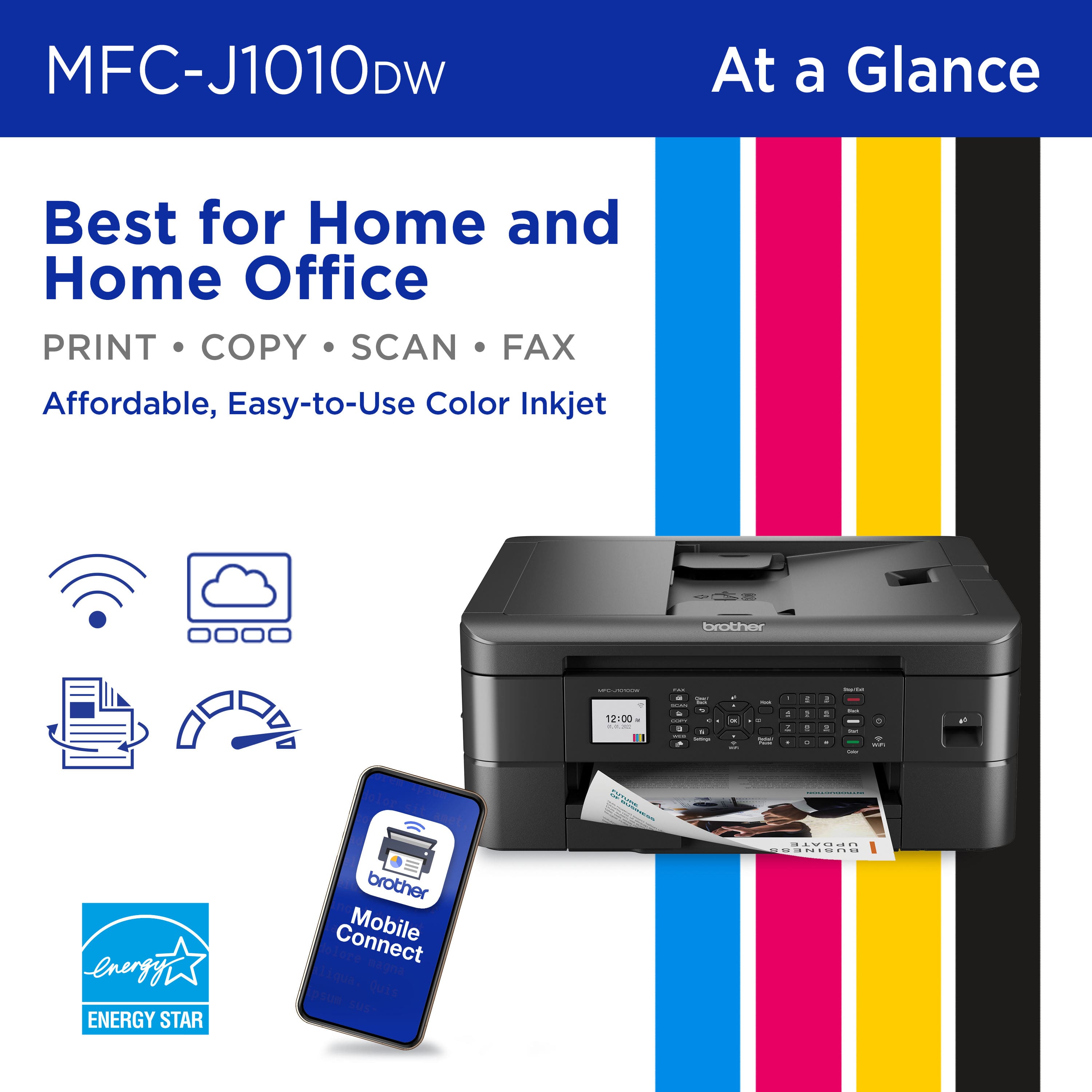
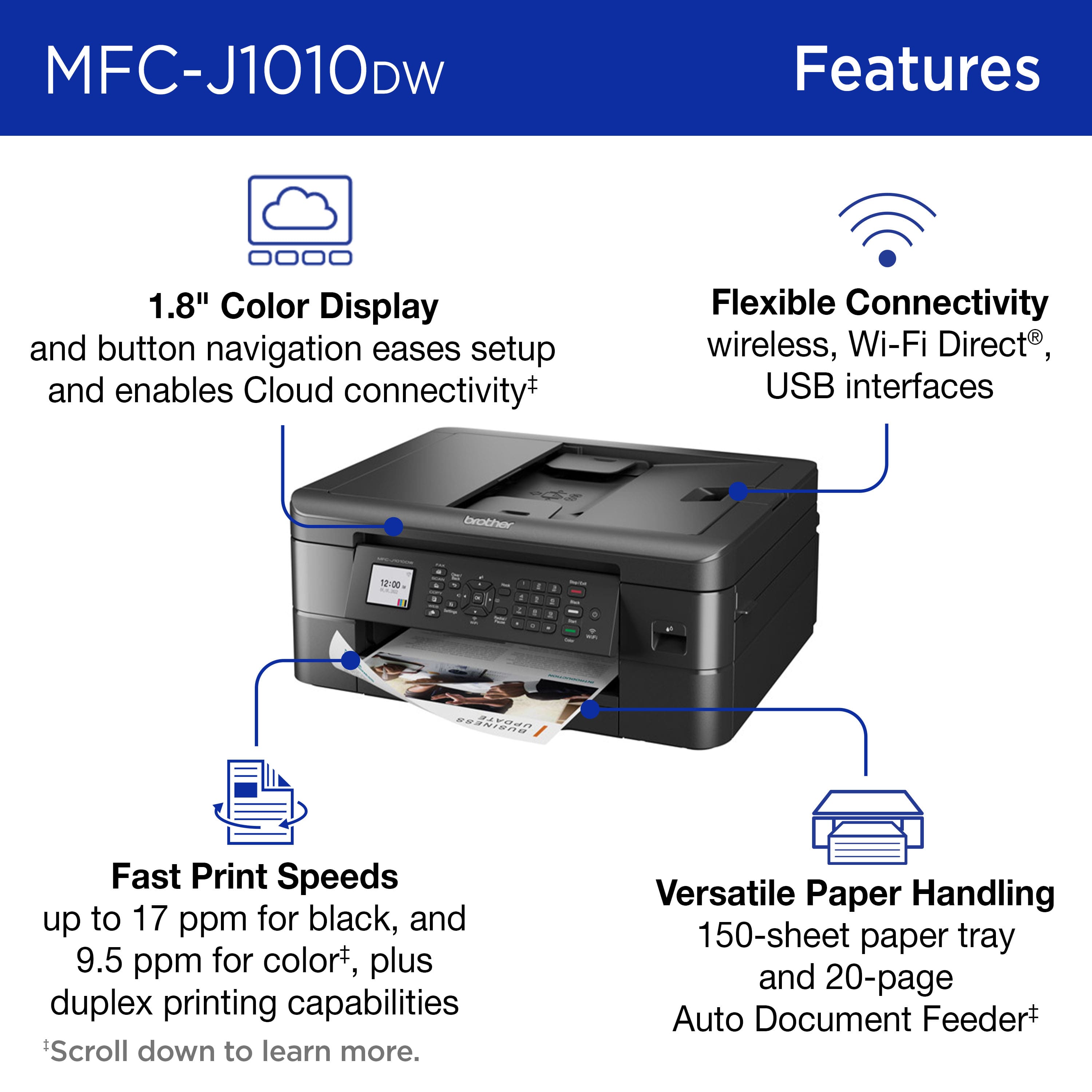
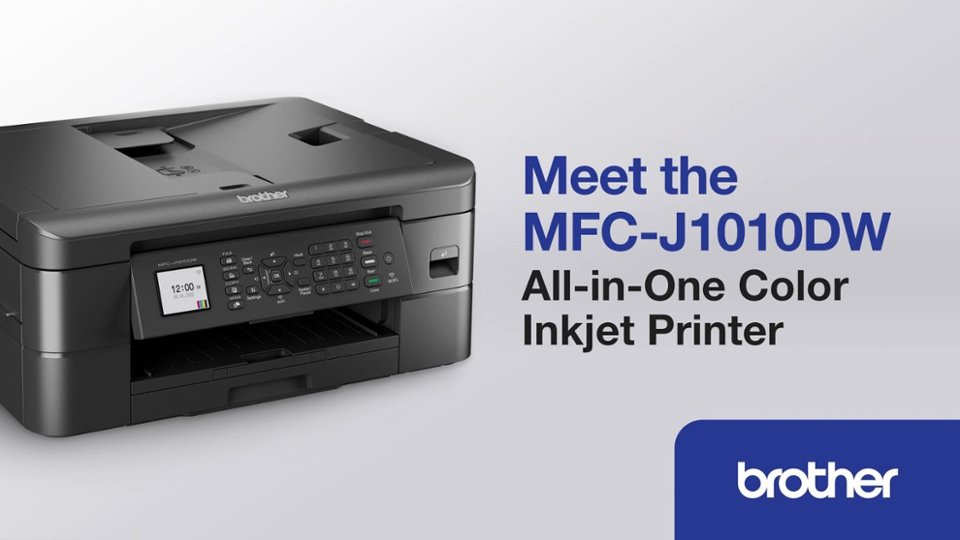
A:AnswerThe Brother MFCJ1010DW not compatible with HP 564 ink cartridges. Brother does not manufacture printers that are compatible with HP ink cartridges.
A:AnswerNo, the Brother MFC-J1010DW is not compatible with a 5 GHz network. The Brother MFC-J1010DW machine will only connect to the 2.4 GHz wireless band. The Brother machine will not "see" or connect to the 5 GHz band of your router.
A:AnswerThe Brother MFCJ1010DW will only connect to the 2.4 GHz wireless band. The Brother machine will not see or connect to the 5 GHz band of your router.
A:AnswerAccording to Consumer Report the MFC-J4335DW uses a lot more ink for maintenance, the MFC-J1010DW uses far less ink than most printers for maintenance.
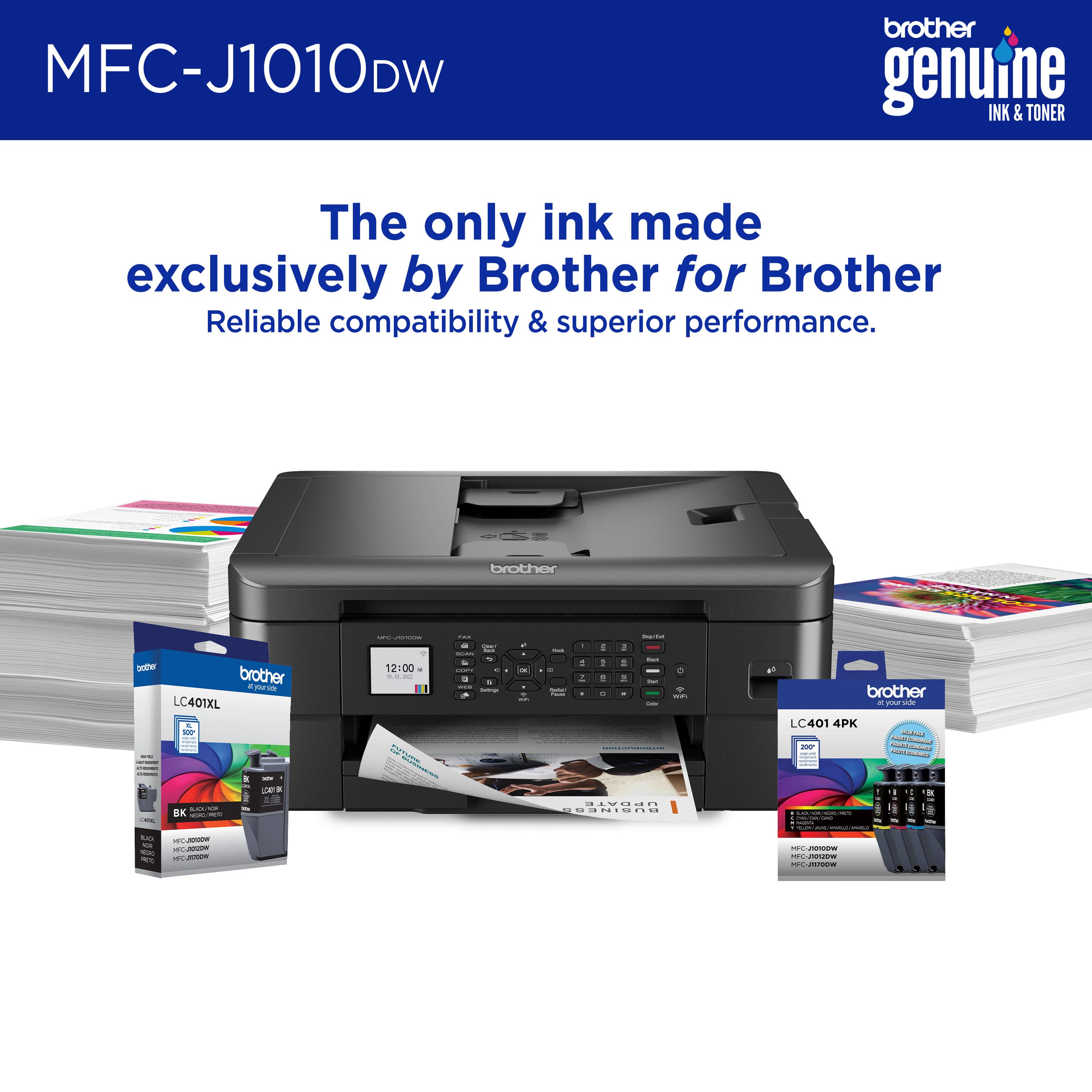
A:AnswerBrother strongly recommends to use only Genuine Brother Brand replacement ink cartridges. Use or attempted use of potentially incompatible ink and/or cartridges in the Brother machine may cause damage to the machine and/or may result in unsatisfactory print quality. Brother can't guarantee the performance of non-Brother ink cartridges since Brother is not the manufacturer.
A:AnswerI don't now, but I've been using my MFC-J485DW, which looks identical to this one, for more than five years. "Generic" cartridges work just fine. I've had HP, Canon, and Brother printers. I will never buy anything HP; Canon works Ok, but uses a lot of ink; I'm on my third Brother all-in-one now. When I moved, I just donated the first two.