A:AnswerAccording to Brother's website on this printer under Specifications it list a maximum of 43 lbs. for the multi purpose tray and 28 lbs. for the primary tray. So 65 lb. card stock may be too thick for this printer. Hopefully this answer helps you. Cheers.
A:AnswerI was able to get the driver from the website. The machine does go to sleep, but does not need any button pressing to get it to wake up. When I send something from the machine, it wakes up (that never happened with my old HP).
A:AnswerI've used Linkyo toner cartridges in all my brother printers both color and black and white with no issues at all. Been using for several years. Hope this helps.
A:AnswerToner and drum cartridges have a shelf life of 2 years (unopened).
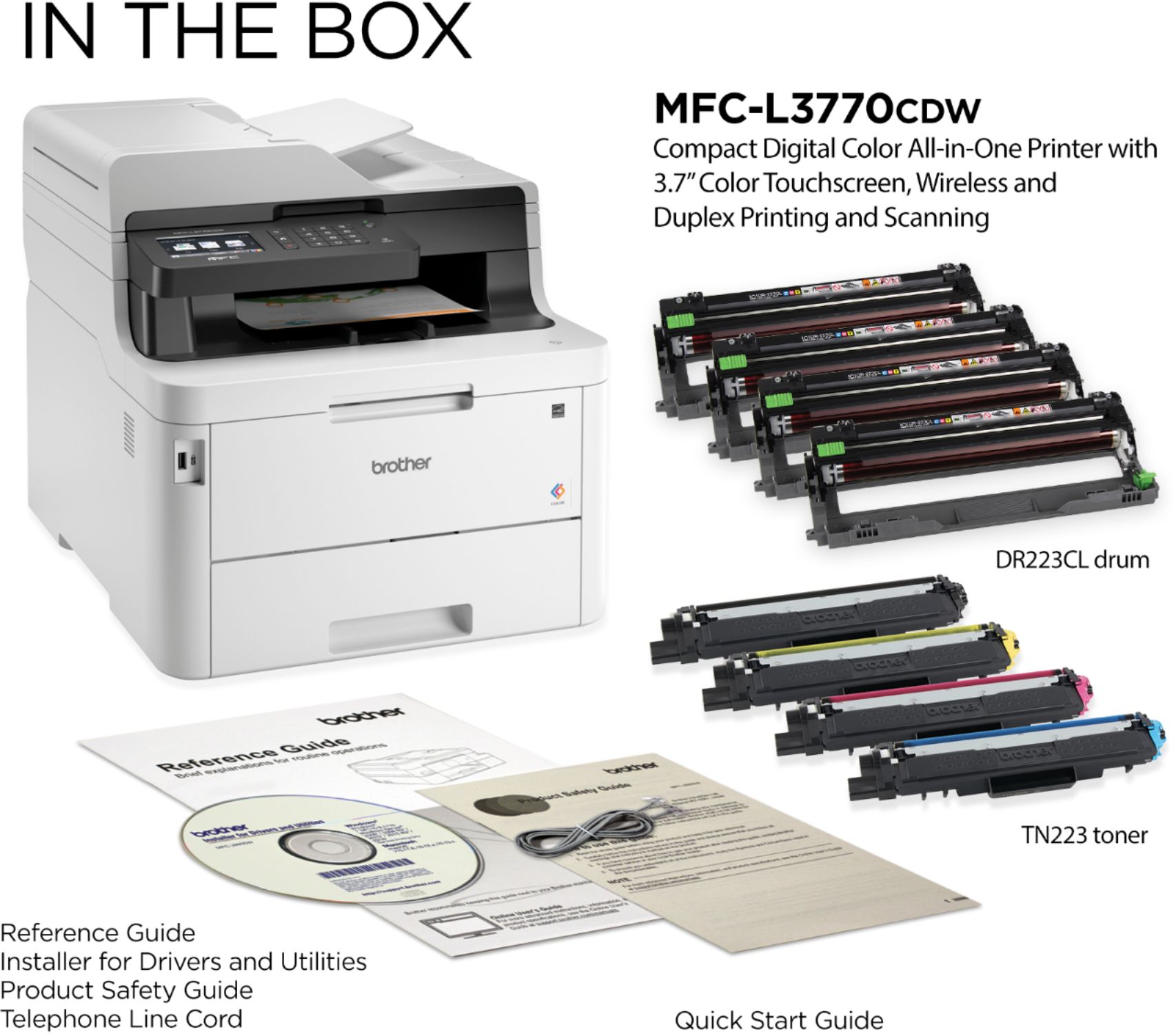
Yields for toners, drum unit and fuser unit are listed below.
In-Box toners
- Black Toner – Approx. 1,000 pages in accordance with ISO/IEC 19798
- Color Toners – Approx. 1,000 pages in accordance with ISO/IEC 19798
Standard toners
- Black Toner – Approx. 1,400 pages in accordance with ISO/IEC 19798
- Color Toners – Approx. 1,300 pages in accordance with ISO/IEC 19798
High Yield toners
- Black Toner – Approx. 3,000 pages in accordance with ISO/IEC 19798
- Color Toners – Approx. 2,300 pages in accordance with ISO/IEC 19798
Drum unit
- Approx. 18,000 pages (1 page/job)
Fuser unit
- Approx. 50,000 pages
A:AnswerBrother lists AIO power consumption in various modes from "printing" to "power off" for the MFC-L3770 and printers in that family in the Online User's Guide HL-L3290CDW ... MFC-L3770CDW .pdf downloadable file available on the Brother-US website. For the MFC-L3770: Peak is ~1300 W, printing ~260 W, ready ~75 W, sleep ~10.1 W, deep sleep ~1.2 W, power off ~0.02 W.
A:AnswerNo. The flatbed scanner of the Brother MFC-L3770CDW supports a maximum document length of 11.8". Legal size documents can be scanned using the Automatic Document Feeder.
A:AnswerUsing the document feeder on top yes. But it really only works with full-size sheets. But the great thing is it will scan both sides at the same time too so it can scan full double-sided multipage doc to a single PDF really easily.
A:AnswerThe Brother MFC-L3770CDW has versatile connection options with built-in wireless and Wi-Fi Direct® or connect locally to a single computer via USB interface. The "Scan To" Feature allows you to scan to E-mail‡, Image, OCR, File, FTP, USB, Network Folder (CIFS - Windows only), SharePoint, Cloud Services (Web Connect)‡. Yes, depending on your operating system, a scanner driver is available.