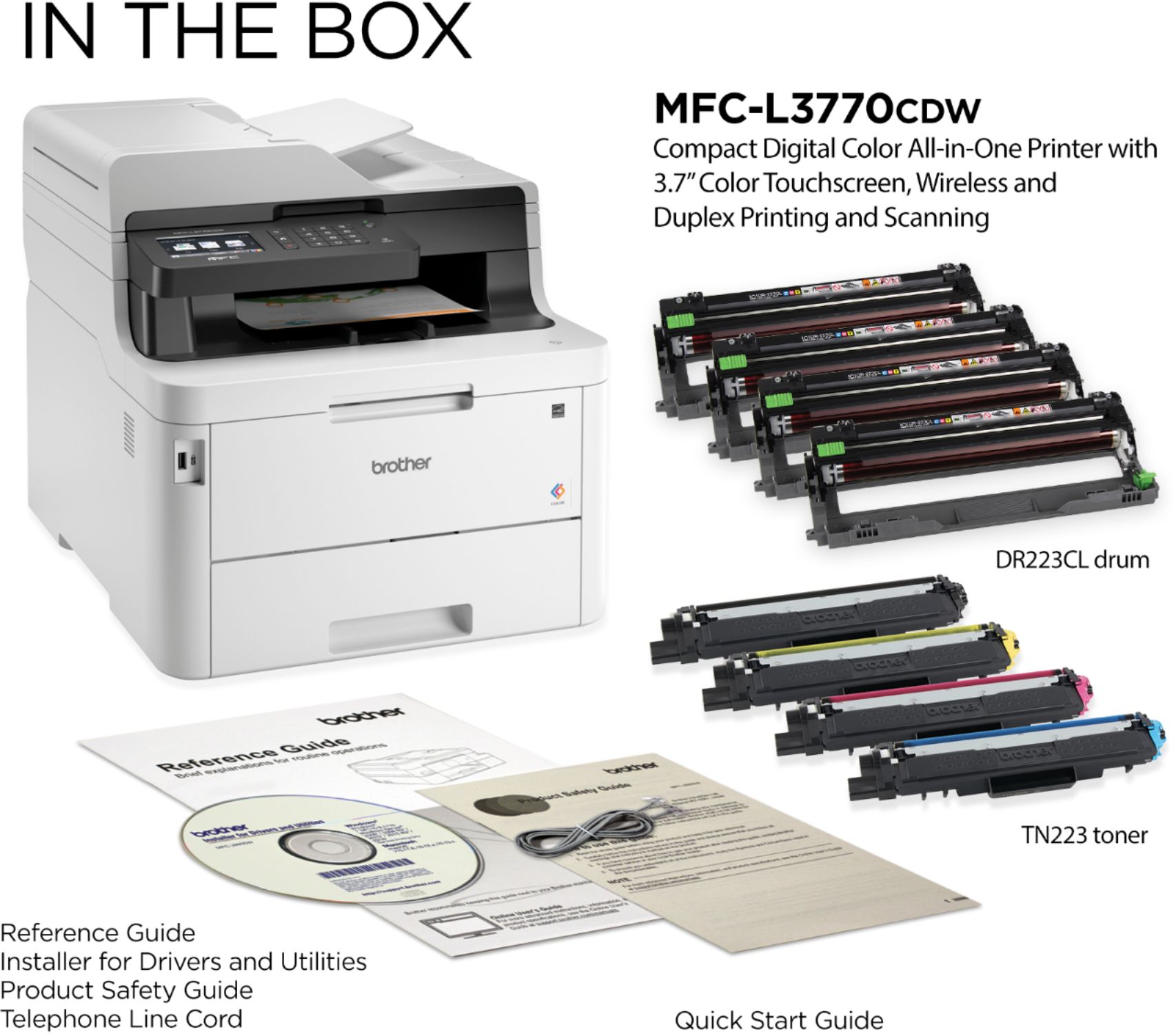
A:AnswerThe drums are all the same shape, but if you put the drum in the wrong slots, you'll get an error message. Just tried it to see what would happen.
A:AnswerYes,s the Brother MFC-L3770CDW can handle standard envelopes. Here is a FAQ with recommended paper.
https://help.brother-usa.com/app/answers/detail/a_id/155932?R3ModelID=MFCL3770CDW
A:AnswerBuy an extra and the machine will let you know when you need to change it. I’ve only replaced mine one time and it’s real simple,read the instructions about recycling the used one before you take he empty one out.
A:AnswerI wouldn't mess with the feed even if some receipts worked. Some receipts are too small and too thin and can get damaged. Haven't tried it with this printer but has happened with others. I would just lift the top and use the glass to scan.
A:AnswerYes, the Drum Unit can be replaced by the consumer in MFC-L3770CDW. Here is a FAQ that may help.
https://help.brother-usa.com/app/answers/detail/a_id/156470?R3ModelID=MFCL3770CDW
A:AnswerYes it is a stand alone copier, either in color or black and white. And it will scan both sides and print both sides at the same time. It’s pretty quick and the quality is good!
A:AnswerThe standard paper tray for the Brother MFCL3770CDW Maximum Paper Capacity is 250 sheets of 8.5 x 11 Paper. Below is a link with the Brother MFCL3770CDW specifications.
Answer Link: https://support.brother.com/g/b/spec.aspx?c=us&lang=en&prod=mfcl3770cdw_us_eu_as
A:AnswerWe understand you're experiencing a no drum unit error with your Brother MFCL3770CDW machine. We'd like to help. Below is a FAQ that may help you with this issue:
https://help.brother-usa.com/app/answers/detail/a_id/166278
If you continue to have issues, our Brother Customer Support Team is available to assist you direct: www.brother-usa.com/brother-support
A:AnswerYou may be able to select Mono in the Printing Preferences to force the printer to use only the black toner. Search for "Print in black and white when color toner cartridges are empty mfc-l3770cdw" and the Brother support page with instructions should be at the top of the search results.
A:AnswerYou can just connect a usb cable to the printer to scan and print.
But I like the wifi feature. Its free to set up. You can print and scan wrielessly with the wifi feature
A:AnswerIt does have an ethernet port. It cannot connect to both ethernet and wi-fi at the same time, however. Only one kind of connection will work, the other is disabled. If you try to use both connections for 2 different computers as I did, the driver software on one of the machines gets confused and fixes the problem, which then disables printing on the other computer with the other connection. Had to use USB and wi-fi so I can print from my phone and tablet too. (Needed to get a wi-fi adapter for the other desktop computer.)