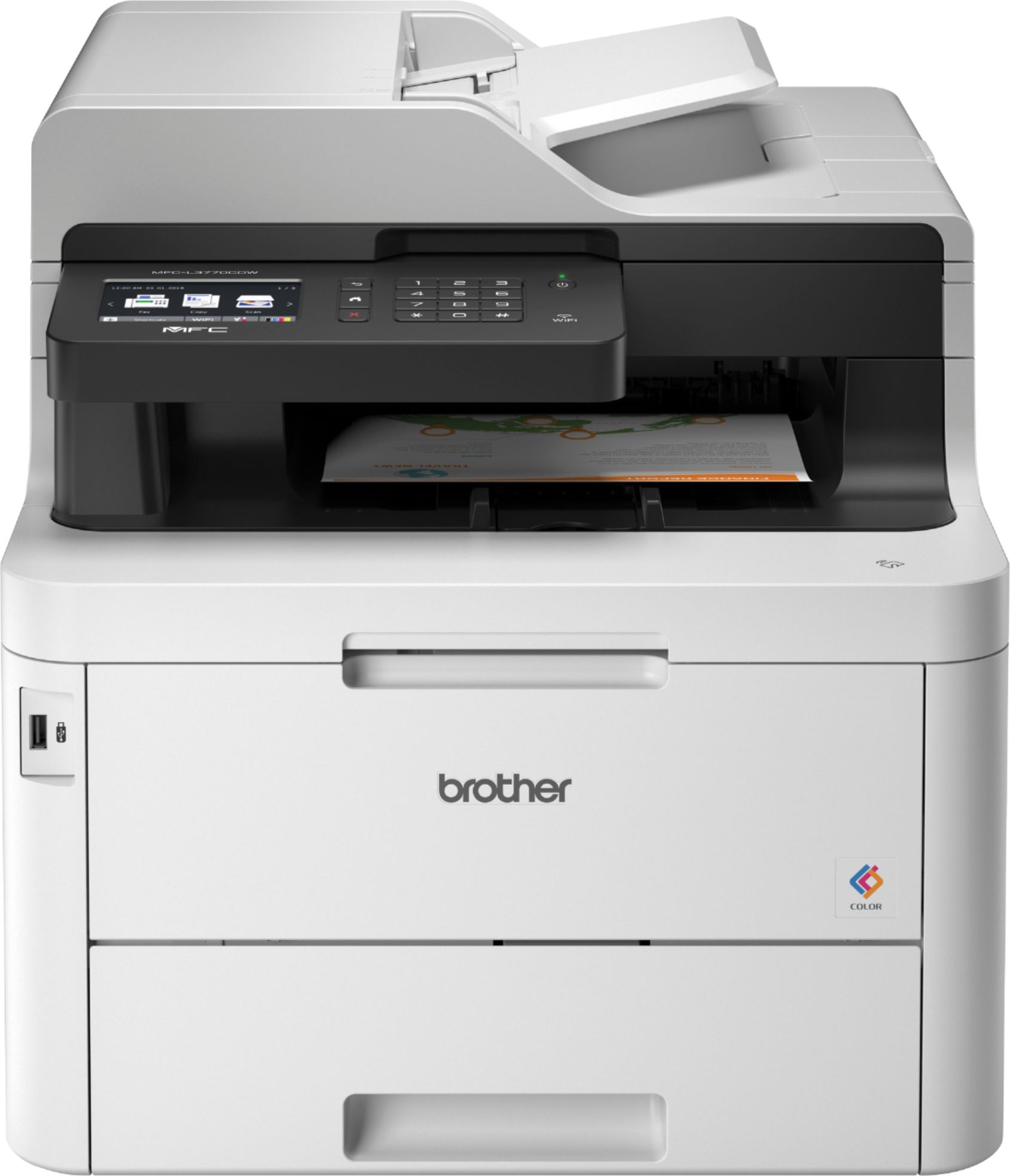
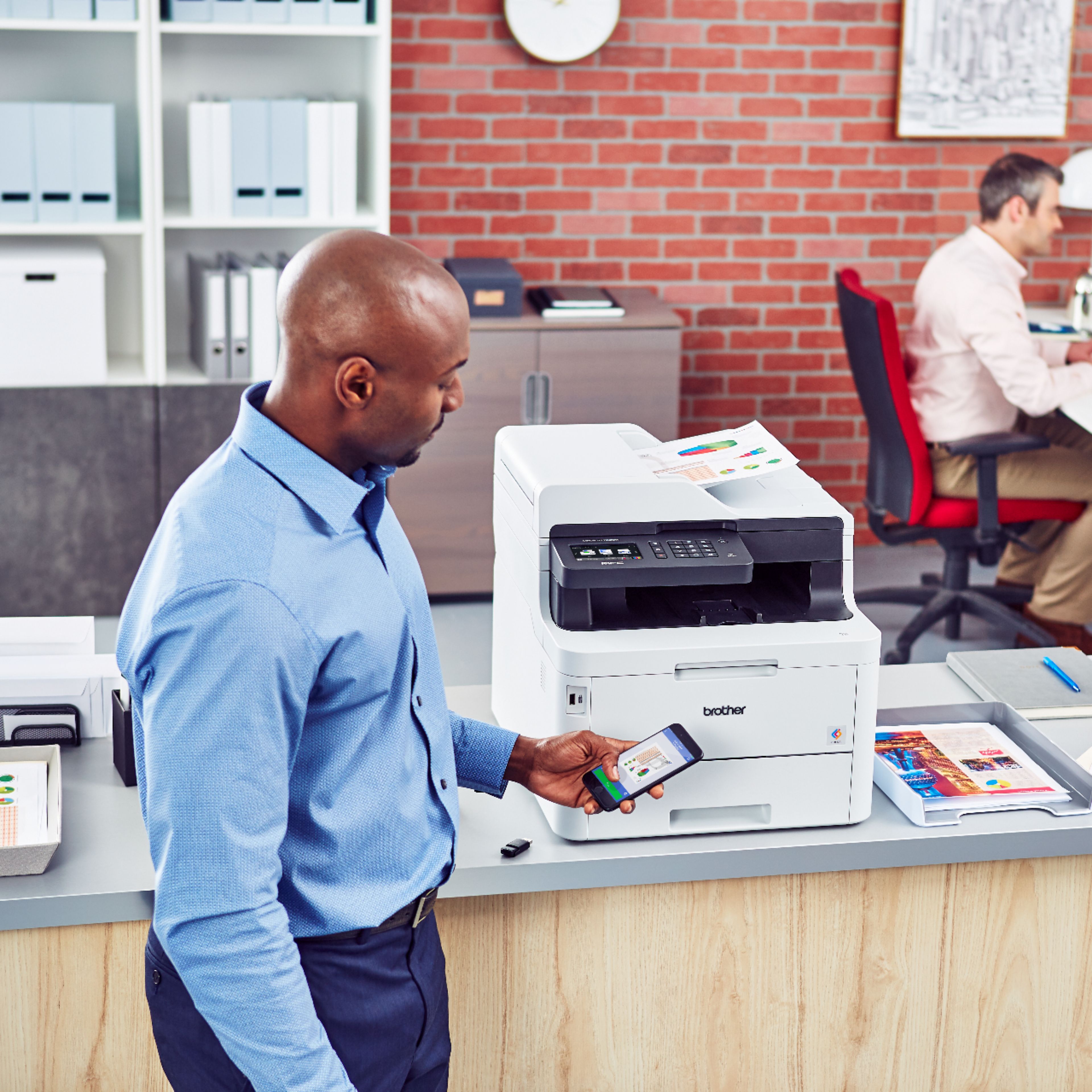
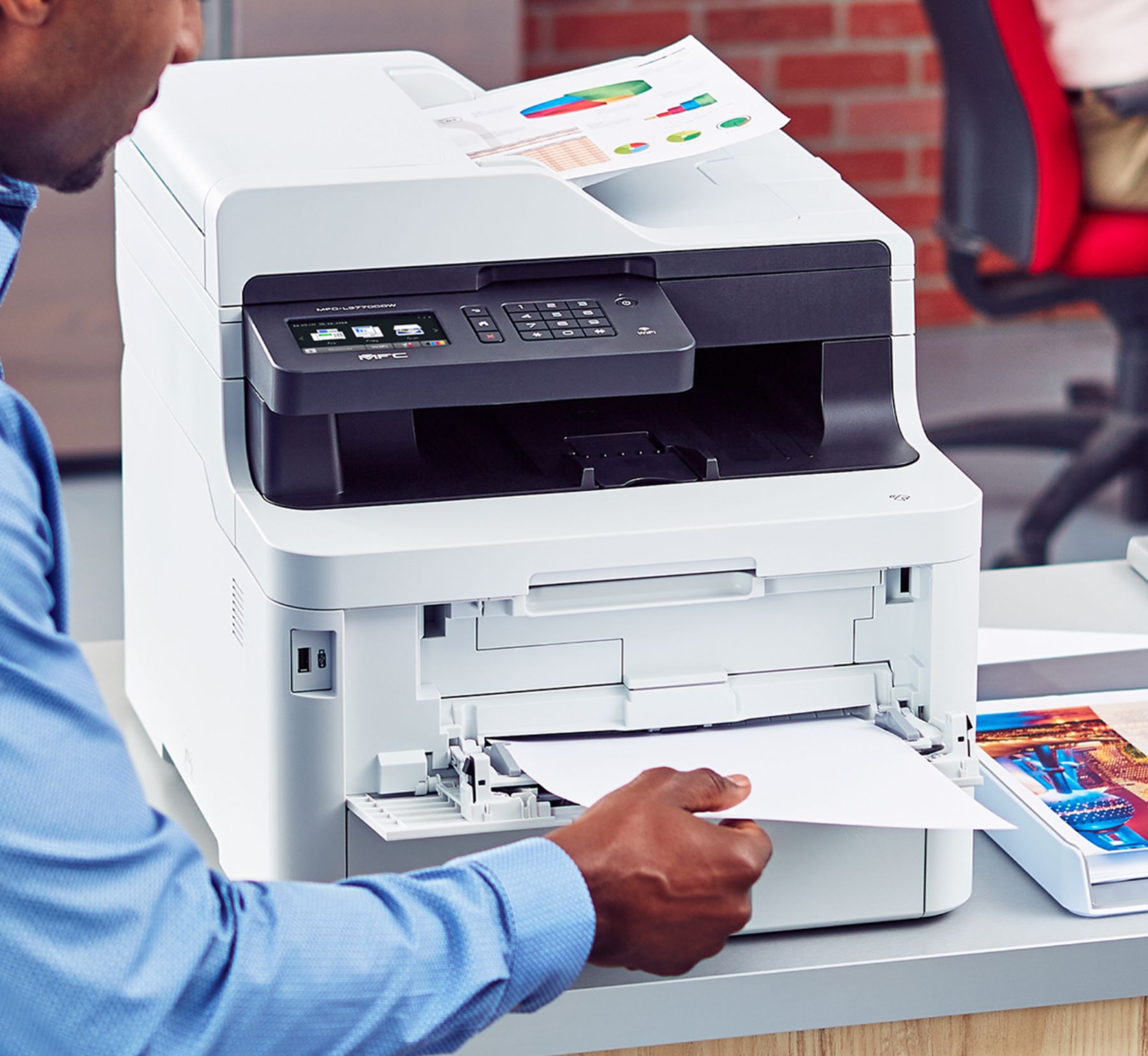
A:AnswerNo, you cannot add another paper drawer to this printer. If you really wanted two paper sizes available simultaneously, you could fill the standard tray with one size, then use the bypass tray for another size.
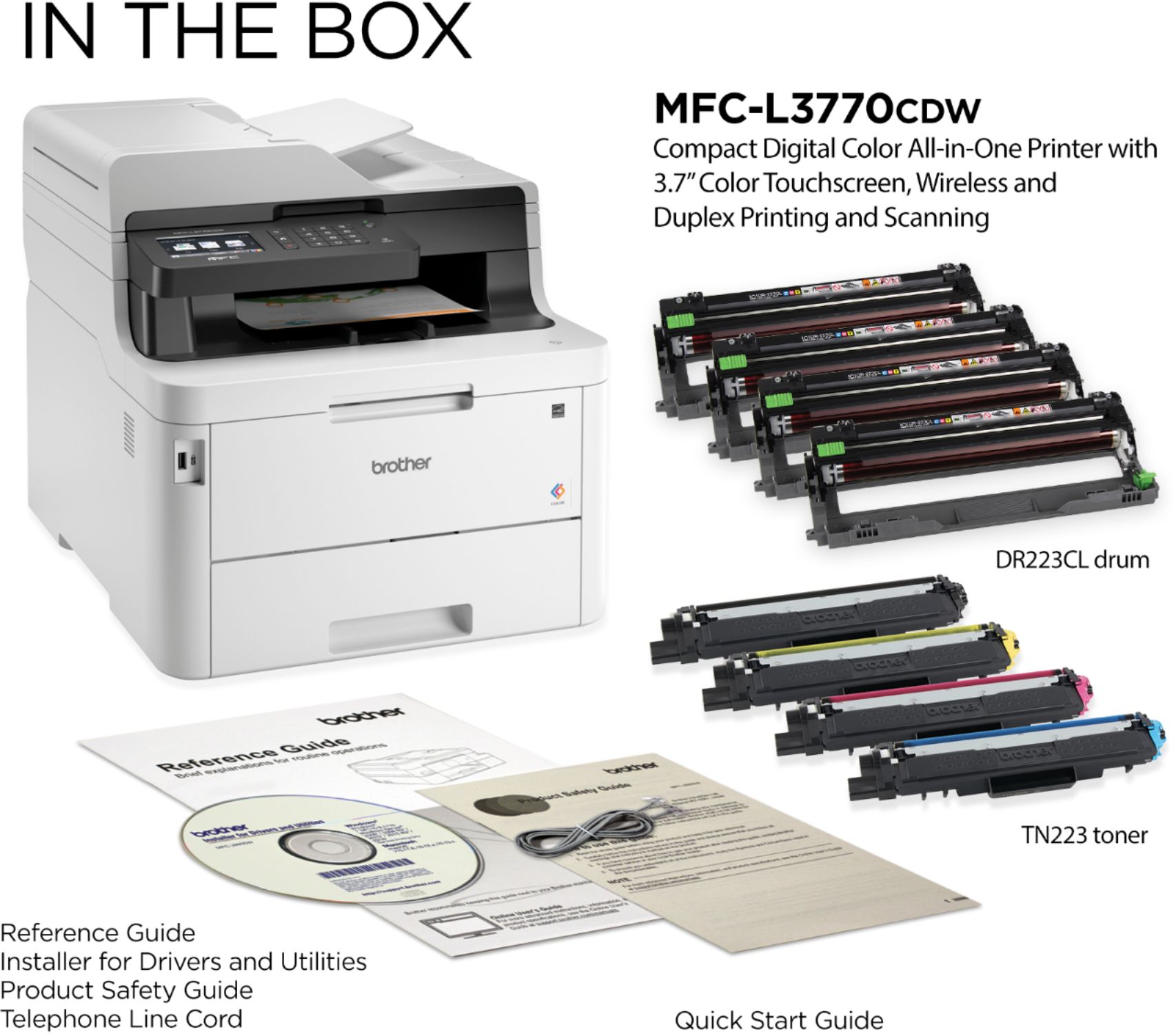
A:AnswerToner yield on any printer completely depends upon the coverage of the page. In other words, the more toner or ink you are placing on the paper, the lower the yield will be. The Brother yield numbers are reasonably accurate for standard office type document usage. I am guessing they go by a 6% coverage number, which is standard for copiers and printers. Brother says about 1,400 pages per black cartridge and 1,300 per color cartridge.
This is a great printer for typical small office or home use. If you are going to be printing many pages completely covered in toner/ink, it's going to get more expensive and you should look at a larger printer with higher capacity toner cartridges.
A:AnswerThe printer is very quiet and have not felt like it is getting hot. Toner lasts good amount of time as still using the first one that came with printer.
A:AnswerModel MFC-L3770CDW only has one main tray, however it does have a multi-purpose foldout tray in the front to be able to put a few (say 20+/-) sheets of different paper (up to legal size) which could be used to switch paper sizes without having to switch paper in the main tray.