A:AnswerHello Dave, I understand your machine does not have power. Please verify the machine's power cord is connected directly to a wall outlet, and not to a surge protector, power splitter, backup power supply, or extension cable. Many surge protectors and power backups are not rated to cover the peak wattage needed to run the machine. Here is a link with additional steps that may help.
https://help.brother-usa.com/app/answers/detail/a_id/158264
If you still continue to experience the same issue, please contact customer support directly.
https://www.brother-usa.com/contact-us
A:AnswerIt says in the manual that any problems resulting from the use of aftermarket cartridges will not be covered by the warranty. You'll have to argue with Brother on whether the aftermarket cartridge caused the problem but I can pretty much guarantee you that they will blame it on the cartridge.
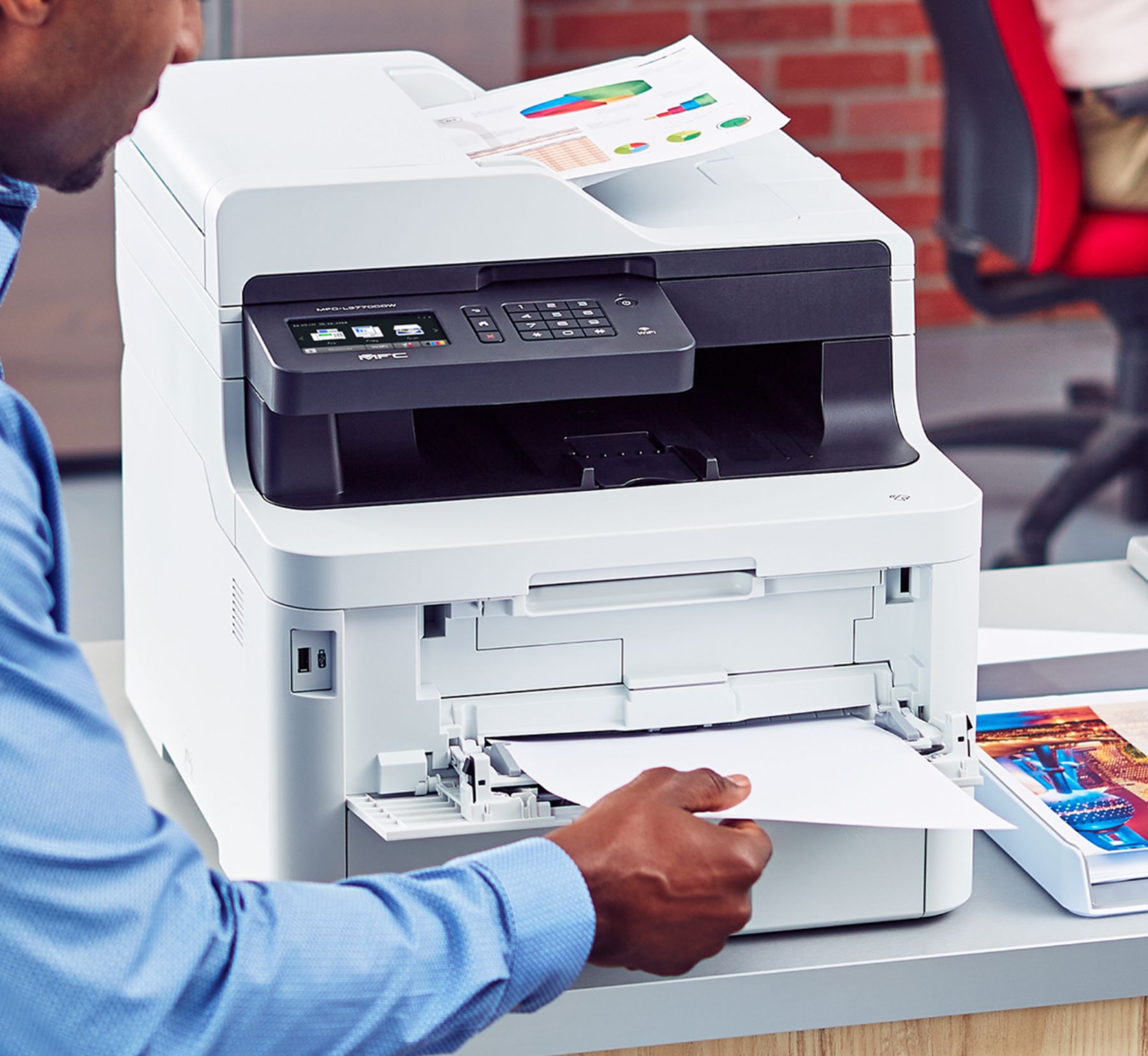
A:AnswerThe flatbed maximum paper size is A4 (8-1/4 x 11-3/4), slightly longer than standard paper. It will PRINT to 8.5 x 14 if you load that size paper in the multi-purpose tray. On a related note, it will scan an 8.5 x 14 document if you use the document feeder, just not the flatbed.
A:AnswerThe Brother MFC-L3770CDW high yield black toner yields about 3,000 pages and the color high yield toner yields about 2,300 pages per toner. There is not an optional paper tray available.
A:AnswerHere's the Mac OS compatibility for the Brother MFC-L3770CDW.
https://support.brother.com/g/b/oslist.aspx?c=us&lang=en&prod=mfcl3770cdw_us_eu_as
A:AnswerYES- purchased the 3770 about 2 weeks ago for another office. I have both the 3550 & 3770. Full high speed scanning ability. Due to a Windows update in the past 3 months, I have to go into Windows Security and turn off Controlled Access Folders to scan to my laptop. This is not a Brothers problem but a Windows issue. I was so pleased w the 3550 that I wanted the most similar machine and the 3770 fit the bill. Would buy again and recommend it. Paperport is included.
A:AnswerHere's the link for the compatibility for Mac 10.15 Catalina for the Brother MFC-L3770CDW.
https://help.brother-usa.com/app/answers/detail/a_id/166678
A:AnswerYes you can. However, it would be too many sheet changes. I would suggest printing all labels on A4 size and then cutting them to desired size.