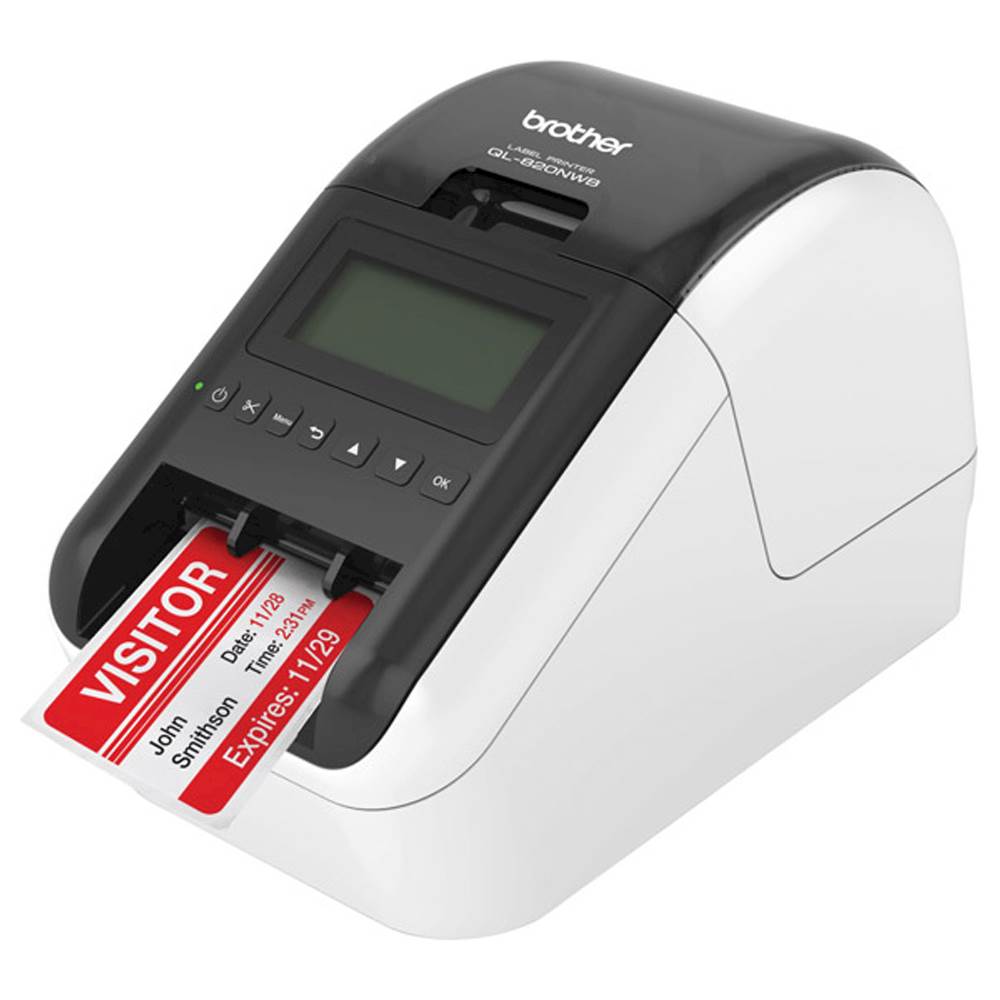
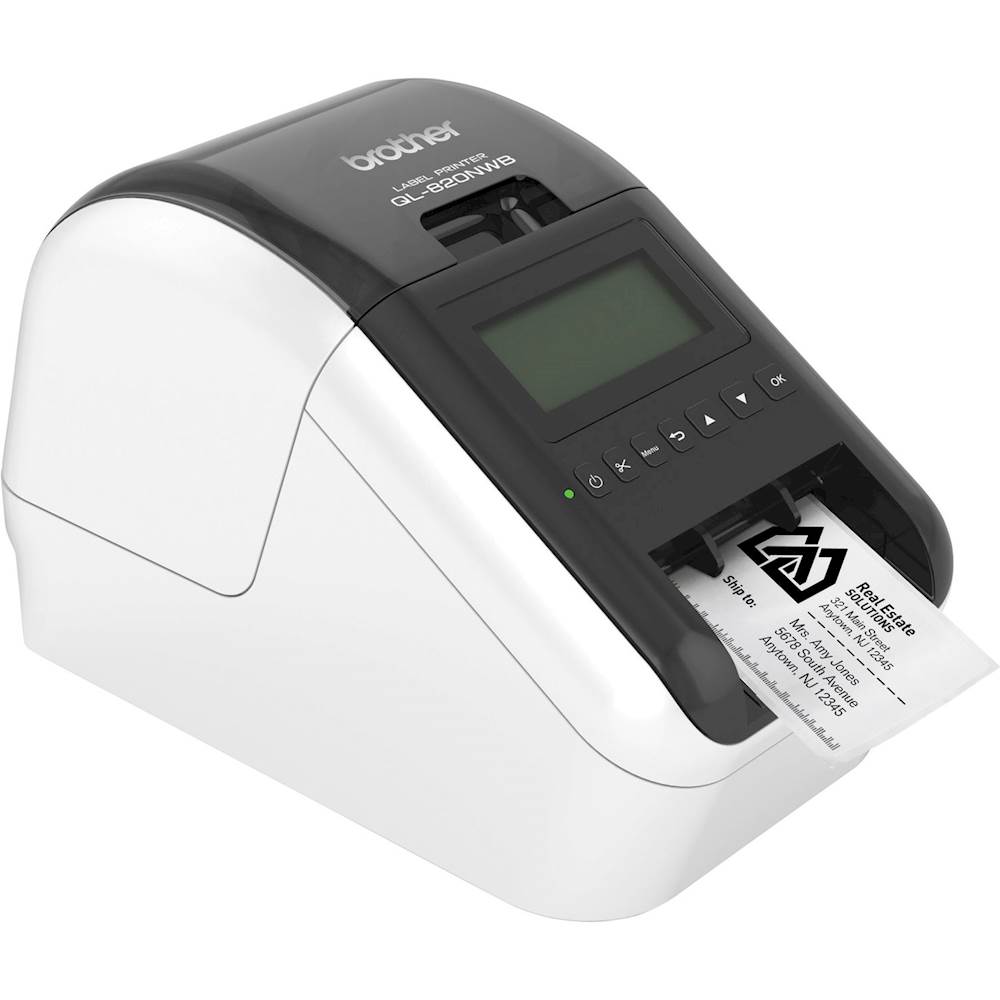
A:AnswerYes, the Brother QL-820NWB label printer can print QR codes using the Brother P-Touch Editor software, which is available for download from the Brother support website. Here is a link to install the software.
https://support.brother.com/g/b/downloadtop.aspx?c=us&lang=en&prod=lpql820nwbeus
A:AnswerYes it prints barcodes, the check-in system we use on the QL-820NWB generates a barcode that is too small so the bars/spaces are indistinct. Scanning them is not possible. All that to say YES it printer barcodes but "scan-ability" depends on the program generating them.