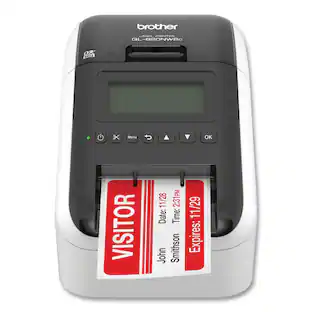
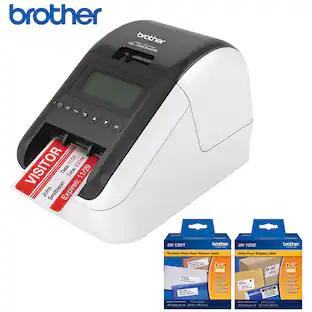
Brother - QL-820NWB Professional Thermal Label Printer with Multiple Connectivity Options - White/Black
About this product
Print everything from postage and address labels to name tags for your next meetup with this Brother label printer. Wireless connection capabilities let you print from a phone or tablet, and the backlit LCD screen is easy to read. This Brother label printer delivers up to 110 labels per minute, keeping you on task.
Apple AirPrint enabled
For Apple iPad and iPhone printing.
Flexible connectivity
Features Bluetooth wireless technology, Ethernet, Wireless (802.11b/g/n) and Wireless Direct interfaces
Easy to integrate and manage on a network
Using Brother's network management tools and free software development kits. SDKs are available for Windows, iOS and Android operating systems
Prints Brother DK pre-sized, easy-peel labels and continuous-length paper and film tapes
Auto cutter enables banners and signs up to 3 ft. long
Convenient drop in tape rolls
No ink or toner needed
Helps save time on big projects
Fast printing up to 110 labels per minute*
Direct thermal printing
No expensive ribbon, ink, or toner to replace needed.
Mobile printing capability
Print from your smartphone, tablet, and other Android devices with the free Brother iPrint & Label app.
Prints crisp text and graphics
Features 300 x 600 dpi (dots per inch) resolution
Prints labels up to 3-foot long and up to 2.4-inch wide
The tape width allows creating cost-effective paper labels for your packages, envelopes, file folders, name badges, postage and more.
Easy to read backlit monochrome LCD display
Allows for standalone use.
Built-in Plug & Label software
Supports quick printing of most basic labels. No software installation required for Windows PCs.
- NetworkingWired, WirelessENERGY STAR CertifiedYesPrinter TypePrinter, Label Printer
Reviews
Rating 4.7 out of 5 stars with 11 reviews
Customer Images
The vast majority of our reviews come from verified purchases. Reviews from customers may include My Best Buy members, employees, and Tech Insider Network members (as tagged). Select reviewers may receive discounted products, promotional considerations or entries into drawings for honest, helpful reviews.

Compare similar products
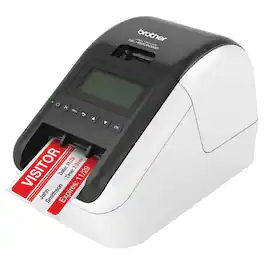
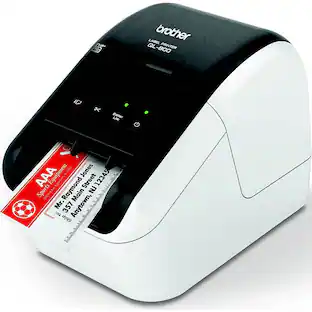
Print everything from postage and address labels to name tags for your next meetup with this Brother label printer. Wireless connection capabilities let you print from a phone or tablet, and the backlit LCD screen is easy to read. This Brother label printer delivers up to 110 labels per minute, keeping you on task.
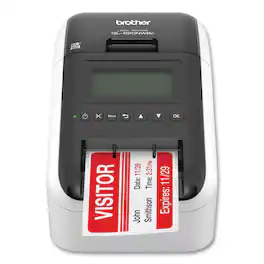
This printer offers flexible connectivity via Bluetooth® wireless technology, Ethernet and Wireless (802.11b/g/n) interfaces. Create amazing Black/ Red labels using DK-2251 or cost-effective, paper labels for packages, name badges, postage and more. Ultra-fast, printing up to 110 standard address labels per minute with black text at 300 dpi. Easy-to-read Monochrome LCD screen allows for stand-alone use. Create and print labels from your mobile device when connected to a wireless network. Add an optional Li-ion battery for a complete mobile solution. Easy-to-integrate with free software development kits. Convenient, Brother® DK drop-in labeling supplies. No ink or toner needed. Windows® and Mac® compatible.
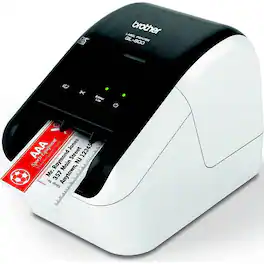
Professional, high-speed label printer helps you quickly tackle labeling tasks in your busy office. Create amazing Black/Red labels using DK-2251 or cost-effective paper labels for packages, envelopes, file folders, name badges, postage and more. The super-fast, printing up to 93 standard address labels per minute* helps save time on big projects. Uses convenient, Brother genuine DK drop in labeling supplies. Needs no ink or toner.
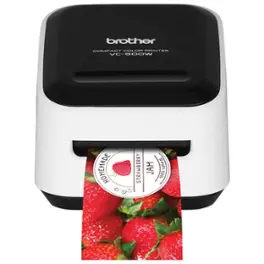
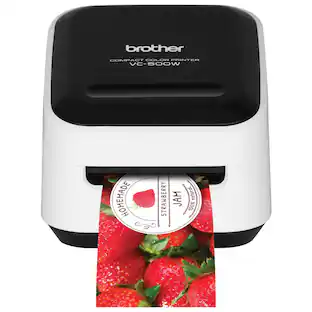
The compact Brother VC-500W color label and photo printer with wireless networking features ZINK Zero Ink technology that allows you to print amazing full-color labels, photos, stickers and more up to 17" long in a single pass without the need for ink cartridges, ribbons, or toners. All colors required for high-quality photo printing are embedded in the ZINK paper which is water-, tear- and smudge-resistant and has an adhesive backing that adheres to most surfaces. The wireless interface offers easy connectivity and lets you print from virtually anywhere or share on a network. Create and print from your mobile device when connected to a wireless network. The free Color Label Editor app includes thousands of personalized features, such as frames, fonts, art, backgrounds, and ready-made designs for your mobile device (download from app stores). Use the P-touch Editor software to print a wide variety of professional-looking labels from your Windows or Mac computer to easily tackle a myriad of office and organizational tasks, business projects, address labels and more. Built-in cutter for full and half cuts. Uses convenient Brother CZ and CK ZINK paper rolls requiring no ink. Prints up to 0.3 ips in black, up to 0.15 ips in color.
| Pros for Brother - QL-820NWB Professional Thermal Label Printer with Multiple Connectivity Options - White/Black | |||
|---|---|---|---|
| There were no pros for this product— | There were no pros for this product— | Print Quality | There were no pros for this product— |
Specs
Can this printer print QR codes?
Answered by BrotherYes, the Brother QL-820NWB label printer can print QR codes using the Brother P-Touch Editor software, which is available for download from the Brother support website. Here is a link to install the software. https://support.brother.com/g/b/downloadtop.aspx?c=us&lang=en&prod=lpql820nwbeus
I simply want to print a label with the date and time on it without hooking this up to a computer. Can this label printer do this independently with the push of a button on the printer itself once programmed properly?
Answered by BrotherThe Brother QL820NWB does not have this feature.
Does it work with a Chromebook
Answered by BrotherThe Brother QL820NWB is compatible with Google Chrome.

I need to label storage tubs and I want to use the widest 4" tape to print something like "PAINT" or 'FABRIC" horizontally with a large font that uses most of the tape's width. I don't see an example of this fairly straightforward application. Possible?
Answered by BrotherOnce the label is inserted in to machine, change to the correct label format and select the size.
Can he print ID Card?
Answered by BrotherThe QL-820NWB can print an ID label.

Customers often buy these together
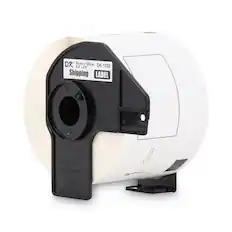
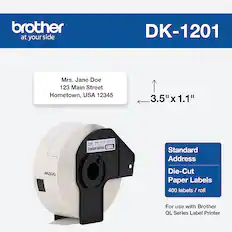
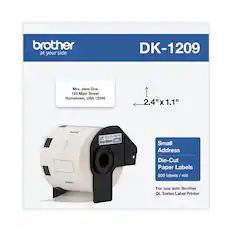
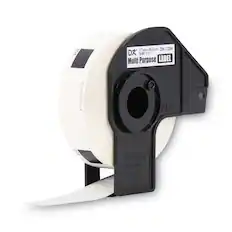
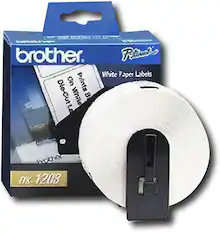
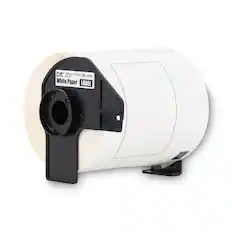
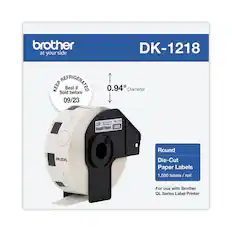
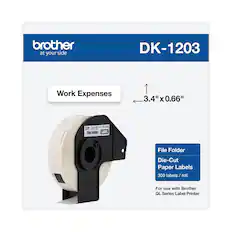
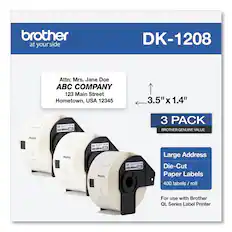
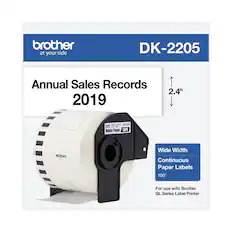
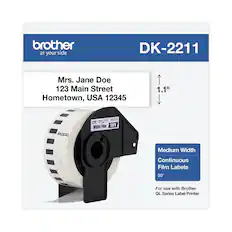
Mailing and Shipping Labels
More to consider
 $79.99The price was $88.88
 $114.98The price was $136.32
Explore tech essentials Sponsored
 Top Deal$199.99The price was $239.99
 Top Deal$349.99The price was $479.99
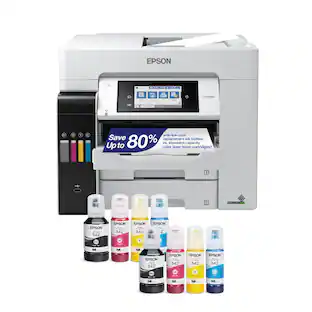 Top Deal$699.99The price was $849.99
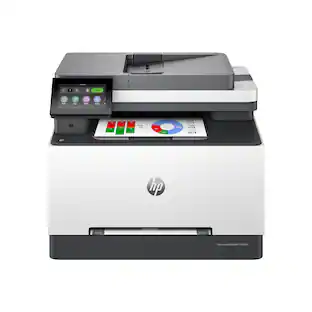 $539.99The price was $639.99



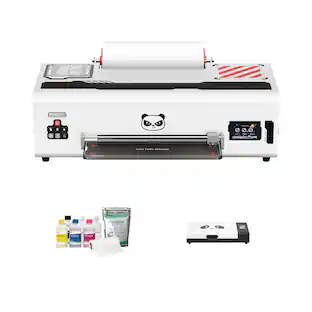
Discover related products
 $26.99The price was $40.66
 $12.99The price was $13.99
 $459.99The price was $535.78











Keep exploring
 $89.99The price was $109.99
 $344.95The price was $358.00